VIZCOM BLOG
Design insights, product updates & community stories
From single render to complete colorway with Region Maps
Explore color and material variations part-by-part without leaving Vizcom.

Bring Your Own Sun
Kai Bettermann took the oldest clock there is, built the sun into it, and found out with a ring light before he found out with a render.

Just Add a Guy With a Beard
Gentle Monster would never make these. But they should. The frames were done in an afternoon. Jaren Dorman's wall was everything around them.
The Yoga Mat That Actually Fits in Your Bag
Design student Tara Harcombe used origami engineering and Vizcom to redesign the yoga mat around a problem every practitioner knows: it doesn't fit in your bag.


.jpg)
-cover.jpg)

Build a fashion portfolio that proves you can design, not just style. Create mood boards, sketch evolutions, and other designs hiring managers want to see.

Design infrastructure determines whether your team designs or coordinates. Learn about them to remove rendering bottlenecks.
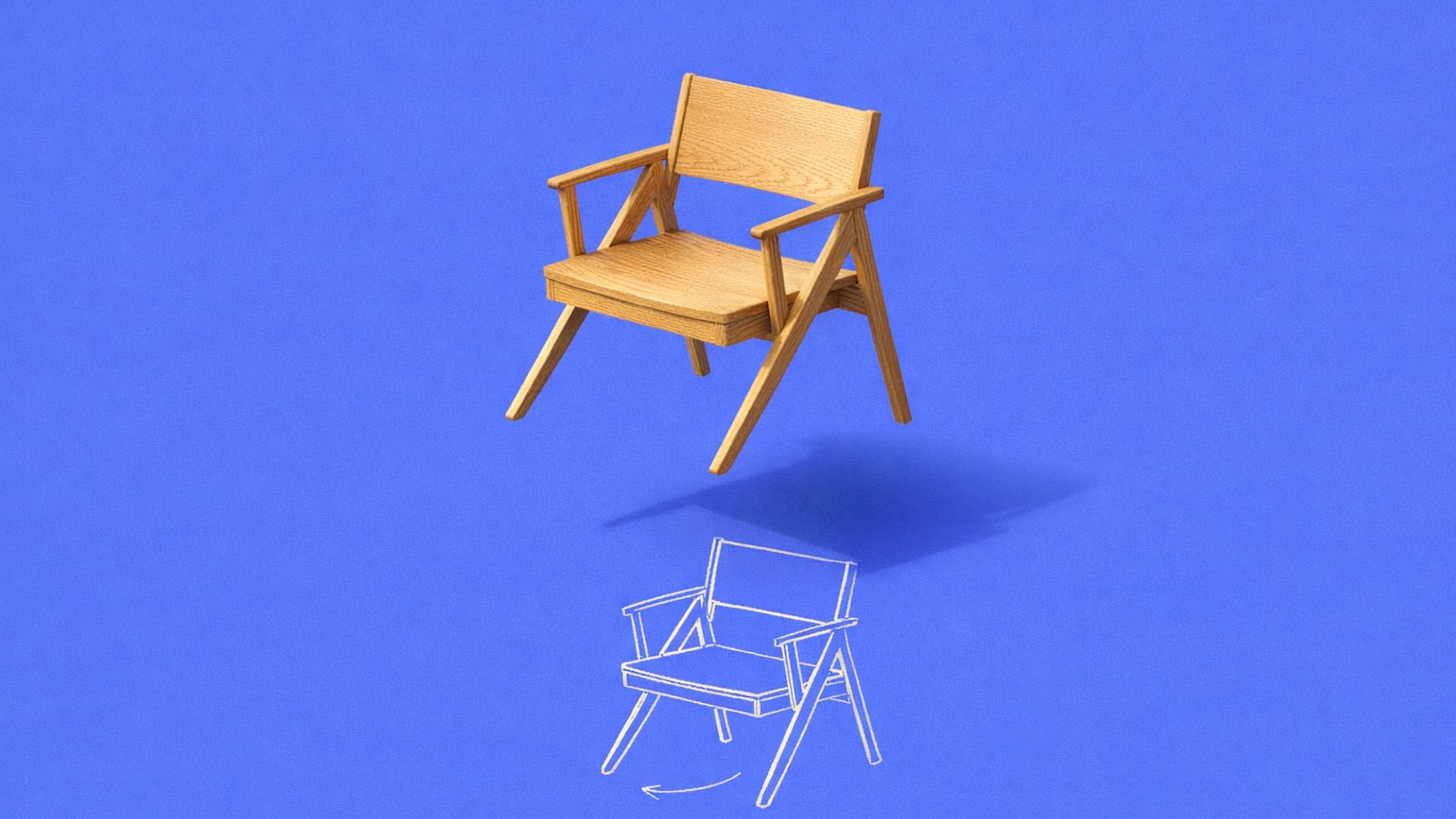
Turn sketches into 3D models using manual CAD, AI tools, or hybrid workflows. Learn which method works for your project and manufacturing needs.
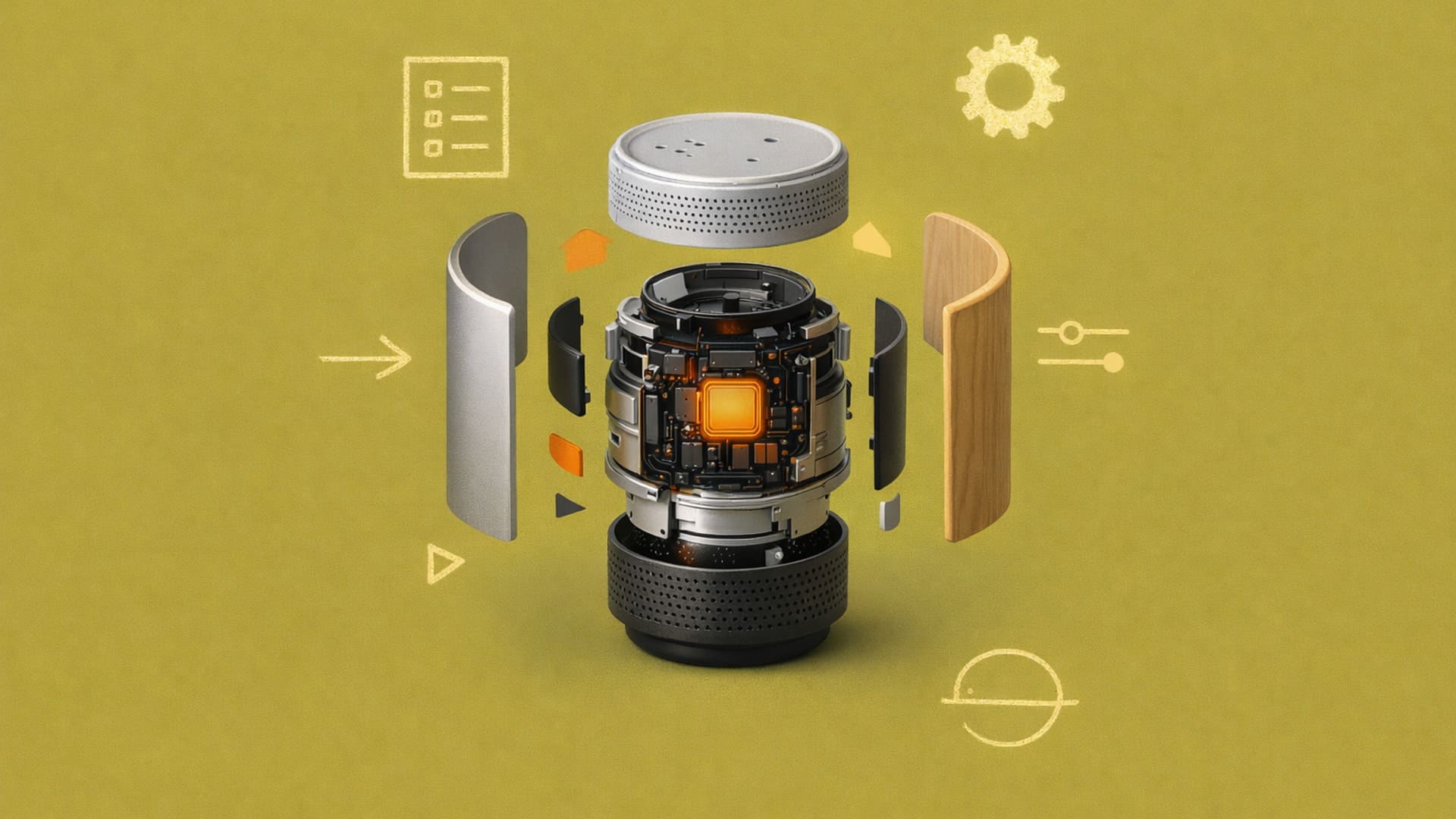
Write better product design prompts for photorealistic renders. Tips on materials, lighting, and structure by category.
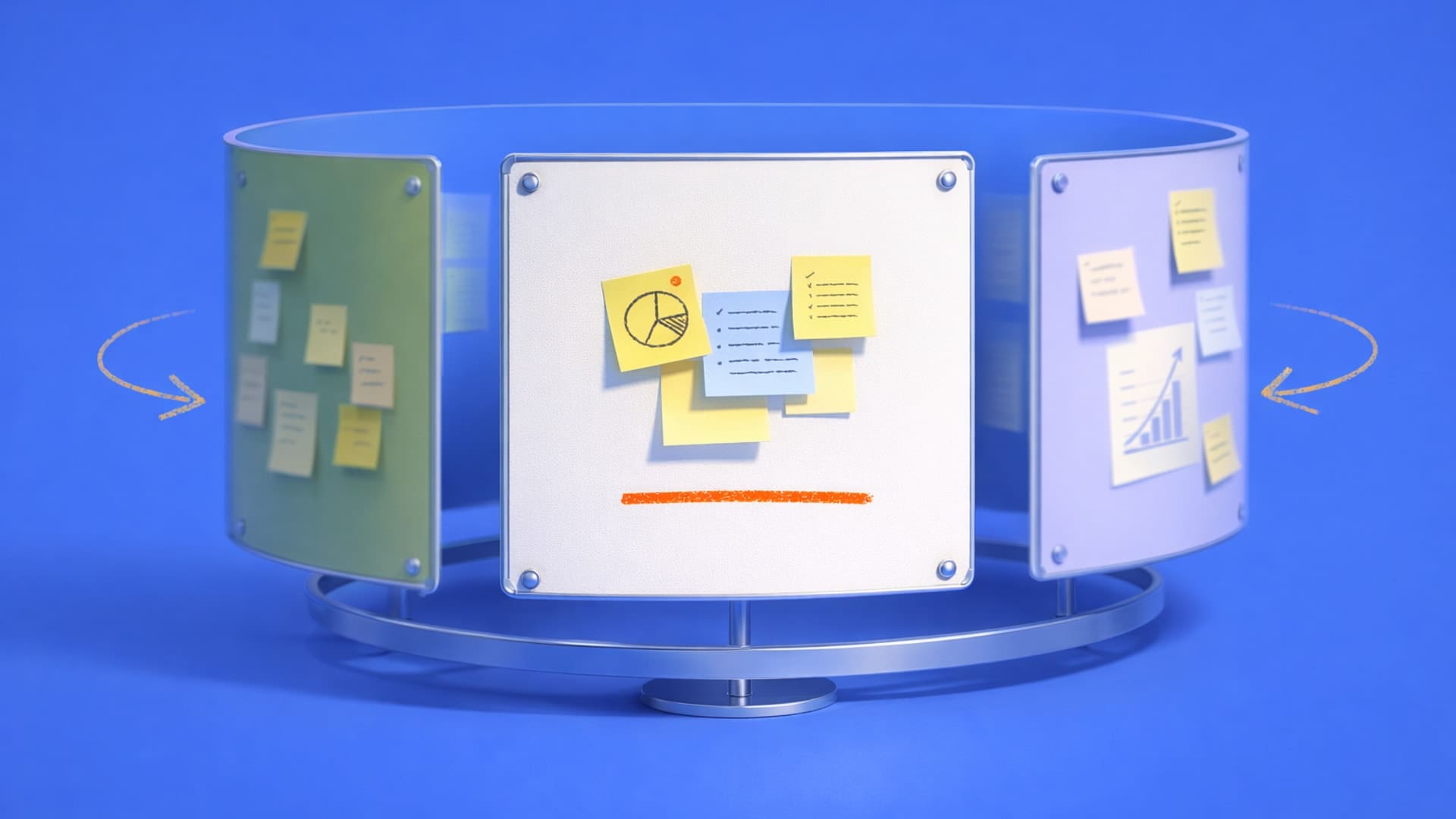
Learn how to set up design feedback loops that improve your work through faster cycles, better timing, and smarter iteration.
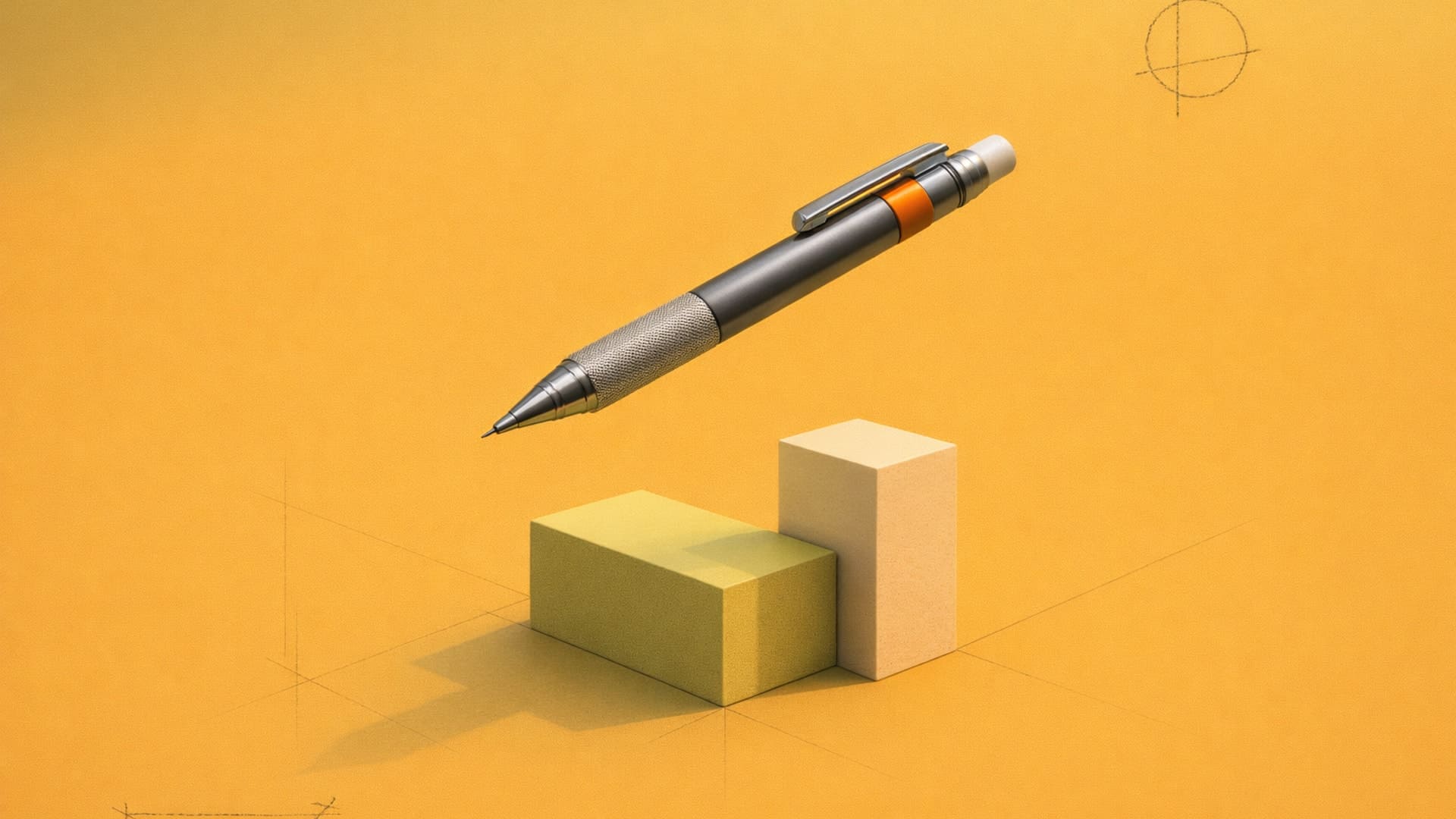
Learn 18 professional sketching techniques for designers, from construction methods to rendering and digital tools.
.avif)
Bloom is a 3D-printed lamp series by Anshuman Kumar that draws inspiration from the organic act of blooming, blending spiral growth with digital fabrication to create a calm, wire-free light. This spotlight follows his process—from hand intent to rapid iteration in Vizcom—and how speed, serendipity, and making helped refine the design from screen to object.
Add-ons and the new Premium Usage Dashboard give you more control over how and when you create in Vizcom, removing hard limits and making premium usage flexible. Top up actions when you need them, track everything in one clear view, and keep your creative flow moving without interruption.
.avif)
Industrial designer Jara Freund turned a familiar frustration—books constantly toppling over and shelves drowning in clutter—into the PlyForm Shelf, a modular system that pairs functional clarity with Bauhaus-inspired personality. This spotlight explores her process, from early sketches to rapid iteration in Vizcom, and how digital tools helped carry the idea from concept to physical reality.
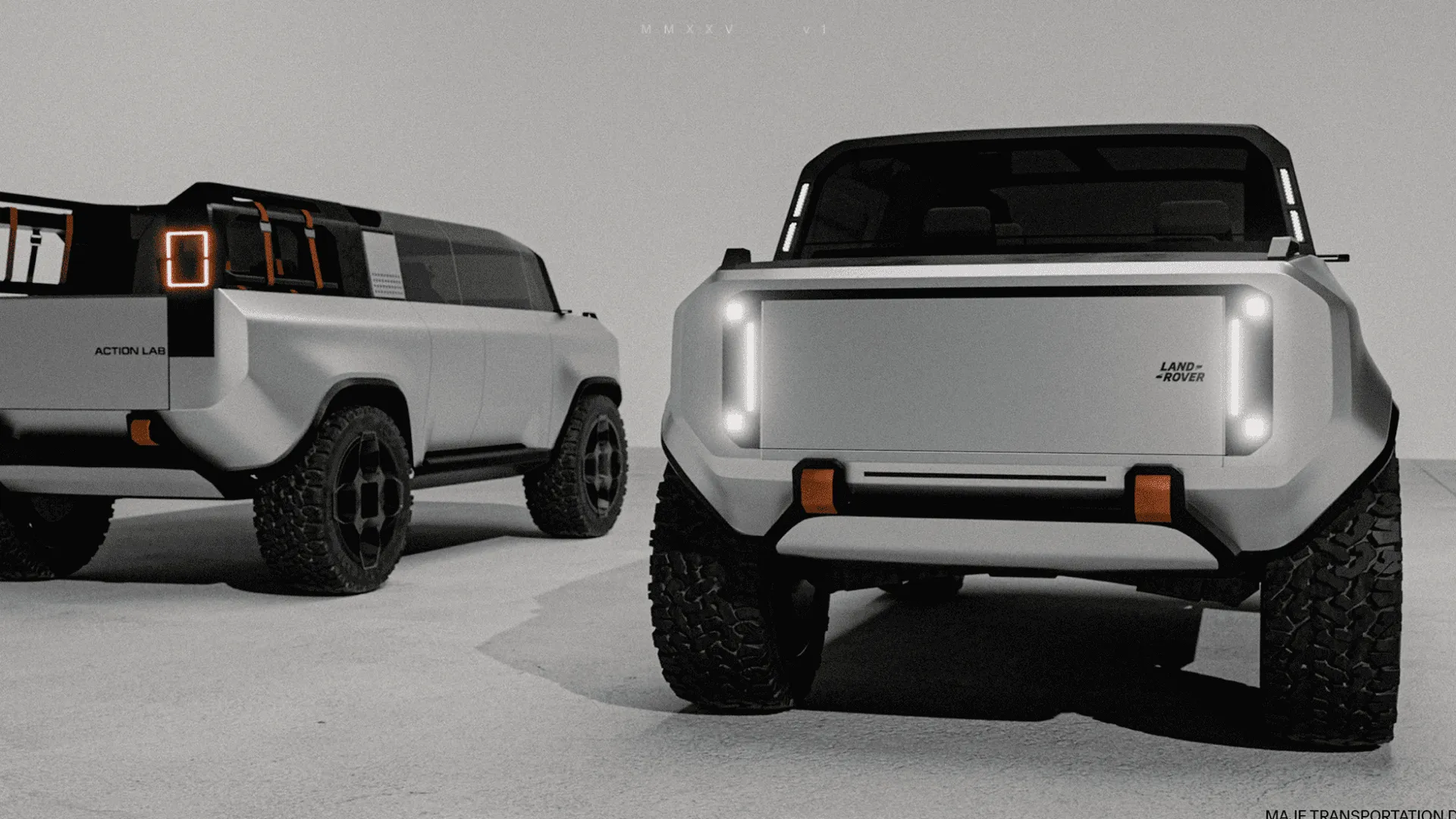
When Rishav Kumar set out to create MAJE TD, his vision was clear: give transportation design students and professionals the tools, guidance, and intensity needed to create portfolio-defining work. The four-week workshop doesn't just teach design: it challenges participants to think critically about brief selection, how to integrate AI into their workflow, and craft presentations that resonate with industry leaders. Rishav, a Level II Interior Designer at KIA America with experience at Polestar and Canoo, started his career in automotive design through competitions and intensive workshops hosted by industry leaders. Now, as the founder of MAJE TD, he’s bringing his journey full circle by creating those same opportunities for students.
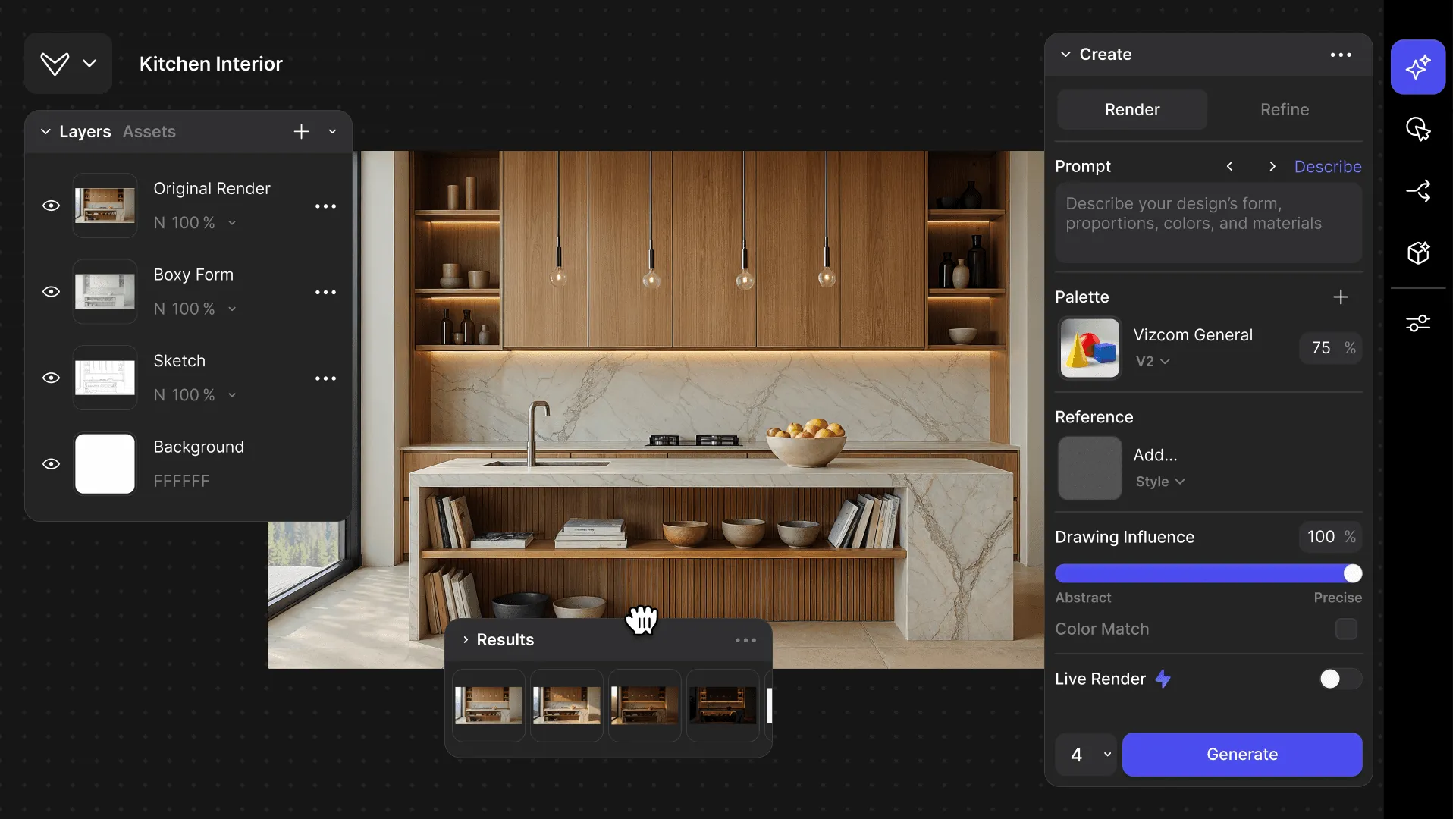
The updated Vizcom Studio introduces fully customizable layouts, a unified AI workflow sidebar, and background generation that lets designers work without interruption. These changes create a more intuitive, adaptable experience that removes friction from the creative process and helps designers move seamlessly from concept to completion.
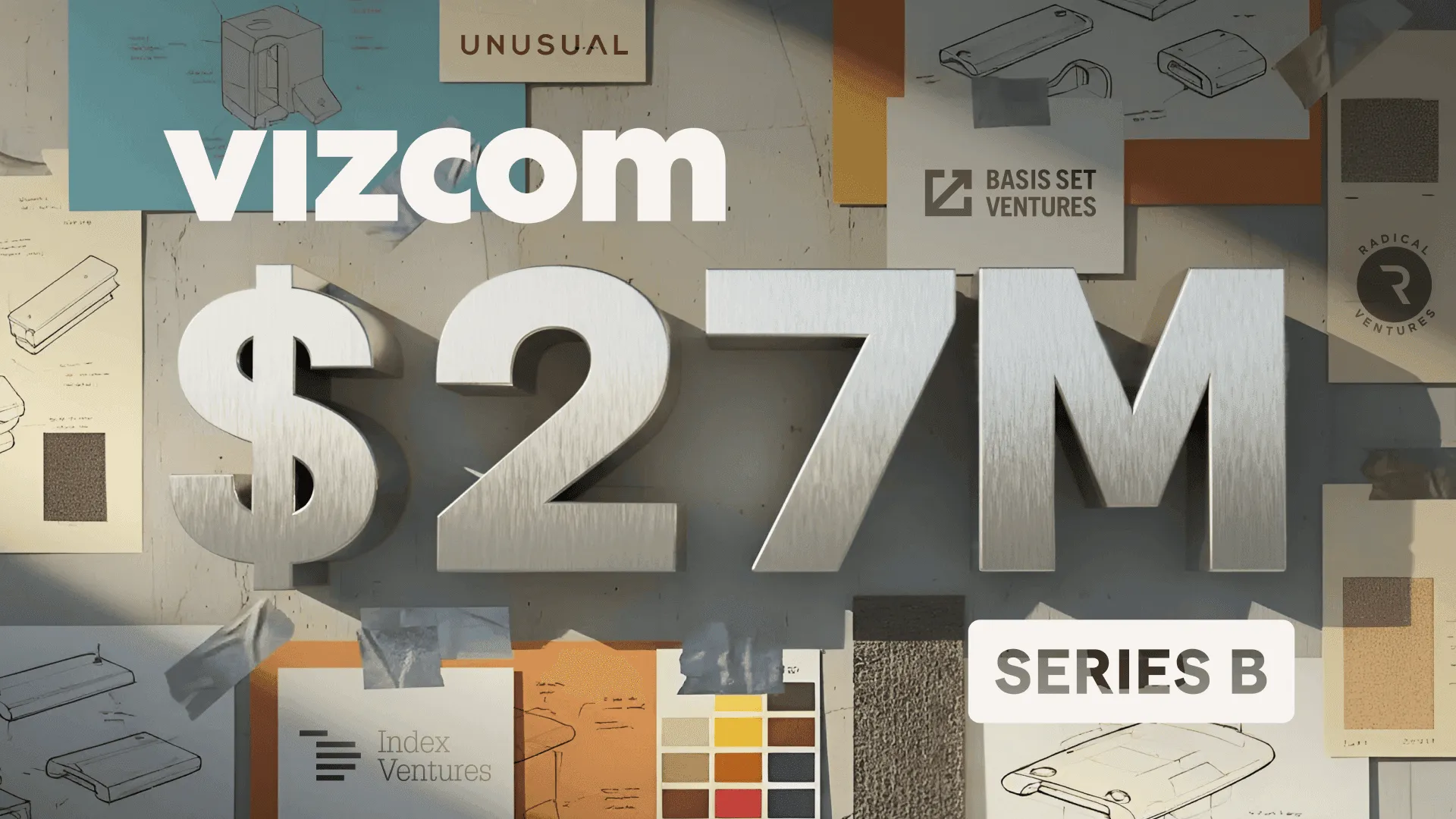
Vizcom has raised $27 million in Series B funding led by Radical Ventures to expand beyond visualization into the broader creative workflow, serving over 700,000 designers. The funding will help deepen domain-specific capabilities in automotive, footwear, apparel, and consumer goods, empowering designers to move from first sketch to physical reality with unprecedented speed.
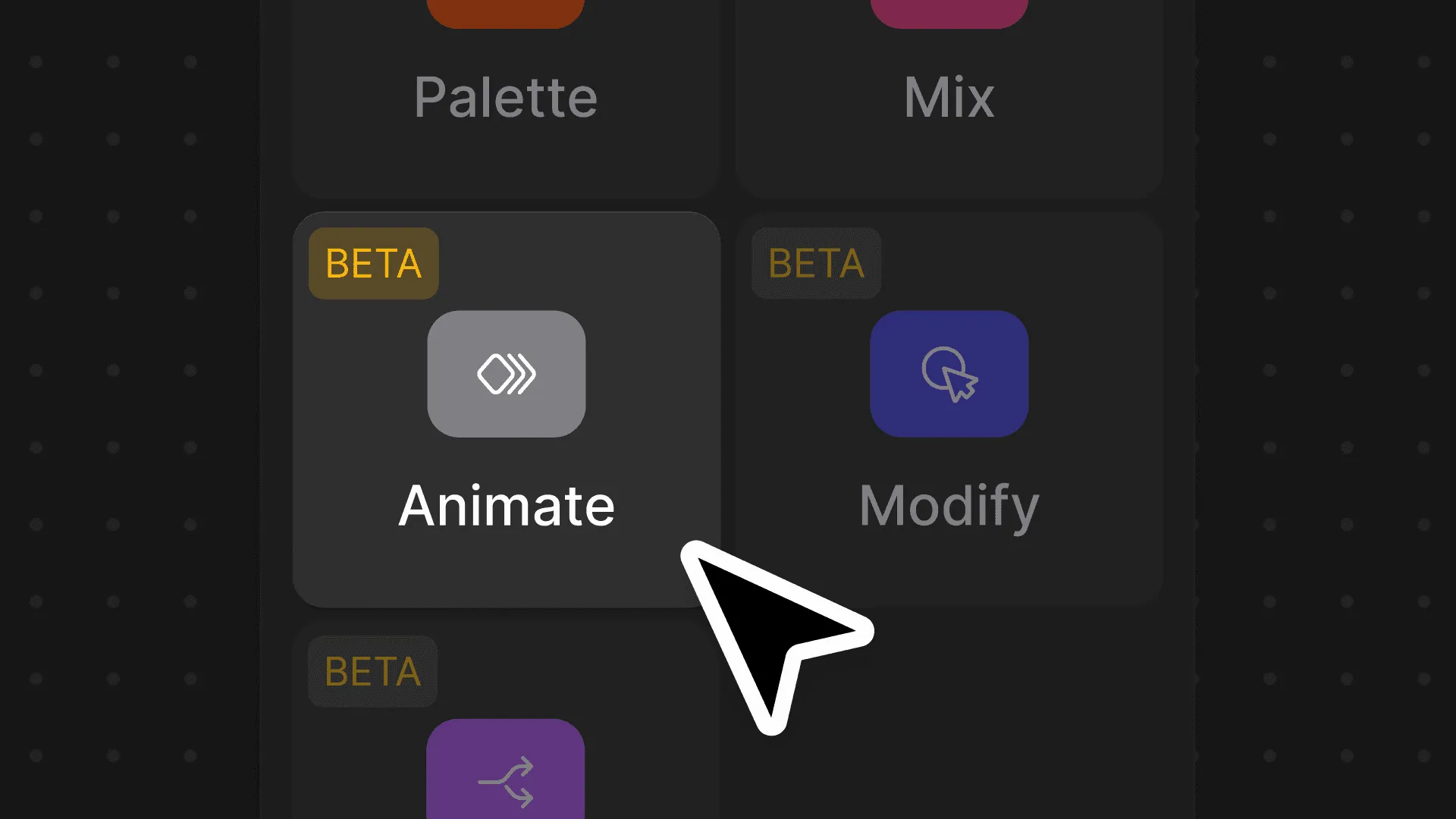
We’ve upgraded the Animate Block to make motion design feel as intuitive as sketching, with more control and higher-quality results built right into Vizcom. From new camera presets and frame control to longer animations and upscaled video, these updates help turn static designs into expressive, polished motion.
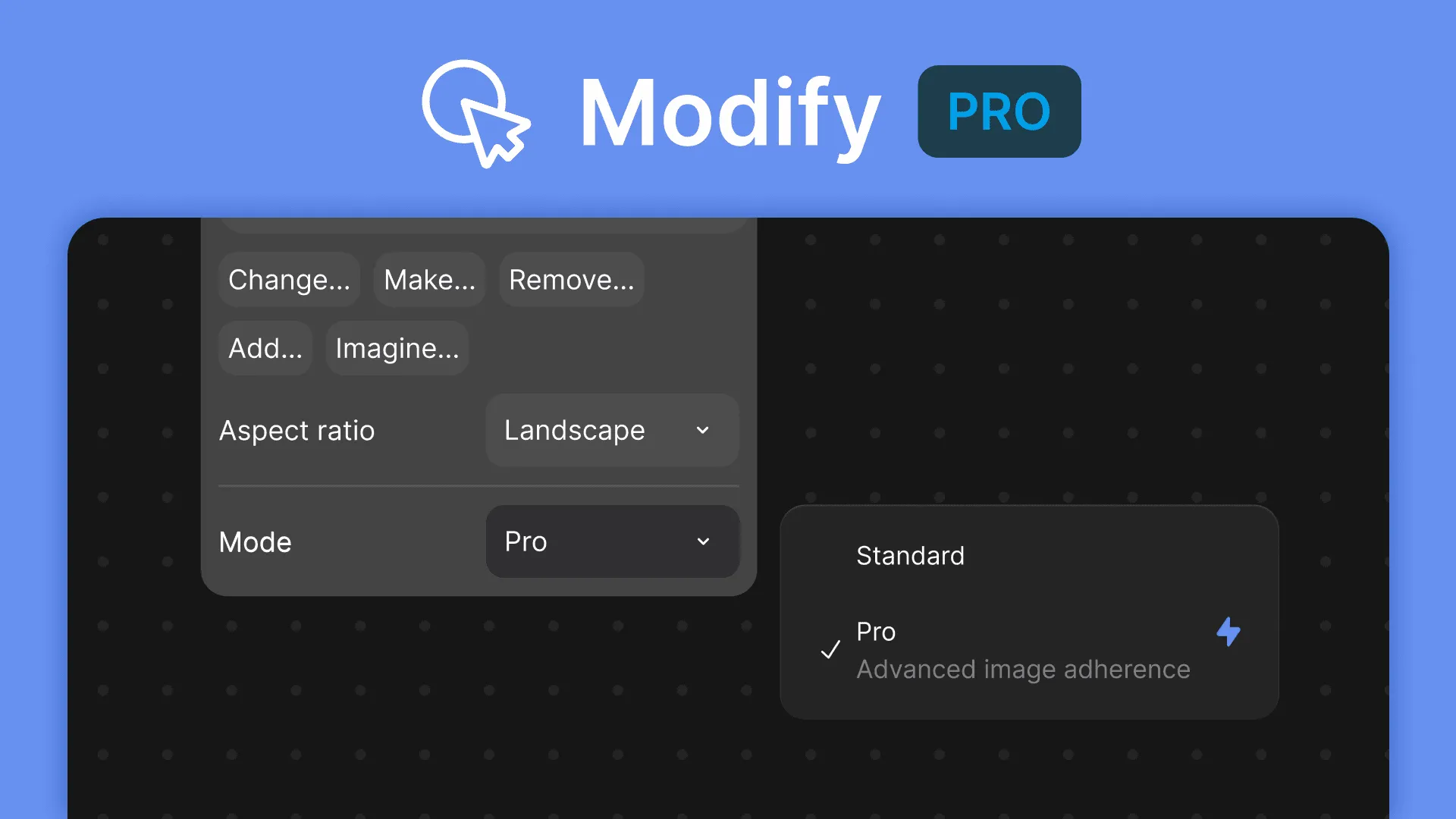
Modify Pro mode lets you design the way you think—using sketches, references, and redlines instead of rigid prompts. With higher-fidelity results and precise, designer-native controls, it makes refining ideas feel more like marking up a printout than operating an AI tool.

Unify lets designers explore ideas the way they naturally think—by visually layering products into real environments with matched lighting and shadows, no prompting required. Built for precision and layout control, it helps you validate space, scale, and story earlier and iterate faster.