VIZCOM BLOG
Design insights, product updates & community stories
From single render to complete colorway with Region Maps
Explore color and material variations part-by-part without leaving Vizcom.

Bring Your Own Sun
Kai Bettermann took the oldest clock there is, built the sun into it, and found out with a ring light before he found out with a render.

Just Add a Guy With a Beard
Gentle Monster would never make these. But they should. The frames were done in an afternoon. Jaren Dorman's wall was everything around them.
The Yoga Mat That Actually Fits in Your Bag
Design student Tara Harcombe used origami engineering and Vizcom to redesign the yoga mat around a problem every practitioner knows: it doesn't fit in your bag.


.jpg)
-cover.jpg)

AI design workflow integration fits early iteration, not final polish. Learn where AI accelerates your process.
.jpg)
Free View improves Vizcom’s New View experience with clearer camera control. Separate rotation and tilt to generate consistent views faster, now available to all users.

Learn how to prepare design work for engineering handoff. Covers visual documentation, material decisions, design rationale, and communicating intent clearly.

Prepare your automotive design portfolio for top programs. Skills, projects, and processes that get in.

Master fashion croquis with the 9-head proportion system. Learn to build proportionally accurate templates that eliminate the "something's off" problem.

Run a five-day design sprint adapted for physical products that covers problem mapping, concept sketching, prototyping strategies, and user testing before manufacturing commitment.

Master sports car design fundamentals: proportional relationships, stance engineering, and surface treatments that create visual performance impact.
%20(1).png)
Industrial designer Ádám Miklósi designed Fabracers: three collectible derby cars built from aluminum extrusions and solid wood—using Vizcom to visualize and refine before fabricating the physical prototypes.
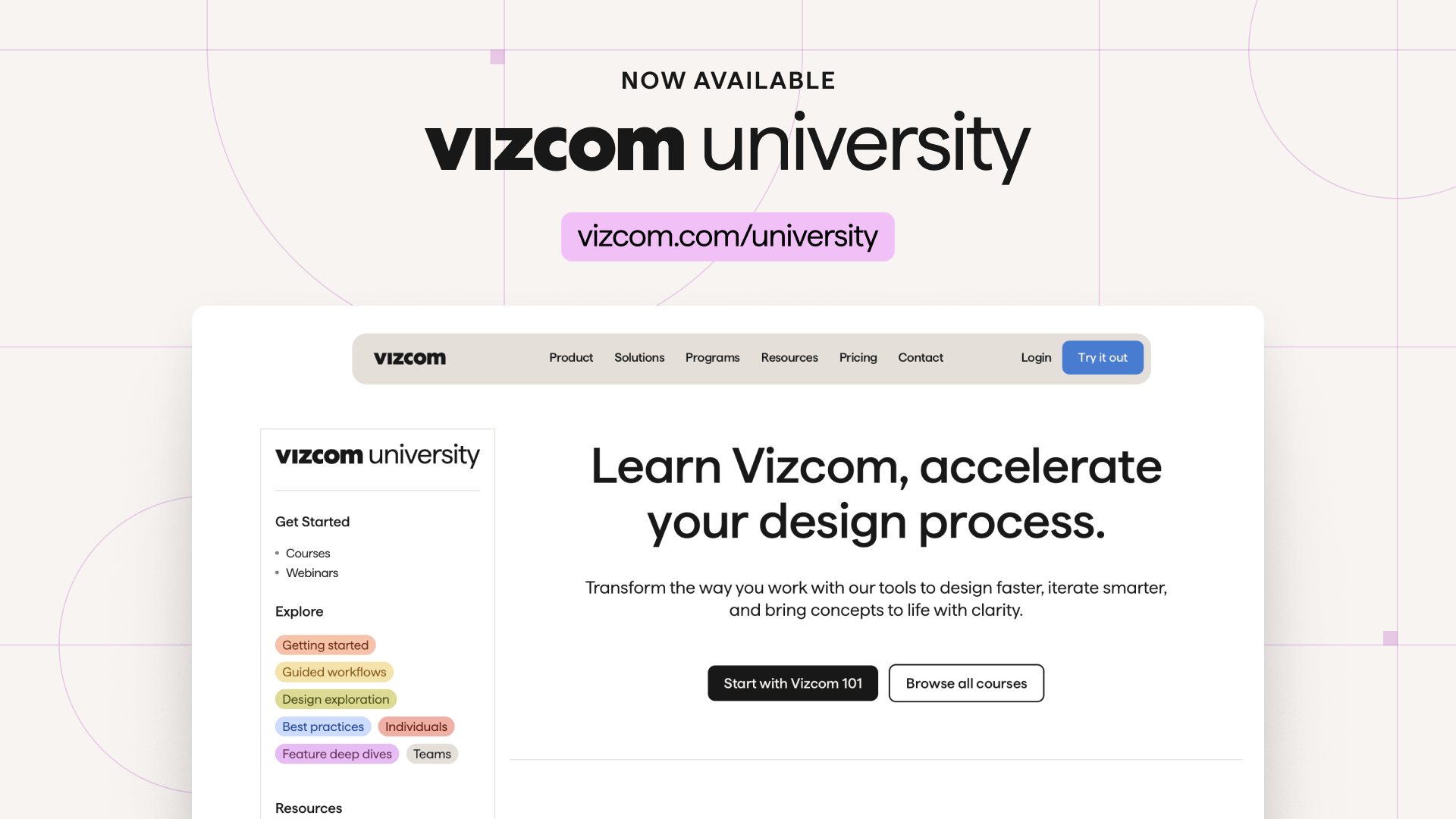
Vizcom University is Vizcom’s new free learning platform designed to help designers and teams get started faster and build confidence using AI-powered design tools. Featuring Vizcom 101, a foundational course for new users, along with guided workflows and in-product learning experiences, Vizcom University shows how Vizcom fits seamlessly into modern design workflows.
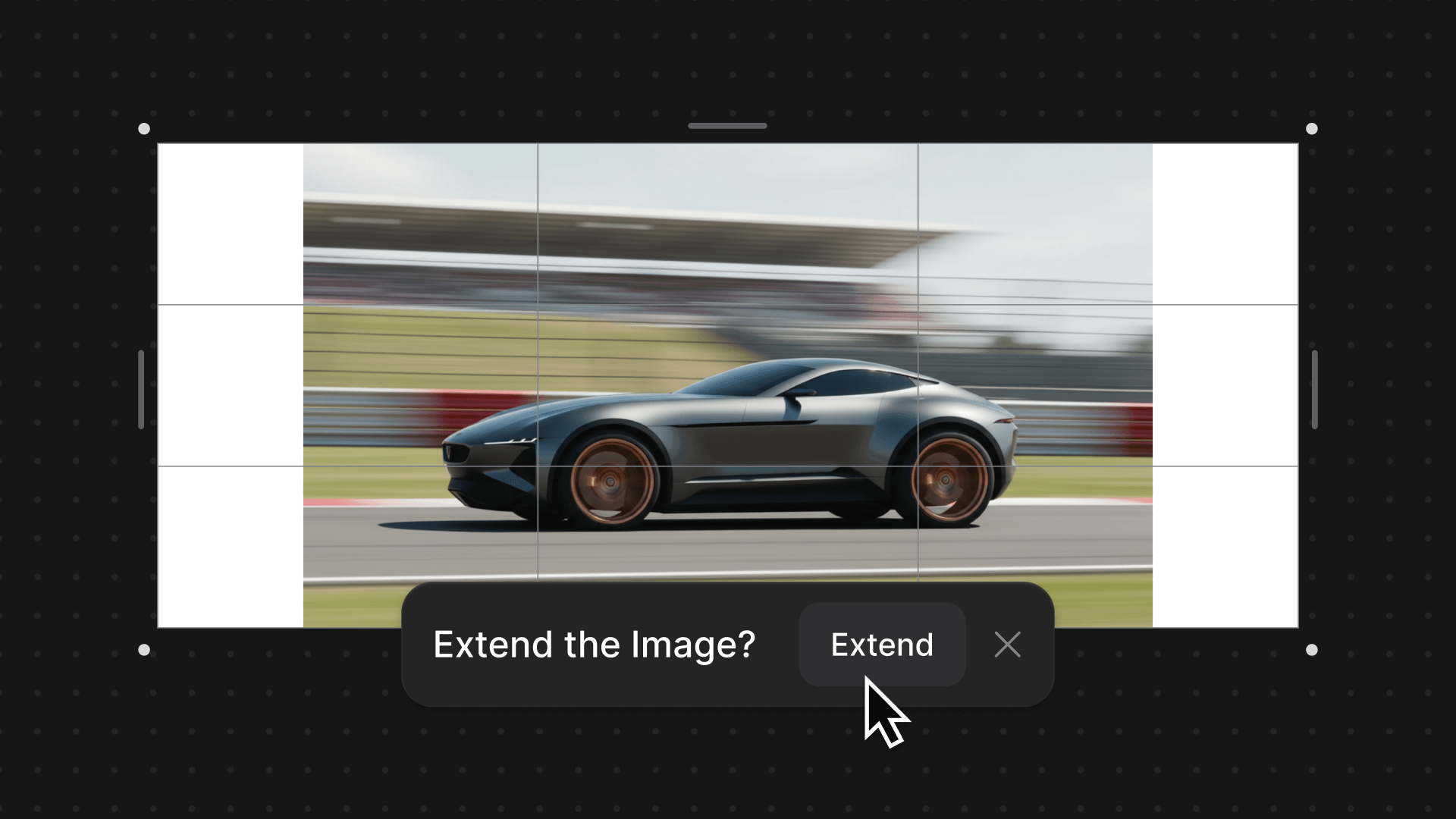
Adaptive Canvas removes fixed aspect ratio limits across Vizcom Workbench and Studio, allowing creators to resize, expand, and crop their canvas at any point without restarting or losing work.
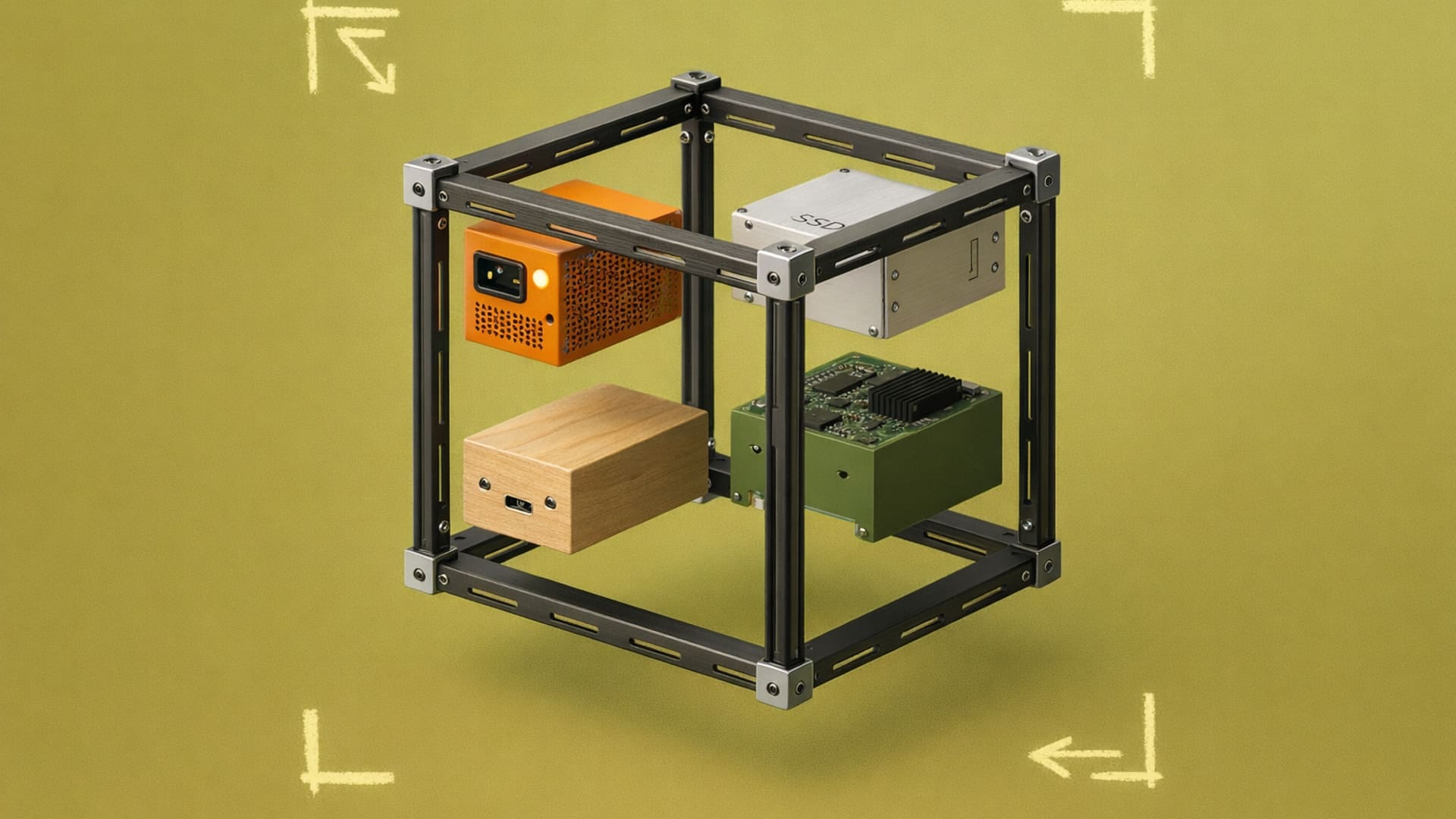
Stop recreating the same design elements. Component libraries let you reuse patterns, reduce inconsistencies, and speed up handoffs.
.jpg)
Understand the design approval process and learn practical ways to speed up your approval cycles.

Design lead time tracks concept to production handoff. Learn how to make your design lead time more efficient.

Divergent thinking helps designers explore more options before converging. Learn techniques like Crazy 8s and SCAMPER.
