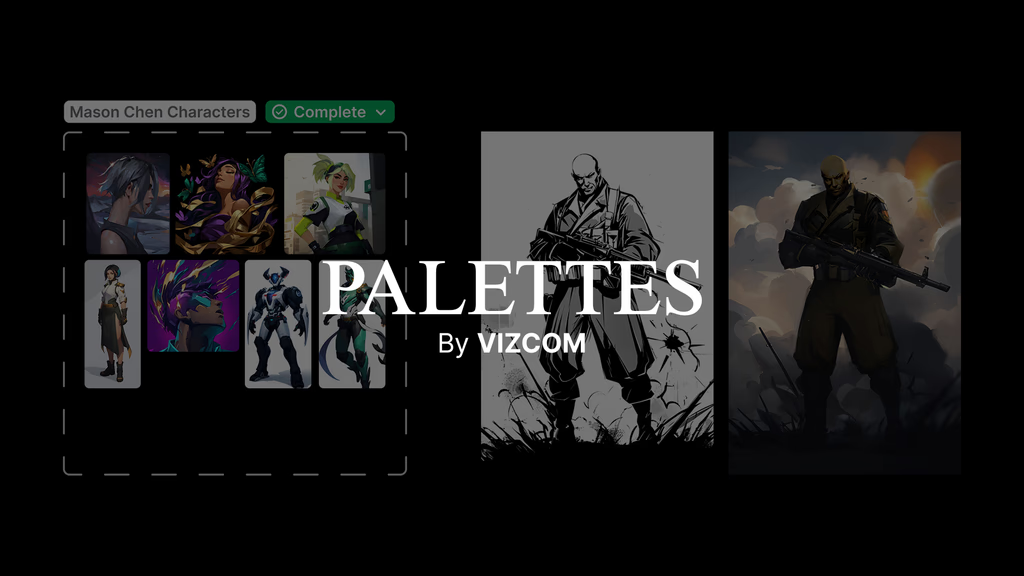
Introducing Palettes
Palettes allow designers to train a private AI model on their unique style, ensuring every concept reflects their aesthetic and creative identity. By curating 4-30 images and training the model in minutes, designers can render sketches with consistent brand-accurate outputs.

We’re excited to introduce Palettes, a tool that enhances how you create within Vizcom by putting your unique style at the forefront. With Palettes, you can curate a private AI model that learns your aesthetic, giving you the power to generate with greater consistency, explore ideas faster, and ensure every concept feels true to how you’d do it.
Authorship
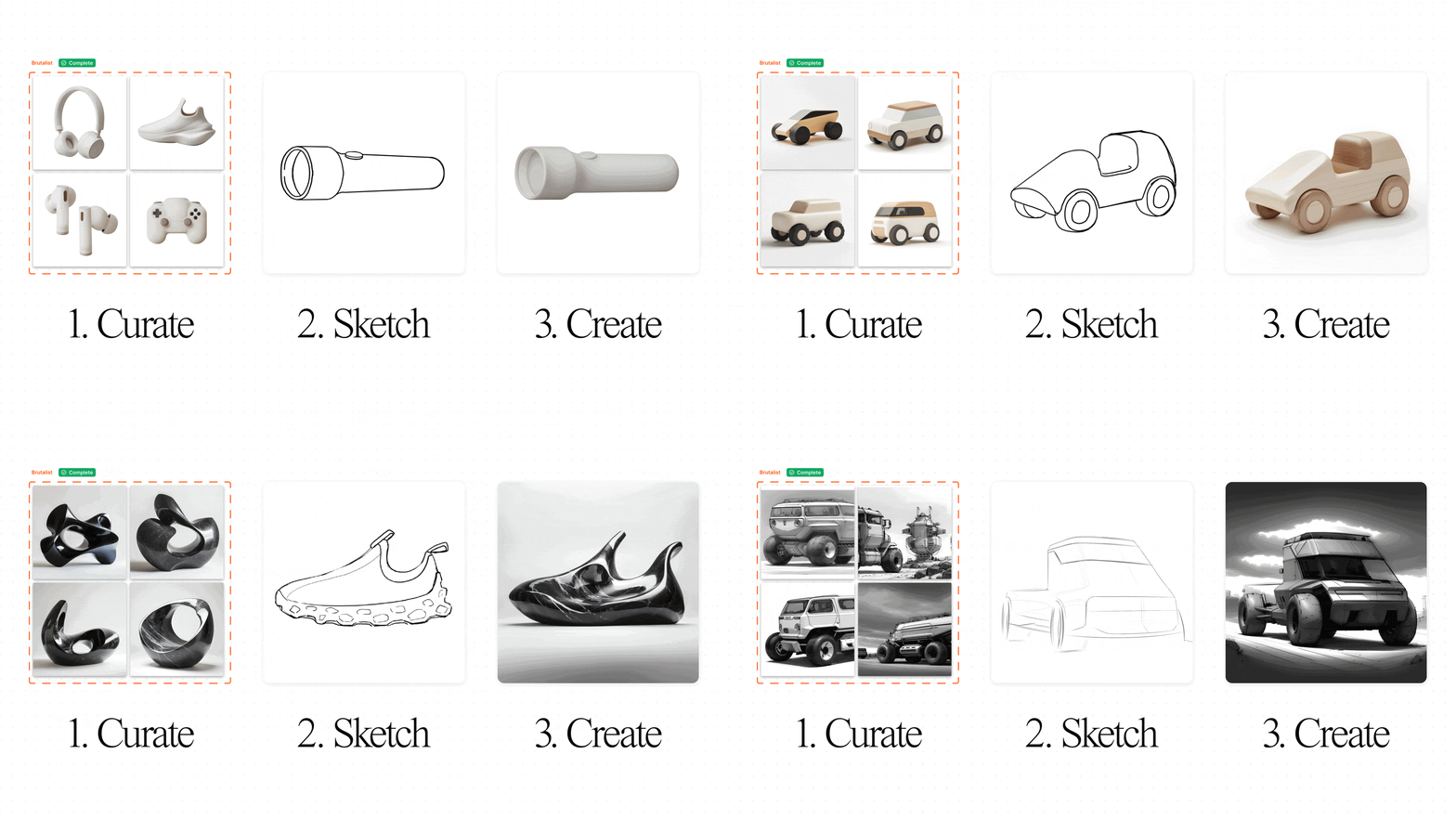
Every world-changing idea starts with a sketch. But with many generative tools, authorship gets lost—images are created from words alone, disconnected from the hands that inspired them. From the beginning, Vizcom has taken a different approach: your sketch guides the design process, ensuring that the results stay true to your vision.
Palettes take this one step further by learning your unique style to generate images that reflect your aesthetic. By rendering your sketches with your personalized Palette, you can visualize your ideas authentically—not as generic outputs, but as creations grounded in your sketch, your aesthetic, and your creative identity.
Curate. Generate. Iterate.
Palettes are built to feel like an extension of your creative process. Here’s how it works:
- Curate Your Style: Upload 4–30 images that reflect a cohesive aesthetic. These might be your past work, brand visuals, or a particular style you’re exploring.
- Keep it focused: Smaller, more specific Palettes perform better than larger, mixed ones.
- Show it all: Include multiple angles or variations to help Vizcom learn the nuances of your designs.
- Train Your Palette: Upload your images to Vizcom’s Workbench, and in just minutes, your Palette is ready to use.
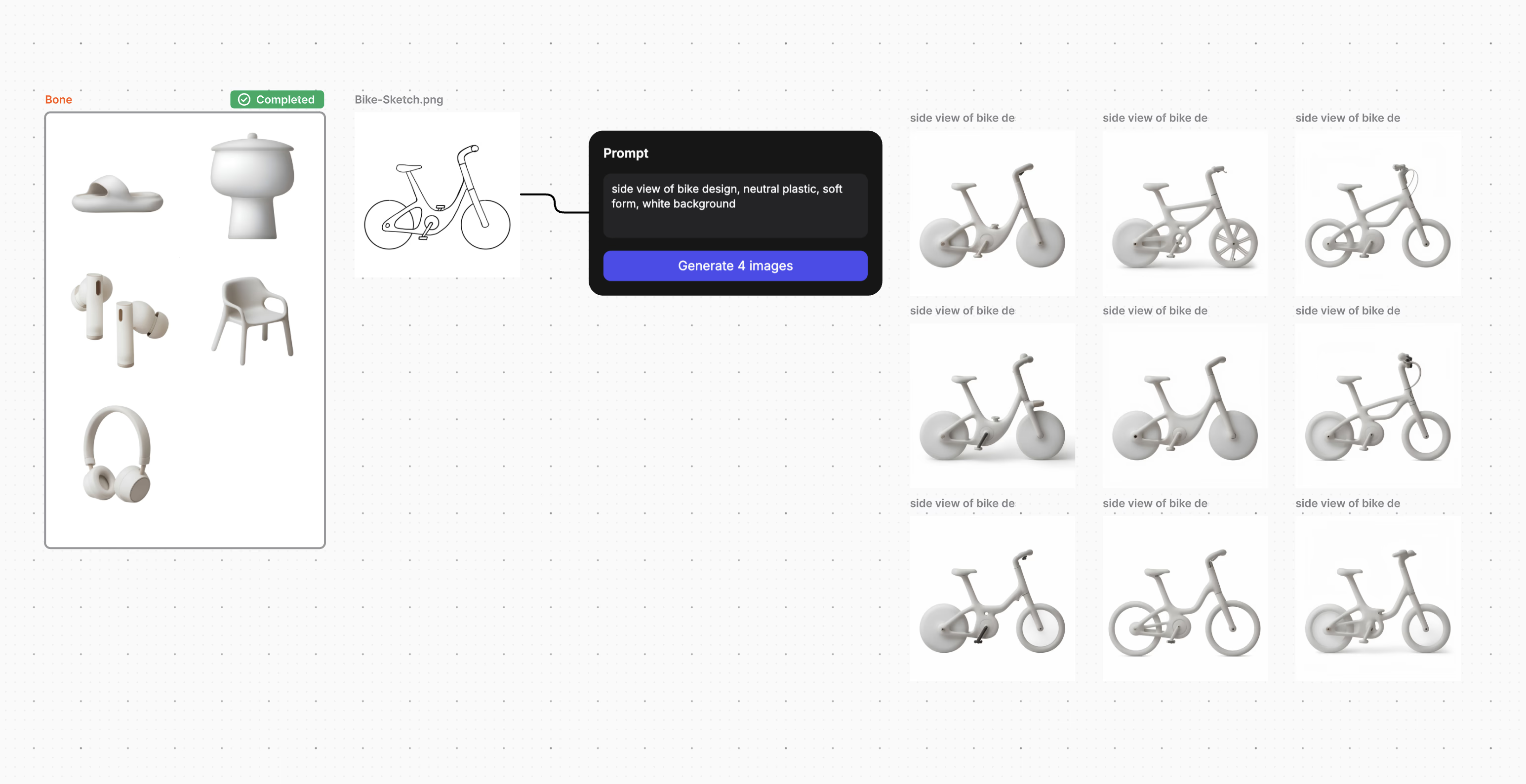
- Sketch and Generate: Test your Palette by varying the drawing influence percentage. At 100%, Vizcom closely follows your drawing. At lower levels, it leans into the aesthetic you’ve trained. This flexibility lets you explore a spectrum of ideas without losing your stylistic identity.
- Iterate and Share: Use your Palette across projects, or share it with your team to ensure everyone is working in the same visual language.
The video below guides you through creating your first Palette.
Creations
We’ve been amazed by what designers have already created with Palettes during testing. Here are just a few ways Palettes are helping bring ideas to life.
We’ve been working closely with Scott Robertson as he’s trained numerous Palettes to capture his sketch style. This has allowed him to rapidly iterate on a variety of landscapes and environments, all while feeling authentic to his aesthetic.
Team member Chris Ference has created a Palette called “Bone” that allows him to render his ideas in a consistent 3d shaded style. This allows him to begin his design process creating soft organic feeling objects.
Palettes are more than a feature—they represent a new way to create with Vizcom. By combining your sketches with a personalized Palette, you’re not just generating images; you’re shaping ideas that carry your style, your voice, and your vision.
We believe that great design starts with authorship. Palettes put the power back in your hands, helping you create with consistency, authenticity, and speed. Whether you're refining your own style, aligning a team around a shared aesthetic, or exploring entirely new concepts, Palettes ensure your creative process feels intuitive and uniquely yours.
We’re excited to see how you’ll use Palettes to push the boundaries of your design work. Your ideas deserve to be seen—and now, they can be, just the way you imagined.
Explore
Explore more blog posts & resources to get inspired
.webp)
Hatch Duo is a design studio based in San Jose built around a simple premise: great products hatch when two forces meet, your insight and their execution. Hatch's focus sits squarely in consumer packaged goods. For their latest collaboration with Vizcom, industrial designer Alec Comido wanted to see what he could design in one hour.

Explore color and material variations part-by-part without leaving Vizcom.


Frequently asked questions
Yes of course! Our starter plan is completely free, no credit card required. This is a great plan to explore vizcom with.
We accept all major credit and debit cards.
Admins (paid) – can edit files, manage workspace settings, billing, teams, and invite members. Editors (paid) – can edit files but not manage settings, billing, or teams. Viewers (free) – can only view files in read-only mode.
Team billing is handled centrally by the Admin. All paid seats, whether Admins or Editors, are included in a single invoice under the same billing cycle, while Viewers remain free and do not affect the cost.
Yes, you can. An Admin can update the plan in the billing settings, and the switch will take effect on the next billing cycle at the annual rate.
Yes, you own everything you create in Vizcom. For free users, while Vizcom may use generated images to improve its services, it does not claim ownership of your designs, concepts, or original ideas—you keep full rights to them. For paid users, your images and designs remain entirely private and are only used to deliver the service. Every design, concept, and image you create or upload is fully yours and kept confidential.
Vizcom does not use your data to train AI models if you’re on a paid plan. Everything you create stays private and is only used to provide the service. Free users may have their generated images included to help improve Vizcom’s services, but even then, Vizcom does not claim ownership of your designs, concepts, or original ideas—you retain full rights.