\

Drag

VIZCOM BLOG

Design insights, product updates & community stories

Hold Your Ideas: Liven Sunrise Alarm Clock

How designer Otto Loikkanen used Vizcom to bring a sunrise alarm clock from sketch to physical prototype.
Kim Lu
Kim Lu
Feb 20, 2026
Read more

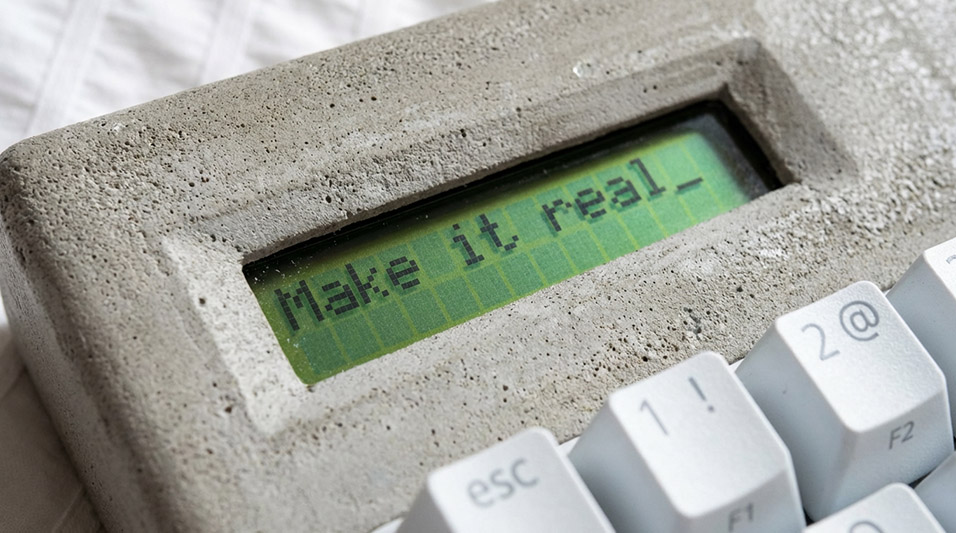
Make It Real: Fabracers, Ádám Miklósi's Collectible Derby Cars

Industrial designer Ádám Miklósi designed Fabracers: three collectible derby cars built from aluminum extrusions and solid wood—using Vizcom to visualize and refine before fabricating the physical prototypes.

Kim Lu
Kim Lu
Jan 23, 2026
Read more

Introducing Vizcom University

Vizcom University is Vizcom’s new free learning platform designed to help designers and teams get started faster and build confidence using AI-powered design tools. Featuring Vizcom 101, a foundational course for new users, along with guided workflows and in-product learning experiences, Vizcom University shows how Vizcom fits seamlessly into modern design workflows.

Sophia Silver
Sophia Silver
Jan 22, 2026
Read more

Announcing our $27M Series B

Vizcom has raised $27 million in Series B funding led by Radical Ventures to expand beyond visualization into the broader creative workflow, serving over 700,000 designers. The funding will help deepen domain-specific capabilities in automotive, footwear, apparel, and consumer goods, empowering designers to move from first sketch to physical reality with unprecedented speed.

Jordan Taylor
Jordan Taylor
Oct 29, 2025
Read more
Thank you! Your submission has been received!
Oops! Something went wrong while submitting the form.
Explore every angle with Free View camera controls
Product updates

Free View improves Vizcom’s New View experience with clearer camera control. Separate rotation and tilt to generate consistent views faster, now available to all users.

New in Vizcom: Adaptive Canvas Updates
Product updates

Adaptive Canvas removes fixed aspect ratio limits across Vizcom Workbench and Studio, allowing creators to resize, expand, and crop their canvas at any point without restarting or losing work.

Hold Your Ideas: Anshuman’s Bloom Lamp
Community

Bloom is a 3D-printed lamp series by Anshuman Kumar that draws inspiration from the organic act of blooming, blending spiral growth with digital fabrication to create a calm, wire-free light. This spotlight follows his process—from hand intent to rapid iteration in Vizcom—and how speed, serendipity, and making helped refine the design from screen to object.

Introducing Add-ons: a more flexible way to create in Vizcom
Product updates

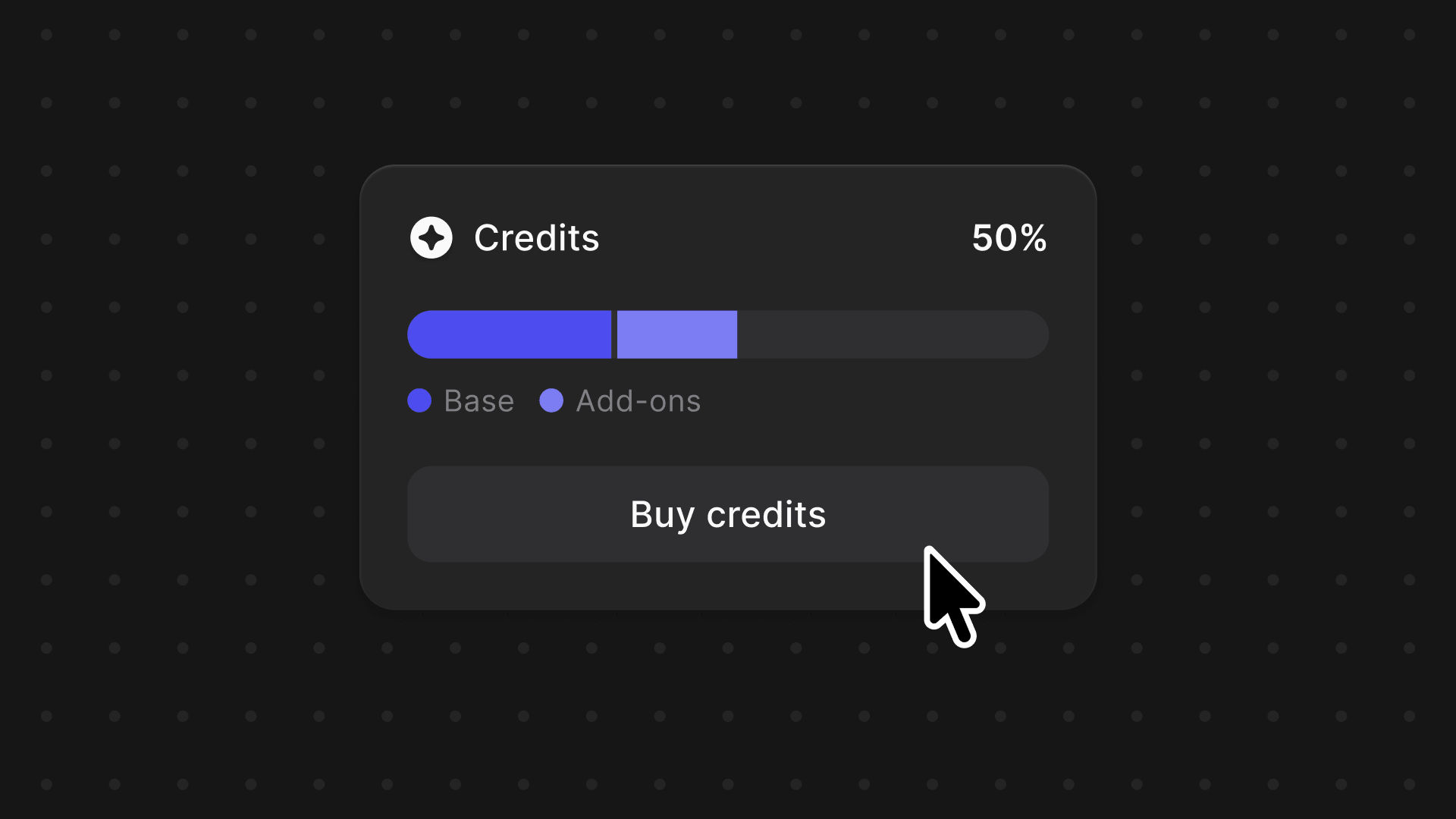
Add-ons and the new Premium Usage Dashboard give you more control over how and when you create in Vizcom, removing hard limits and making premium usage flexible. Top up actions when you need them, track everything in one clear view, and keep your creative flow moving without interruption.

Modify, Variate, Refine: Jara Freund's PlyForm Shelf
Community

Industrial designer Jara Freund turned a familiar frustration—books constantly toppling over and shelves drowning in clutter—into the PlyForm Shelf, a modular system that pairs functional clarity with Bauhaus-inspired personality. This spotlight explores her process, from early sketches to rapid iteration in Vizcom, and how digital tools helped carry the idea from concept to physical reality.

Inside MAJE TD: Three Finalist Transportation Design Projects
Community

When Rishav Kumar set out to create MAJE TD, his vision was clear: give transportation design students and professionals the tools, guidance, and intensity needed to create portfolio-defining work. The four-week workshop doesn't just teach design: it challenges participants to think critically about brief selection, how to integrate AI into their workflow, and craft presentations that resonate with industry leaders. Rishav, a Level II Interior Designer at KIA America with experience at Polestar and Canoo, started his career in automotive design through competitions and intensive workshops hosted by industry leaders. Now, as the founder of MAJE TD, he’s bringing his journey full circle by creating those same opportunities for students.

Meet the new Vizcom Studio: Where ideas move faster
Product updates

The updated Vizcom Studio introduces fully customizable layouts, a unified AI workflow sidebar, and background generation that lets designers work without interruption. These changes create a more intuitive, adaptable experience that removes friction from the creative process and helps designers move seamlessly from concept to completion.

New in the Animate Block
Product updates

We’ve upgraded the Animate Block to make motion design feel as intuitive as sketching, with more control and higher-quality results built right into Vizcom. From new camera presets and frame control to longer animations and upscaled video, these updates help turn static designs into expressive, polished motion.

Modify Pro Mode: Sharper Edits, Stronger Stories
Product updates

Modify Pro mode lets you design the way you think—using sketches, references, and redlines instead of rigid prompts. With higher-fidelity results and precise, designer-native controls, it makes refining ideas feel more like marking up a printout than operating an AI tool.

Introducing Unify: One-Click Compositing for Faster, More Precise Concepts
Product updates

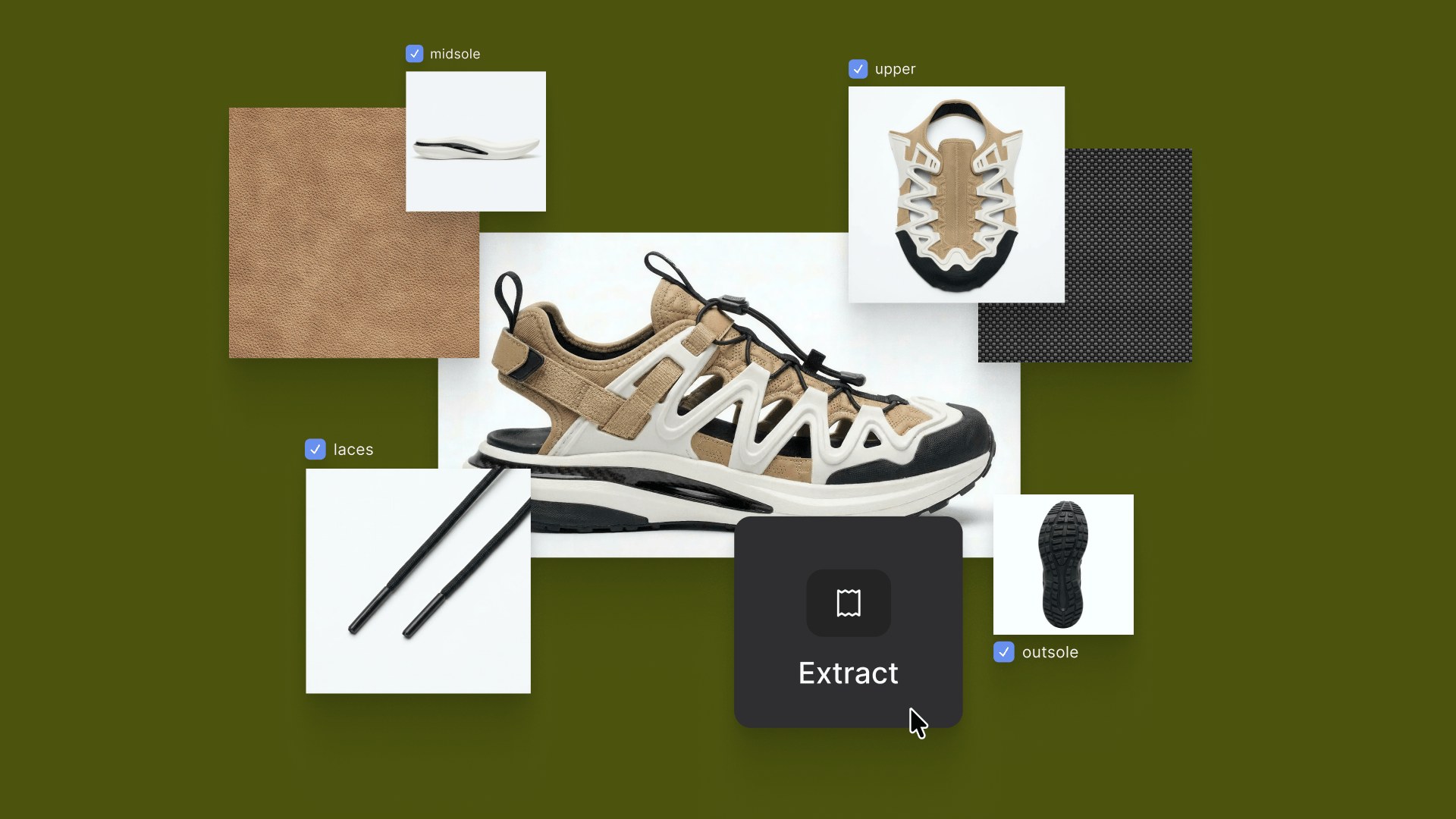
Unify lets designers explore ideas the way they naturally think—by visually layering products into real environments with matched lighting and shadows, no prompting required. Built for precision and layout control, it helps you validate space, scale, and story earlier and iterate faster.

What Is Design Lock? When to Stop Changing & Move Forward
Insight

Design lock is the formal milestone where specifications are finalized using progressive, hierarchical freeze strategies rather than locking everything at once. Effective implementation requires mapping freeze hierarchies, setting clear readiness gates, building time buffers, and implementing design chill phases before full freeze.

Digital Car Design: How Studios Use 3D from Day One
Insight

Discover how modern car design studios use 3D tools to go from concept phase to final product.

AI for Product Designers: Real Workflow Examples
Insight

AI rendering eliminates the traditional bottleneck where designers sketch hundreds of concepts but can only render a fraction, enabling exploration of 50-100+ variations in the same timeline. The article showcases real workflows across footwear, furniture, automotive, and apparel design, demonstrating how AI accelerates visualization without replacing design judgment.

What Is Design Storytelling? From Features to Visual Narrative
Insight

Design storytelling communicates reasoning behind design decisions through visual narrative, showing iteration cycles and problem-solving processes rather than just finished CAD models. Tools like Vizcom's rapid rendering, animation, and 3D generation features enable designers to build stronger narratives by visualizing more concepts and responding dynamically to stakeholder questions.

Mood Board Creation: Build Visual Direction Before Sketching
Insight

Learn professional mood board creation techniques that guide concept sketches and prevent unfocused design iterations. Essential workflow for designers.