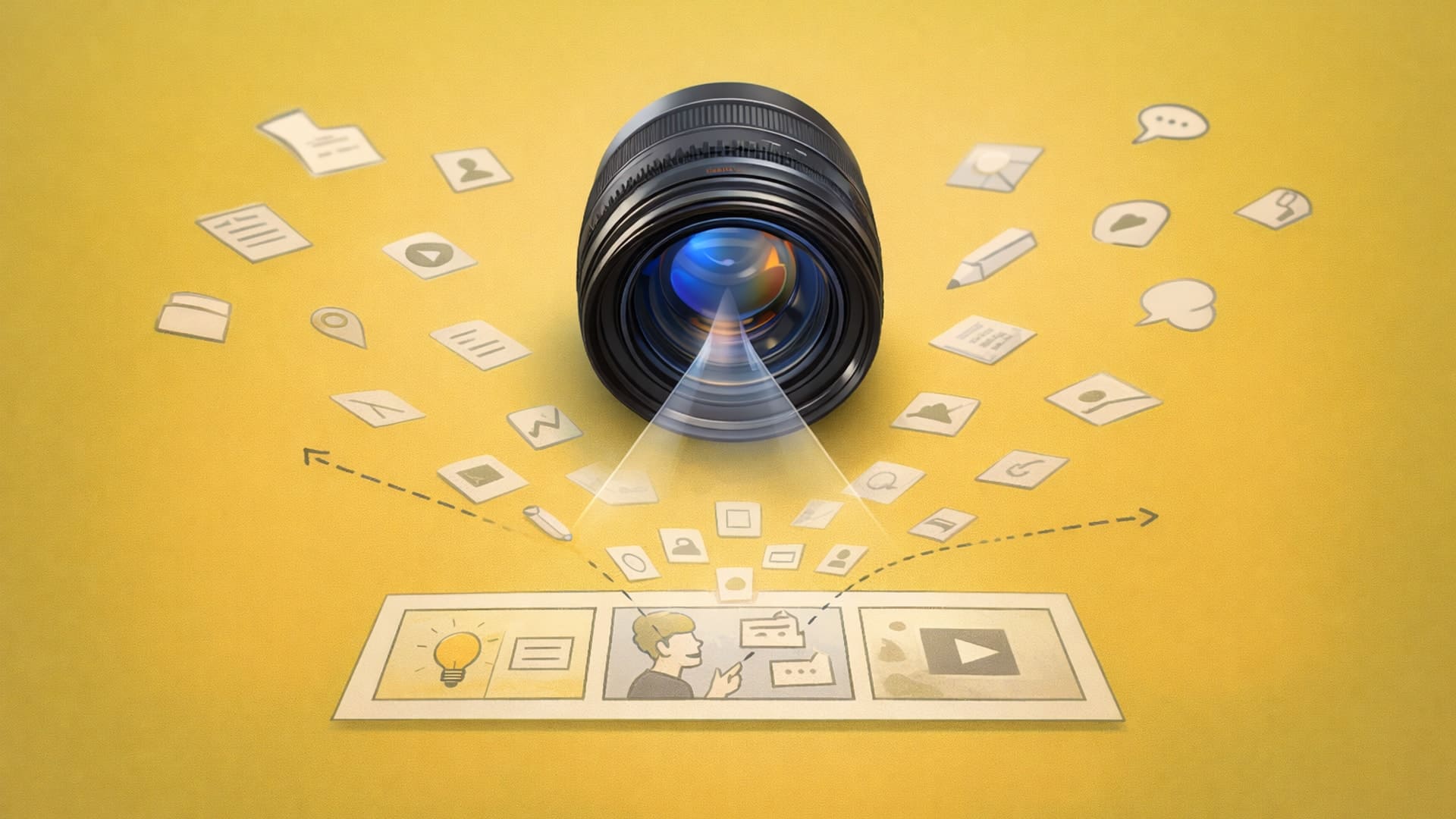
What Is Design Storytelling? From Features to Visual Narrative
Design storytelling communicates reasoning behind design decisions through visual narrative, showing iteration cycles and problem-solving processes rather than just finished CAD models. Tools like Vizcom's rapid rendering, animation, and 3D generation features enable designers to build stronger narratives by visualizing more concepts and responding dynamically to stakeholder questions.

Your stakeholders check their phones during CAD screenshot walkthroughs because you're showing outputs instead of the thinking process. You're hitting the same rendering bottleneck that limits every designer: traditional rendering workflows limit storytelling. When each variation takes 4-8 hours to render, you're forced to commit to one or two directions before you've explored enough alternatives to build a complete narrative. By the time you've explored enough directions to tell a complete story, the deadline's already passed.
Visual narrative shows the problems you identified and the reasoning behind your solutions: the iteration cycles that got you from initial concept to final direction. When automotive designers at Ford need to explain why they chose one form of language over another, they show the exploration that ruled out alternatives. That exploration is the story.
What Is Storytelling in Design?
Design storytelling is how you communicate the reasoning behind your design decisions through visual narrative. This means showing stakeholders the iteration cycles, constraints, and problem-solving process that led to your solution.
Traditional design presentations show finished CAD models with specifications. Design storytelling shows the work: the three form languages you explored before choosing one, the manufacturing constraint that ruled out your preferred direction, and the user research insight that changed your approach. When you walk stakeholders through ruled-out alternatives, you're building confidence in your final solution while demonstrating thorough exploration.
This approach works across all design presentations. Automotive designers use it to explain center console configurations. Footwear designers use it to justify material selections. Industrial designers use it to demonstrate ergonomic trade-offs.
Process narratives answer the questions stakeholders ask: "Why this direction instead of alternatives?" "How do you know this works?" "What problems does this solve?" That difference (showing how you thought through the problem versus just what you created) determines whether stakeholders understand your design rationale or tune out.
Why Visual Narrative Actually Matters
Visual storytelling determines whether design has influence or gets relegated to making things look pretty after business decisions are already made. When you can show why your design choices matter through iteration cycles, ruled-out alternatives, and the problem-solving process, you get buy-in. When you can't? Leadership cuts you off from decisions.
You've sat through presentations where someone walks through CAD screenshots and specification lists while stakeholders check their phones. Technical accuracy doesn't equal understanding. Your engineering lead wants to know if this design solves the problem and fits manufacturing constraints.
That's your business case for being in the room when decisions get made.
Building Narrative Structure into Your Design Process
Effective design storytelling needs a structure you can reuse. Here are three approaches that work:
Show Your Iteration
Walk stakeholders through concepts you ruled out and explain why. This builds confidence in your final solution because they see you explored alternatives thoroughly.
Use this when: You need to demonstrate thorough exploration or justify a non-obvious design direction. Works well with engineering teams and creative directors who want to see the problem-solving process.
Problem-to-Solution Arc
Start with the constraint or challenge, show explorations that addressed it, then reveal your solution with an explanation of which trade-offs you accepted.
Use this when: Presenting to engineering teams or when dealing with complex technical constraints. This framework demonstrates design thinking beyond aesthetics.
Before-After Comparison
Show the starting point and end result side-by-side with key improvements called out. Fast and effective for stakeholders who need to see outcomes quickly.
Use this when: Time is limited, you're presenting to executives, or the improvements are immediately visual (material upgrades, form refinements, ergonomic improvements).
The key is building narrative while you design, not after. When you sketch variations exploring different form languages, each iteration answers a specific question. Does this form feel premium enough? Will users understand the interface? Can we manufacture this at scale? That question-and-answer sequence is your story structure emerging organically from the work.
Visual Techniques That Turn Technical Features Into Stories
Frameworks give you structure. But the individual slides and renders that you create? That's where stakeholders either get it or check their phones.
Real-Time Rendering Changes How You Build Narrative
Traditional batch rendering workflows locked you into specific views before seeing results. You'd commit to camera angles and lighting setups, wait hours for renders to complete, then discover the view didn't communicate what you intended. Real-time workflows let you adjust narrative during stakeholder meetings based on which angles and contexts resonate.
This shift is already practical with modern tools. Sketch a concept and immediately see it rendered in different presentation styles: photorealistic for client reviews, abstract for early-stage exploration, and technical cutaways for engineering discussions. That quick sketch-to-render iteration? That's where your narrative develops. You're testing which visual language tells your story most effectively without waiting days between attempts.
Vizcom's Rendering Tools Speed Up Narrative Development
Automotive interior redesigns generate hundreds of concept sketches. Traditional rendering would consume months to visualize even a fraction of those directions. Render feature generates photorealistic images in seconds: you sketch a direction, see it rendered with accurate materials and lighting, decide if it's worth pursuing further, and move on.
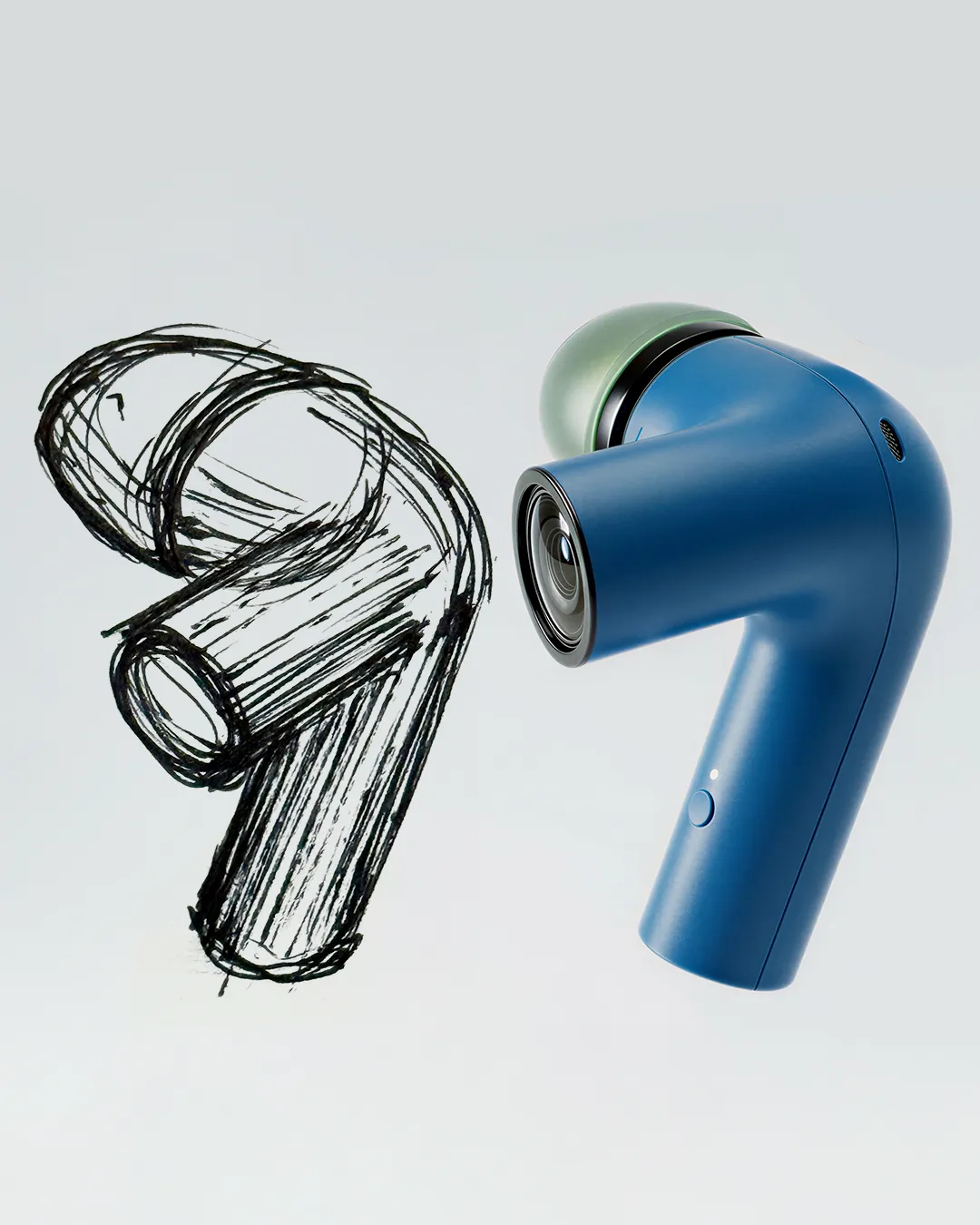
For footwear design, this changes how you present seasonal collections. Instead of rendering only the hero colorways you're most confident about, you can show stakeholders 50+ material and color variations within the same timeline you'd previously spend on five finished renders. That breadth of exploration becomes part of your story, demonstrating you tested market positioning across premium, performance, and lifestyle segments rather than committing early to one direction.
Animation Shows How Designs Function
Static renders show what your product looks like. Animation shows how it works.
Industrial designers presenting handheld medical devices used to rely on physical prototypes to demonstrate ergonomics and interaction flows. With the Animate feature, you can show grip transitions, button sequences, and display feedback through motion, turning technical interaction specs into visual demonstrations that stakeholders immediately understand.
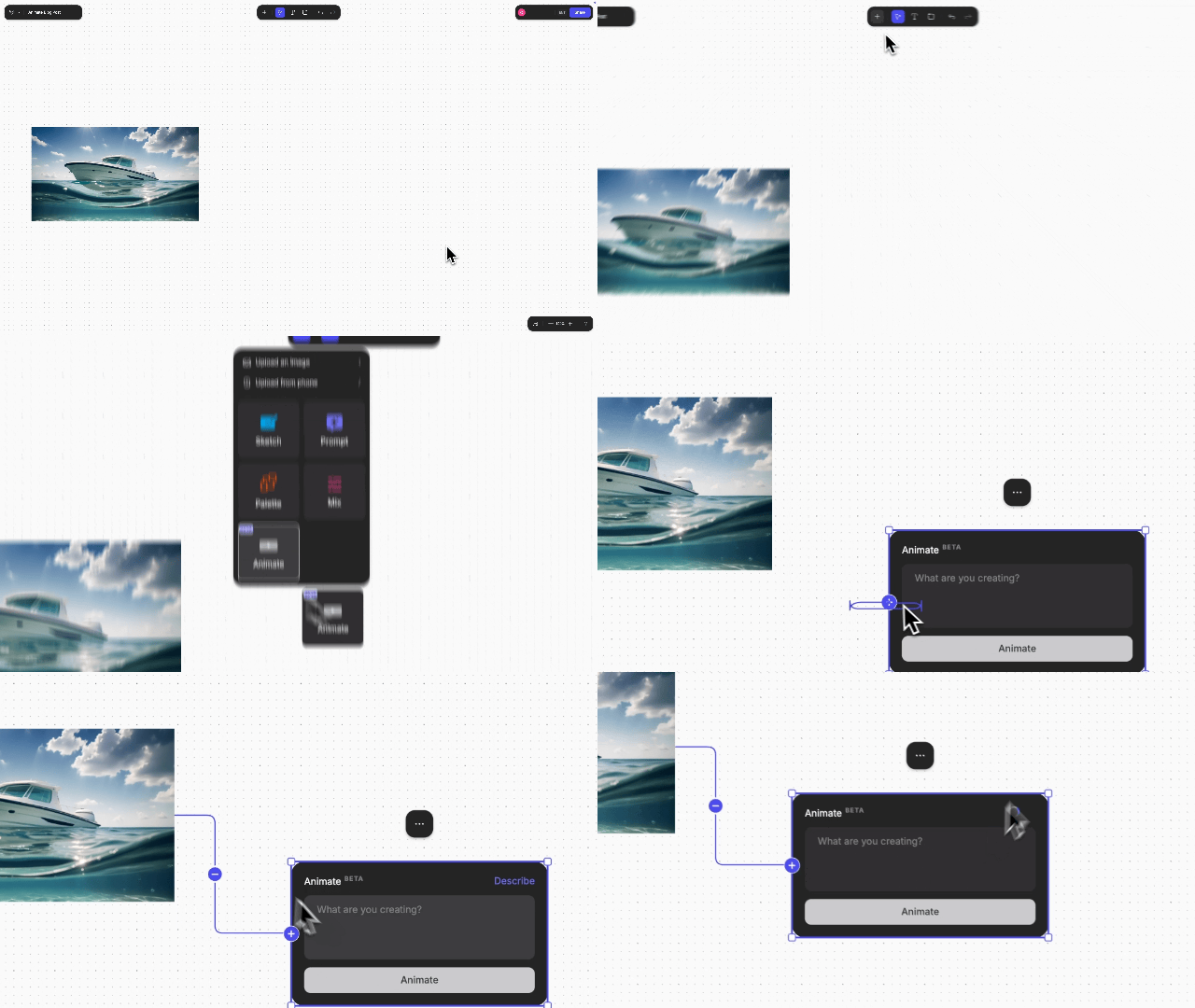
Automotive designers presenting dashboard concepts can animate screen transitions, instrument cluster responses, and control interactions without building functional prototypes. You're showing the complete user experience earlier in the development cycle, when design changes still cost hours instead of months. This matters because stakeholders make better decisions when they can see motion, not just imagine it from static views.
3D Generation Builds Presentation Flexibility
Converting 2D renders to rotatable 3D models changes how you respond to stakeholder questions. When someone asks "what does the back look like?" during a footwear presentation, you're not scrambling to find that specific angle in your slide deck. Make 3D generates textured meshes from 2D renderings; you rotate the model in real-time, showing whatever view the conversation needs.

For industrial design presentations, this means you can explore form language from multiple perspectives without pre-rendering dozens of angles you might never show. Generate your hero angle as a photorealistic render, convert it to 3D, then navigate the form during discussions based on which details stakeholders want to examine. Your presentation adapts to the conversation instead of forcing the conversation to follow your predetermined slide sequence.
AI-Generated Exploded Views Reveal Engineering
Breaking apart complex 3D models to reveal interior components and structural details helps you communicate technical sophistication without drowning stakeholders in specification sheets. AI-driven exploded views let you displace parts and model interior components, revealing structural details that surface renders can't show.
Start with a concept image, generate a base 3D asset, then apply exploded dynamics with controllable prompts to reveal interior components. For automotive presentations showing battery pack installations or footwear designs revealing cushioning systems, exploded views communicate complexity without requiring physical prototypes.
Visual Hierarchy Guides Attention
Human brains notice strong differences in contrast. Use visual hierarchy strategically: direct stakeholder attention with strong contrast to critical decisions rather than fighting for equal emphasis across everything. Cluttered slides with excessive callouts create cognitive overload.
2024 trend analysis shows minimalist design principles communicate concepts through clean lines, basic shapes, and subtle aesthetics. In presentations, this approach reduces mental effort while emphasizing core emotional benefits. The product story emerges through simplicity rather than visual complexity.
Visual Storytelling as Design Practice
Visual storytelling happens during the design process. It shows your thinking while you're still figuring things out. The next time you're presenting to stakeholders, skip the CAD screenshot walkthrough. Show them the explorations that didn't work and why. That's the story that builds confidence in your solution and keeps them from checking their phones.
The rendering bottleneck that once limited how many directions you could visualize no longer needs to constrain your narrative. When you can move from sketch to photorealistic render in seconds instead of hours, you explore more concepts, catch problems earlier, and present stakeholder meetings with the visual depth that wins buy-in.
Ready to build stronger design narratives? Try Vizcom and see how rapid rendering transforms the way you communicate design decisions from initial concept through final presentation.
Explore
Explore more blog posts & resources to get inspired
.webp)
Hatch Duo is a design studio based in San Jose built around a simple premise: great products hatch when two forces meet, your insight and their execution. Hatch's focus sits squarely in consumer packaged goods. For their latest collaboration with Vizcom, industrial designer Alec Comido wanted to see what he could design in one hour.

Explore color and material variations part-by-part without leaving Vizcom.


Frequently asked questions
Yes of course! Our starter plan is completely free, no credit card required. This is a great plan to explore vizcom with.
We accept all major credit and debit cards.
Admins (paid) – can edit files, manage workspace settings, billing, teams, and invite members. Editors (paid) – can edit files but not manage settings, billing, or teams. Viewers (free) – can only view files in read-only mode.
Team billing is handled centrally by the Admin. All paid seats, whether Admins or Editors, are included in a single invoice under the same billing cycle, while Viewers remain free and do not affect the cost.
Yes, you can. An Admin can update the plan in the billing settings, and the switch will take effect on the next billing cycle at the annual rate.
Yes, you own everything you create in Vizcom. For free users, while Vizcom may use generated images to improve its services, it does not claim ownership of your designs, concepts, or original ideas—you keep full rights to them. For paid users, your images and designs remain entirely private and are only used to deliver the service. Every design, concept, and image you create or upload is fully yours and kept confidential.
Vizcom does not use your data to train AI models if you’re on a paid plan. Everything you create stays private and is only used to provide the service. Free users may have their generated images included to help improve Vizcom’s services, but even then, Vizcom does not claim ownership of your designs, concepts, or original ideas—you retain full rights.