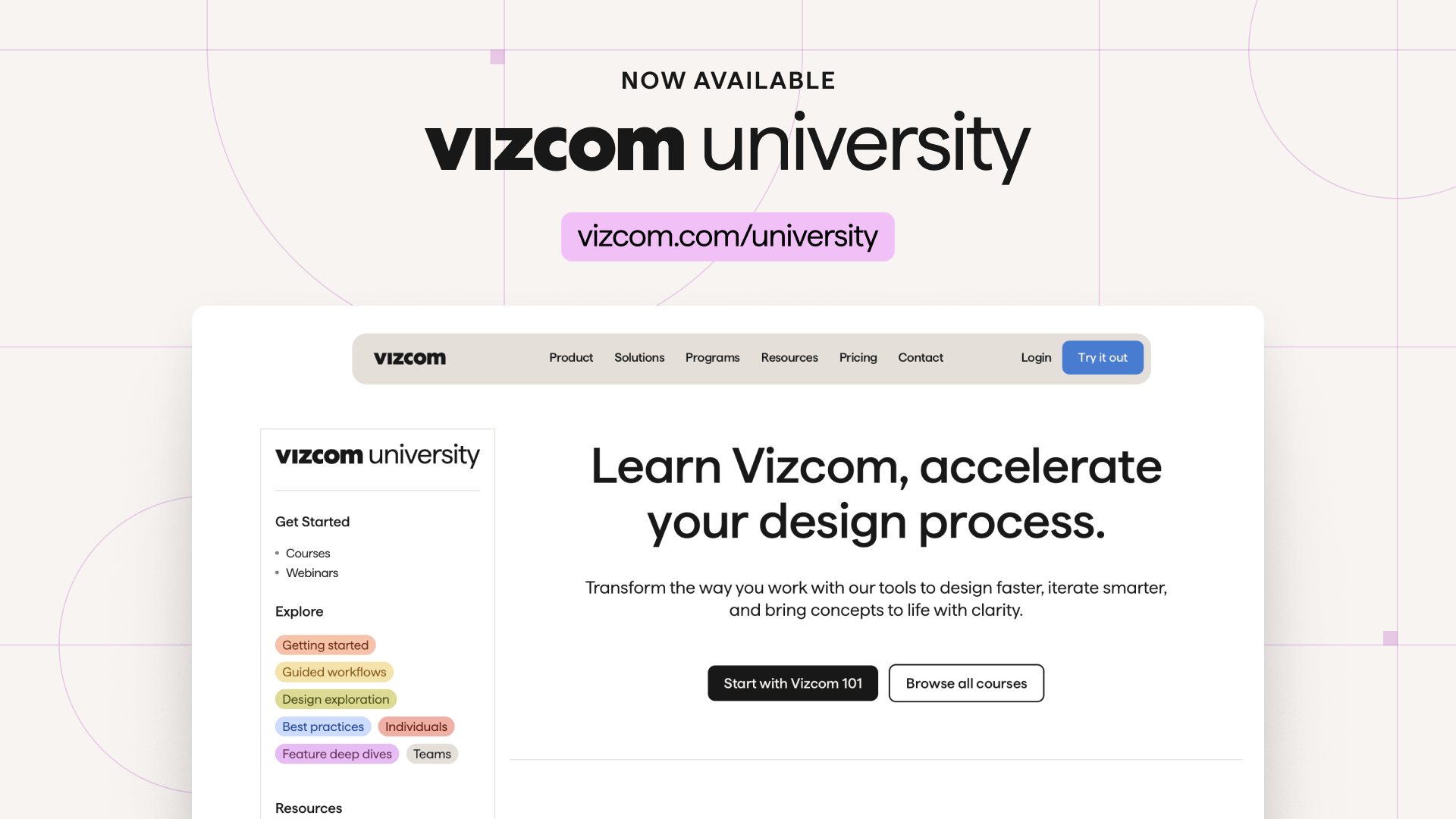
Introducing Vizcom University
Vizcom University is Vizcom’s new free learning platform designed to help designers and teams get started faster and build confidence using AI-powered design tools. Featuring Vizcom 101, a foundational course for new users, along with guided workflows and in-product learning experiences, Vizcom University shows how Vizcom fits seamlessly into modern design workflows.

Learning Vizcom should feel approachable, whether you’re brand new or exploring how it fits into your design process.
Today, we’re excited to launch Vizcom University, our free learning platform built to help designers and teams get started in Vizcom faster and with confidence. Alongside it, we’re also introducing Vizcom 101, a foundational course designed to help you get the most out of Vizcom from day one.
You’ll also find example files directly in Vizcom’s in-product Learn page, where you can explore specific features and follow example workflows step by step, right when you need them
More ways to get started with Vizcom
As the design process continues to evolve with AI, new ways of exploring, iterating, and communicating ideas are also emerging. But understanding how these tools fit into an existing workflow can feel overwhelming.
Vizcom University makes learning Vizcom accessible and practical, so it can be implemented naturally into how you already work.
Rather than focusing on features alone, Vizcom University helps you understand how Vizcom supports modern design workflows, how to use AI as a creative partner, and how to move from concept to polished, high-quality visual concepts more efficiently.
Whether you’re evaluating Vizcom for the first time or rolling it out across a team, Vizcom University is designed to help you get up to speed quickly and create with clarity and confidence.
Start Learning with Vizcom
If you’re just getting started, Vizcom 101 is the best place to begin — our foundational course designed to help you get the most out of Vizcom quickly and confidently.
You can also dive deeper directly into the product through example files on Vizcom’s Learn page, where you can explore specific features step by step in real workflows.
Vizcom University will continue to expand with new lessons, courses, webinars, and workflows as Vizcom’s tools and capabilities evolve.
Available now — for all users, existing and new!
Whether you’re new to Vizcom, evaluating how it fits into your design process, or already using it day to day, Vizcom University is here to support how you learn and create.
Explore Vizcom University
Start Vizcom 101
Explore in product example files
Explore
Explore more blog posts & resources to get inspired

430 submissions. 30 finalists. 3 designs headed off to be printed. Here's how a global community of designers reimagined the mule.

Kai Bettermann took the oldest clock there is, built the sun into it, and found out with a ring light before he found out with a render.
.jpg)
-cover.jpg)
Frequently asked questions
Yes of course! Our starter plan is completely free, no credit card required. This is a great plan to explore vizcom with.
We accept all major credit and debit cards.
Admins (paid) – can edit files, manage workspace settings, billing, teams, and invite members. Editors (paid) – can edit files but not manage settings, billing, or teams. Viewers (free) – can only view files in read-only mode.
Team billing is handled centrally by the Admin. All paid seats, whether Admins or Editors, are included in a single invoice under the same billing cycle, while Viewers remain free and do not affect the cost.
Yes, you can. An Admin can update the plan in the billing settings, and the switch will take effect on the next billing cycle at the annual rate.
Yes, you own everything you create in Vizcom. For free users, while Vizcom may use generated images to improve its services, it does not claim ownership of your designs, concepts, or original ideas—you keep full rights to them. For paid users, your images and designs remain entirely private and are only used to deliver the service. Every design, concept, and image you create or upload is fully yours and kept confidential.
Vizcom does not use your data to train AI models if you’re on a paid plan. Everything you create stays private and is only used to provide the service. Free users may have their generated images included to help improve Vizcom’s services, but even then, Vizcom does not claim ownership of your designs, concepts, or original ideas—you retain full rights.