VIZCOM BLOG
Design insights, product updates & community stories
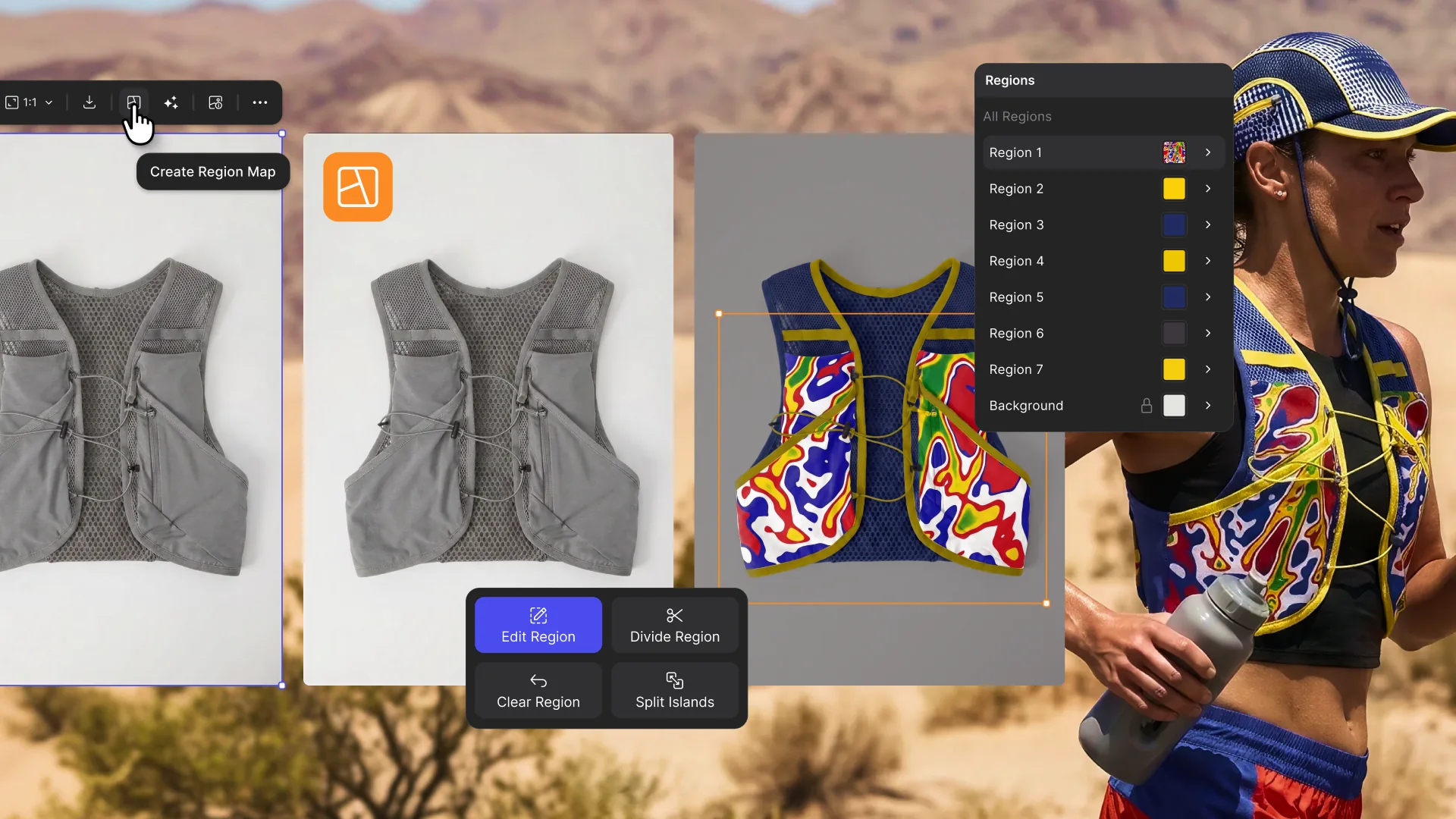
From single render to complete colorway with Region Maps
Explore color and material variations part-by-part without leaving Vizcom.

Bring Your Own Sun
Kai Bettermann took the oldest clock there is, built the sun into it, and found out with a ring light before he found out with a render.

Just Add a Guy With a Beard
Gentle Monster would never make these. But they should. The frames were done in an afternoon. Jaren Dorman's wall was everything around them.
The Yoga Mat That Actually Fits in Your Bag
Design student Tara Harcombe used origami engineering and Vizcom to redesign the yoga mat around a problem every practitioner knows: it doesn't fit in your bag.

.jpg)
-cover.jpg)

Design lock is the formal milestone where specifications are finalized using progressive, hierarchical freeze strategies rather than locking everything at once. Effective implementation requires mapping freeze hierarchies, setting clear readiness gates, building time buffers, and implementing design chill phases before full freeze.
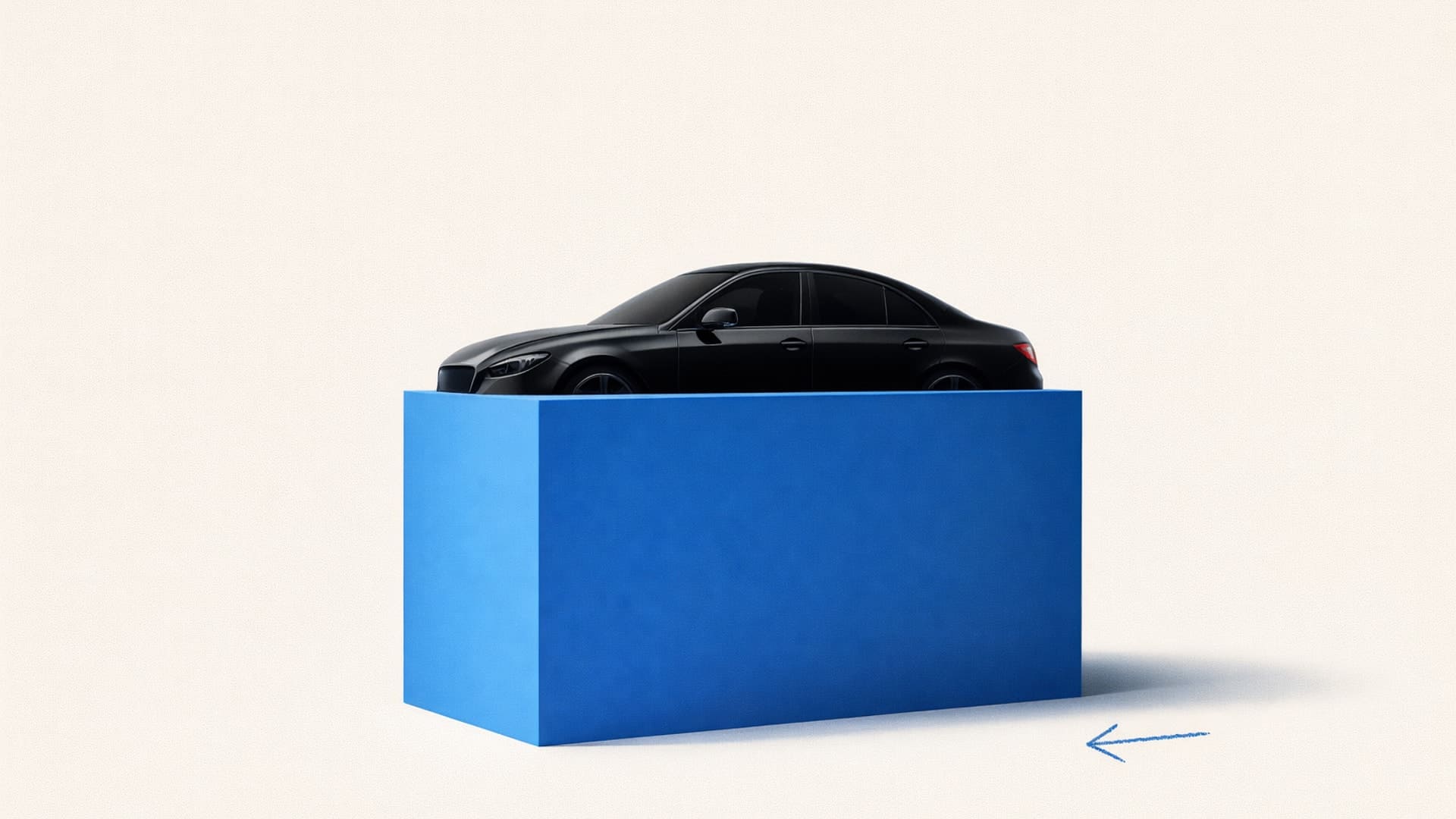
Discover how modern car design studios use 3D tools to go from concept phase to final product.
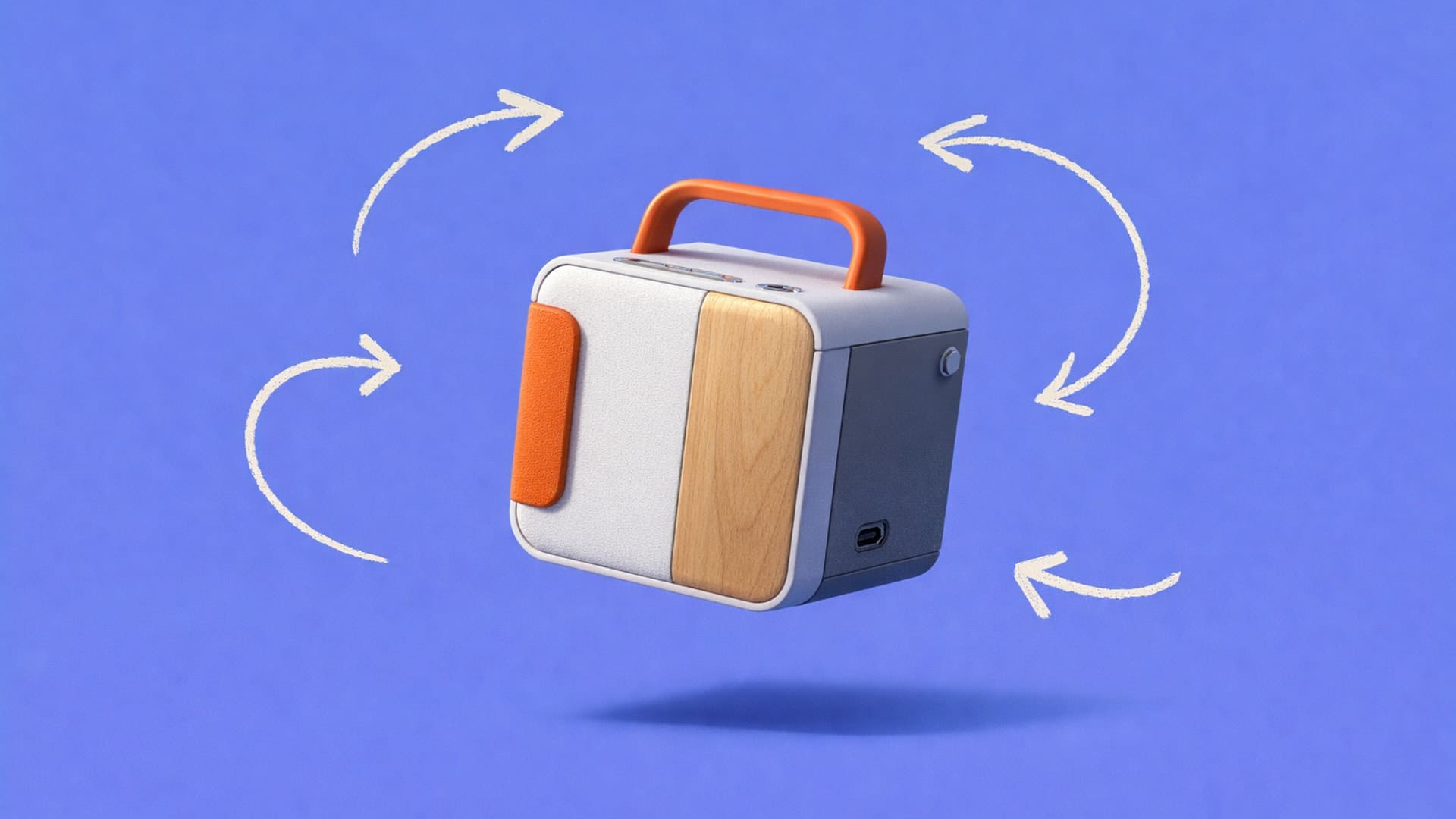
AI rendering eliminates the traditional bottleneck where designers sketch hundreds of concepts but can only render a fraction, enabling exploration of 50-100+ variations in the same timeline. The article showcases real workflows across footwear, furniture, automotive, and apparel design, demonstrating how AI accelerates visualization without replacing design judgment.

Design storytelling communicates reasoning behind design decisions through visual narrative, showing iteration cycles and problem-solving processes rather than just finished CAD models. Tools like Vizcom's rapid rendering, animation, and 3D generation features enable designers to build stronger narratives by visualizing more concepts and responding dynamically to stakeholder questions.
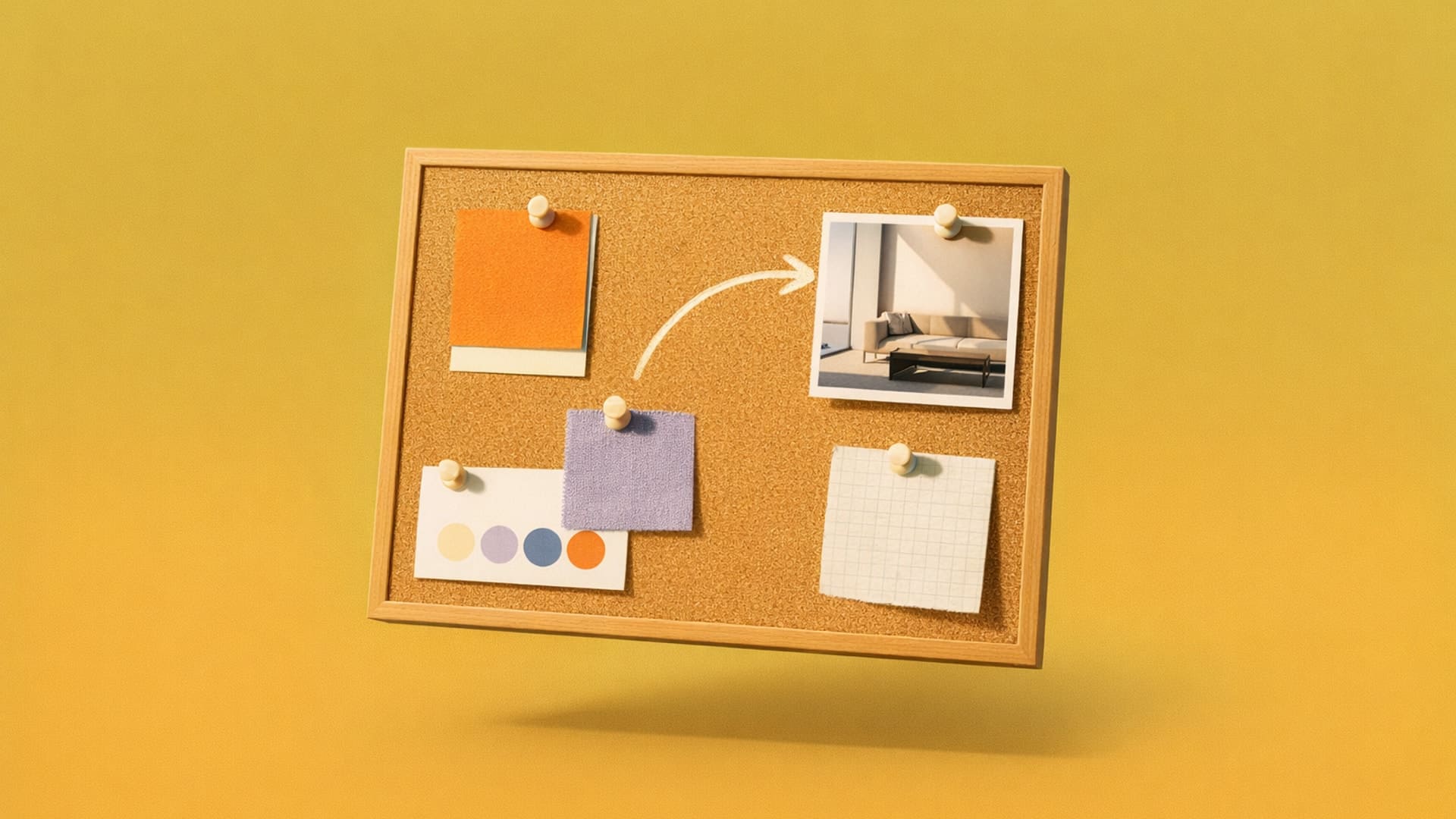
Learn professional mood board creation techniques that guide concept sketches and prevent unfocused design iterations. Essential workflow for designers.
.jpg)
Learn the 5 stages of the iterative design process and how repeated cycles of prototyping, testing, and refinement lead to better products.
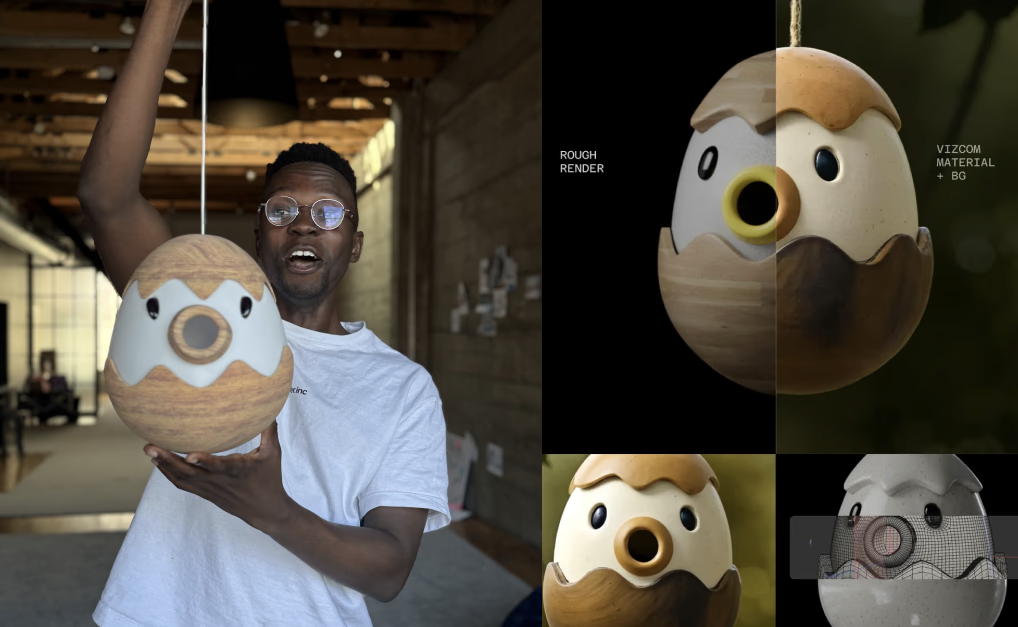
Vizcom partnered with Render Weekly for a global design challenge reimagining the birdhouse, receiving hundreds of creative submissions. Five winning designs—including Germain Verbrackel's "DUCKHOUSE" and Edwin Tanu's "KASA"—were brought to life by Womp as physical prototypes.
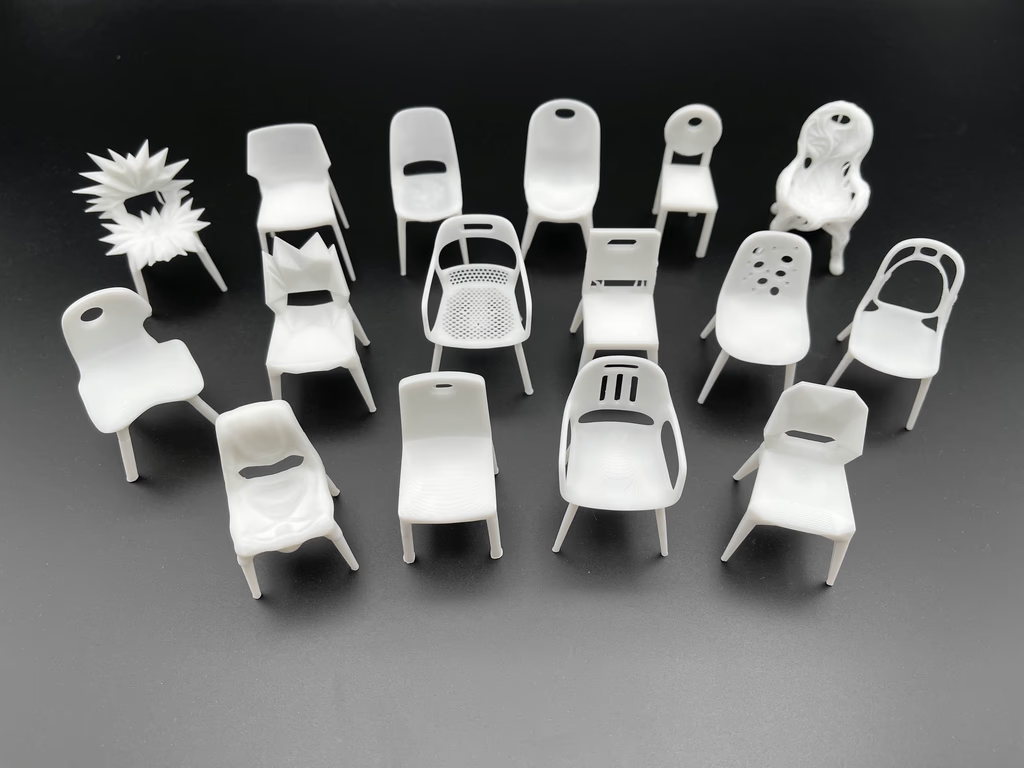
Educator Claas Kuhnen documented an experimental workflow using Vizcom to transform a basic chair into dozens of variations, treating it like a character with different emotions and forms. Using multi-view 3D, Live Render, and Modify features, he moved from photos to expressive forms to 3D-printed prototypes entirely within Vizcom.
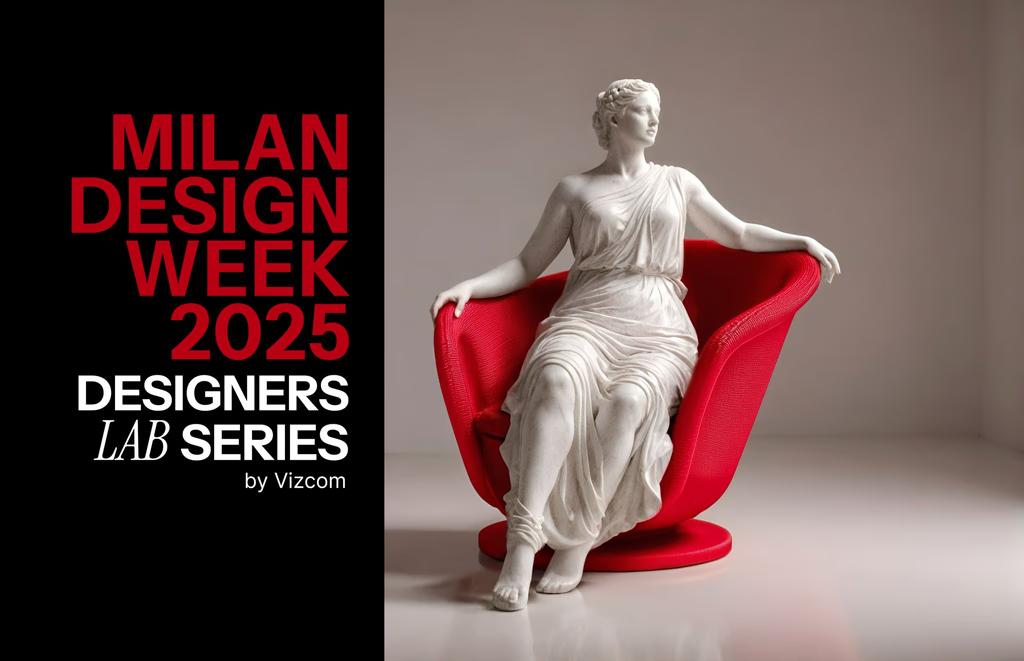
Vizcom partnered with Decibel for a global design challenge at Milan Design Week, bringing winning chair concepts to life through robotic 3D printing from over 200 submissions. The winners included Deniz Aktay's "Crystal," Go Kul's "REVERIE," and Sascha Sartory's "Kokoko," showcased at the Alcova SNIA installation.
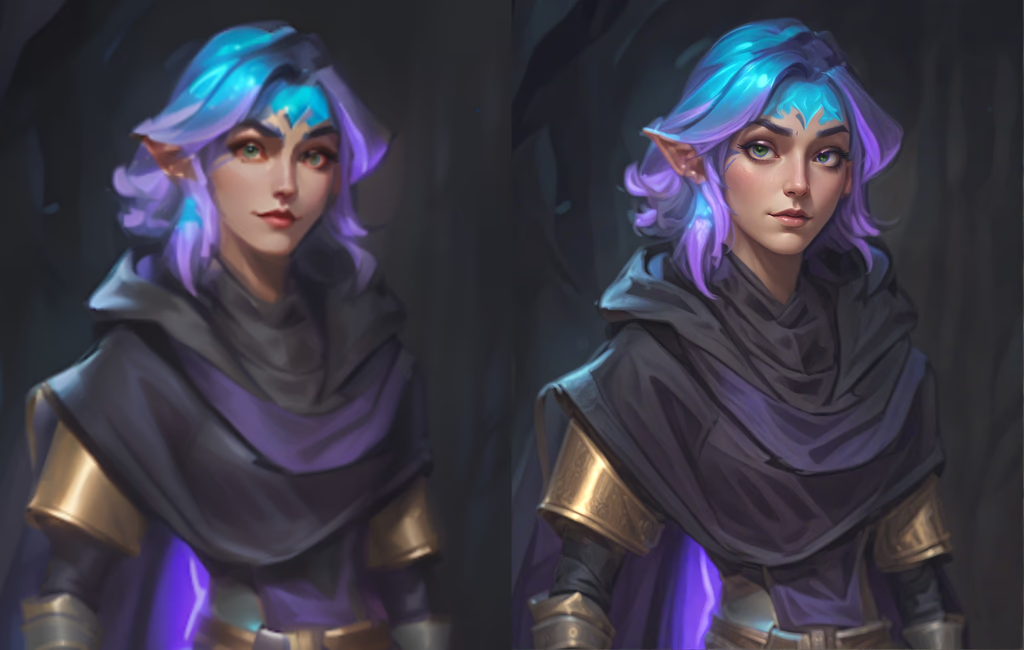
Vizcom's major update includes Enhance, updated Palettes, Color Match, Color Transfer, Magic Erase, Remove Background, Layer Groups, and Sections. These features unlock new workflows including in-context rendering, tech pack visualization, presentation-ready visuals, and better organization.
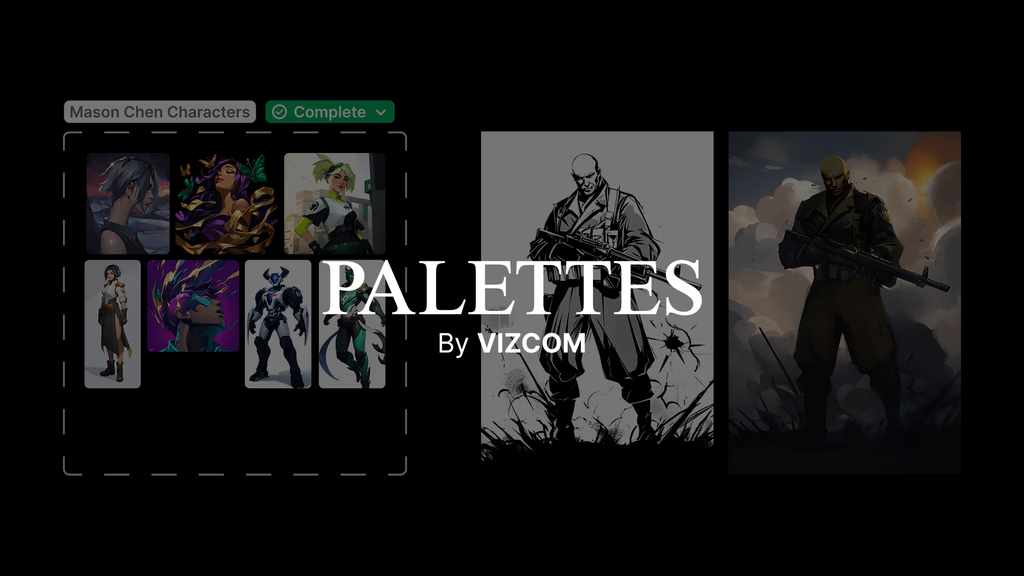
Palettes allow designers to train a private AI model on their unique style, ensuring every concept reflects their aesthetic and creative identity. By curating 4-30 images and training the model in minutes, designers can render sketches with consistent brand-accurate outputs.
Vizcom hosted Viztober, a month-long design challenge with 31 unique prompts that inspired incredible creativity from the community. The article highlights favorite submissions across various categories including automotive, footwear, interiors, and medieval themes, thanking participants for their passion.
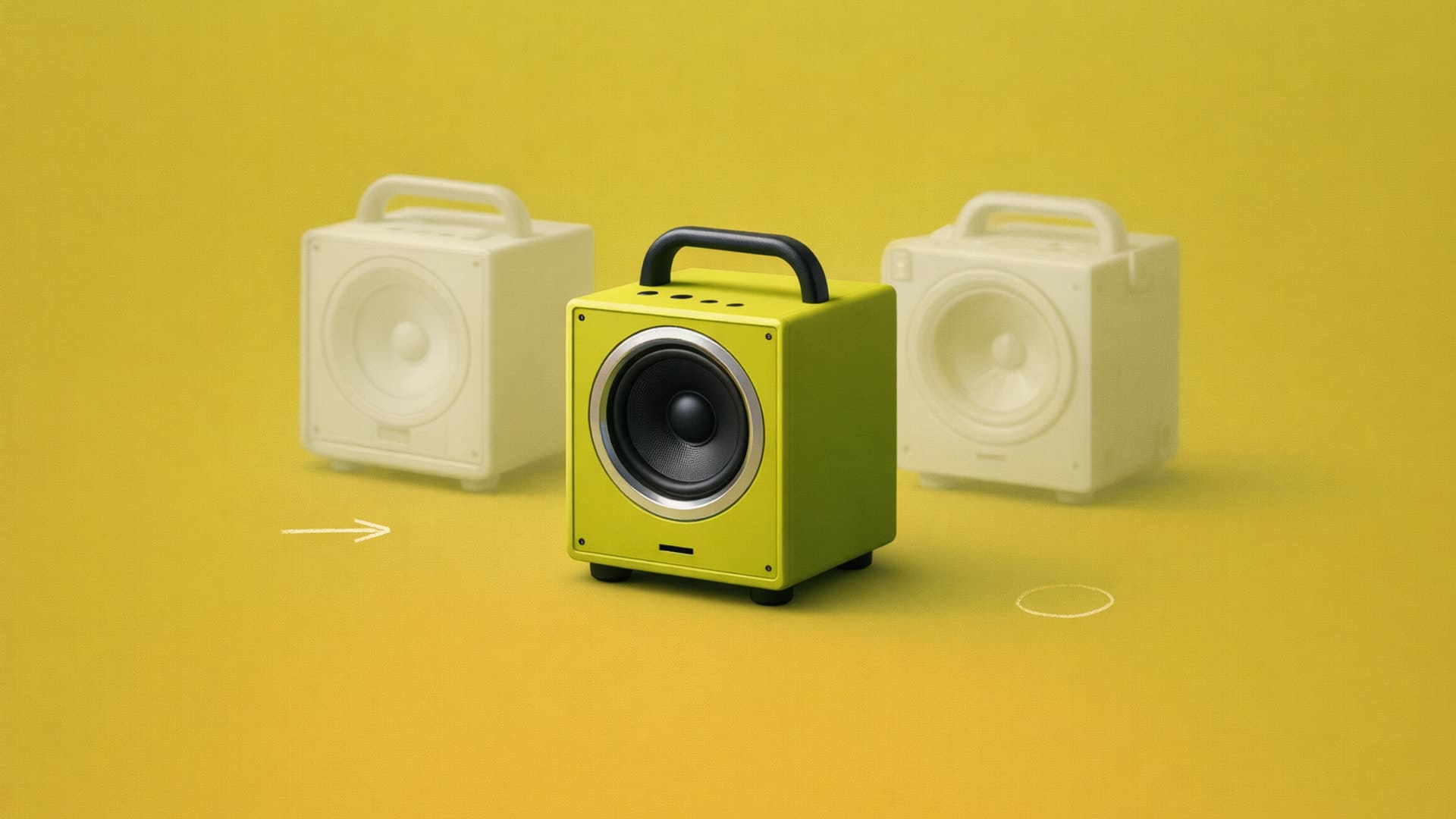
Rapid prototyping is the practice of quickly creating models to test and validate design decisions through iterative build-test-refine cycles before committing to production. Visual prototyping (sketches to renderings) and physical prototyping (3D prints to working models) work together to answer different questions at different stages of development.

Conceptual rendering creates quick visualizations to evaluate sketches before detailed CAD work, prioritizing speed and clarity over polish to help designers make better decisions. AI-powered tools like Vizcom compress rendering time from hours to seconds, enabling designers to explore 50-100+ variations instead of just 20-40.