.avif)
Hold Your Ideas: Anshuman’s Bloom Lamp
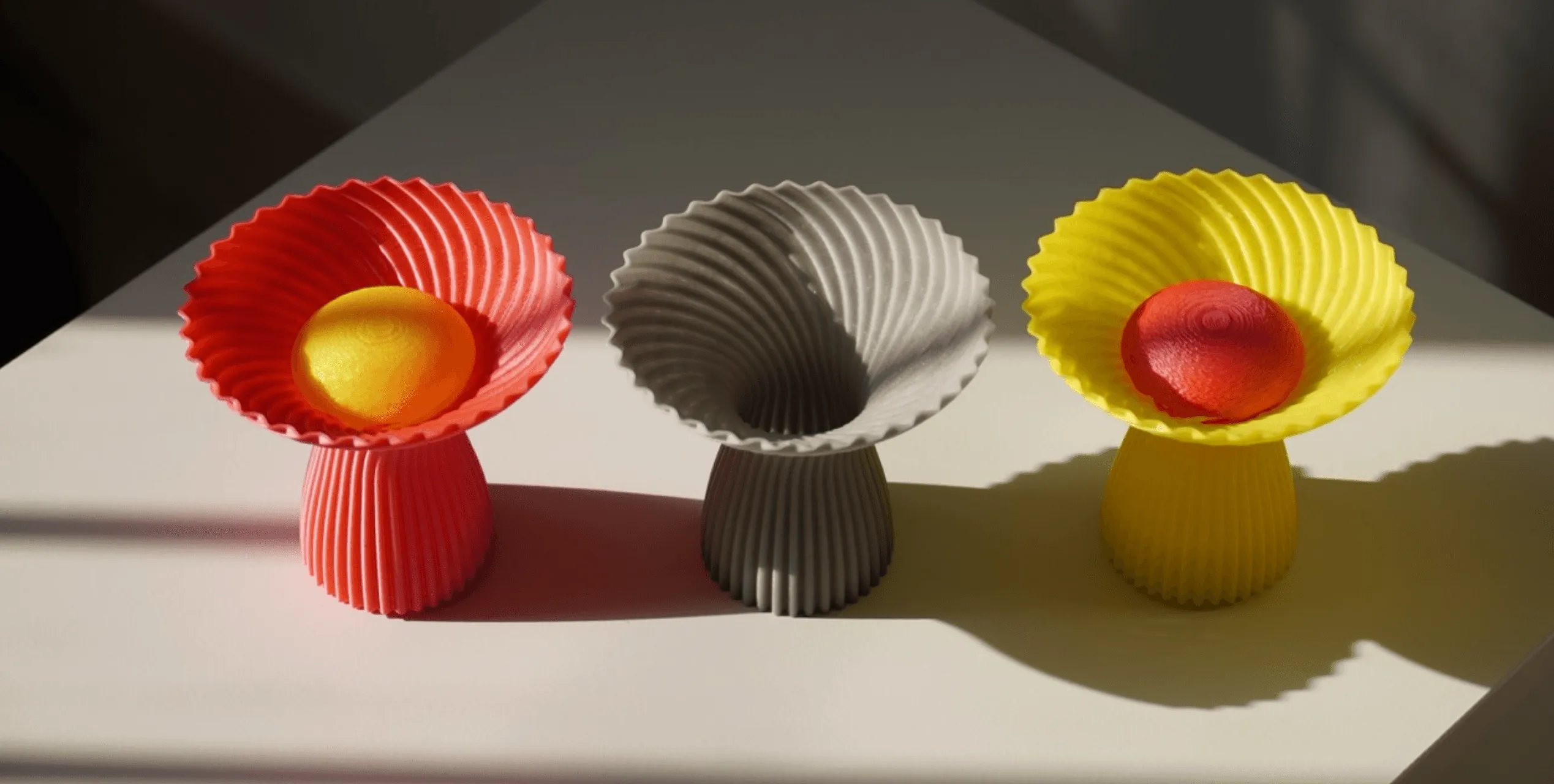
Bloom is a 3D-printed lamp series by Anshuman Kumar that draws inspiration from the organic act of blooming, blending spiral growth with digital fabrication to create a calm, wire-free light. This spotlight follows his process—from hand intent to rapid iteration in Vizcom—and how speed, serendipity, and making helped refine the design from screen to object.

The spark
The Bloom series began as a distillation of a larger piece Anshuman called Shroom, refined into a portable format. The guiding metaphor is simple and strong: blooming. He was drawn to the upward spiral of petals reaching for light and to the rhythmic growth of a 3D print building layer by layer. Organic and mechanical motions fused into one design language of layered, spiraling growth from base to tip.
“Watching the filament spiral upward mirrored the organic growth of a flower.”

Intent: mood, function, and material
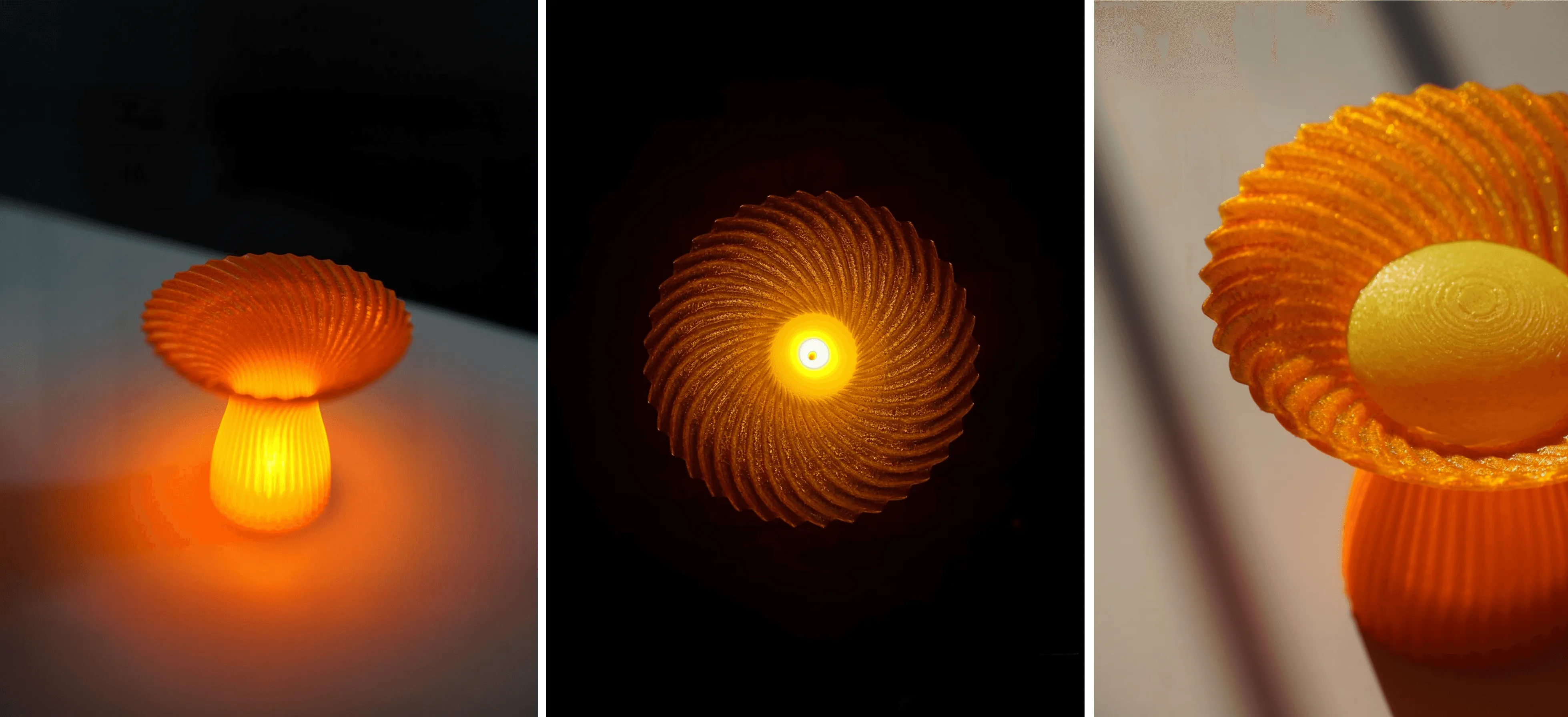
Bloom solves a small daily need: a warm, wire-free light for a desk or coffee table. The primary driver is mood. Translucent bio-plastic and a canopy-like geometry soften and diffuse light to create a gentle glow that feels calm and intentional.
References and feasibility
Anshuman worked from both imagination and constraints. 3D printing enabled thin fluted surfaces and complex spiral ridges that would be costly or impractical with traditional methods, while physical references from existing products grounded feasibility.
Vizcom in the loop
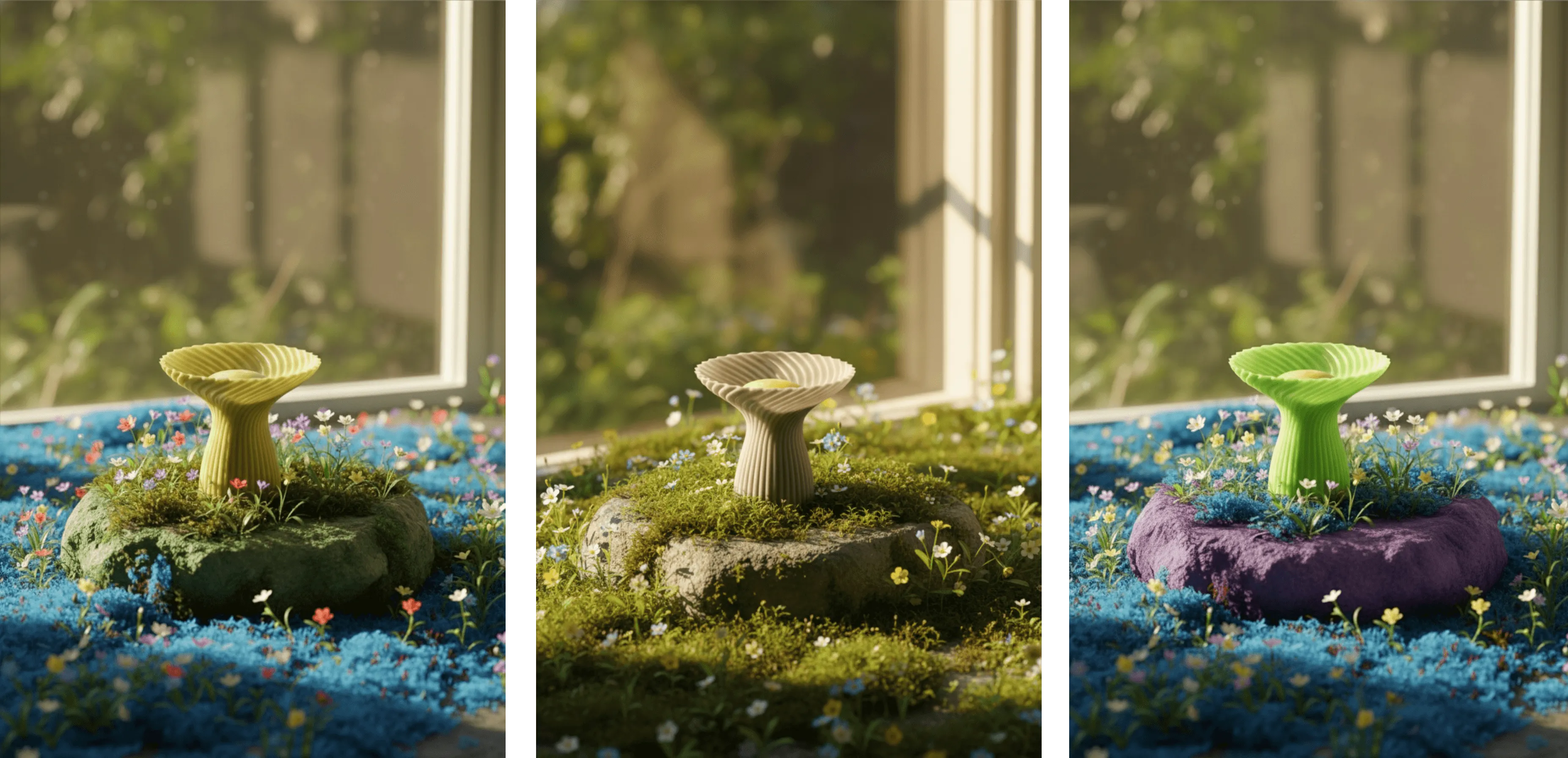
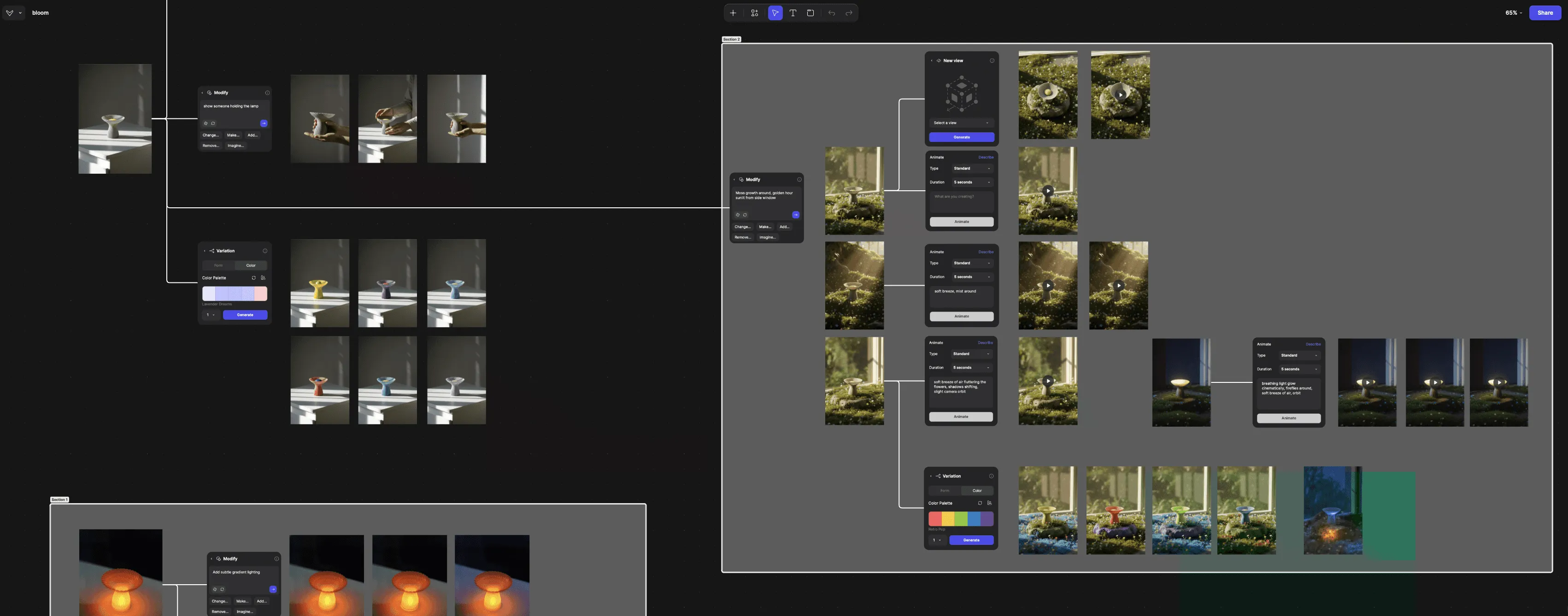
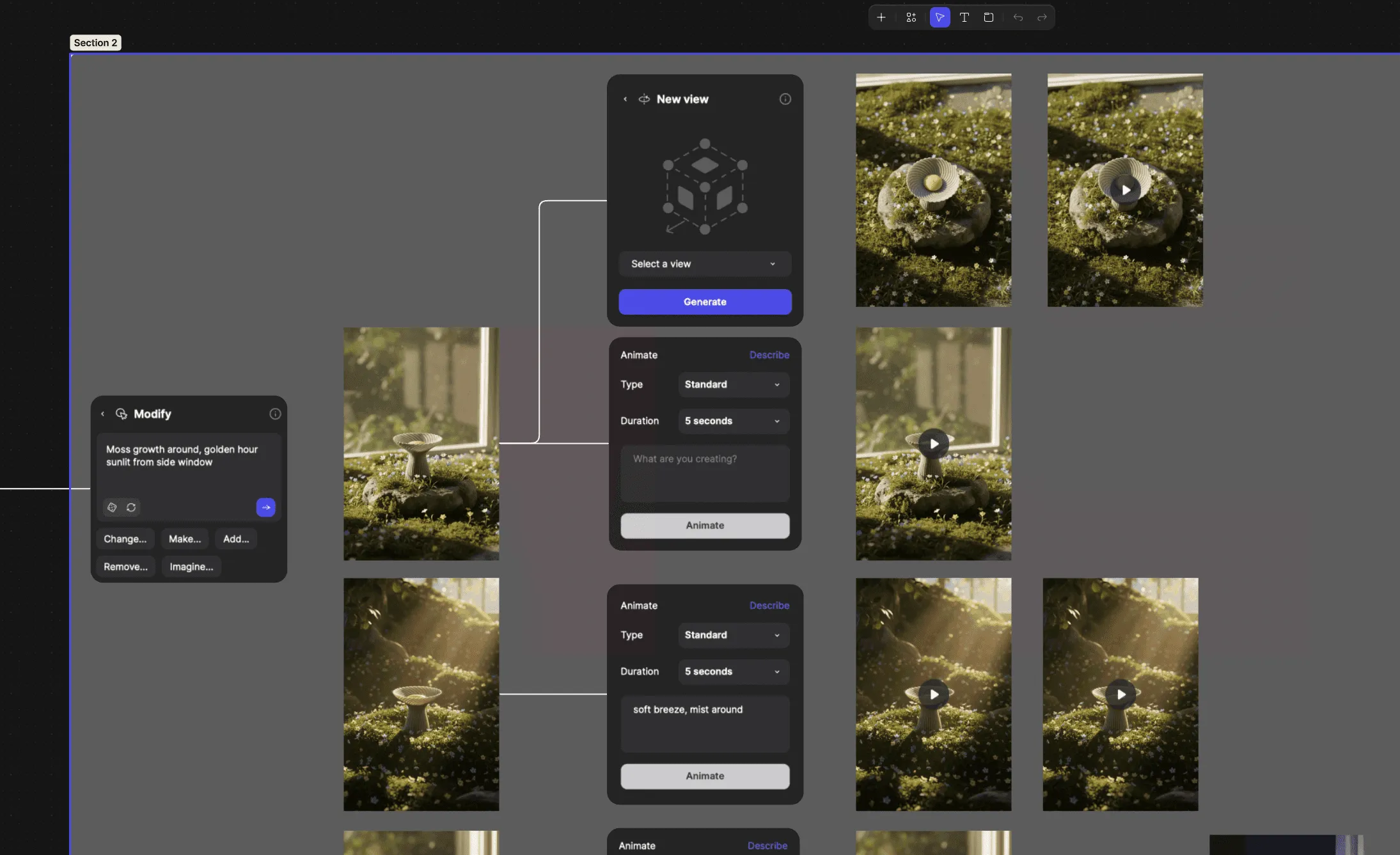
For Anshuman, Vizcom acts like an accelerant to a designer’s instincts, opening many directions in a fraction of the usual time. When constraints are clear, he starts by hand to lock intent, then moves digital. When exploration is wide open, he jumps straight into Vizcom to seed and iterate ideas quickly.
“Vizcom feels like a magical accelerant for ideation.”
Serendipity and iteration
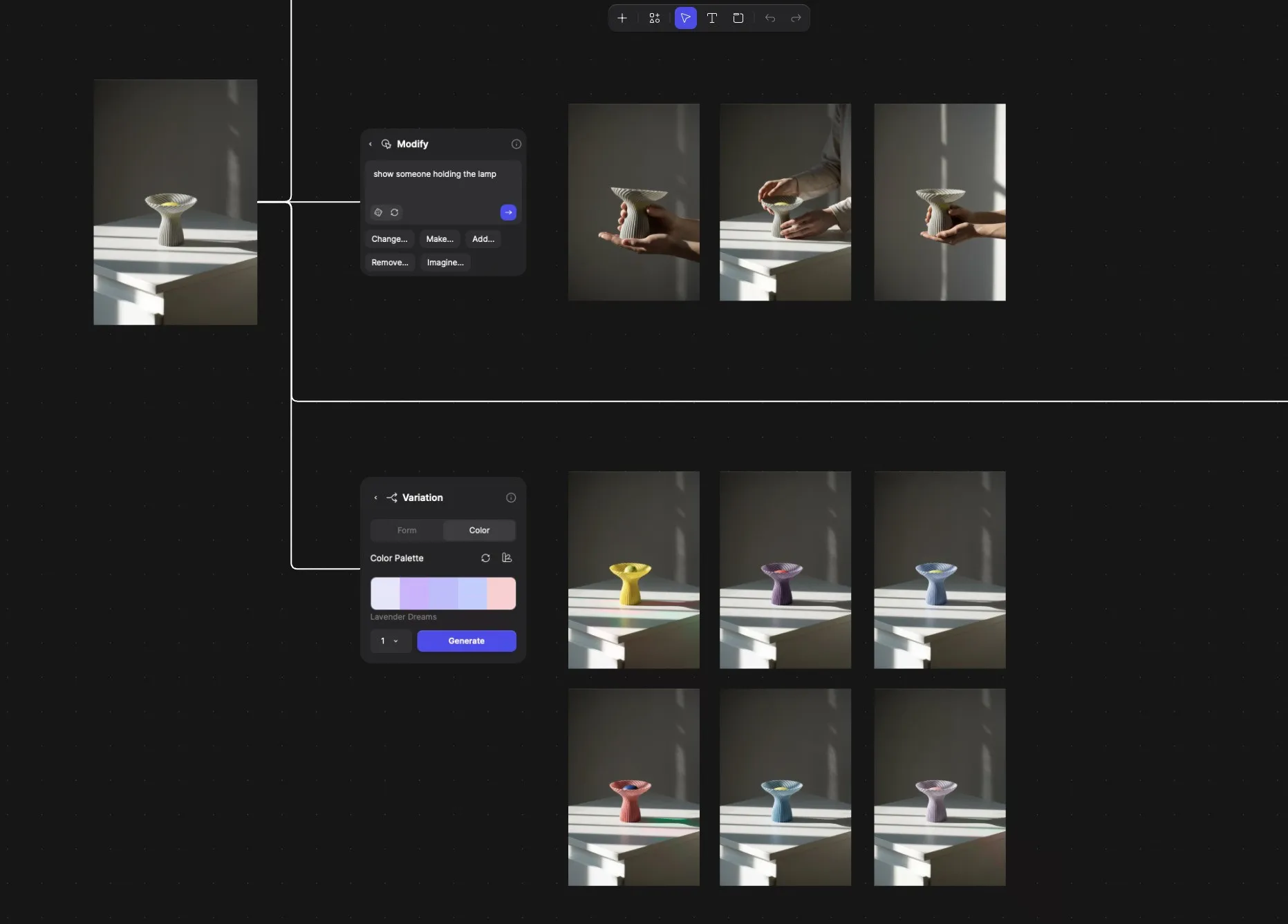
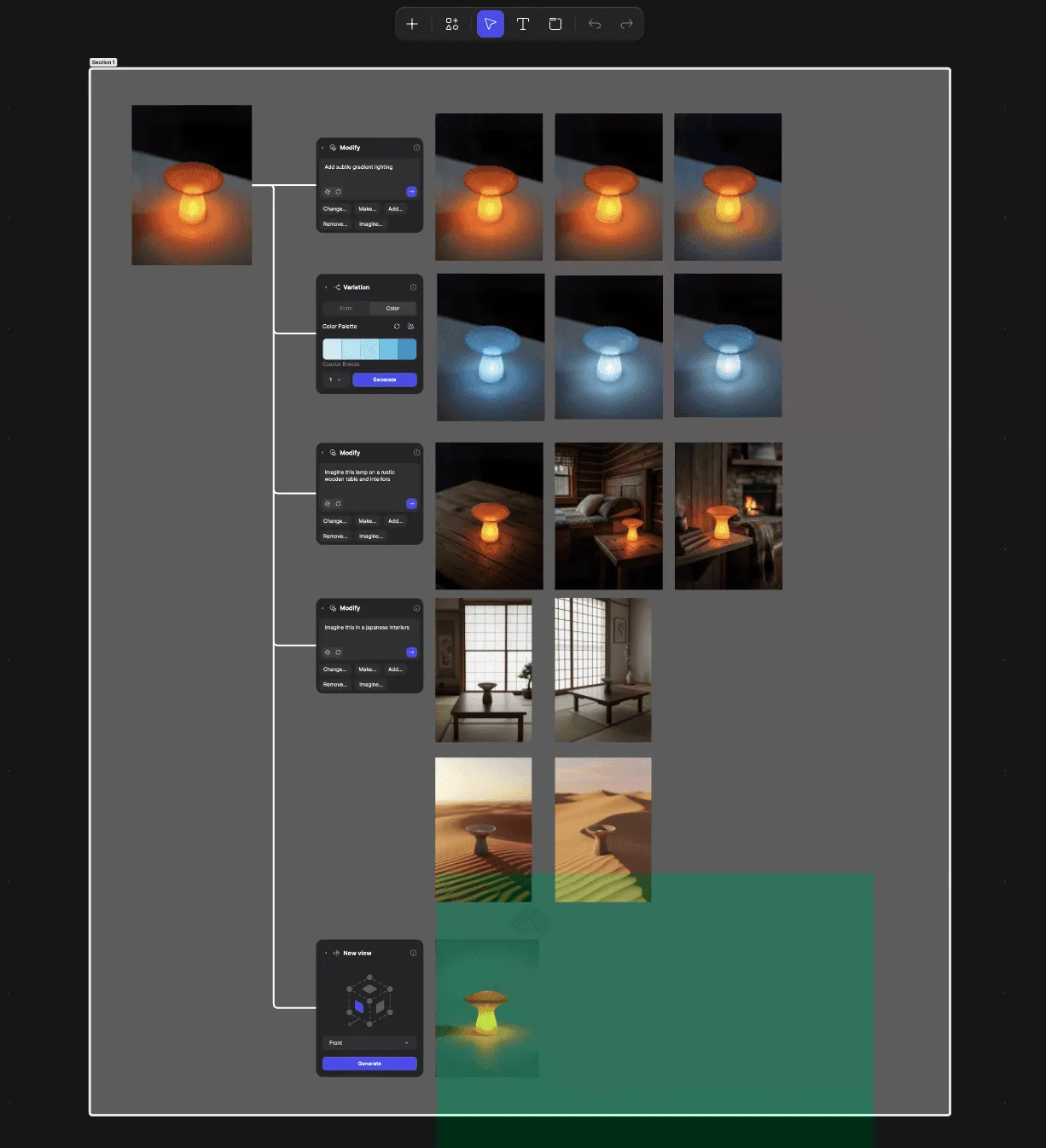
Happy accidents matter. Quick visual experiments revealed unexpected details that enriched the final form. New Vizcom features like Modify and Variate became go-to tools for rapid changes without losing the core direction.
From screen to object
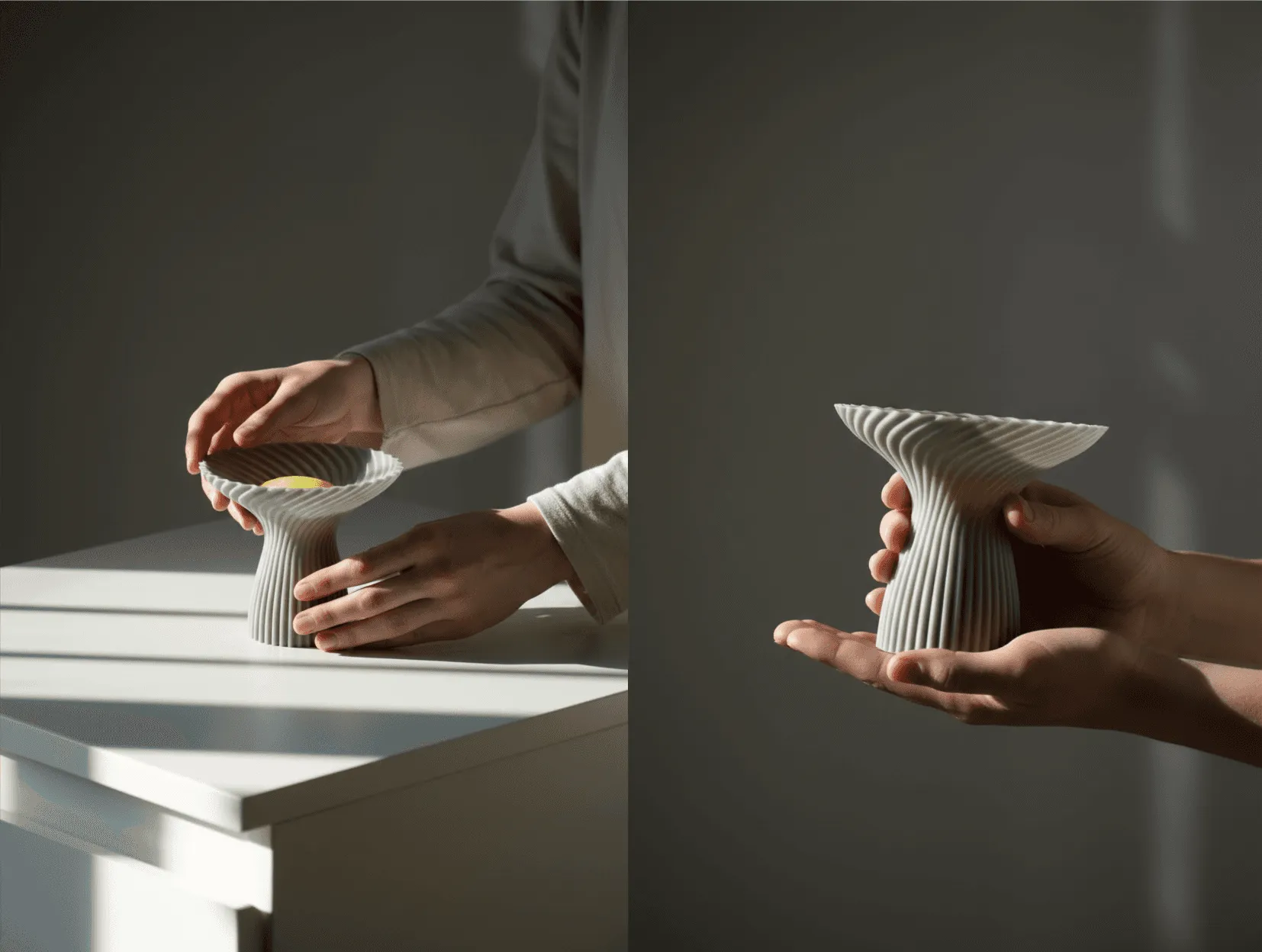
The boundary between digital and physical is dissolving. Designers can ideate, visualize, and convert concepts into 3D-ready files in a single flow, then realize them with digital manufacturing like 3D printing. For Bloom, that meant moving from spiral studies on screen to layered flutes you can touch.
What changes when you can hold it
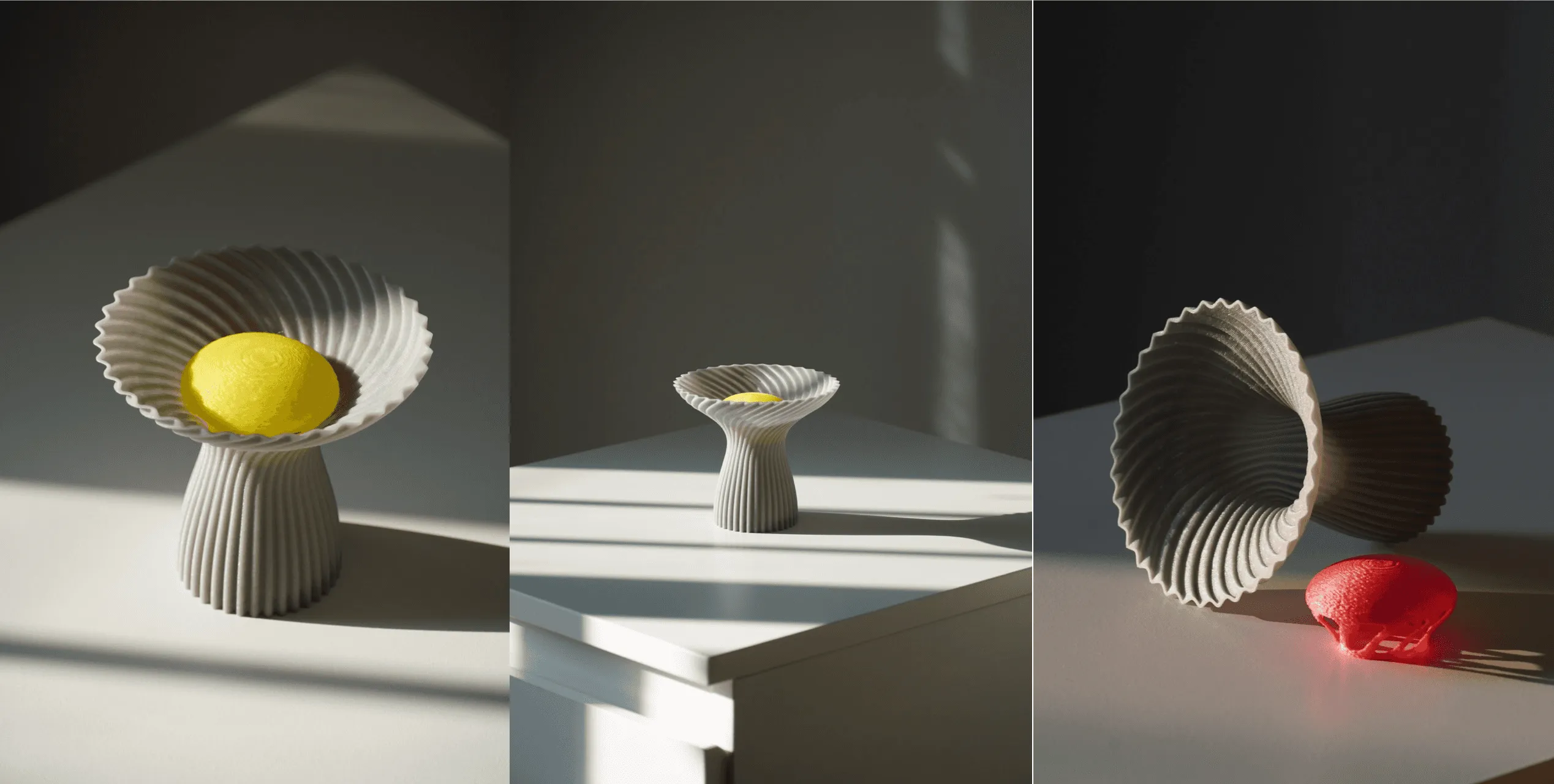
Seeing the lamp at scale sharpened decisions about rim thickness, flute depth, and translucency. Subtle tweaks to proportions improved how the canopy catches and softens light. (Show before-after stills or a GIF flipping between iterations.)
Notes to fellow designers
Anshuman’s advice: use speed to your advantage. Combine GenAI tools like Vizcom with hands-on making to fail fast, validate early, and scale only what works. Stay curious and empathetic, and let the people you serve guide tool, material, and process choices
“Small, focused experiments beat big bets made too late.”
Design: Anshuman Kumar — [anshumankr.com] and @anshuman_design.labs
Visualization: Vizcom
Fabrication: 3D printed in translucent bio-plastic
Photography: Anshuman
Want to try your hand at reimaging what’s possible?
Try Vizcom for Yourself →
Explore
Explore more blog posts & resources to get inspired
.webp)
Hatch Duo is a design studio based in San Jose built around a simple premise: great products hatch when two forces meet, your insight and their execution. Hatch's focus sits squarely in consumer packaged goods. For their latest collaboration with Vizcom, industrial designer Alec Comido wanted to see what he could design in one hour.

Explore color and material variations part-by-part without leaving Vizcom.


Frequently asked questions
Yes of course! Our starter plan is completely free, no credit card required. This is a great plan to explore vizcom with.
We accept all major credit and debit cards.
Admins (paid) – can edit files, manage workspace settings, billing, teams, and invite members. Editors (paid) – can edit files but not manage settings, billing, or teams. Viewers (free) – can only view files in read-only mode.
Team billing is handled centrally by the Admin. All paid seats, whether Admins or Editors, are included in a single invoice under the same billing cycle, while Viewers remain free and do not affect the cost.
Yes, you can. An Admin can update the plan in the billing settings, and the switch will take effect on the next billing cycle at the annual rate.
Yes, you own everything you create in Vizcom. For free users, while Vizcom may use generated images to improve its services, it does not claim ownership of your designs, concepts, or original ideas—you keep full rights to them. For paid users, your images and designs remain entirely private and are only used to deliver the service. Every design, concept, and image you create or upload is fully yours and kept confidential.
Vizcom does not use your data to train AI models if you’re on a paid plan. Everything you create stays private and is only used to provide the service. Free users may have their generated images included to help improve Vizcom’s services, but even then, Vizcom does not claim ownership of your designs, concepts, or original ideas—you retain full rights.