Creative Interface
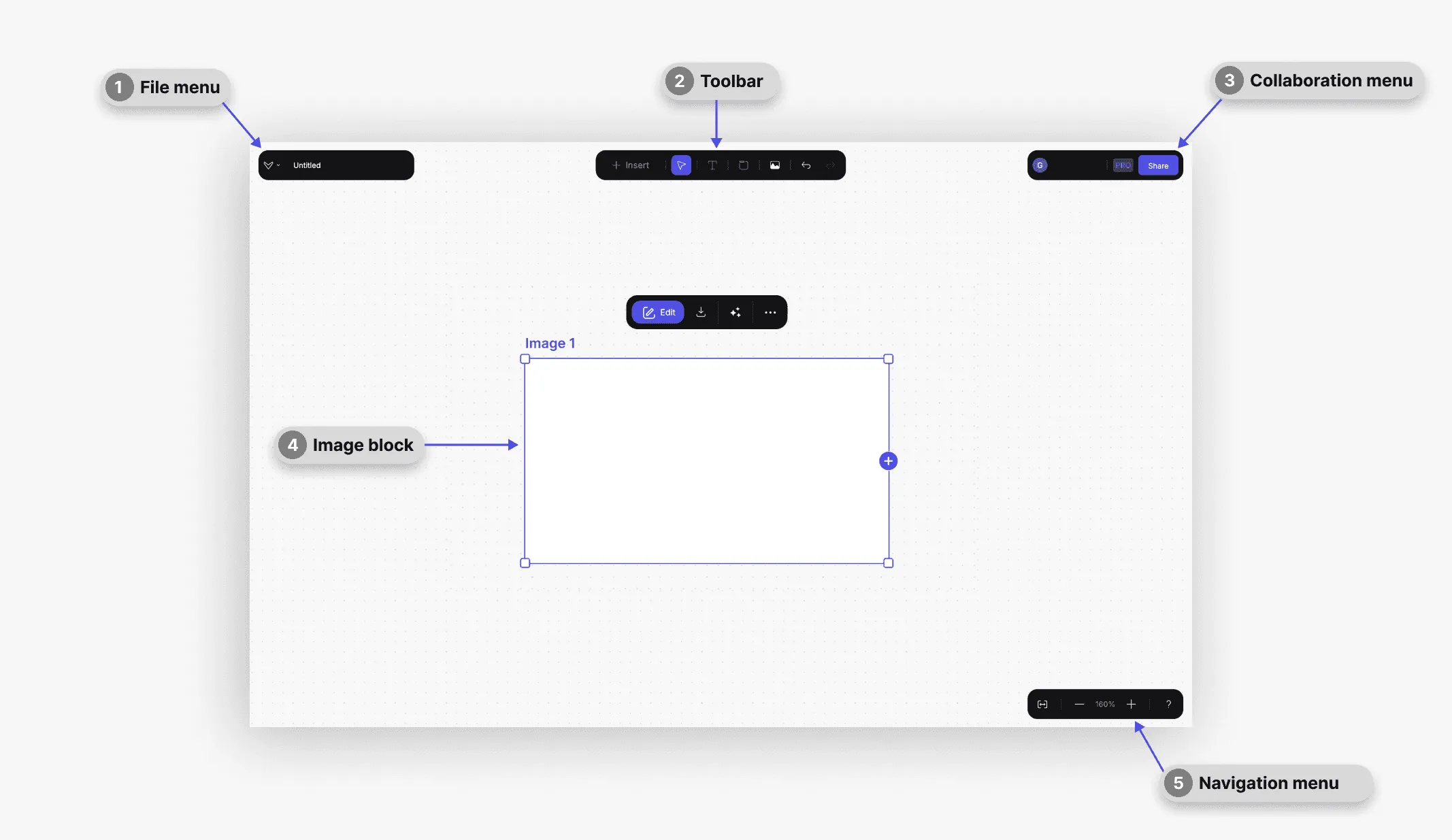
There are 2 main creative interfaces in Vizcom. One is the more focused drawing view(Brush studio), the other is the high level, infinite canvas view (Workbench)
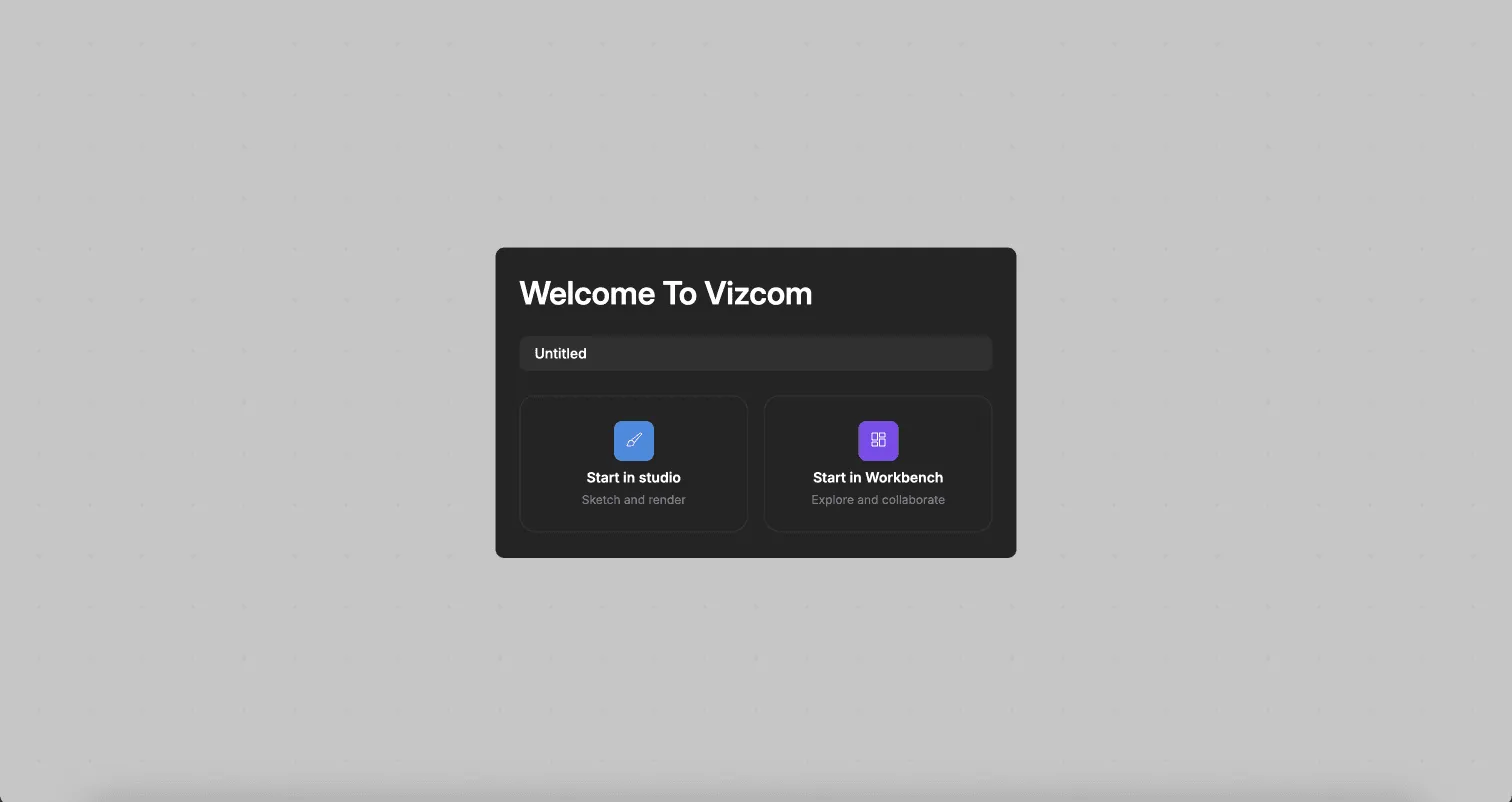
- Studio interface
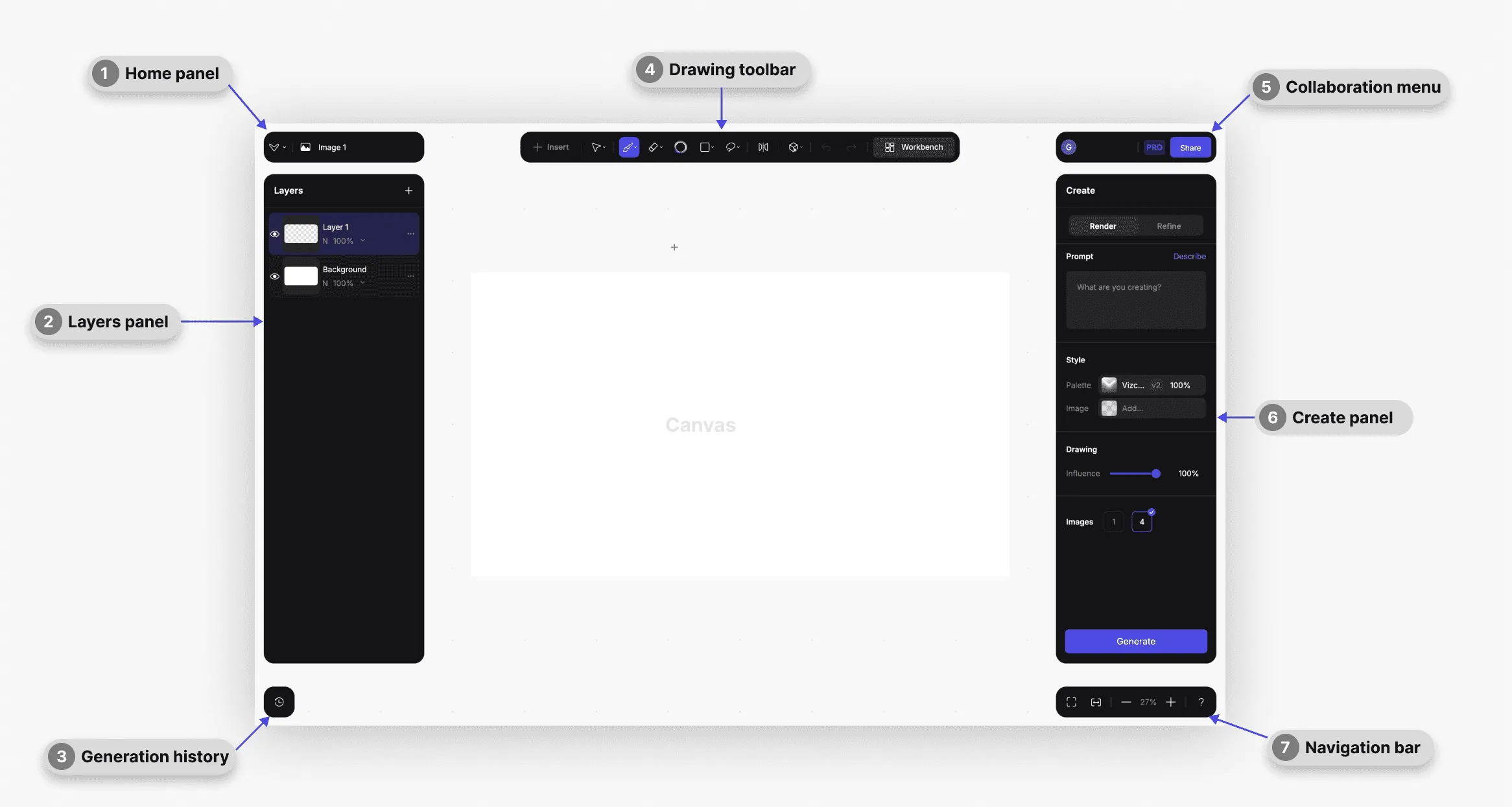
There are 3 options to customise the interface according to your taste and workflow needs. You can access the different Brush Studio layout options under the Home panel, clicking on the Vizcom logo.
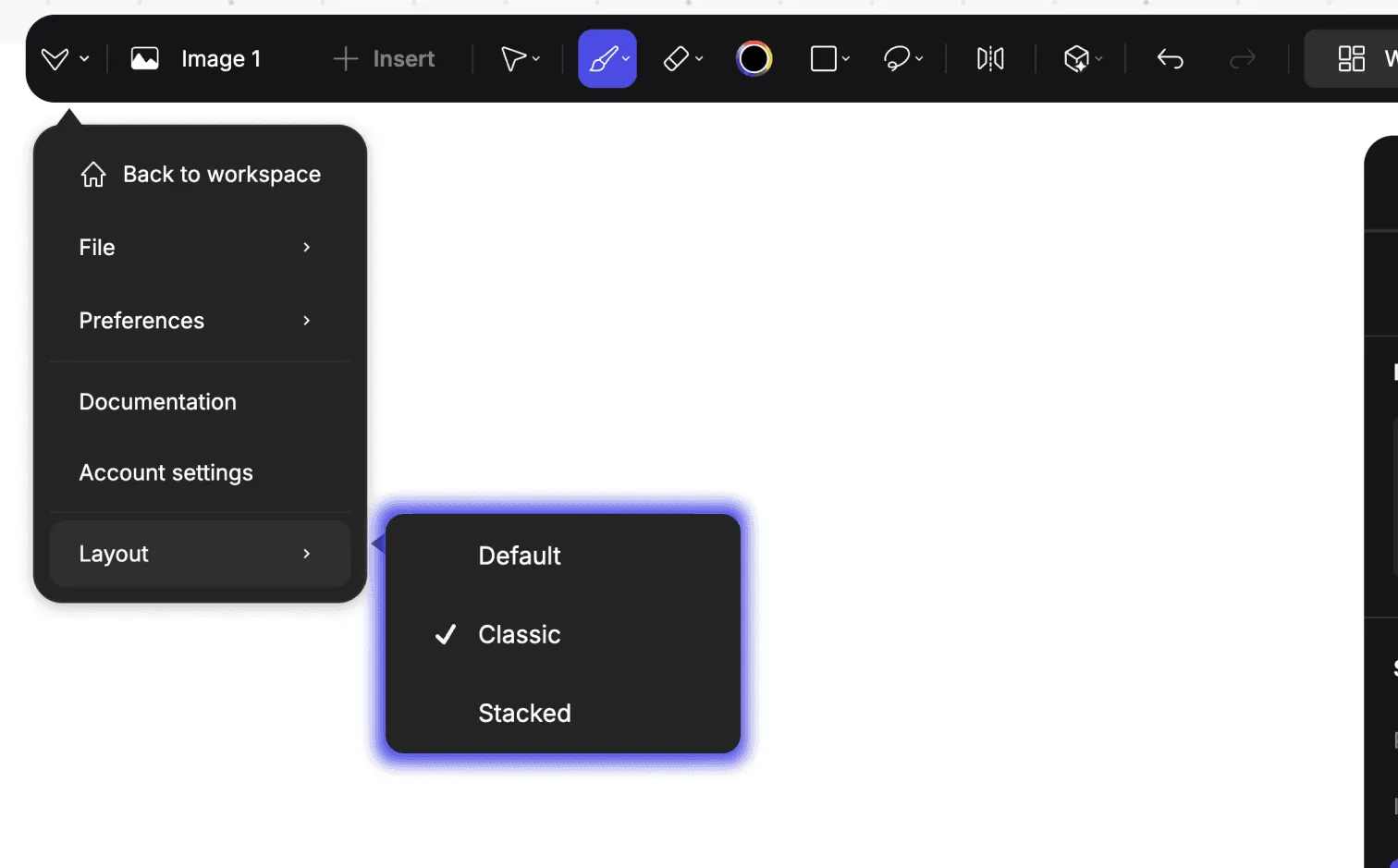
- Default - suitable if you have an uploaded image and the workflow is focused on heavy layer usage and image generation.
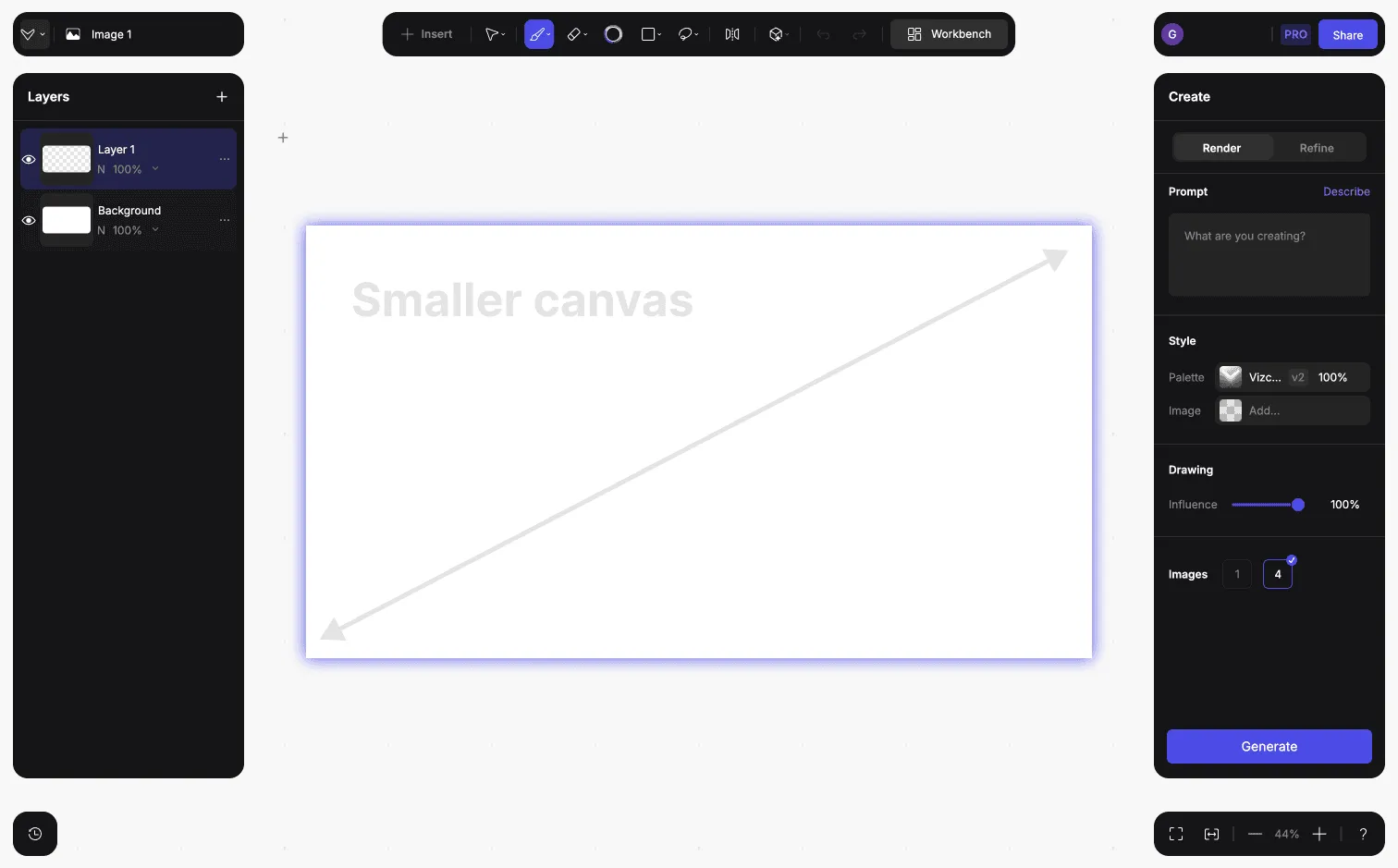
- Classic - this option allows more space for sketching but the Create and Layers panel aren't visible at the same time

- Stacked - With this option you can have the Create and Layers panel below each other

- Workbench Interface - (infinite canvas view)
Check out the docs page focusing on workbench
Have a question for our team?
Frequently asked questions
Explore all features in Vizcom or book a tailored demo for you and your
Yes of course! Our starter plan is completely free, no credit card required. This is a great plan to explore vizcom with.
We accept all major credit and debit cards.
Admins (paid) – can edit files, manage workspace settings, billing, teams, and invite members. Editors (paid) – can edit files but not manage settings, billing, or teams. Viewers (free) – can only view files in read-only mode.
Team billing is handled centrally by the Admin. All paid seats, whether Admins or Editors, are included in a single invoice under the same billing cycle, while Viewers remain free and do not affect the cost.
Yes, you can. An Admin can update the plan in the billing settings, and the switch will take effect on the next billing cycle at the annual rate.
Yes, you own everything you create in Vizcom. For free users, while Vizcom may use generated images to improve its services, it does not claim ownership of your designs, concepts, or original ideas—you keep full rights to them. For paid users, your images and designs remain entirely private and are only used to deliver the service. Every design, concept, and image you create or upload is fully yours and kept confidential.
Vizcom does not use your data to train AI models if you’re on a paid plan. Everything you create stays private and is only used to provide the service. Free users may have their generated images included to help improve Vizcom’s services, but even then, Vizcom does not claim ownership of your designs, concepts, or original ideas—you retain full rights.