Custom Modify
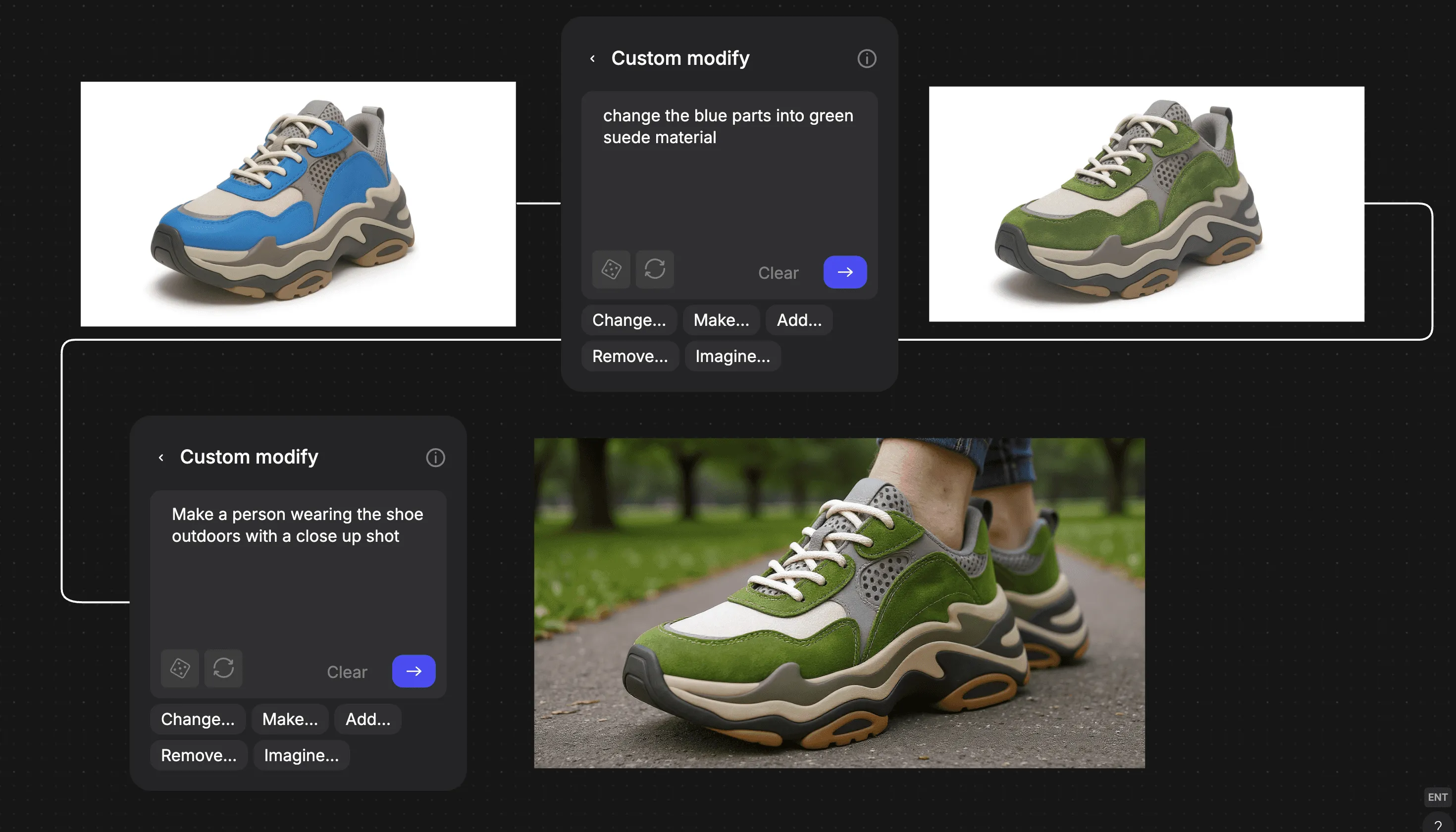
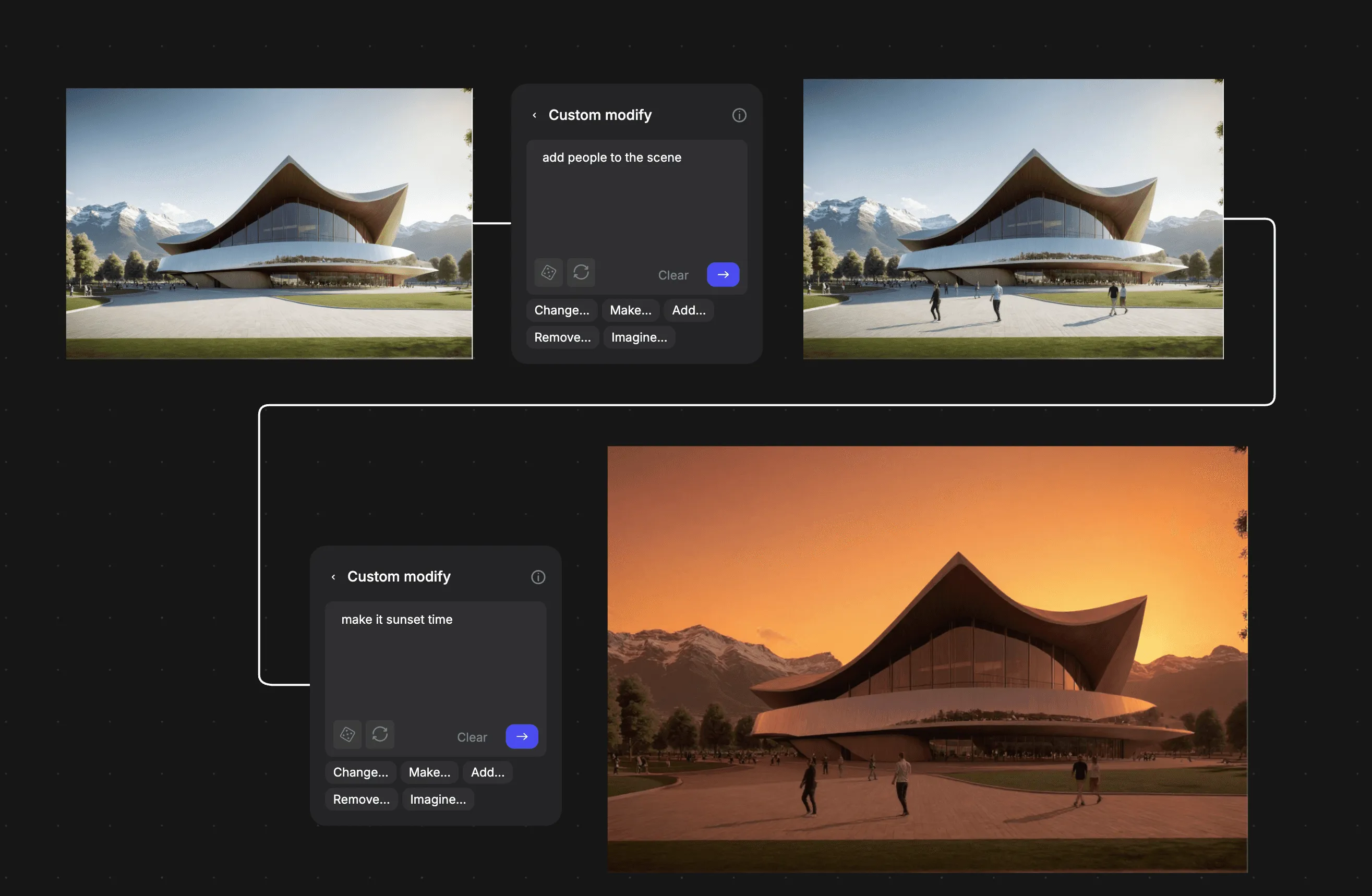
Custom Modify upgrades Vizcom’s Modify block from a preset-only tool into a powerful, natural language editing experience. Designers can now describe changes in their own words; from simple tweaks to full transformations with edits that are context-aware, fast, and predictable
How to Use
Start from an existing render or sketch or generate a starting point
- Open the Modify block or just drag the plus icon from the image on the workbench
- Type a change and click generate(or select from suggested edits)
- Review outcomes → accept, refine, or edit further
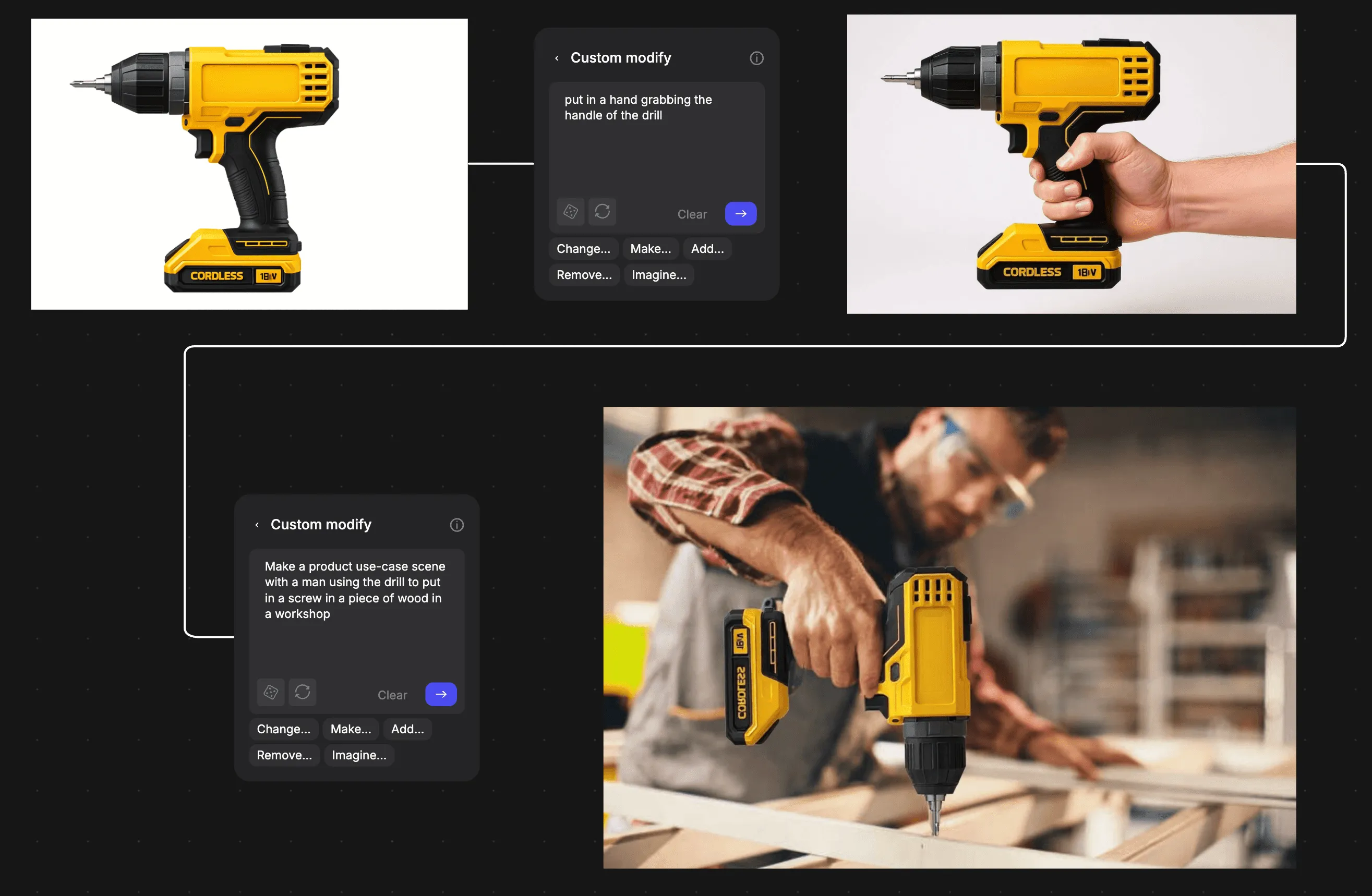
Examples- Product Design: Show product in-use, or simulate wear/tear.
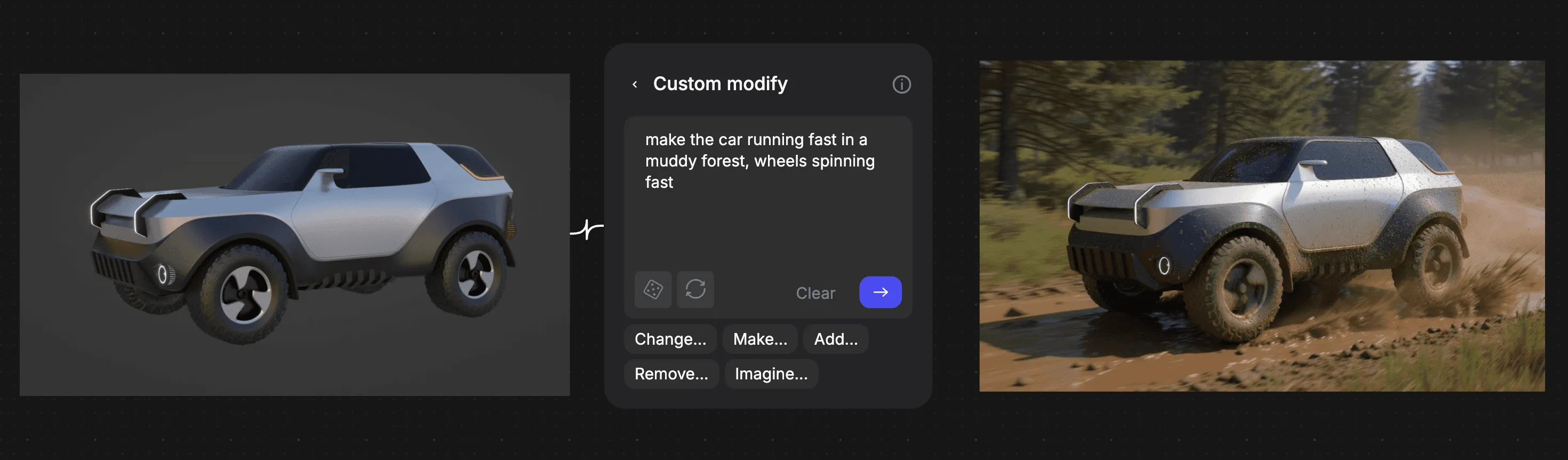
- Automotive: Make scenes, Swap finishes, add wear
- Apparel & Footwear: Change colorways, material swaps, or show try-on (on-body).
- Storyboarding: Build entire scenes quickly add in people and adjust the style
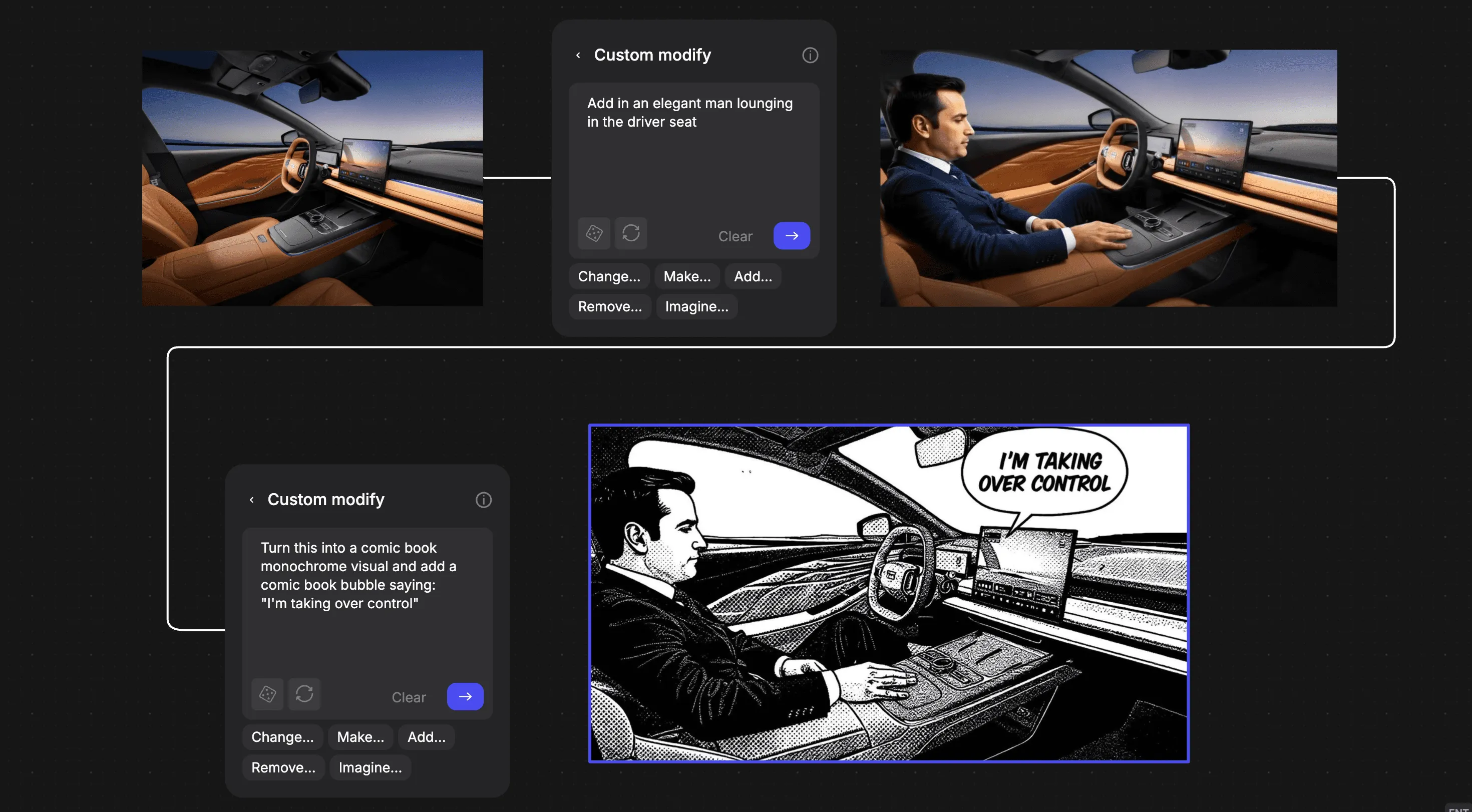
- Architecture: Add people (adjust time of day, furnish empty spaces.)
check out the base Modify functions as well
Have a question for our team?
Frequently asked questions
Explore all features in Vizcom or book a tailored demo for you and your
Yes of course! Our starter plan is completely free, no credit card required. This is a great plan to explore vizcom with.
We accept all major credit and debit cards.
Admins (paid) – can edit files, manage workspace settings, billing, teams, and invite members. Editors (paid) – can edit files but not manage settings, billing, or teams. Viewers (free) – can only view files in read-only mode.
Team billing is handled centrally by the Admin. All paid seats, whether Admins or Editors, are included in a single invoice under the same billing cycle, while Viewers remain free and do not affect the cost.
Yes, you can. An Admin can update the plan in the billing settings, and the switch will take effect on the next billing cycle at the annual rate.
Yes, you own everything you create in Vizcom. For free users, while Vizcom may use generated images to improve its services, it does not claim ownership of your designs, concepts, or original ideas—you keep full rights to them. For paid users, your images and designs remain entirely private and are only used to deliver the service. Every design, concept, and image you create or upload is fully yours and kept confidential.
Vizcom does not use your data to train AI models if you’re on a paid plan. Everything you create stays private and is only used to provide the service. Free users may have their generated images included to help improve Vizcom’s services, but even then, Vizcom does not claim ownership of your designs, concepts, or original ideas—you retain full rights.