\
Improvement
Update

Multi Image Inputs in Modify

Drop in multiple image references to shape your designs and Modify will blend insights from all of them to guide your new design direction.
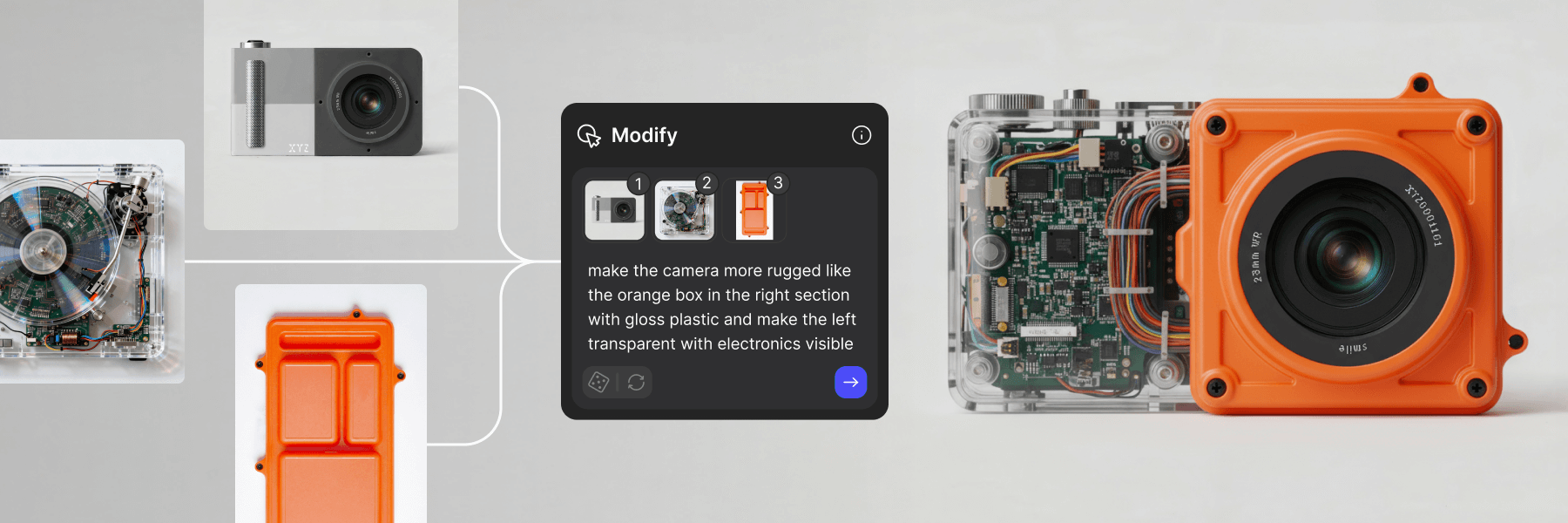
Upload multiple images in Modify to guide your design iterations.

Combine sketches, angles and materials and let Modify synthesize it into one cohesive vision. A more intuitive way to iterate, because great design rarely starts from a single reference.

Related updates

Upscale your images
Update
Improvement

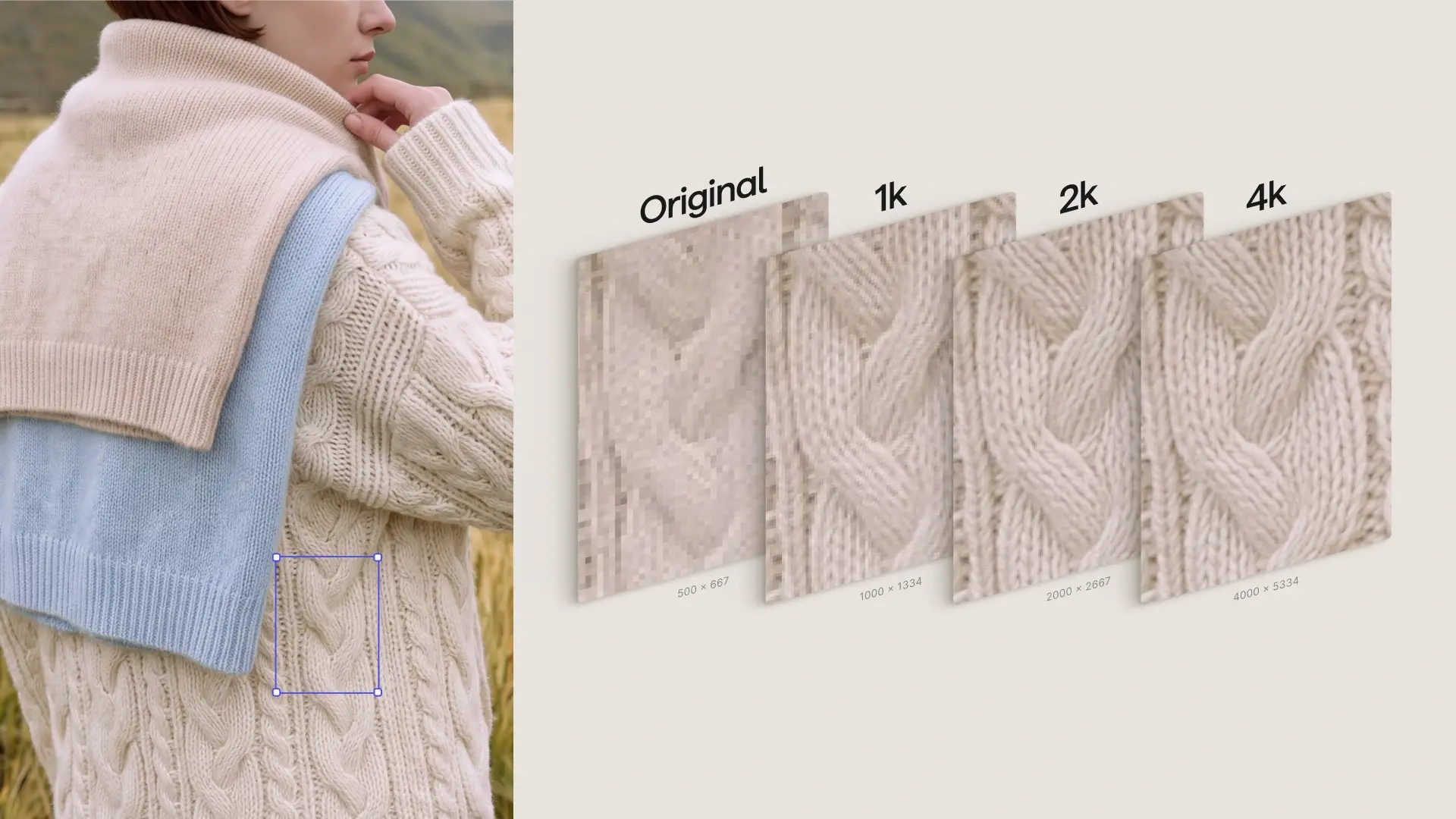
Upscale your images

Sticky notes in Workbench
New Feature

A new way to collaborate in Vizcom, add comments and feedback right on your designs with Sticky Notes.

Extract, Try-On, Export
New Feature
Update

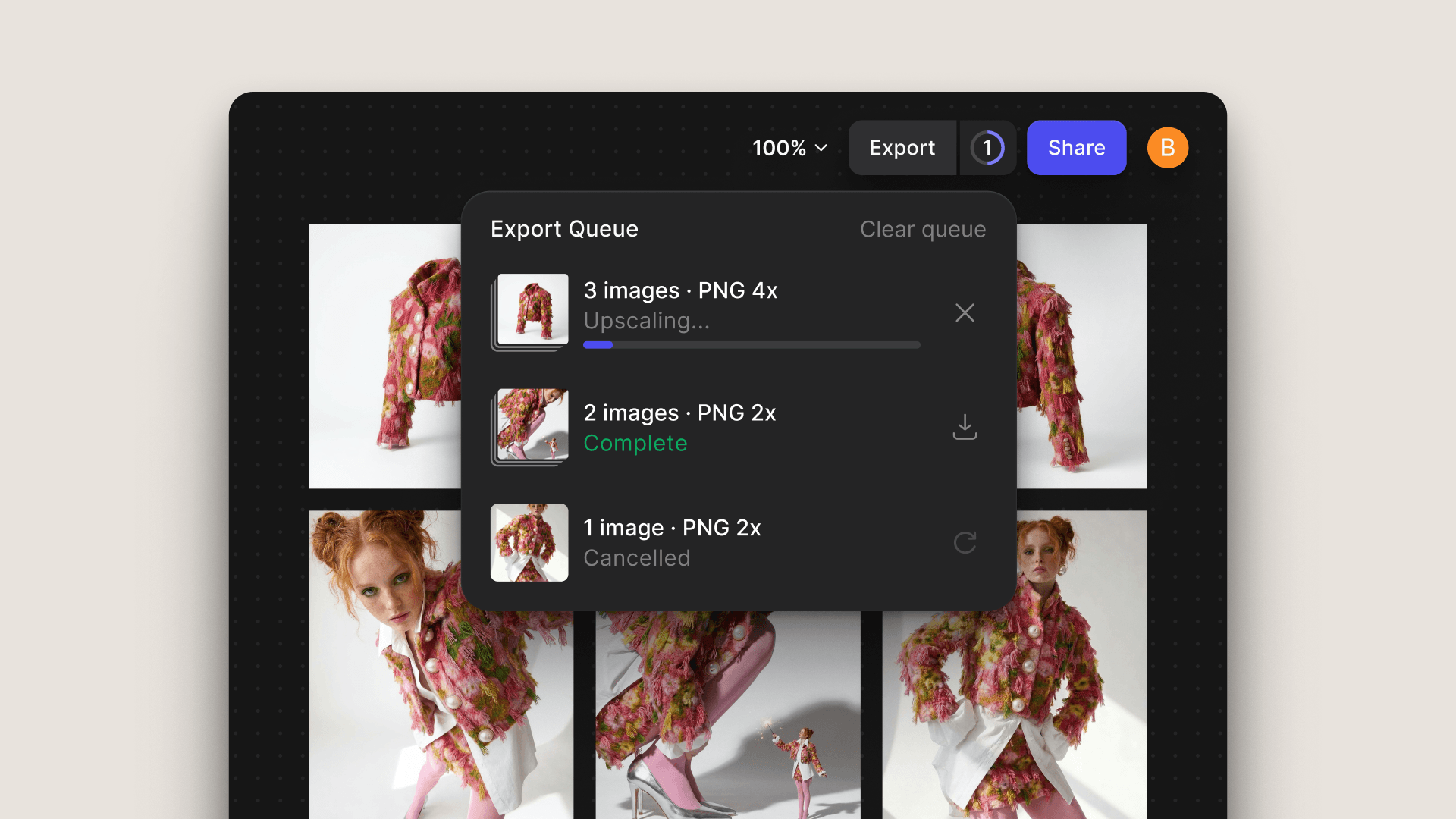
A render is just the beginning. Vizcom now supports a connected post-render workflow: refine your concept, visualize the full look, and hand off production-ready assets, all without switching tools or starting over.

Adaptive Canvas
Improvement
Update
New Feature

Adaptive Canvas removes fixed aspect ratio limits across Vizcom Workbench and Studio, allowing creators to resize, expand, and crop their canvas at any point without restarting or losing work.