Make3D, now on the Workbench
Generate a 3D model from any sketch or render right on the canvas, then connect it to Modify to render from the exact angle you set.
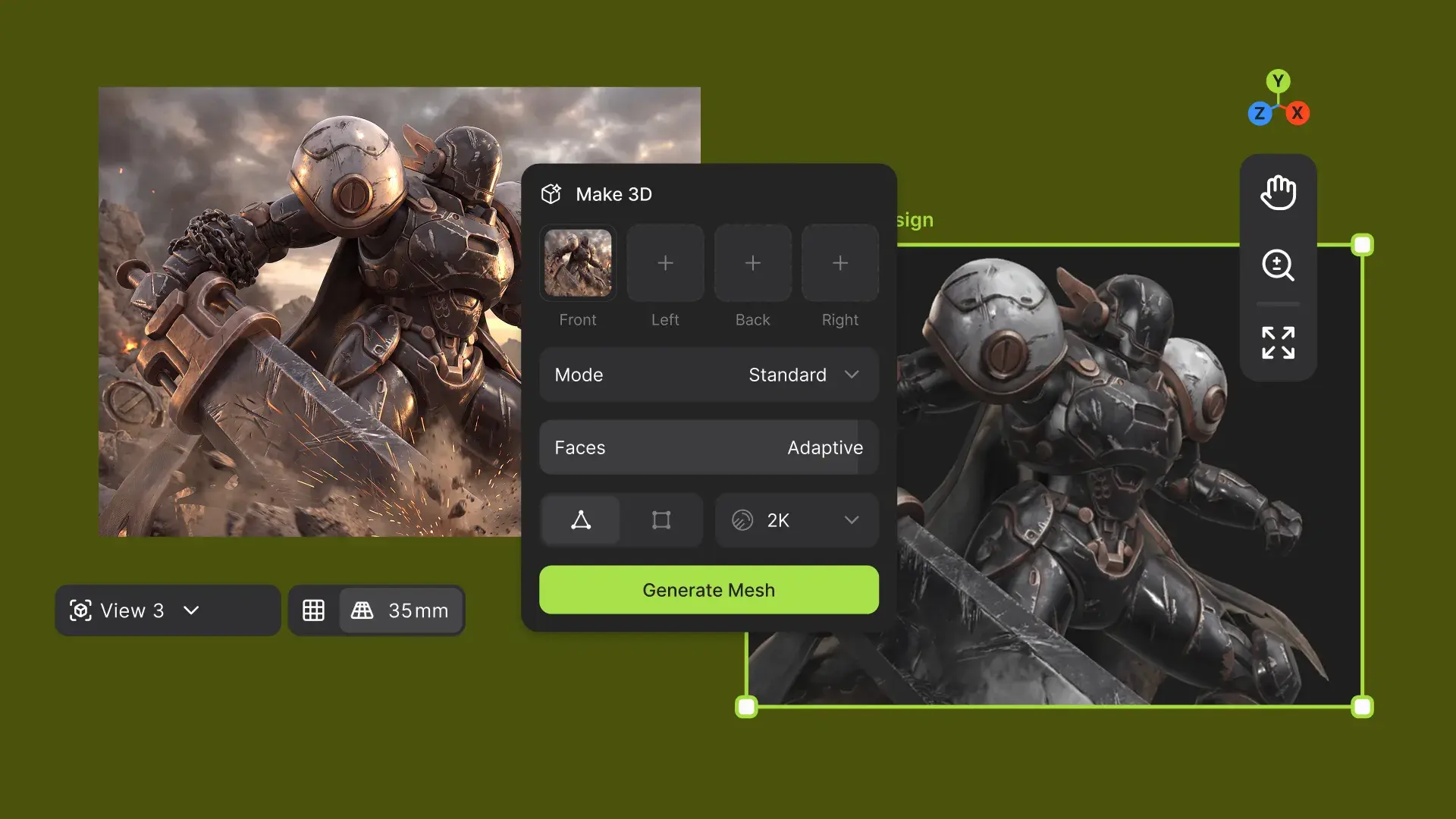
We’ve updated the Make3D block to be simpler and faster to use, with four new presets: Standard, Real-Time, Edit Ready, and Max Detail. Connect a sketch or render to the block and generate a model right on the canvas. The updated block is now the default, and the original version is still available if your workflow relies on it.
Set the scene
Every model appears as a green 3D element with camera controls, shaders, and background settings. Rotate it, find the view you want, and save it.
Lock the angle. Change everything else.
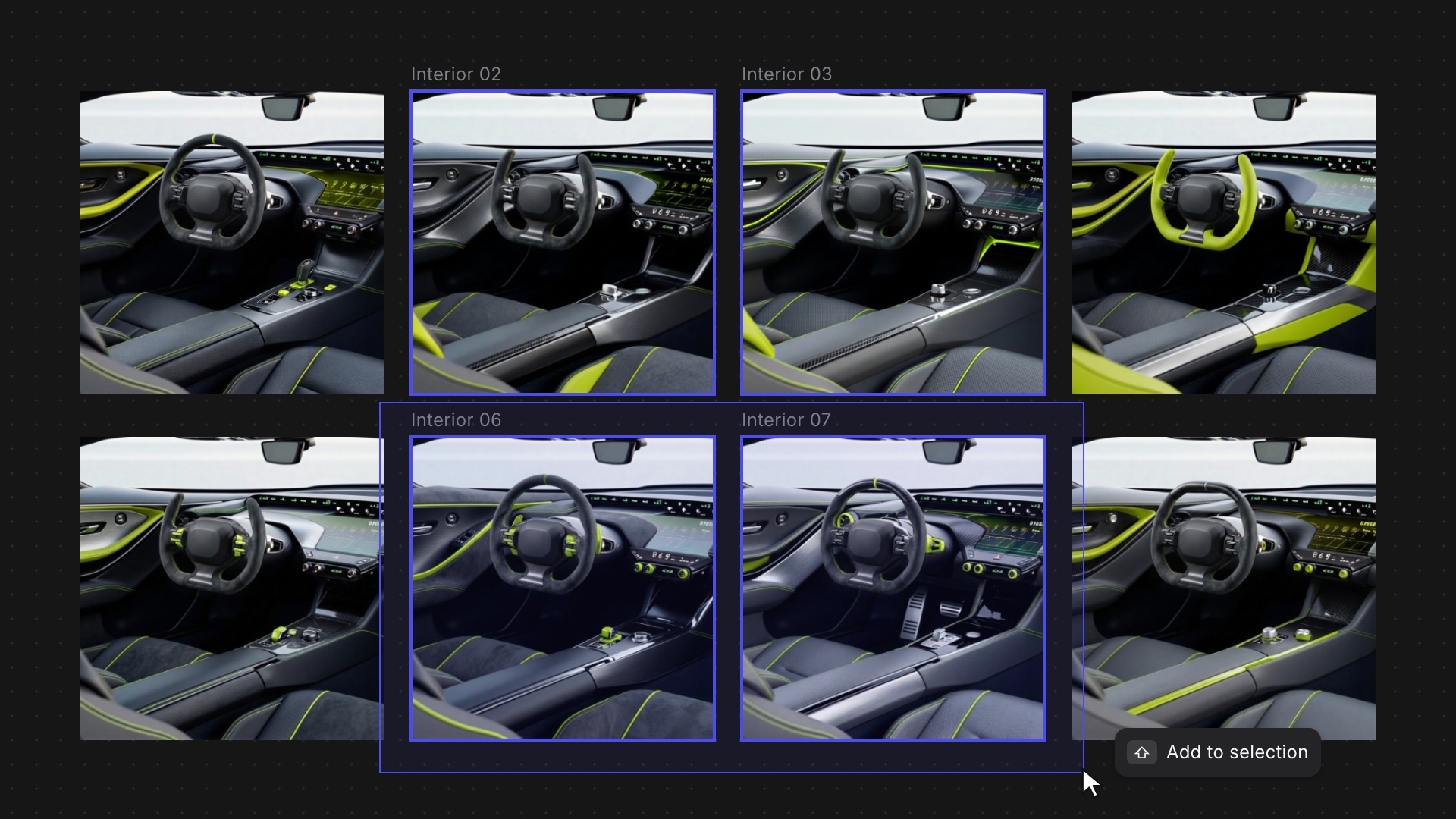
Connect a 3D element to Modify to generate images from the exact camera view you set. The angle stays consistent across every iteration, so you can explore materials, colors, and details while the framing holds steady.
See these updates in action:
Learn more ➡️ User Docs
Related updates
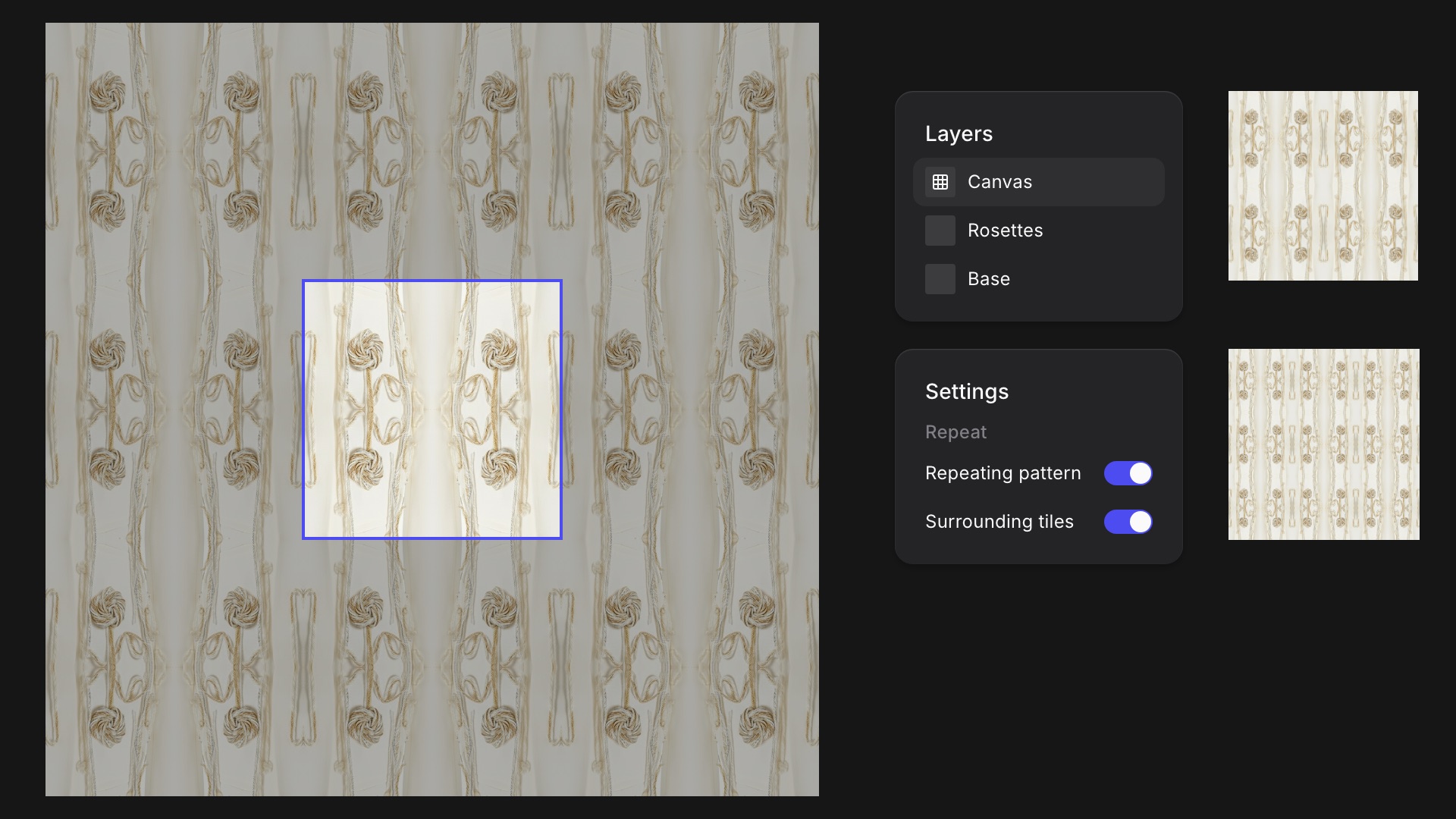
Turn any Studio drawing into a seamless tile and see it repeat around your canvas as you work.
Smoother moves between Studio and the Workbench, and faster selection when you're working across a big canvas.