Repeating Patterns in Studio
Turn any Studio drawing into a seamless tile and see it repeat around your canvas as you work.
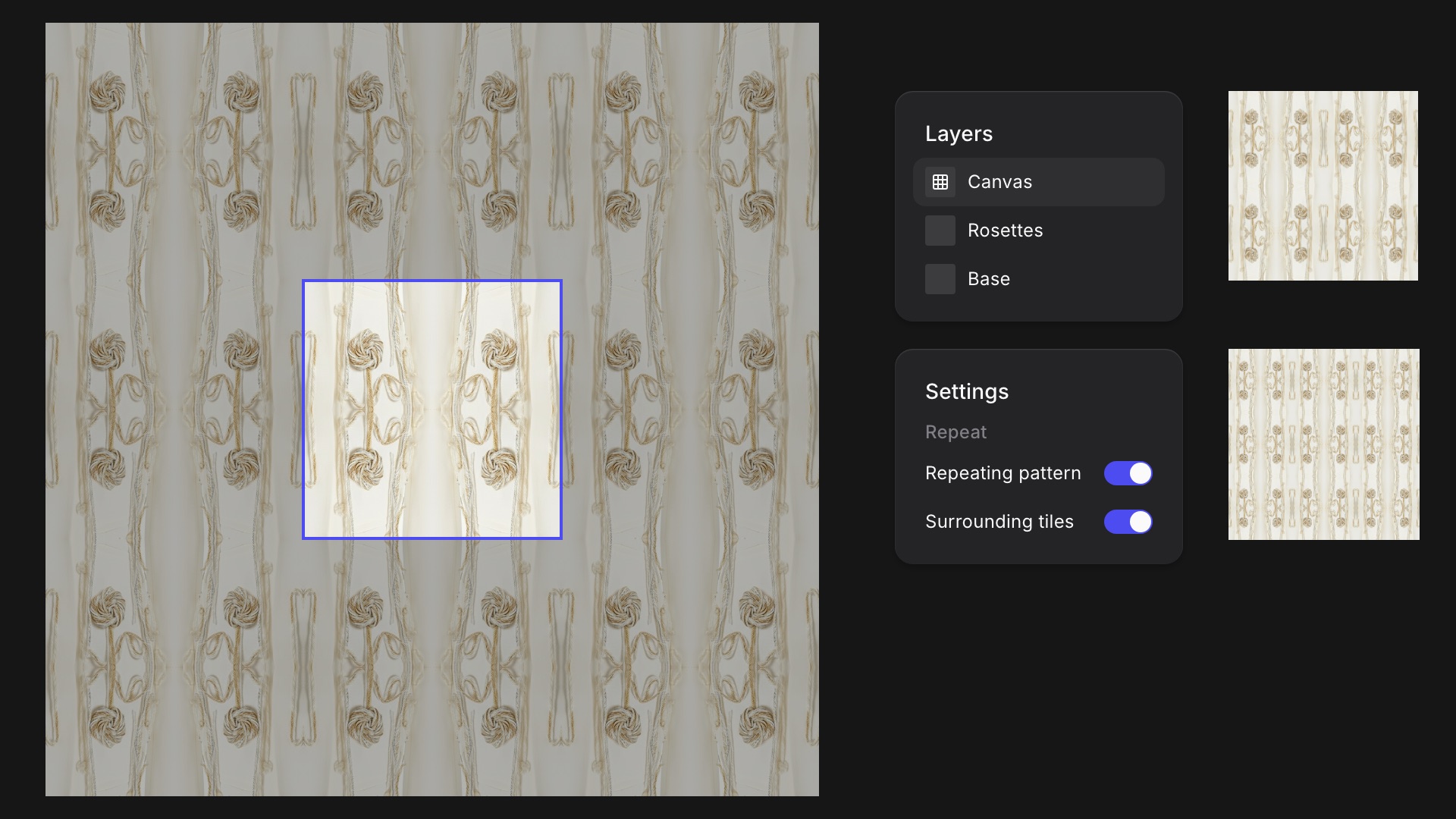
Building a print or texture that tiles used to mean checking the seams outside Vizcom. Now mark a Studio drawing as a repeating pattern, and anything that crosses one edge of the canvas wraps in from the opposite edge, so the tile repeats seamlessly.
Turn on Surrounding tiles to see your canvas repeated 3×3 while you draw, so you can judge the seams as you go. The pattern carries everywhere the drawing goes: Workbench cards, thumbnails, exports, and Modify inputs. Find it in the canvas layer's Settings under Repeat.
Available now for all users.
Related updates
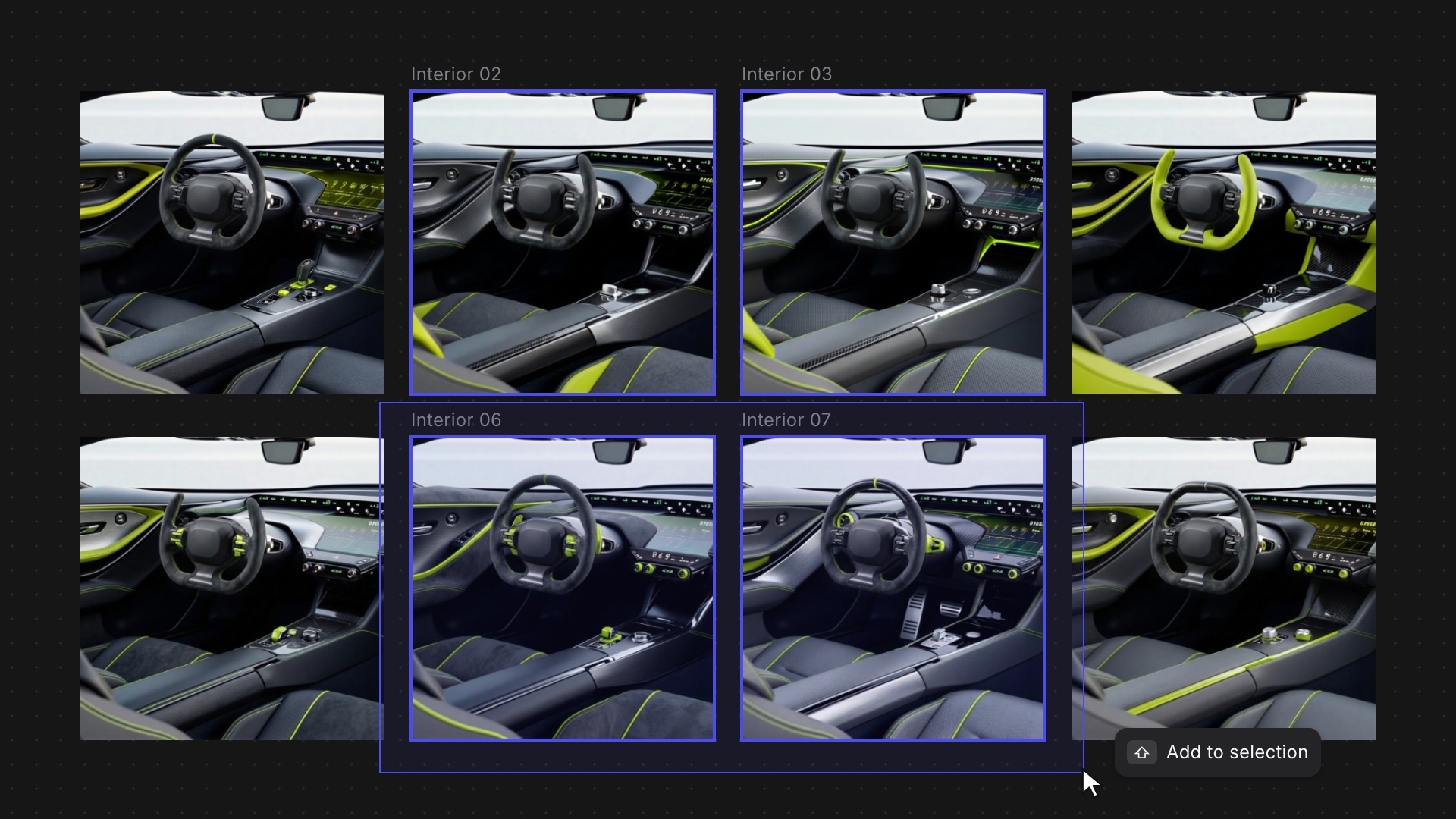
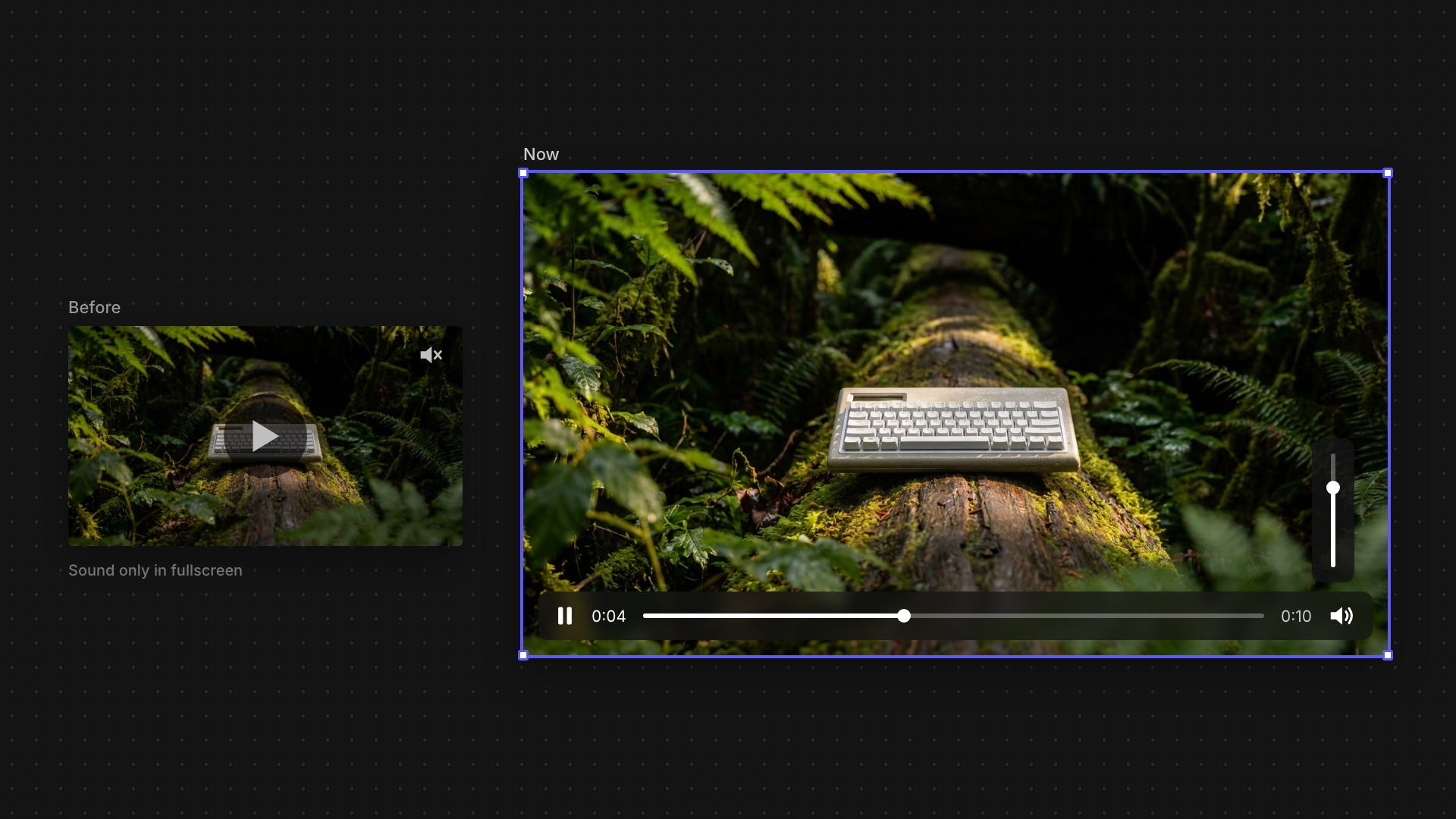
Smoother moves between Studio and the Workbench, and faster selection when you're working across a big canvas.
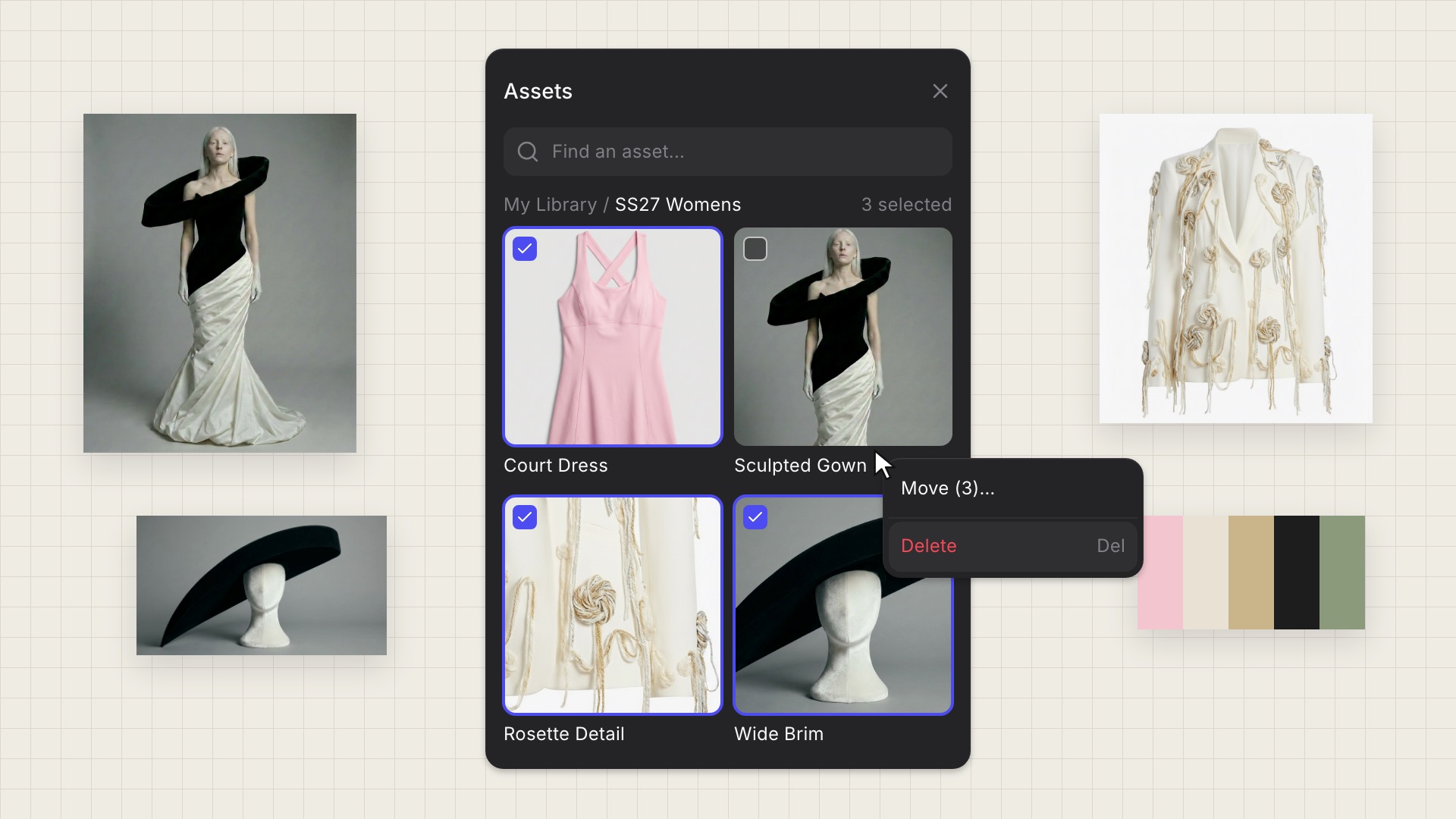
Delete and move assets in bulk from any tile, and drag library assets straight into the Animate block.