Improvement
October 22, 2026
Asset Library Updates
Delete and move assets in bulk from any tile, and drag library assets straight into the Animate block.
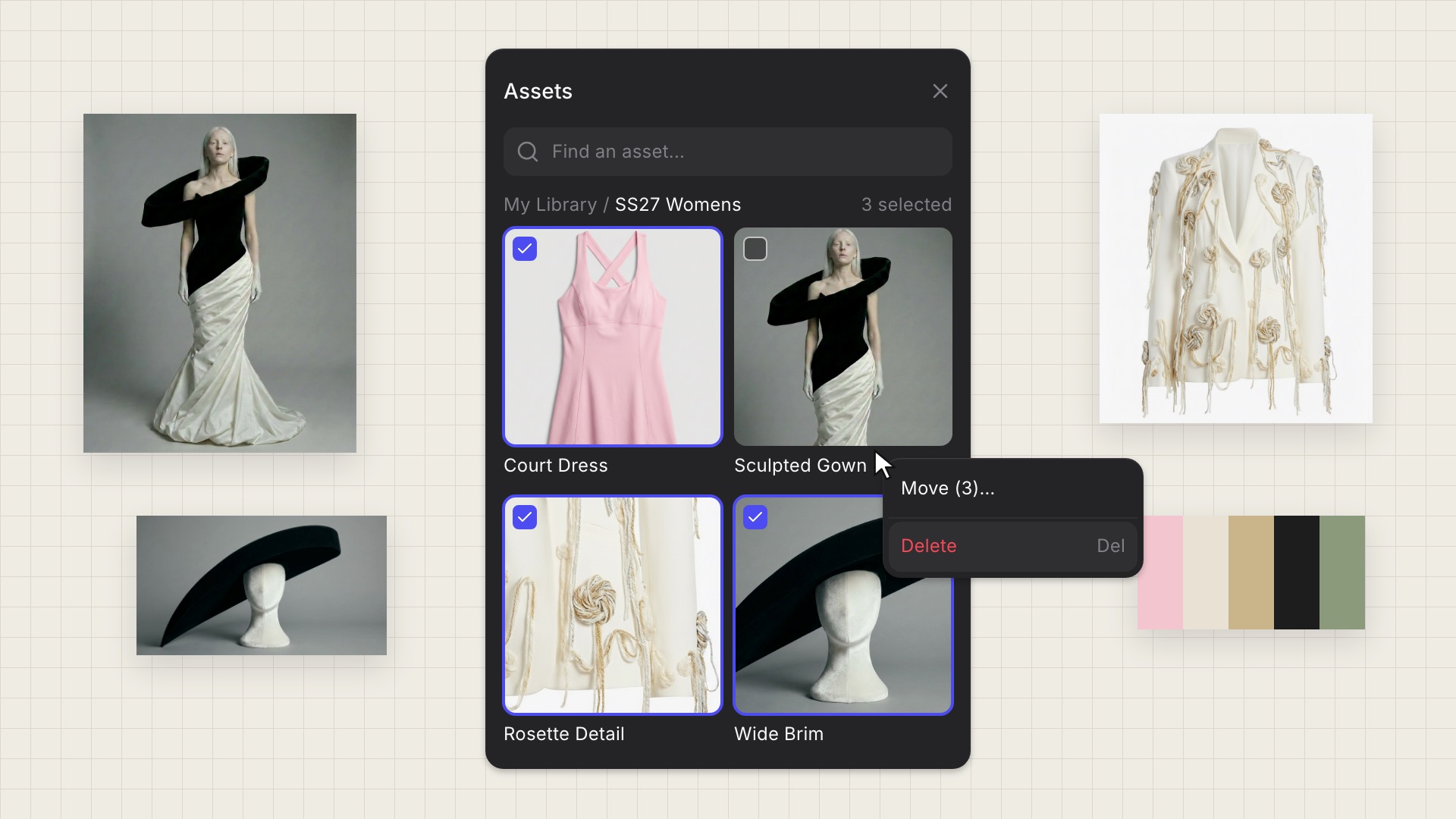
Cleaning up your library used to mean deleting one asset at a time, and only images supported multi-delete. Now every asset type can be deleted or moved in bulk, right from the library.
What's new:
- Delete from any tile: The right-click and ••• menus now show Delete for every asset type. Right-clicking a tile selects it, so Delete acts on exactly what you clicked.
- Bulk delete: Select several assets, then press Delete or Backspace to remove them all at once.
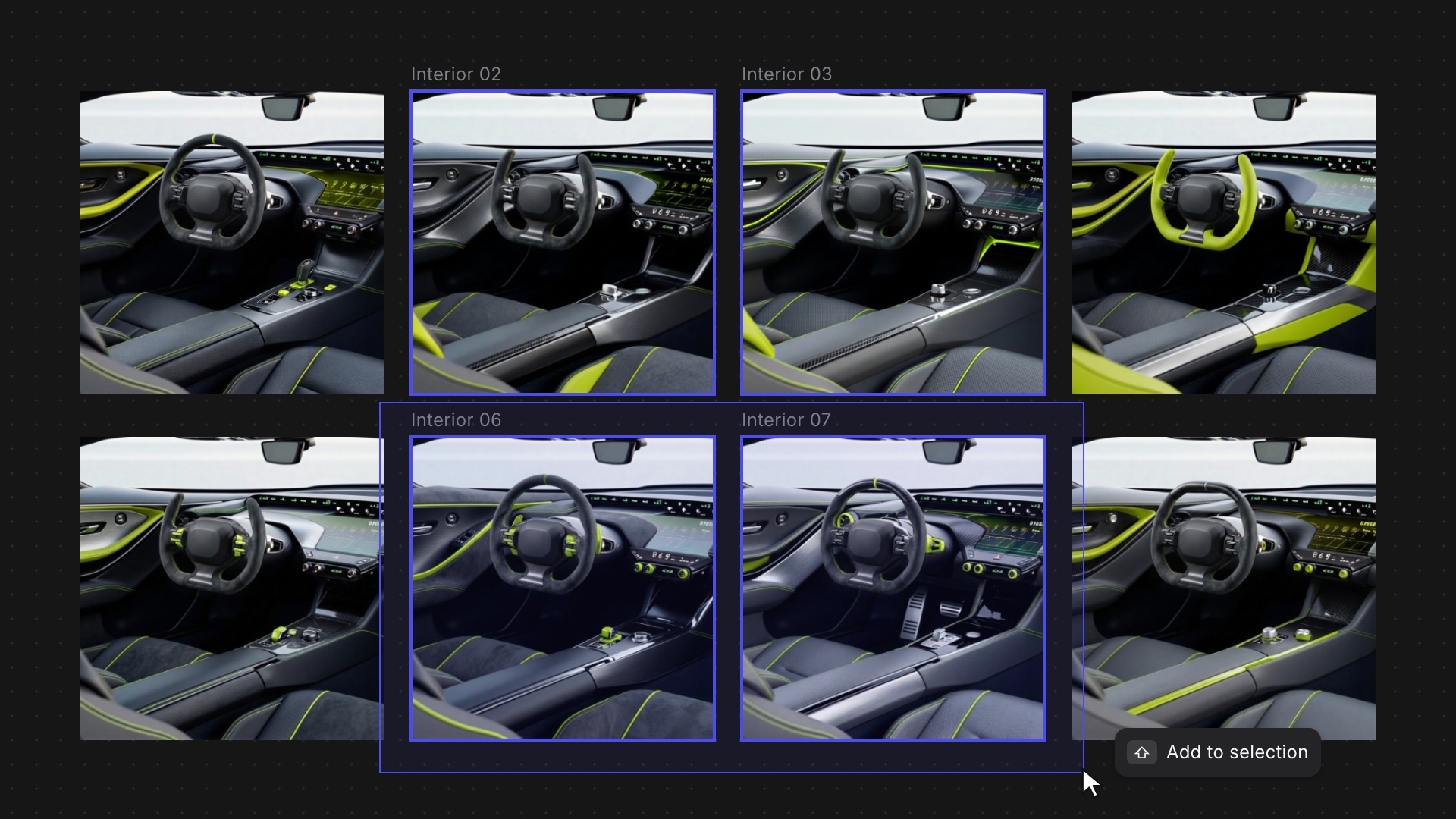
- Selection menu: In Select mode, right-click anywhere in the grid to move or delete everything you've selected.
- Library to Animate: Drag images, prompts and videos from your asset library straight into the Animate block, the same way you already can in Modify.
Available now for all users.
Related updates
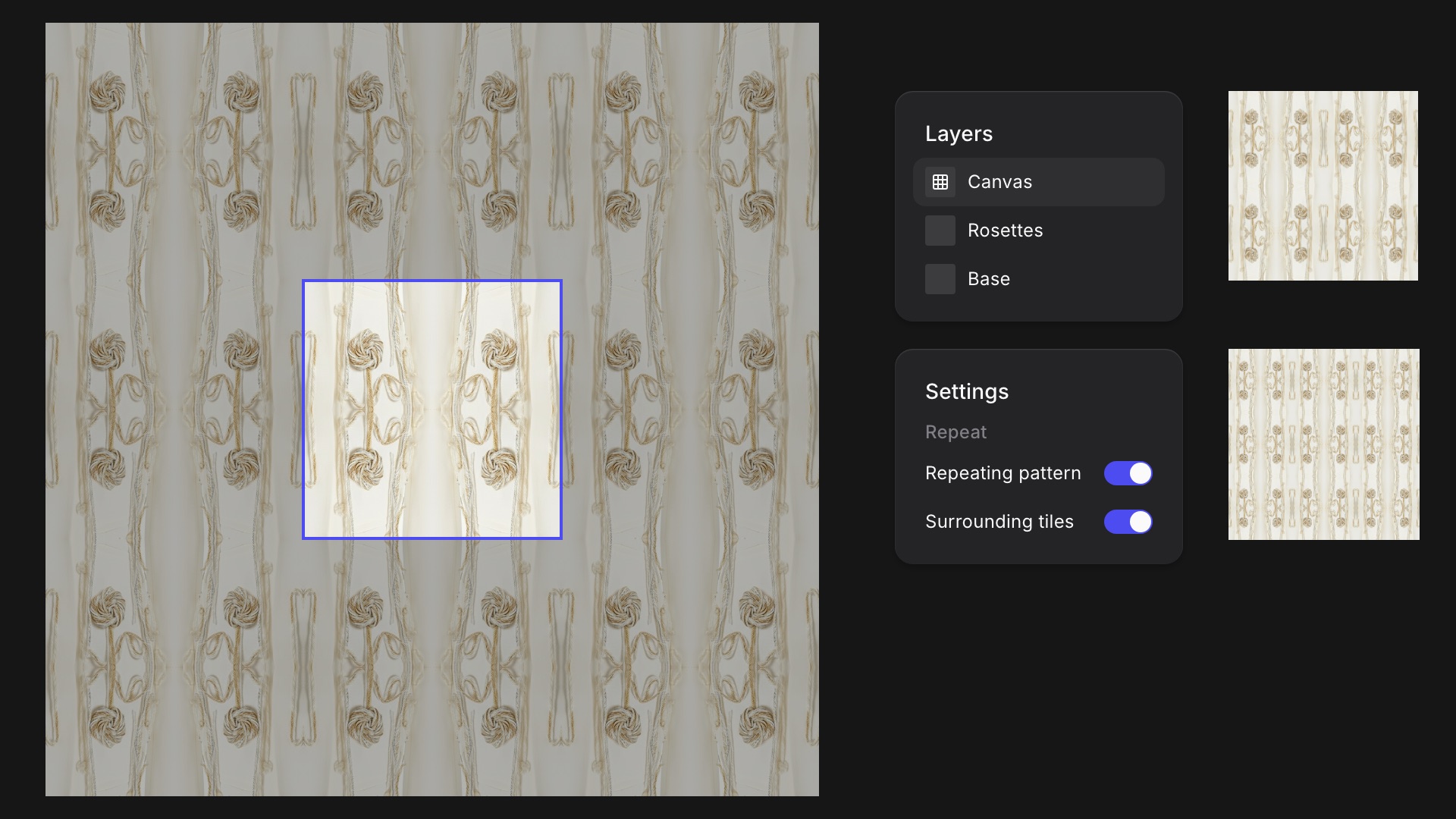
Repeating Patterns in Studio
New Feature
Turn any Studio drawing into a seamless tile and see it repeat around your canvas as you work.
Workbench Updates
Improvement
Smoother moves between Studio and the Workbench, and faster selection when you're working across a big canvas.