Improvement
October 23, 2026
Workbench Updates
Smoother moves between Studio and the Workbench, and faster selection when you're working across a big canvas.
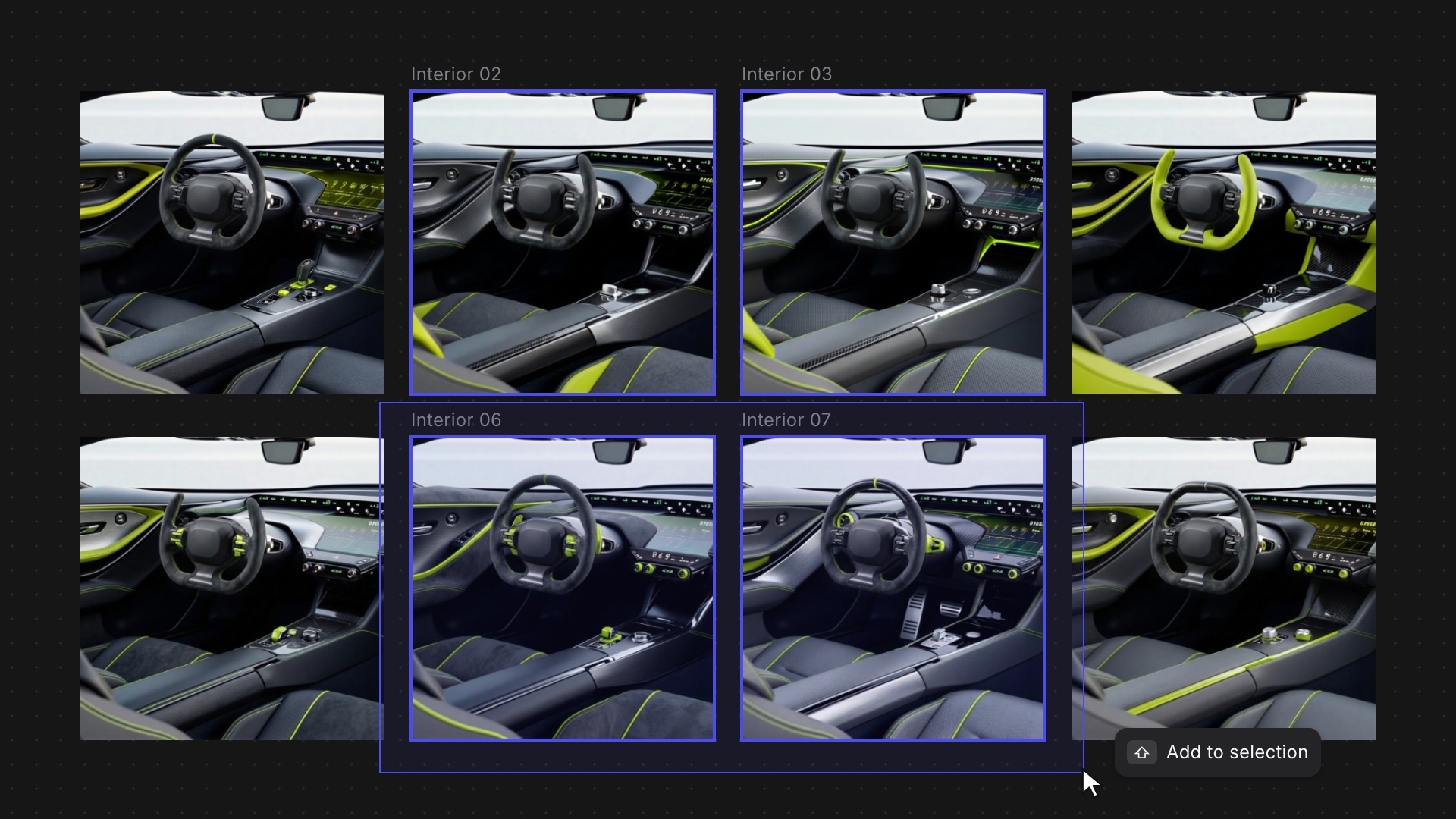
Jumping between Studio and the Workbench should feel like moving within one space. These updates smooth out that move and make selecting on a busy canvas less fiddly.
What's new:
- Smoother Studio transitions: Zoom and pan now move together when you enter or leave Studio, without the image fading out, and your drawings come back at full quality instead of as blurry placeholders.
- Shift to add to a selection: Hold Shift while dragging a selection box to add to what's already selected. A plain drag still starts a new selection.
- Move when zoomed out: Small or zoomed-out elements now move when you drag them instead of resizing by accident. Resize from the edges and corners.
- Shift-click palettes: Shift-click color palettes to add them to your selection, like any other element.
Available now for all users.
Related updates
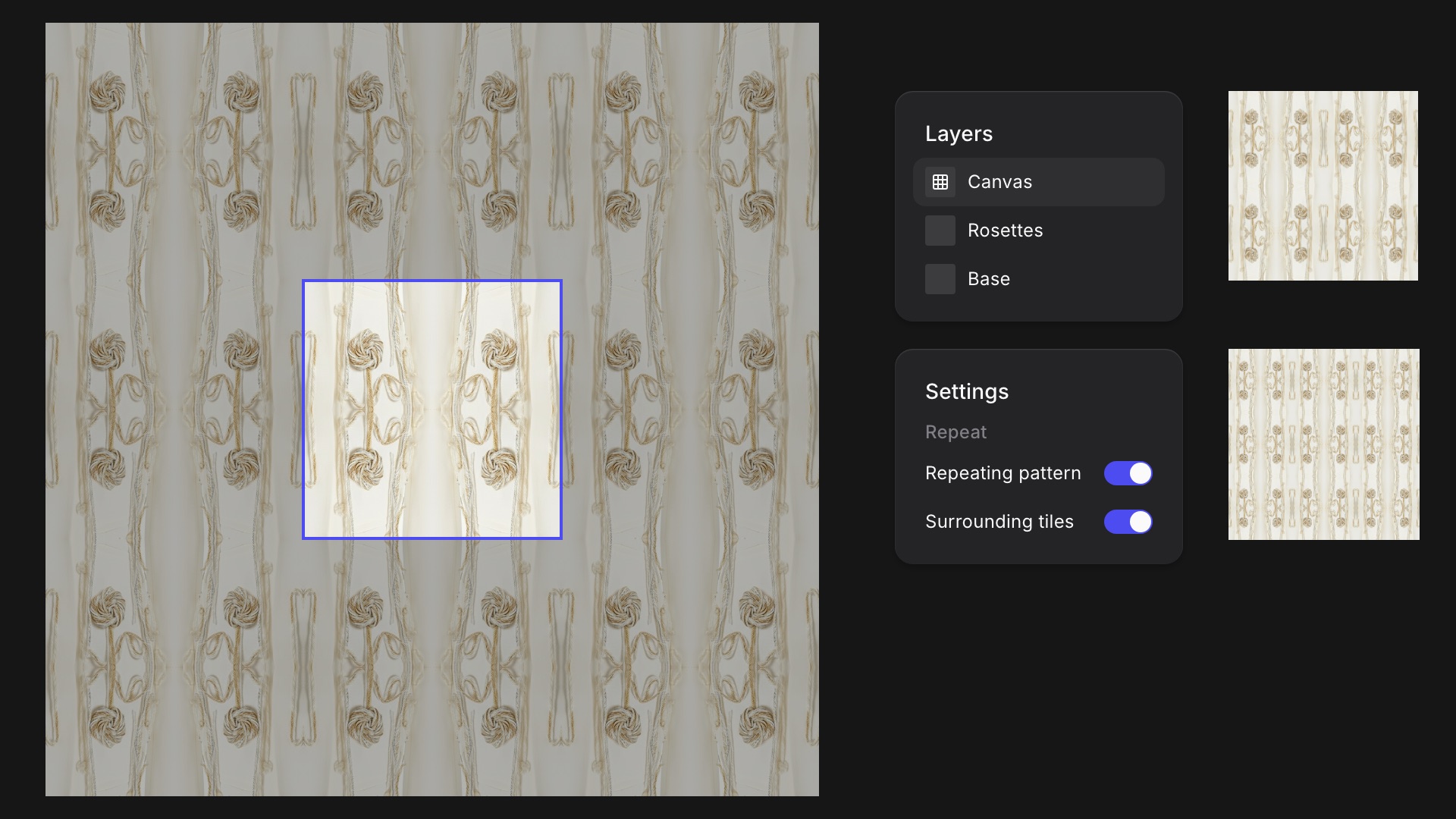
Repeating Patterns in Studio
New Feature
Turn any Studio drawing into a seamless tile and see it repeat around your canvas as you work.
Asset Library Updates
Improvement
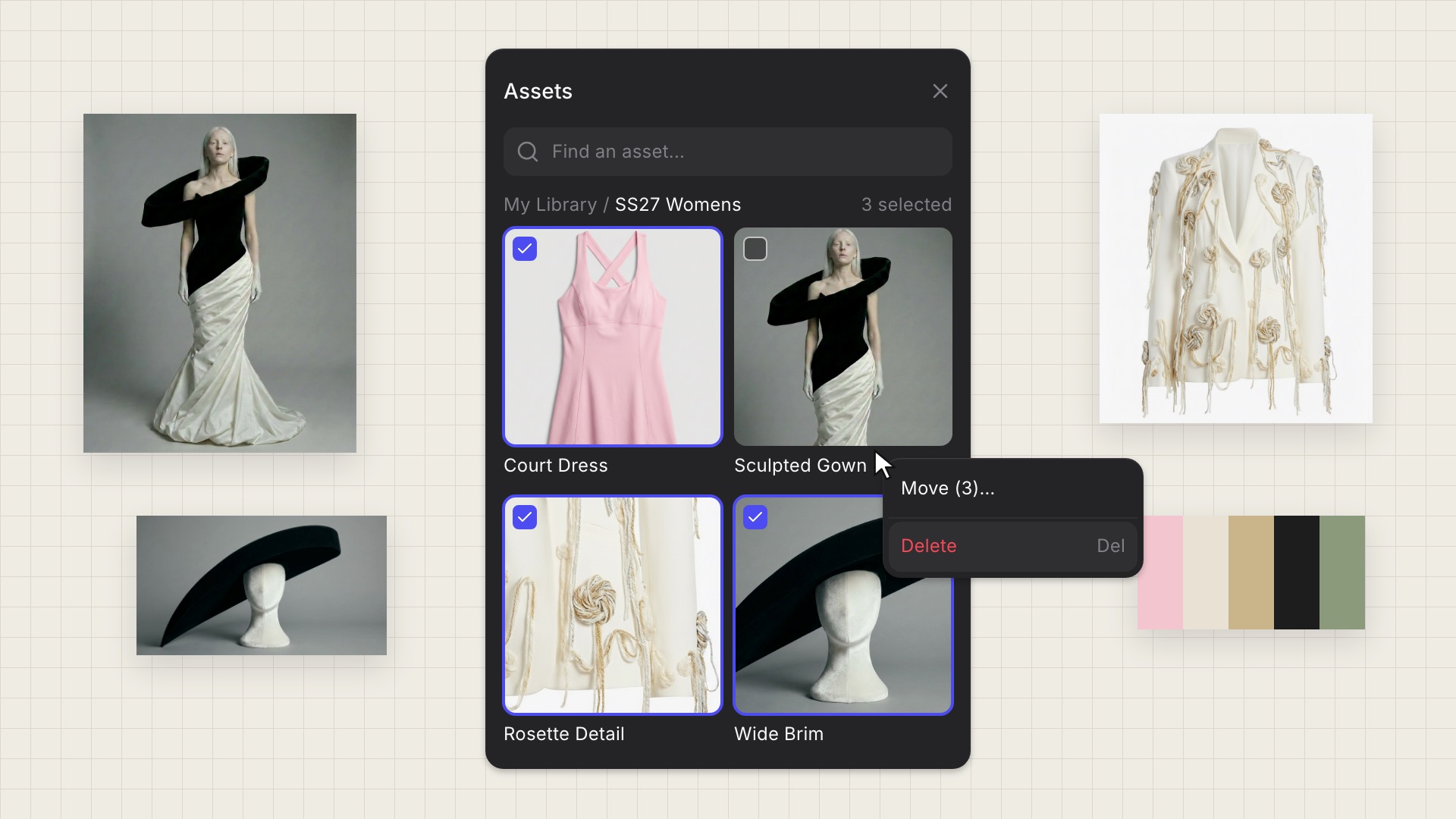
Delete and move assets in bulk from any tile, and drag library assets straight into the Animate block.