Region Maps: colors that keep the light
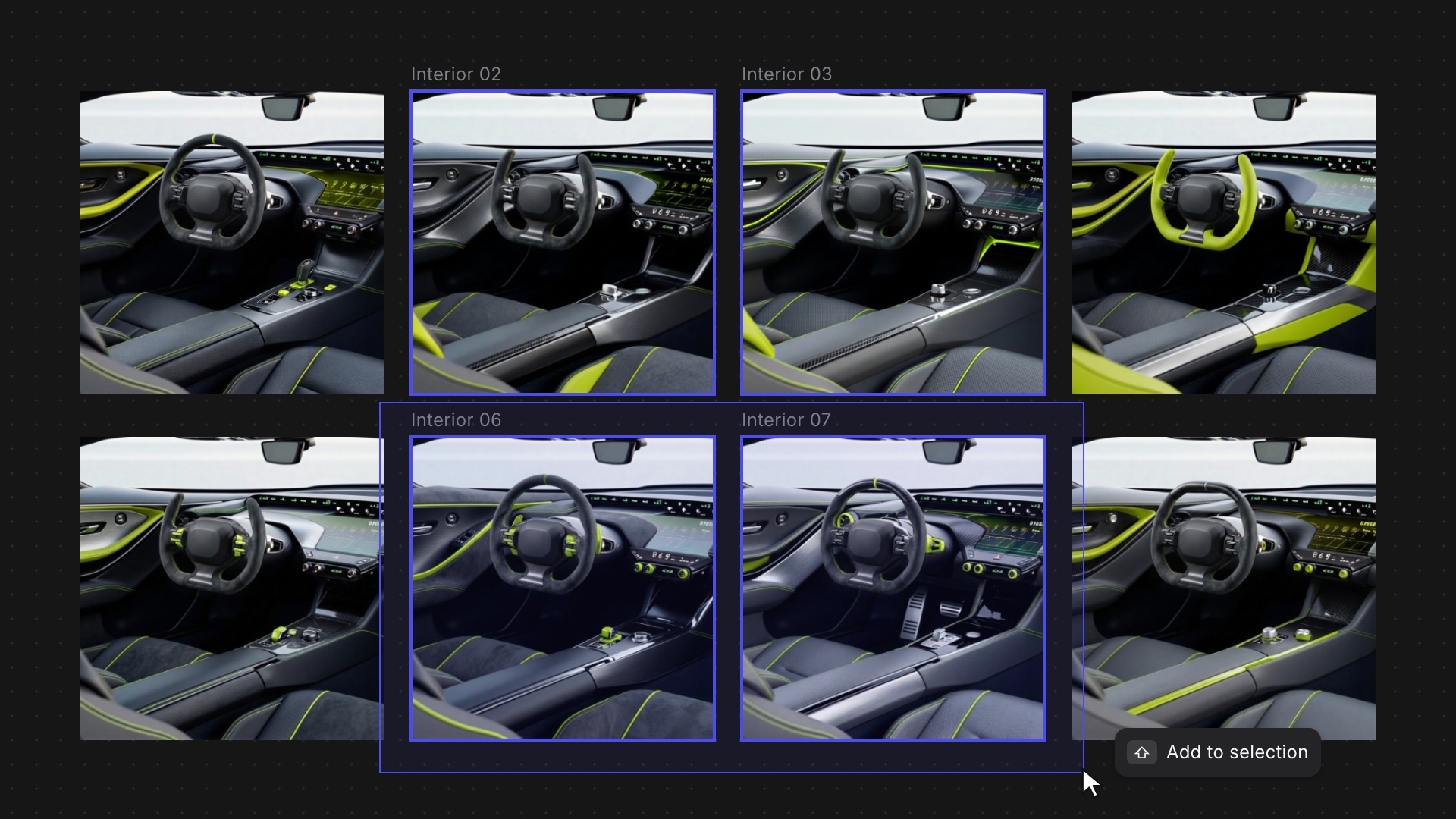
Colors set to Normal now keep the photo's shadows and highlights, so a recolor sits on the part instead of on top of it.
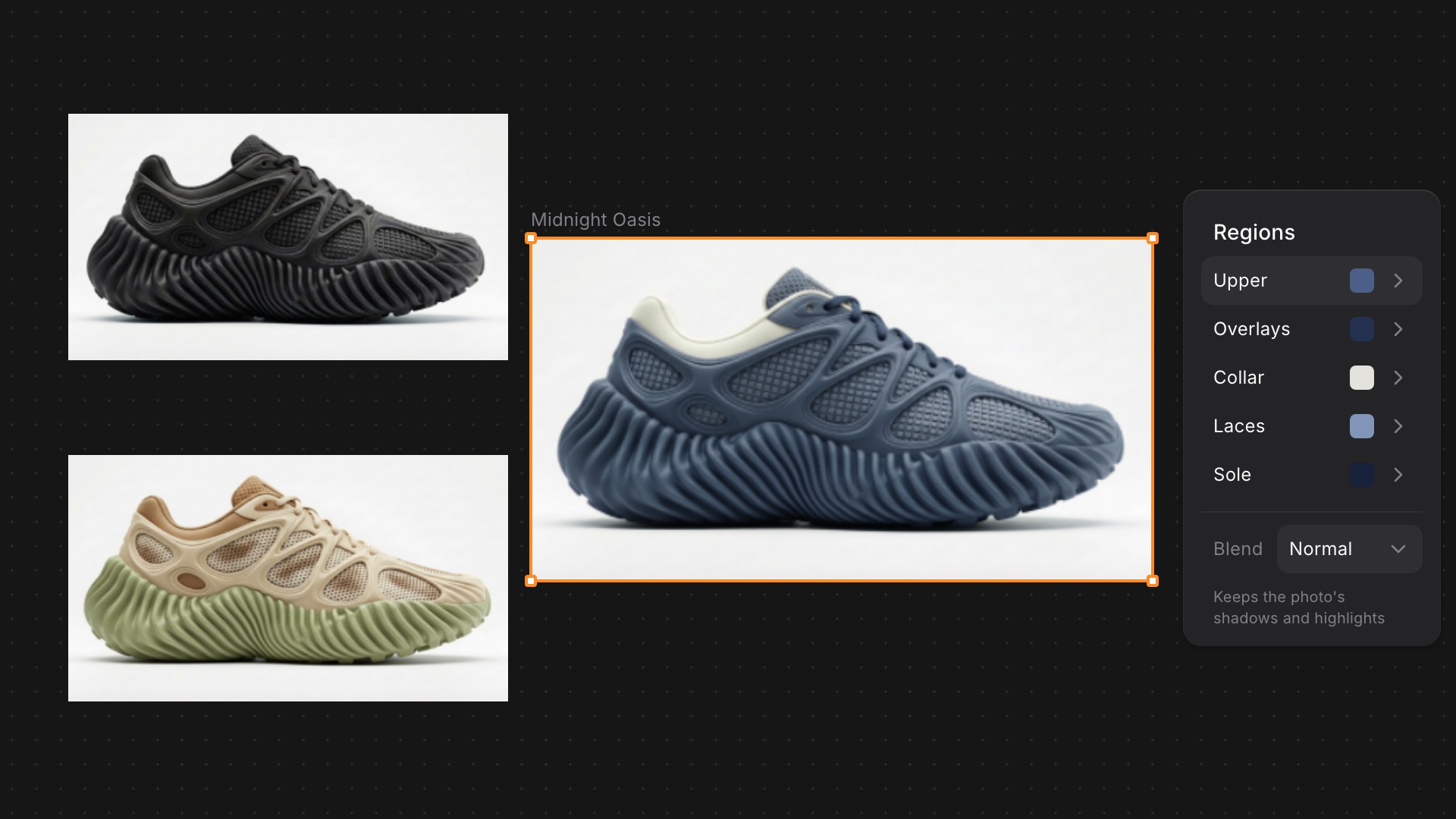
Before, a Region color set to Normal was a flat fill that covered the part's light, so it could look like a sticker. You could get the exact color or the photo's light, not both.
Now Normal colors pick up the shadows and highlights from the source photo, the same way textures already do. The color you pick shows at the part's average light, so a new colorway still reads as the same product.
Available now for all users.
Learn more ➡️ User Docs
Related updates
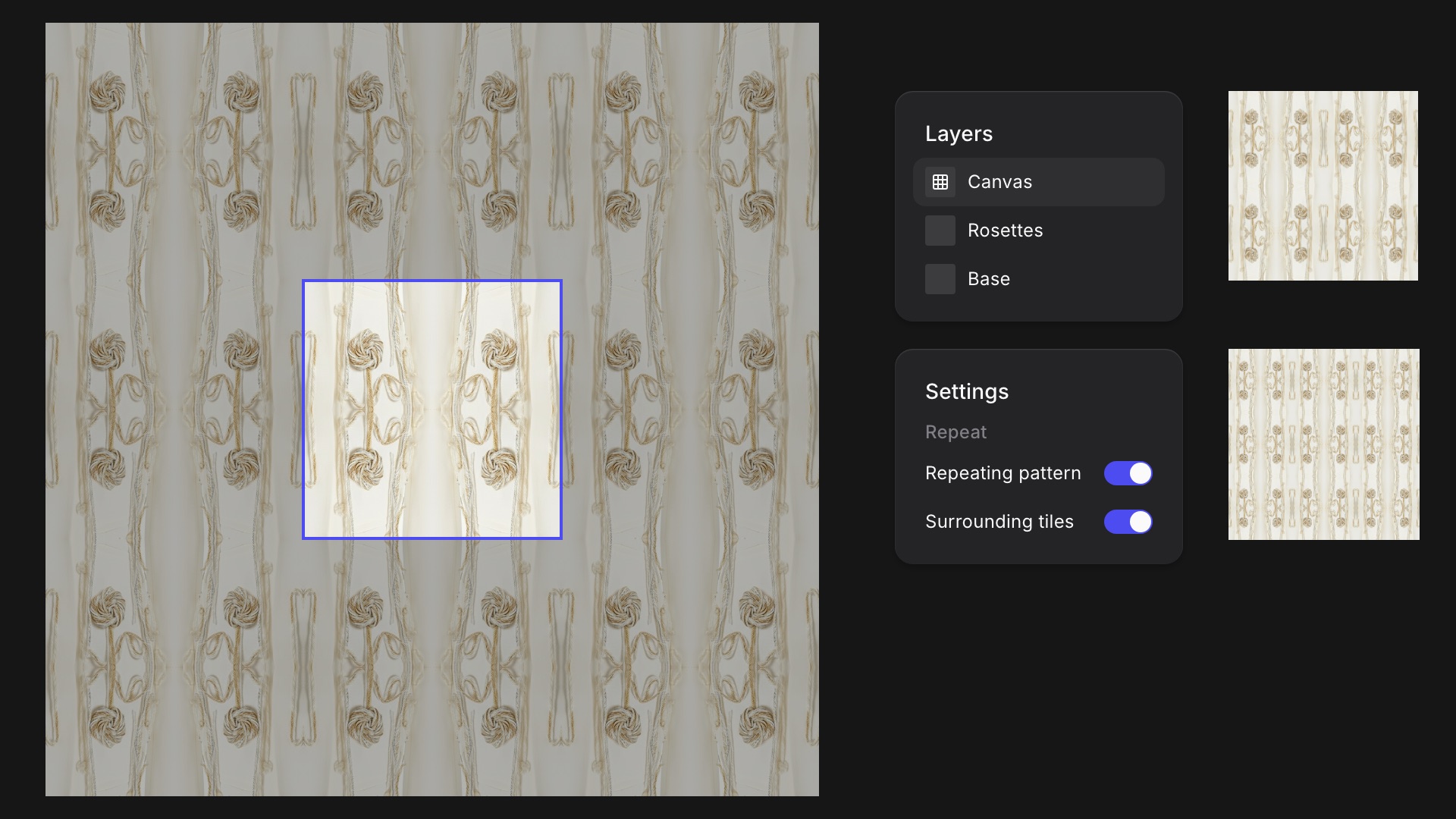
Turn any Studio drawing into a seamless tile and see it repeat around your canvas as you work.
Smoother moves between Studio and the Workbench, and faster selection when you're working across a big canvas.