New Feature
March 31, 2026
Extract, Try-On, Export
A render is just the beginning. Vizcom now supports a connected post-render workflow: refine your concept, visualize the full look, and hand off production-ready assets, all without switching tools or starting over.

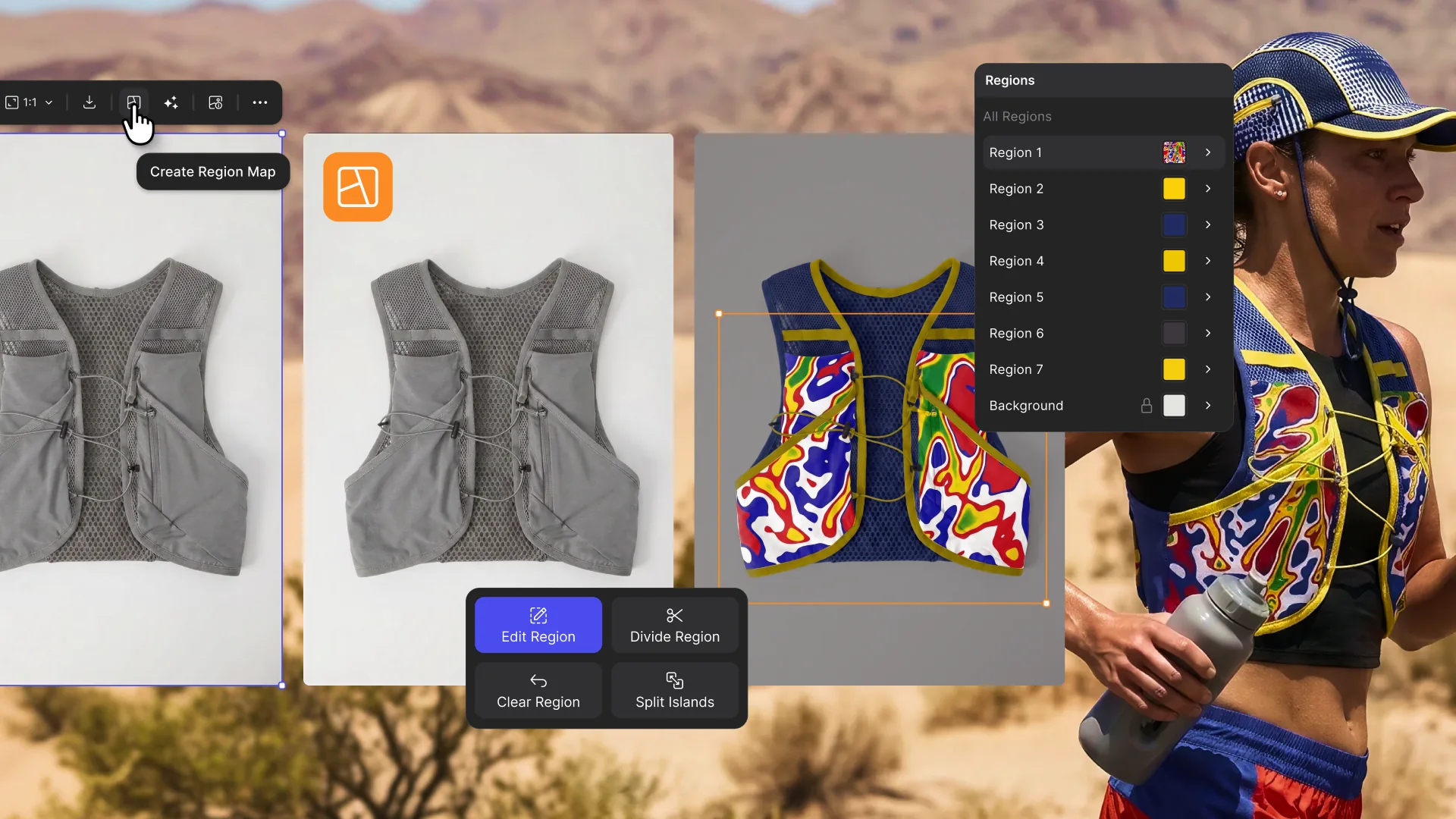
Extract: Break any image into up to 10 colors or up to 10 individual parts. Edit a single element in isolation without touching the rest of your design.
Try On: Built for apparel, footwear, and accessories. Combine up to 8 items, apply or generate a model, set a pose, and render your complete look in seconds.
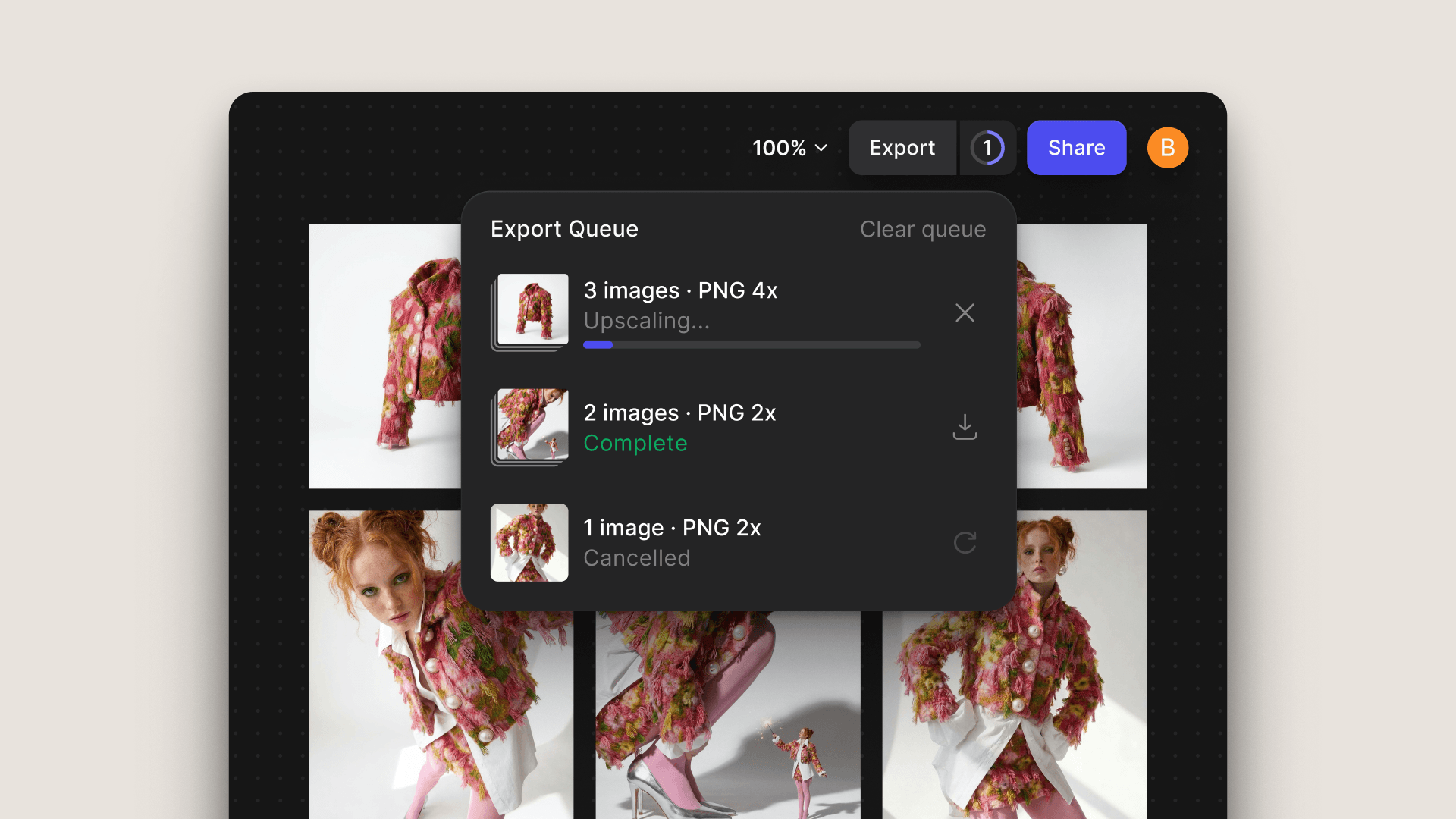
Export: Export assets in SVG, FBX, or USDZ — ready for Illustrator, Figma, DCC software, or AR review workflows.
Available now for all users.