Asset Libary Updates
Your asset library, organized your way.
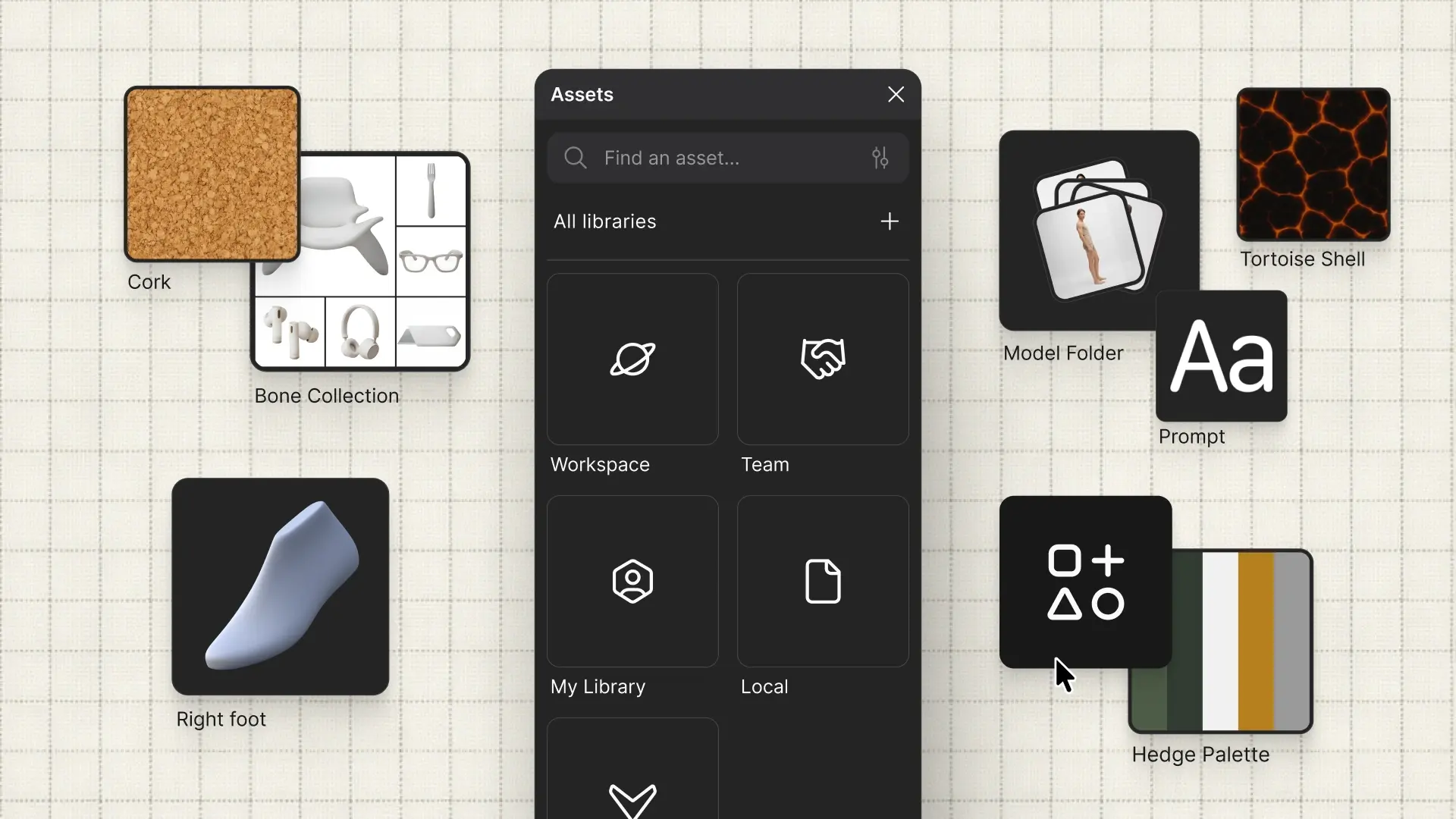
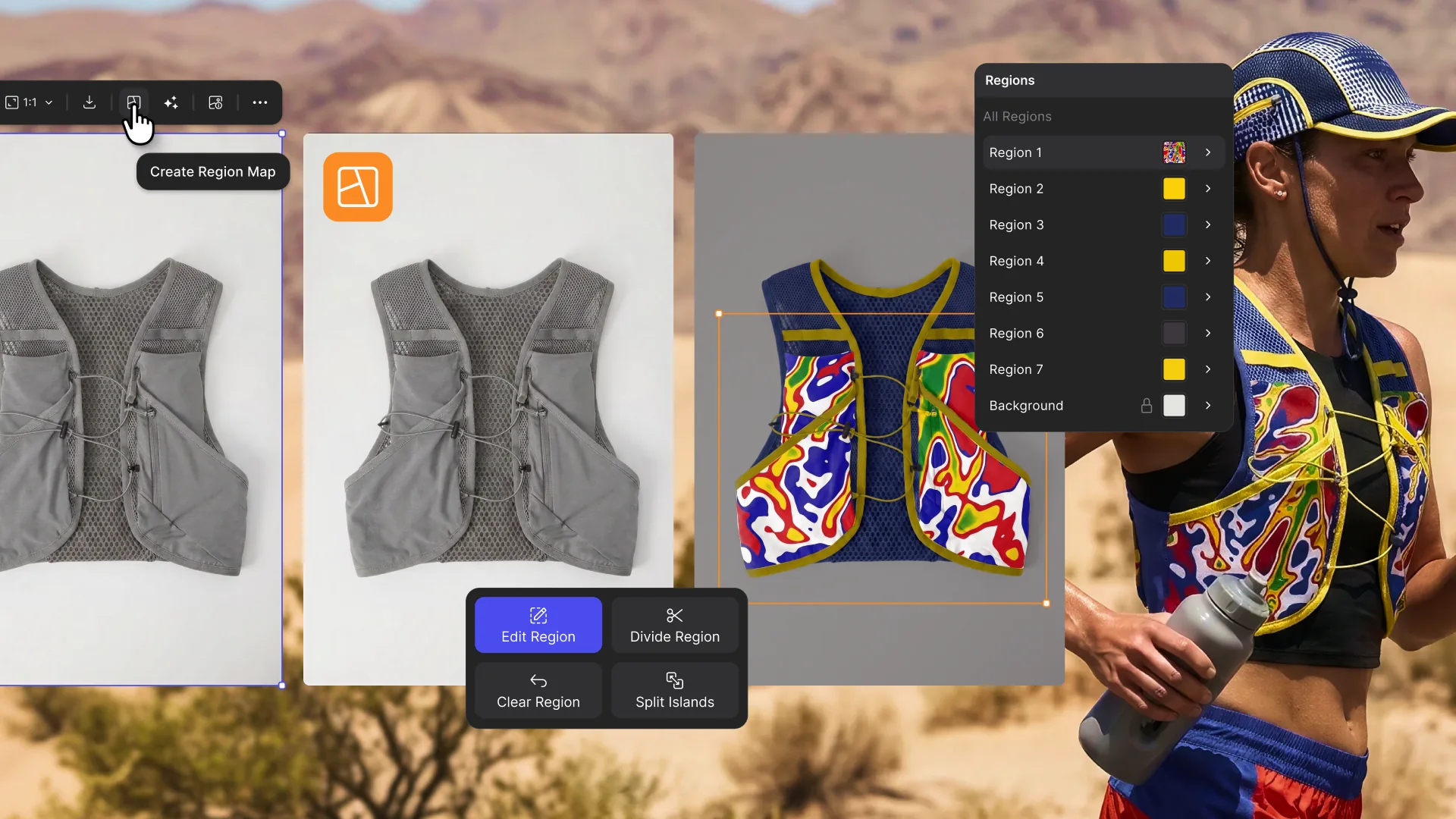
Your assets should be as fast to find as they are to make. Before, there was one library, organized by asset type. Now, you're able to build libraries within your library, customized to fit your workflow.
What's new:
Folder hierarchy: Organize assets by project, season, or client. Freelancers and studios can build separate libraries per client. The default view shows all your libraries; the structure within each is yours to build.
Asset creation panel: Upload multiple assets at once, assign them to a folder or library on the way in.
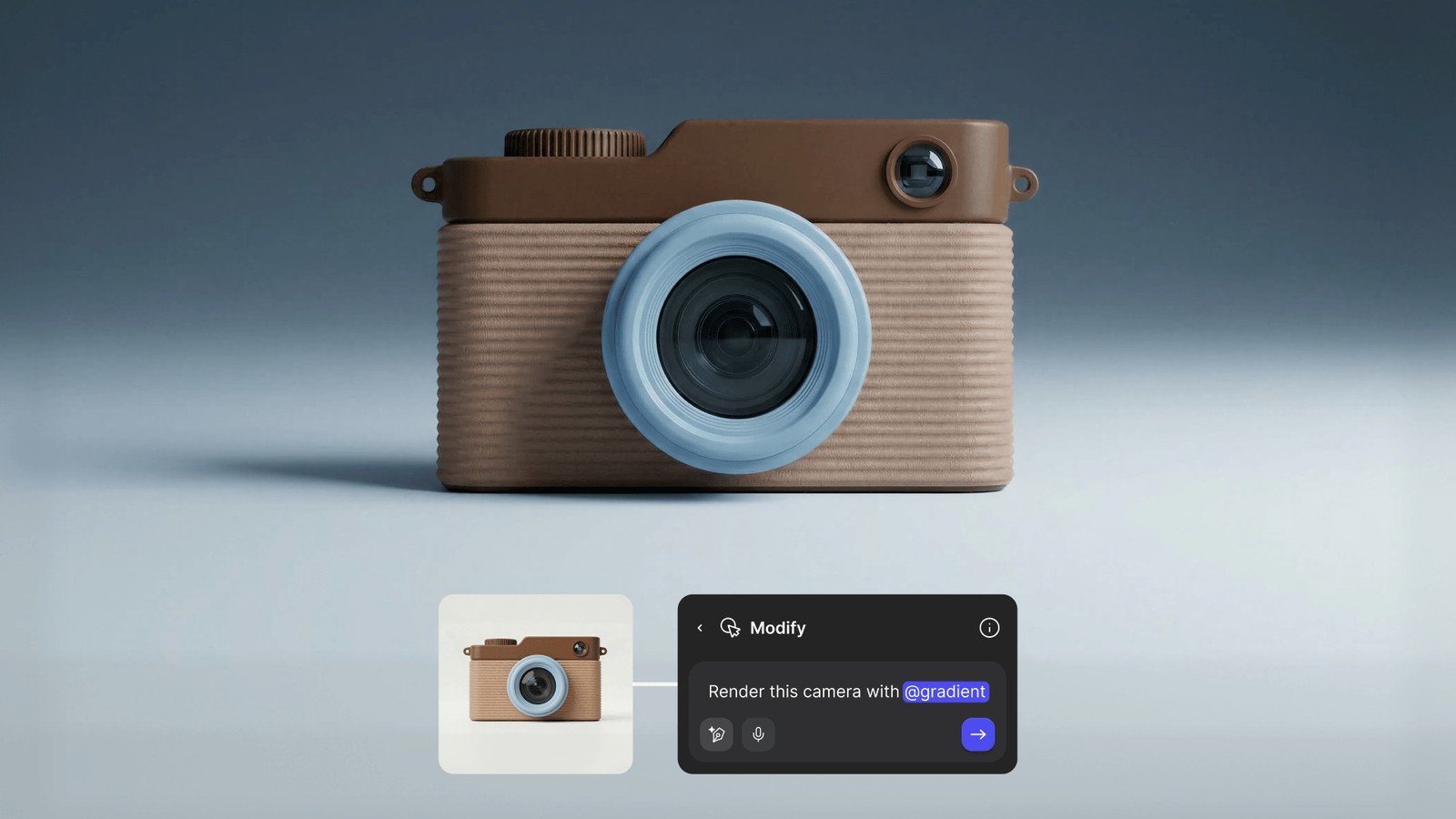
3D asset support: Save models as reusable presets and pull them directly from the workbench mid-session.
Vizcom library: New users get a curated set of materials, colors, palettes, and 3D models pre-loaded and ready to use.
Team Library (Enterprise only): A shared enterprise-scoped library for brand and seasonal assets, so everyone on your team is pulling from the same source.
Available now for all users.