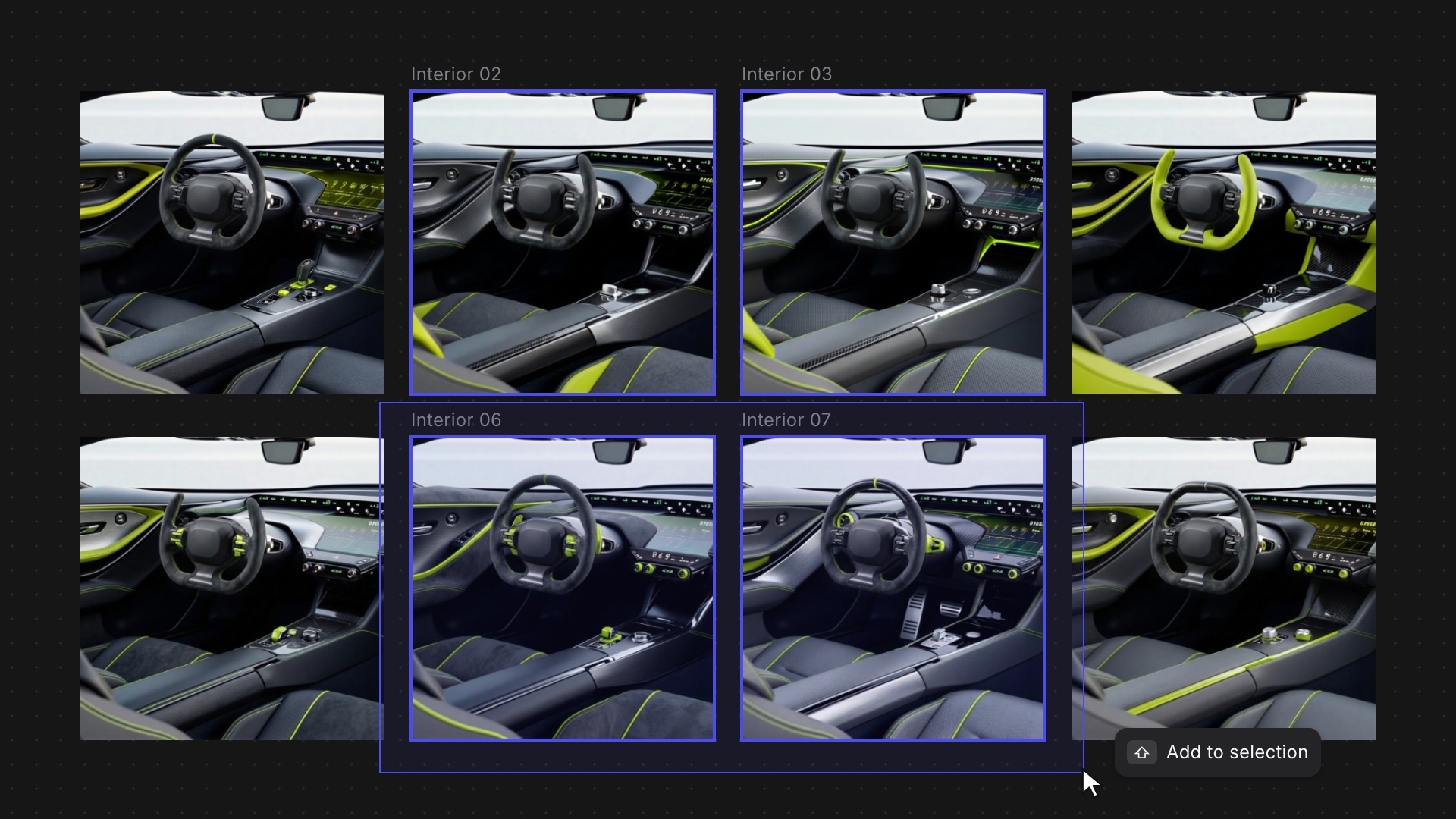
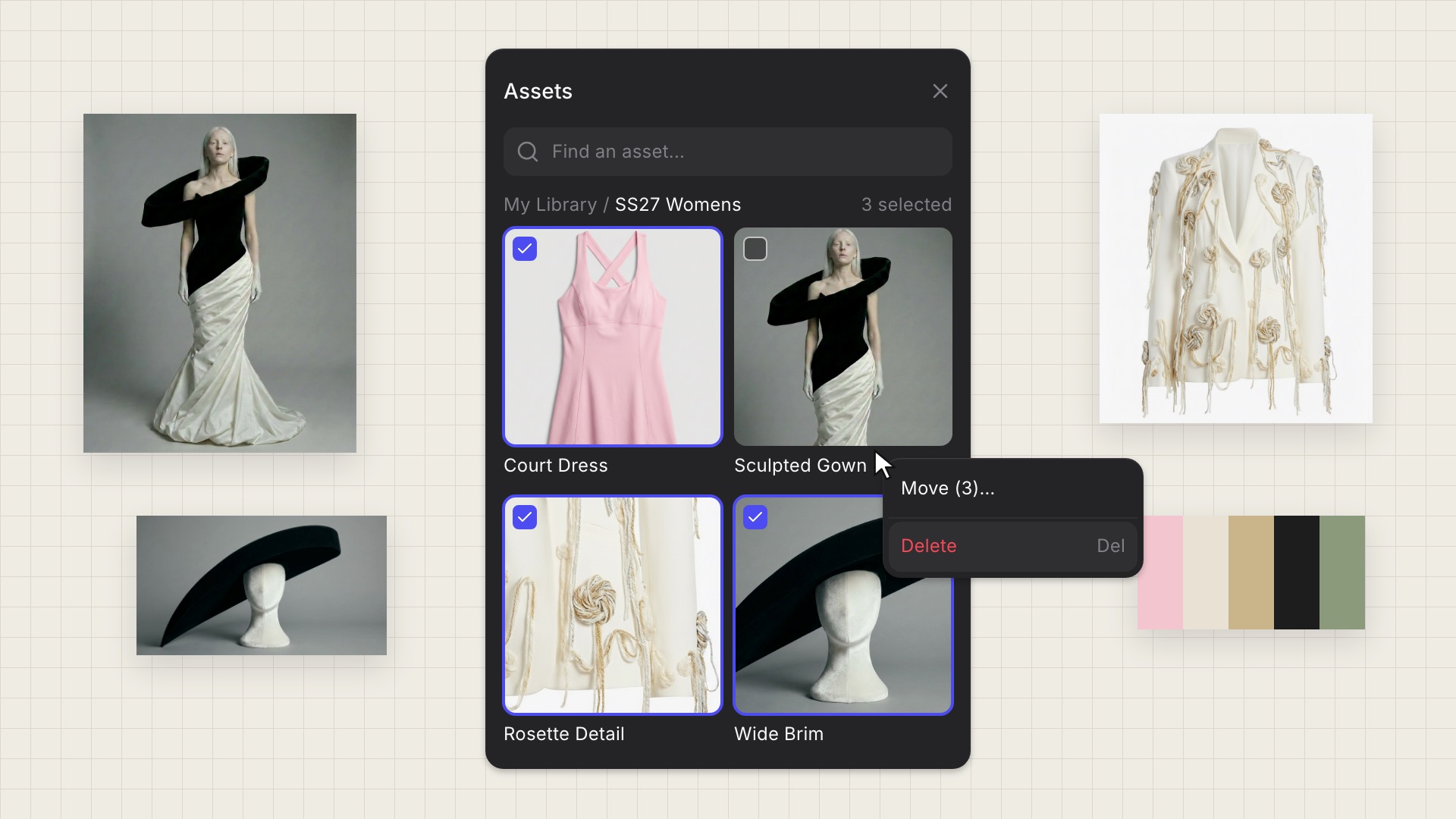
Adaptive Canvas
Adaptive Canvas removes fixed aspect ratio limits across Vizcom Workbench and Studio, allowing creators to resize, expand, and crop their canvas at any point without restarting or losing work.
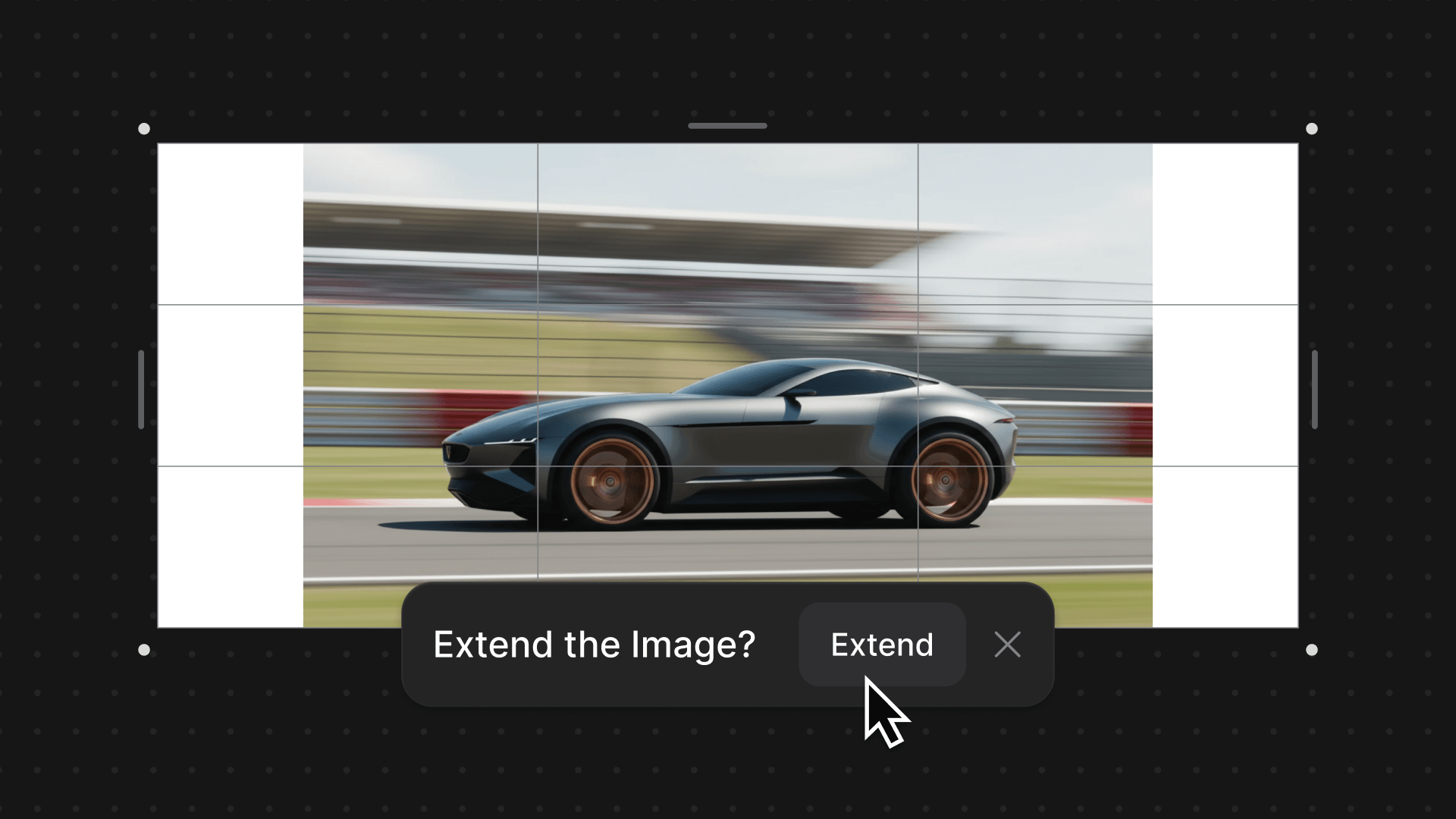
We’ve updated canvas spaces across both Workbench and Studio to be fully adaptive, so you’re no longer locked into a fixed aspect ratio at the start of a project. With Adaptive Canvas, you can resize, expand, and crop your frame anytime, from first sketch to final render, without restarting your work or losing your composition.
Available now for all users.
Related updates
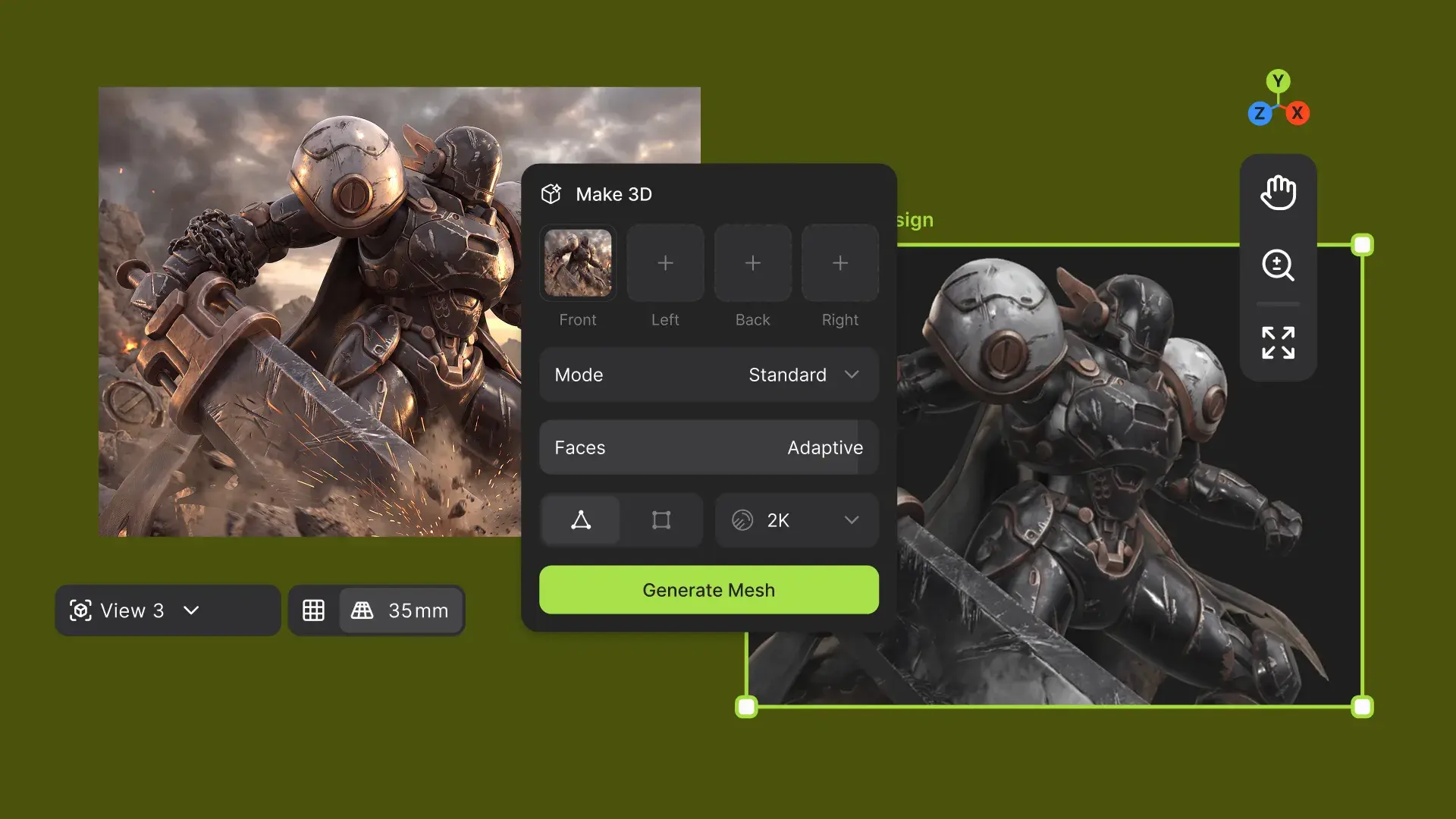
Generate a 3D model from any sketch or render right on the canvas, then connect it to Modify to render from the exact angle you set.
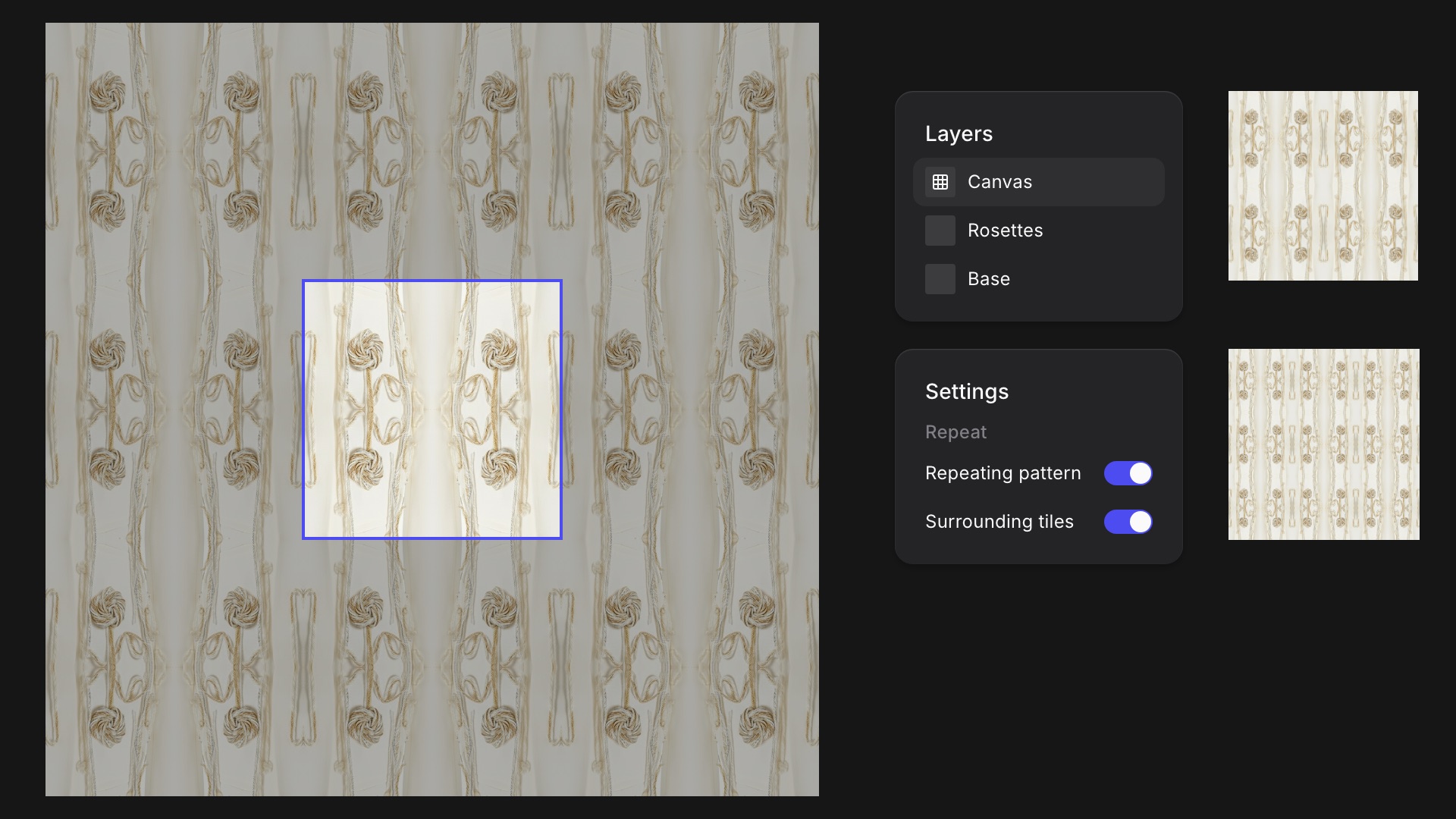
Turn any Studio drawing into a seamless tile and see it repeat around your canvas as you work.