\

Drag

New Views

Guided workflows
Best practices
Getting started
Design exploration
Feature deep dives
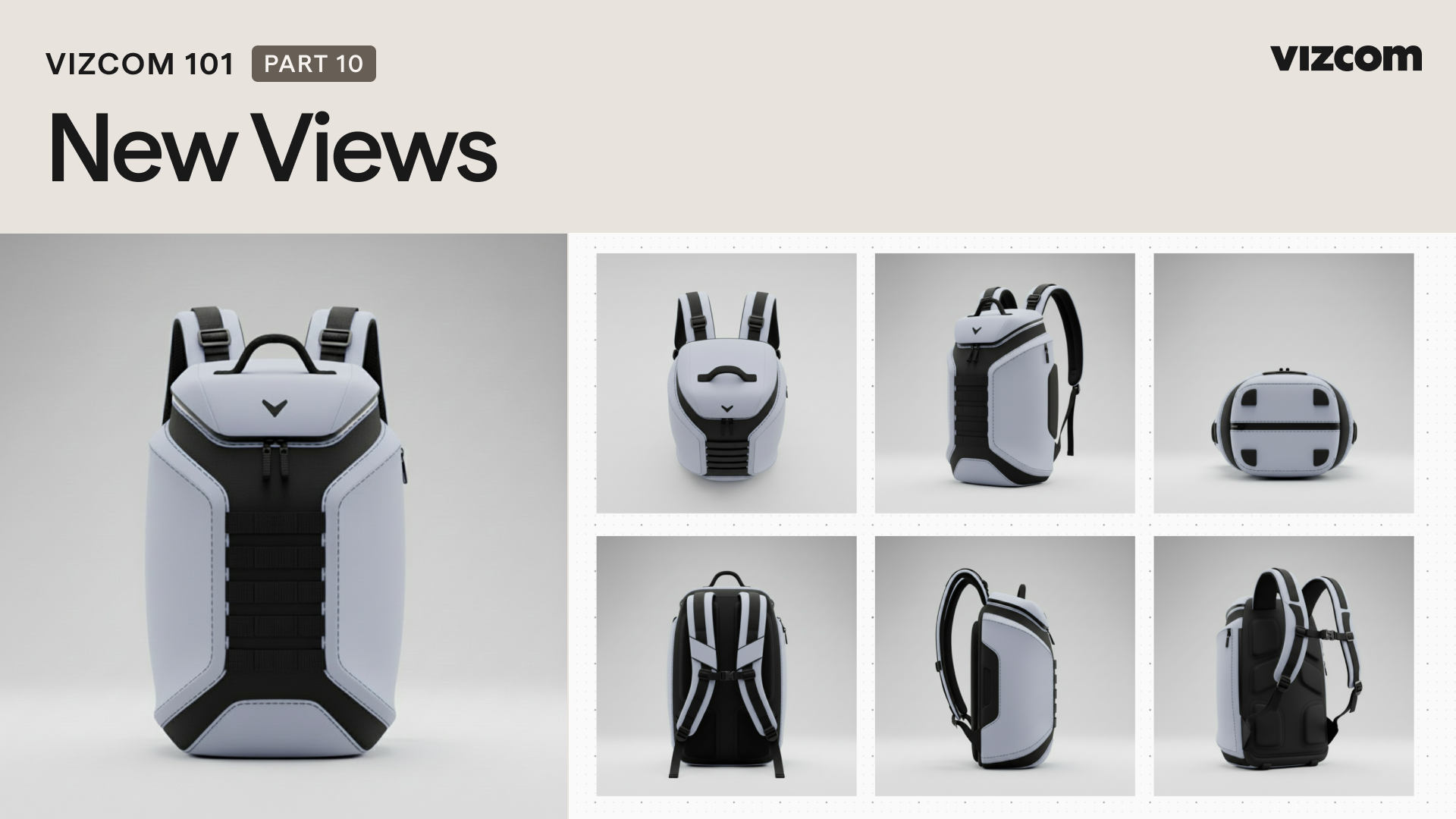
Learn how to use Vizcom’s New View feature to generate multiple angles of a design, helping you better communicate intent, refine proportions, and maintain visual consistency without redrawing.

Table of contents

Lessons

1

Creating your account

2

Workspace Overview

3

Creative Interface

4

Sketch Exploration - Starting in Studio

5

Rendering Sketches

6

Workbench Exploration

7

Form Variation

8

Making Adjustments

9

Color Variation

10

New Views

11

Generating 3D in Vizcom

12

In context rendering

13

Animation

14

Generating Moodboards

15

New Verticals

16

Exporting & Upscaling

17

Vizcom 101 Outro

Stay up to date with Vizcom University.

Get notified when new courses, videos, tool tips and more go live

Thank you! Your submission has been received!
Oops! Something went wrong while submitting the form.