Creative Interface
Guided workflows
Best practices
Getting started
Design exploration
Feature deep dives
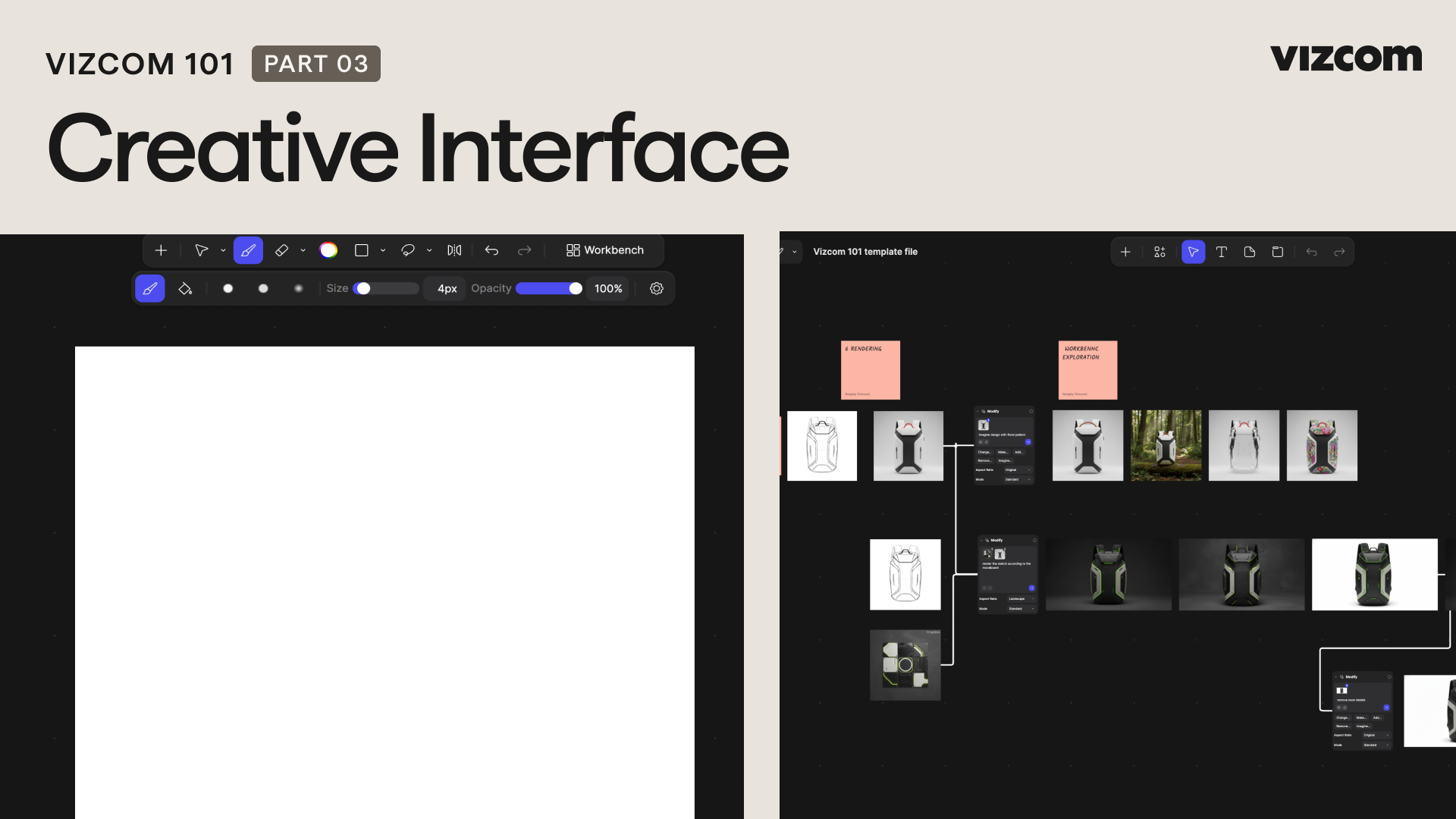
Get familiar with the two creative workspaces in Vizcom platform: Studio and Workbench. Whether you're sketching, rendering, or building out complex variations, this video walks through the full creative layout and how to get started creating.
Table of contents
Lessons
Stay up to date with Vizcom University.
Get notified when new courses, videos, tool tips and more go live