Exporting & Upscaling
Guided workflows
Best practices
Getting started
Design exploration
Feature deep dives
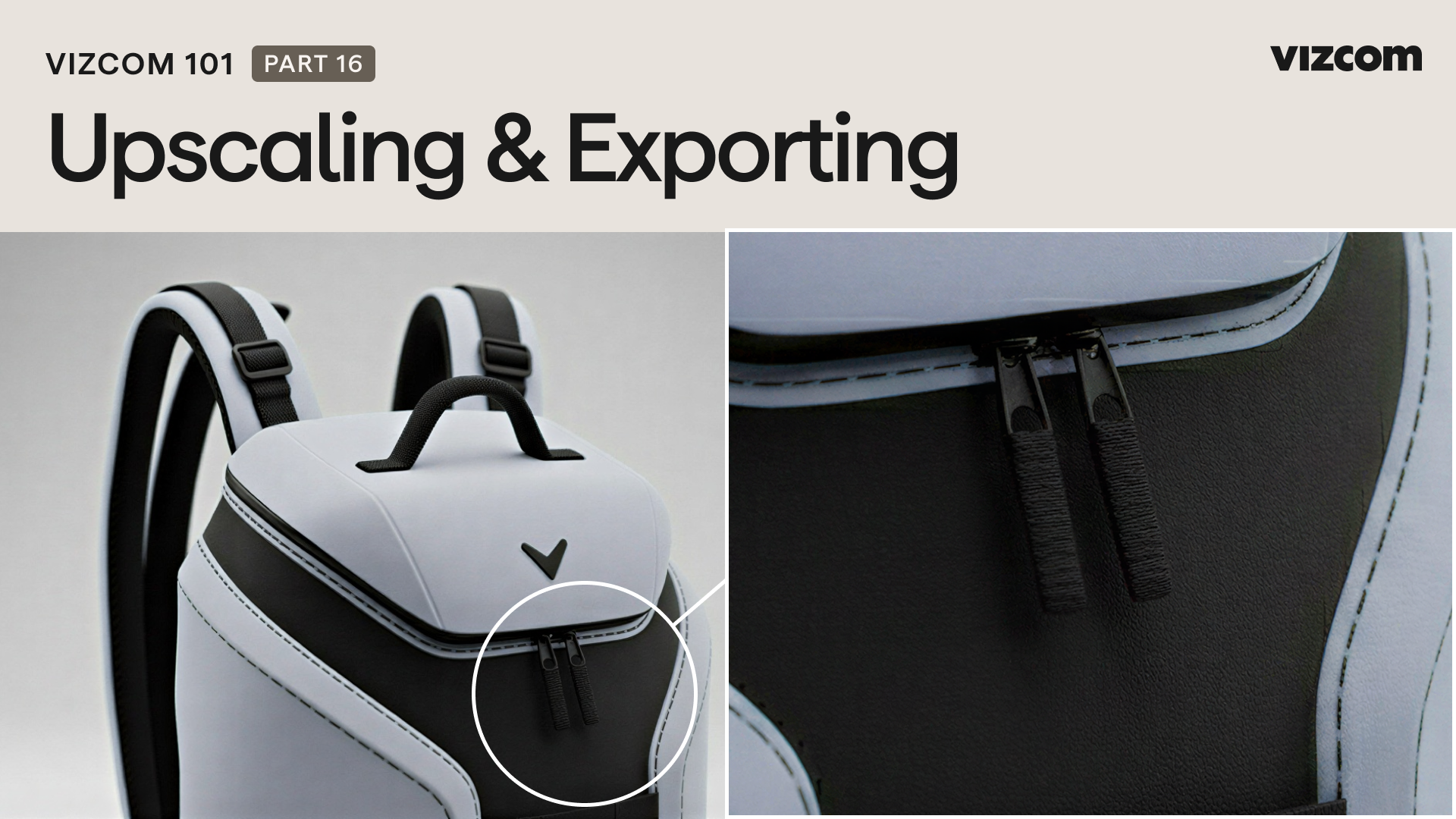
Learn how to polish and export your designs in Vizcom using the Adjust and Enhance tools. This video walks through fine-tuning light and color before export, adding clarity and definition with Enhance, and exporting upscaled images for high-resolution use.
Table of contents
Lessons
Stay up to date with Vizcom University.
Get notified when new courses, videos, tool tips and more go live