Teams
Courses
Webinars
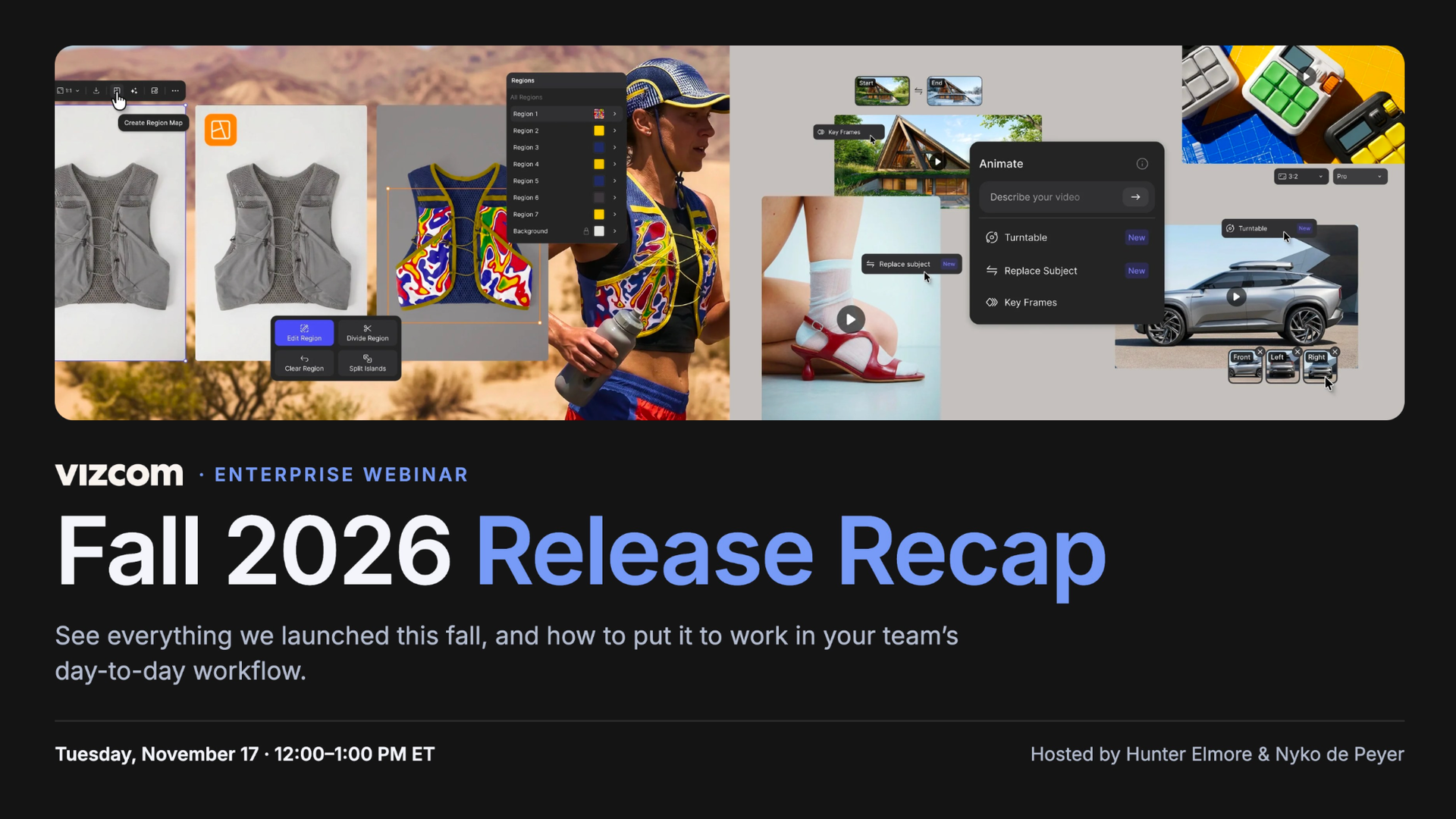
Join Product Expert Lead, Nyko De Peyer, and Customer Success Manager, Hunter Elmor, demo the newest AI tools for product designers. They cover the new Animate (custom animation from up to 8 reference images, multi-frame keyframes, one-click turntables and Replace Subject), Region Maps for changing materials and colors by region, and Make 3D on Workbench, which launched that day with modes for real-time, edit-ready and max-detail meshes. The session also previews the redesigned Vizcom Studio: importable Adobe brushes, radial symmetry, perspective grids and vector support. It’s a practical guide to using Vizcom for sketch-to-render, product animation and 2D-to-3D work in automotive, footwear and consumer product.

Vizcom sits down with DLR Group to explore how one of the country’s leading design firms uses Vizcom across architecture and interior design, from urban planning to custom hotel furniture. Through real project examples, the team shows how they iterate on design options in hours instead of days, refine client-ready visuals, and even collaborate firm-wide during their annual Design Days sprint. They also share practical tips for keeping quality high and keeping designers in control of the creative vision.
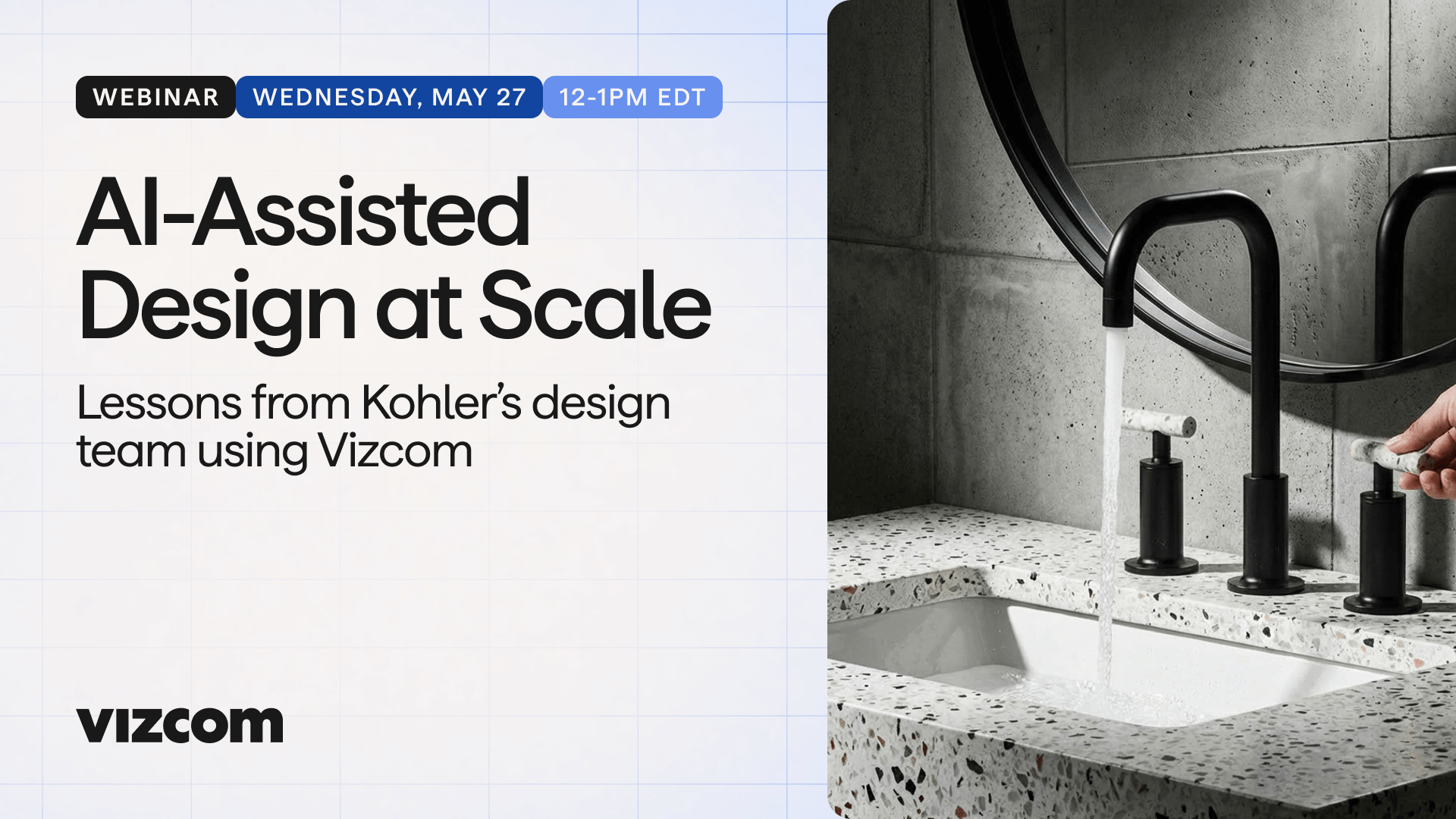
In this webinar, Connor McManus, Industrial Designer at Kohler Co., walks through how one of the world's most recognized design teams uses Vizcom in their day-to-day creative process. Viewers will see real examples of category-specific visualization across Kohler's product lines, learn how the team uses prompting and iteration to generate hundreds of concepts quickly, and get an inside look at how motion clips and CAD workflows come together to present ideas before a single product is built.

Explore the latest updates to Vizcom Studio and learn how to use Modify with confidence in real design workflows. This on-demand webinar covers what’s new in the Studio Refresh, why the changes matter, and how to apply Modify effectively for faster, more precise design iteration.
Stay up to date with Vizcom University.
Get notified when new courses, videos, tool tips and more go live