3D in Vizcom: A new dimension, right on your canvas
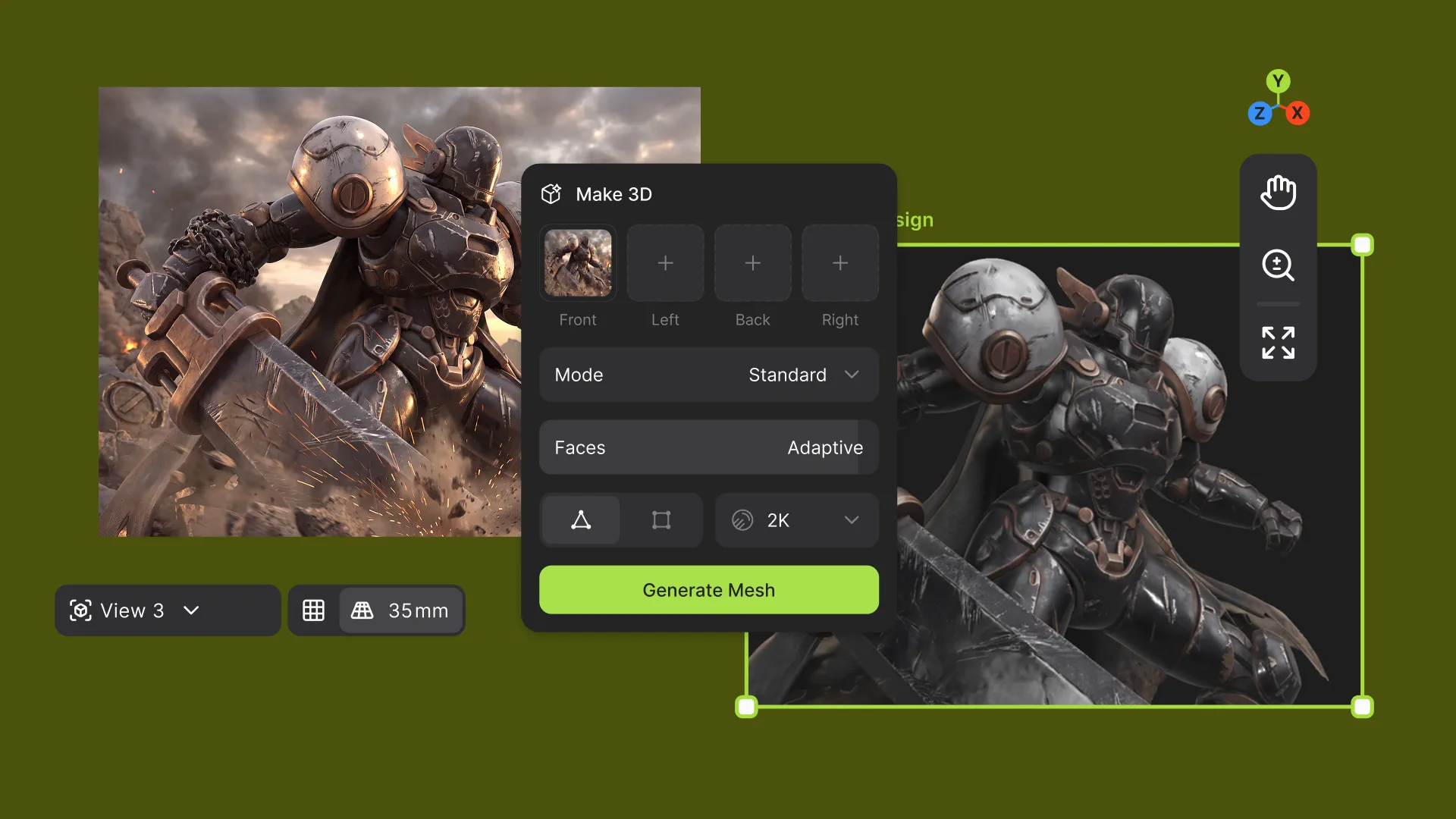
3D is now on the Workbench. Generate a 3D model from any connected image, review it right on the canvas, and connect it to Modify to generate new images from the exact camera view you set.

Bringing 3D to Workbench
3D generation launched in Vizcom before the Workbench existed, so it lived in the 2D Studio. That made sense at the time. But the Workbench has since become where designers live, the place they create, iterate, and run their workflows day to day.
So making a model meant leaving the canvas. And once you had one, it sat apart from everything else, with no way to use it to guide new images. Bringing Make3D to the Workbench fixes both. Models now live alongside your images and animations as a core part of how you create. Connecting them to Modify is the first step, and it opens the door to more 3D workflows to come.
Generate where you're already working
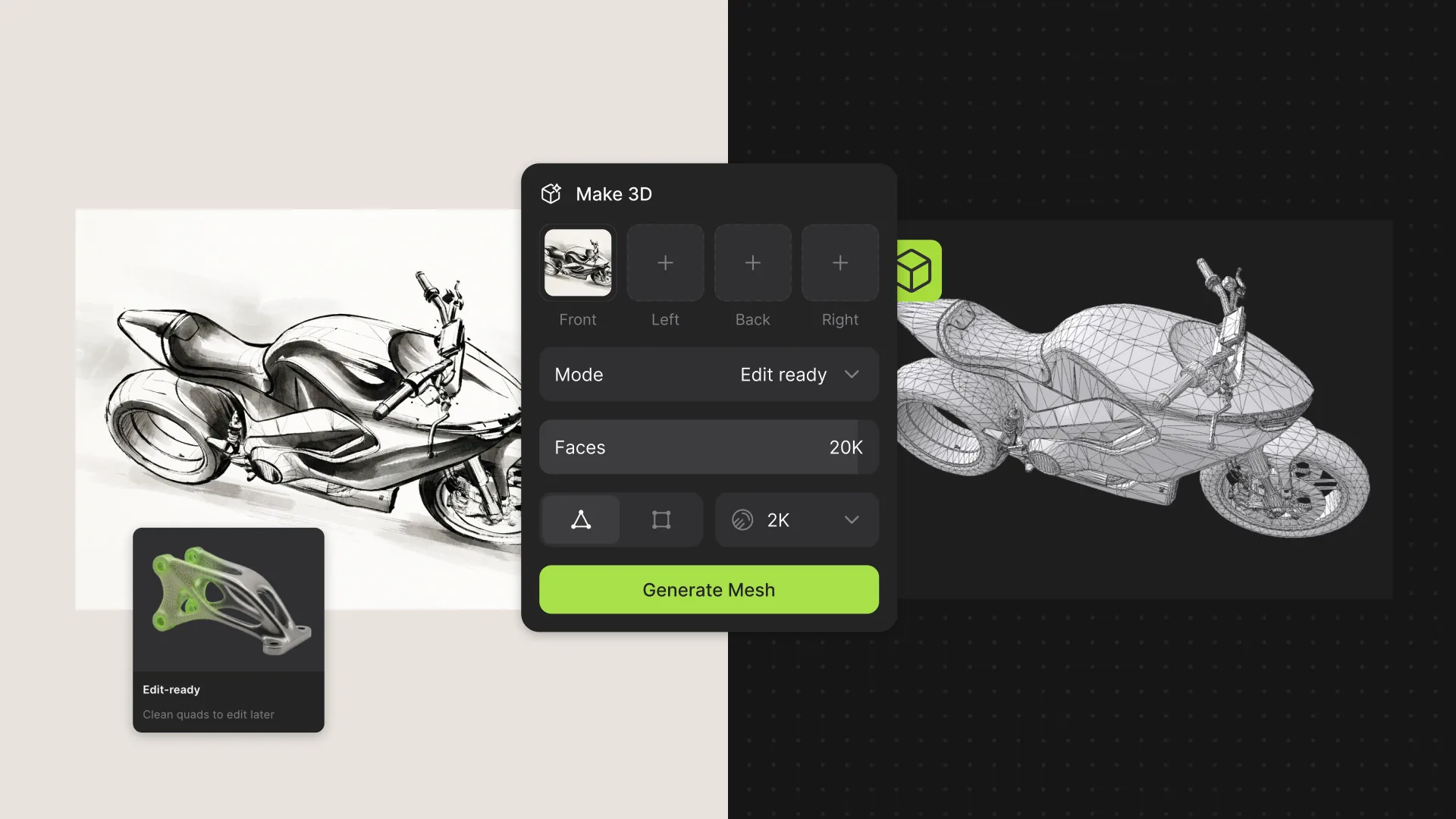
Connect a sketch or render to a Make3D block, pick a preset, and generate. The creation menu has been rebuilt around mode presets, each matched to what you plan to do with the model:
Standard for general-purpose generation.
Real-Time for lightweight optimized assets.
Edit Ready for creating a primitive base as a starting point.
Max Detail when fidelity matters most.
Prefer the Make3D you already know? The original block is still available, in both Studio and the Workbench.
Render your 3D models on Workbench
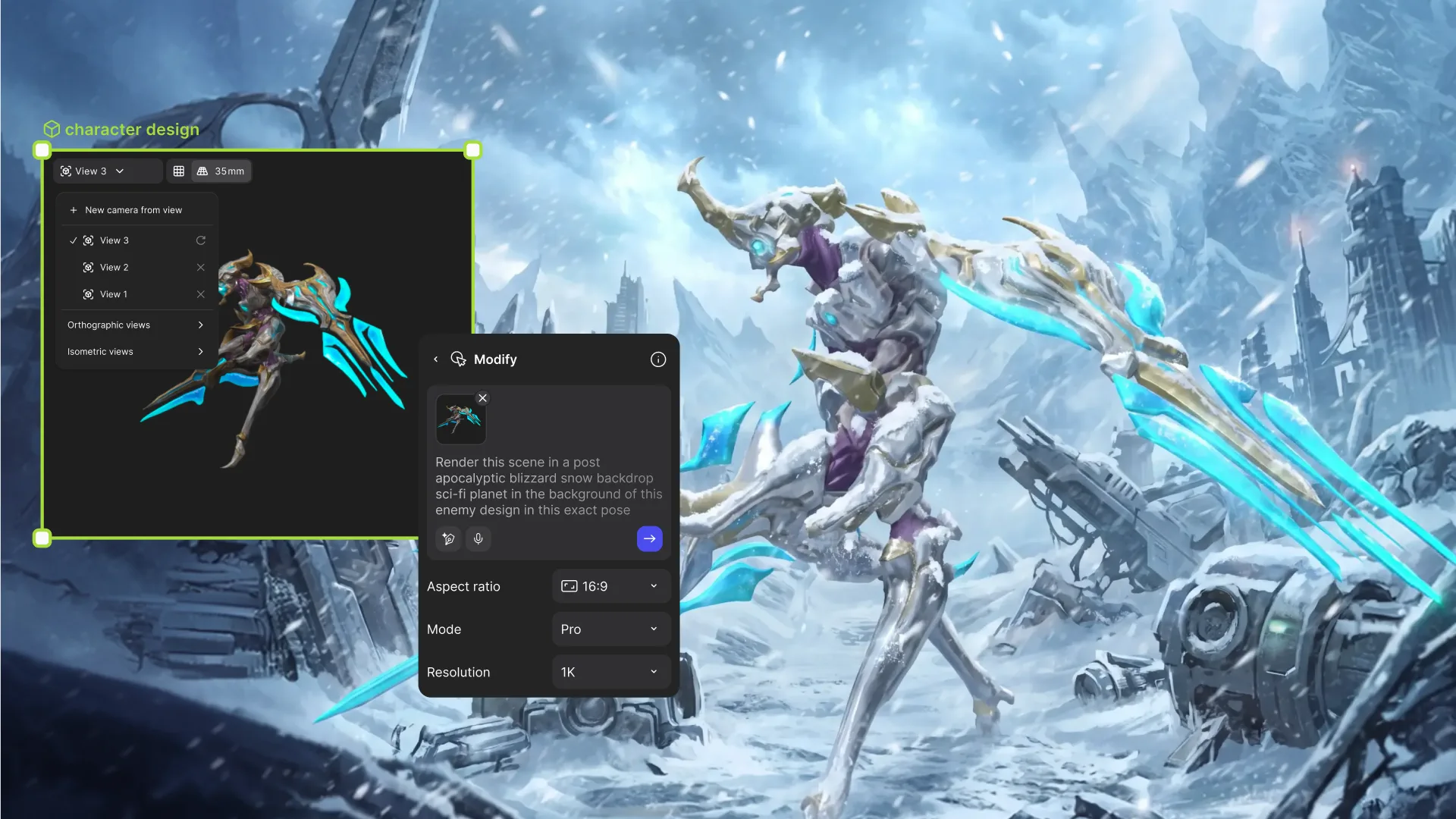
Here’s what having 3D on the Workbench makes possible. Plug a model into Modify, frame the view you want, and Modify generates images from that perspective.
Camera angle has always been one of the hardest things to control in image generation. When a model drives the view, you set the angle directly instead of describing it in a prompt and hoping it comes out right. Saved camera views make that angle repeatable.
Lock in a front three-quarter view once and reuse it on every iteration, so the product shots line up when it’s time to compare them.

A new way into Vizcom: start from 3D
Models can come from outside Vizcom, too. Upload a 3D model to the Workbench the same way you'd add an image or animation, and it becomes the same native 3D element, ready to frame and connect to Modify. Models you've made in Studio can come along too.
See Workbench3D in action
3D used to be a separate stop in the process. Now it's a block you can wire into any part of it inside of Vizcom.
Have a sketch you've only ever seen from one angle? Try Vizcom for Yourself →
Learn more on our User Docs.
Explore
Explore more blog posts & resources to get inspired
3D is now on the Workbench. Generate a 3D model from any connected image, review it right on the canvas, and connect it to Modify to generate new images from the exact camera view you set.
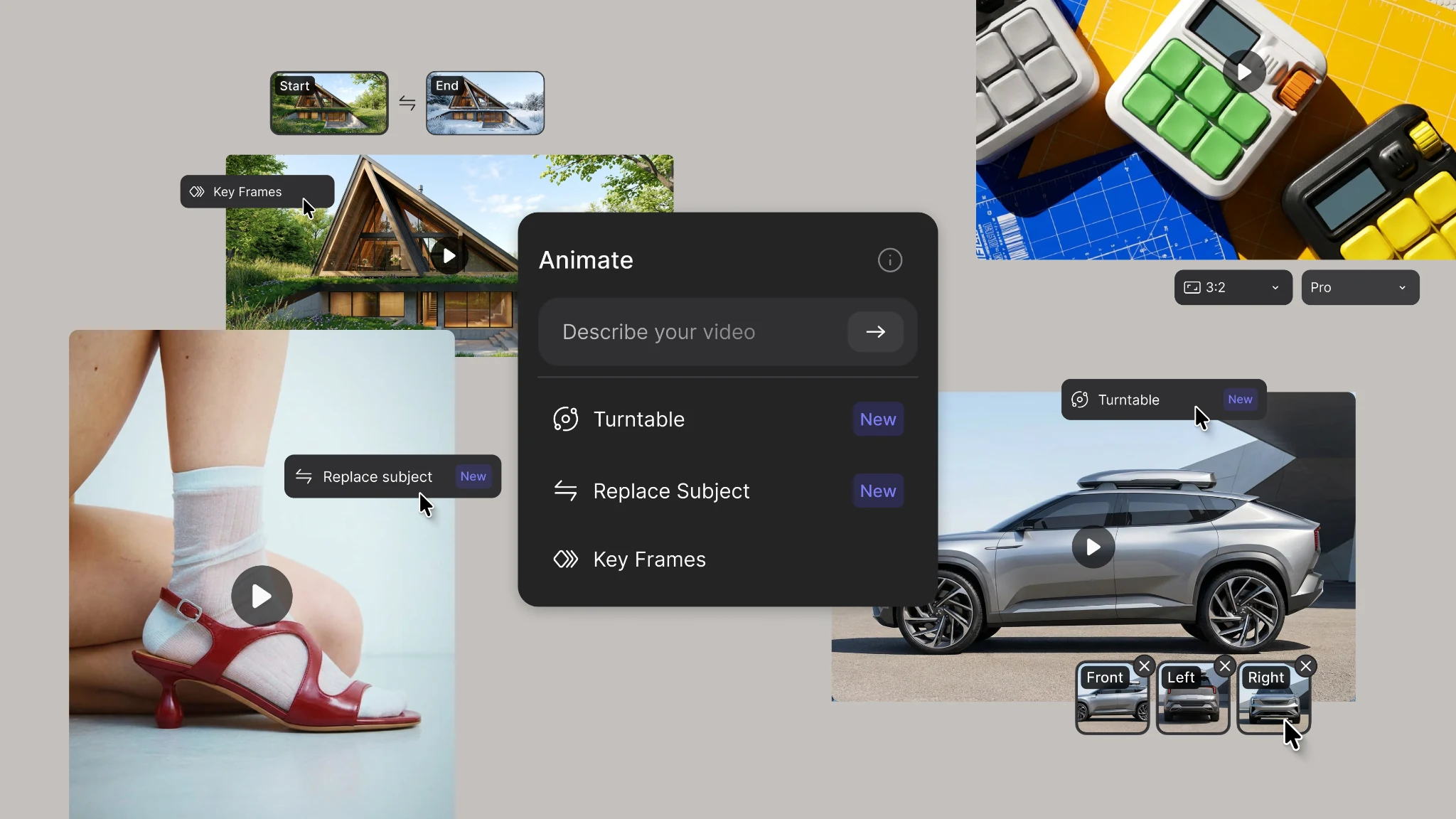
New animation capabilities in Vizcom: more references, four modes, and up to 15 seconds of motion.

Hatch Duo is a design studio based in San Jose built around a simple premise: great products hatch when two forces meet, your insight and their execution. Hatch's focus sits squarely in consumer packaged goods. For their latest collaboration with Vizcom, industrial designer Alec Comido wanted to see what he could design in one hour.
Frequently asked questions
Yes of course! Our starter plan is completely free, no credit card required. This is a great plan to explore vizcom with.
We accept all major credit and debit cards.
Admins (paid) – can edit files, manage workspace settings, billing, teams, and invite members. Editors (paid) – can edit files but not manage settings, billing, or teams. Viewers (free) – can only view files in read-only mode.
Team billing is handled centrally by the Admin. All paid seats, whether Admins or Editors, are included in a single invoice under the same billing cycle, while Viewers remain free and do not affect the cost.
Yes, you can. An Admin can update the plan in the billing settings, and the switch will take effect on the next billing cycle at the annual rate.
Yes, you own everything you create in Vizcom. For free users, while Vizcom may use generated images to improve its services, it does not claim ownership of your designs, concepts, or original ideas—you keep full rights to them. For paid users, your images and designs remain entirely private and are only used to deliver the service. Every design, concept, and image you create or upload is fully yours and kept confidential.
Vizcom does not use your data to train AI models if you’re on a paid plan. Everything you create stays private and is only used to provide the service. Free users may have their generated images included to help improve Vizcom’s services, but even then, Vizcom does not claim ownership of your designs, concepts, or original ideas—you retain full rights.