.webp)
One Hour, one concept, one tool: Hatch Duo's Vizcom Design Challenge
Hatch Duo is a design studio based in San Jose built around a simple premise: great products hatch when two forces meet, your insight and their execution. Hatch's focus sits squarely in consumer packaged goods. For their latest collaboration with Vizcom, industrial designer Alec Comido wanted to see what he could design in one hour.

The rules: random prompts, real pressure
To kickstart the design challenge, Alec drew three randomized prompts: a product category, a target user, and a design constraint. He hit the clock and gave himself one hour to go from nothing to a fully rendered concept.
The randomized constraint is what makes this interesting as a design exercise. When you can't choose your brief, you can't fall back on muscle memory. You have to respond to whatever lands in front of you — and that's where the tool you're using either helps or gets in the way.
A sketch pulled from nature
The randomizer drew the following prompts:
Product: Robot Frisbee Launcher
User: Blind Person
Constraint: Nature Inspired
Once the prompts were revealed, Alec went straight to paper. The initial form language drew directly from organic, natural references — curves and surfaces that felt biological rather than engineered. That starting point shaped everything downstream: material choices, proportions, the tension between soft form and hard function.
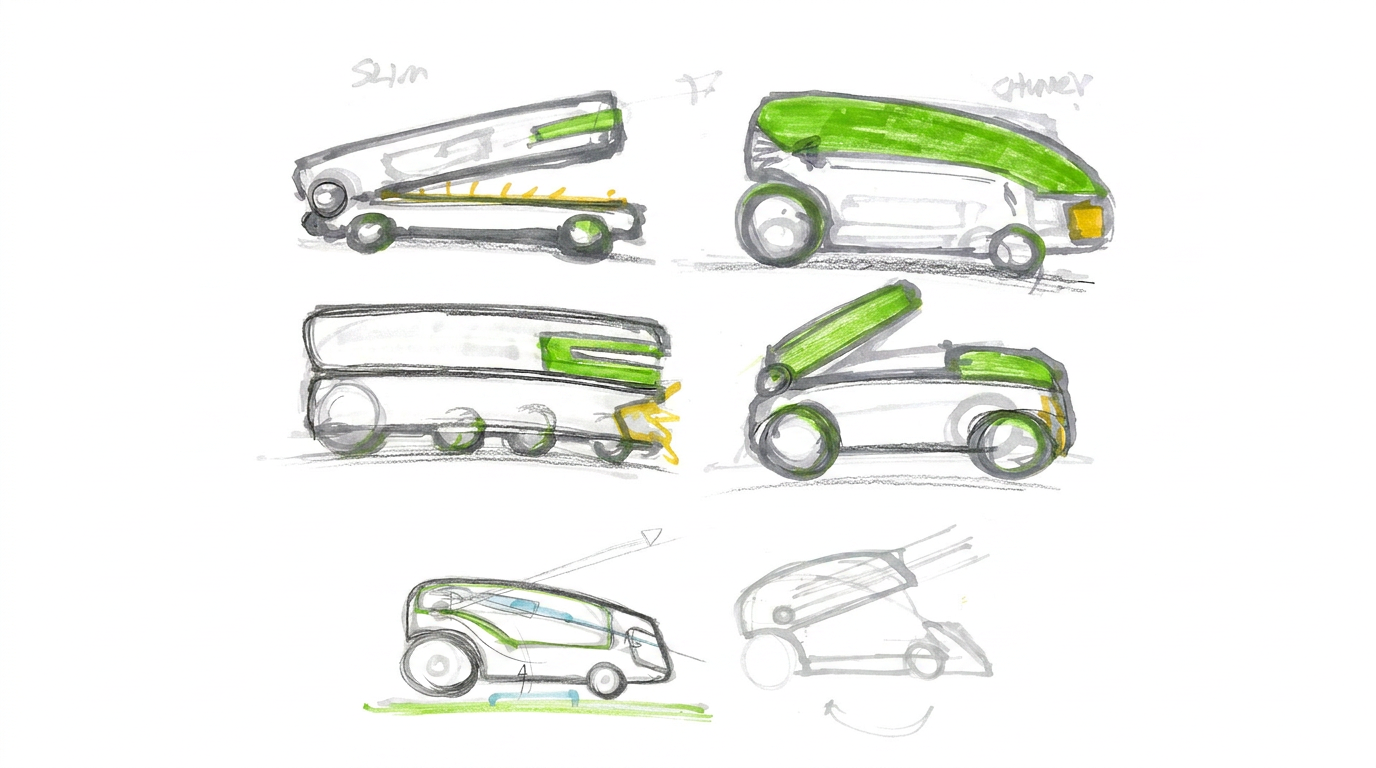
"The material selections were inspired directly by the randomized prompt challenge. We aimed to create a strong contrast between functional durability and a refined, modern aesthetic."
That contrast — rugged enough to work, polished enough to want — became the throughline. It's the kind of decision that usually takes a few rounds of sketching and discussion to land on. Here it happened in minutes, because it had to.
Where Vizcom took over
Alec’s workflow follows a pattern that will feel familiar to most product designers: rough hand sketch first, then jump into a digital tool to explore surfaces, materials, and visual weight before committing to CAD. The difference in this challenge was speed. With sixty minutes on the clock, there was no room for the usual loop of sketch-scan-render-wait-evaluate-repeat.
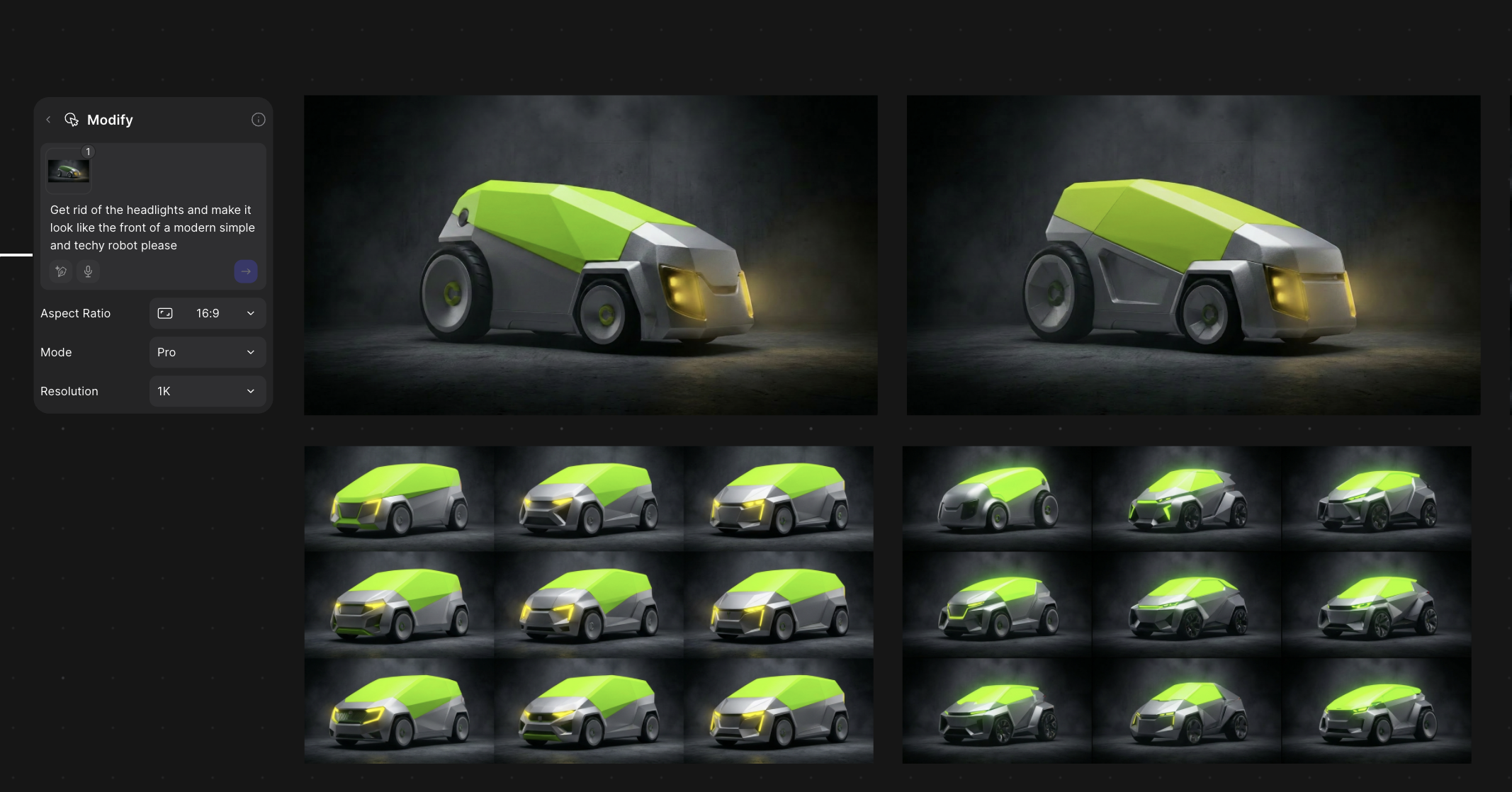
Vizcom’s Modify Tool did most of the heavy lifting. Alec used it to cycle through material finishes and detail variations without rebuilding the underlying form — testing matte against gloss, swapping accent materials, adjusting parting lines. Each iteration took seconds instead of the manual rendering time that would normally eat into a tight timeline.
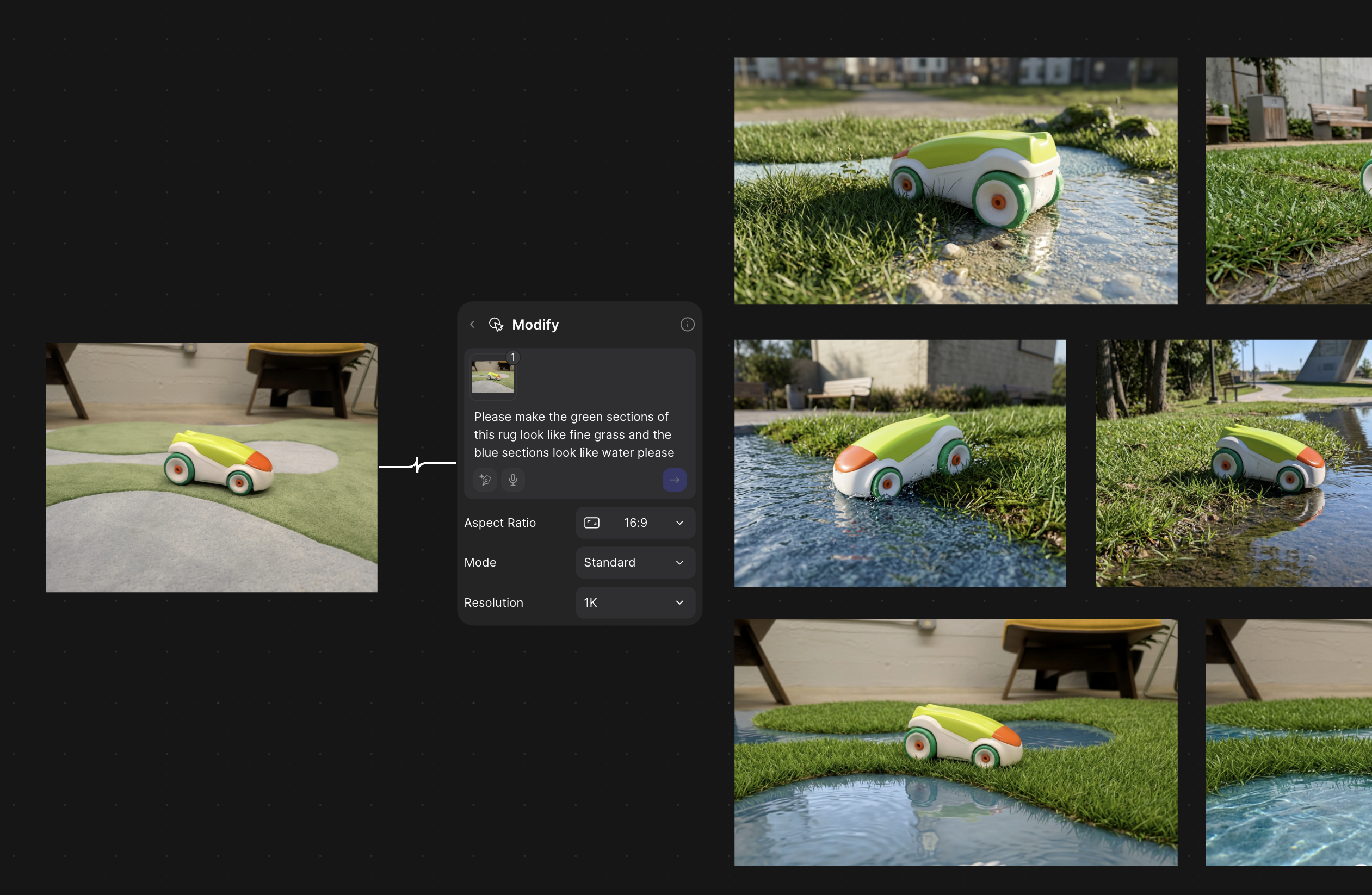
New Views and Make 3D were the other two standouts. New Views let Alec check proportions and alignment from controlled angles — the kind of sanity check that catches problems before they become expensive. Make 3D converted the 2D concept directly into a 3D model, which could be exported.
"Rather than shifting our direction, Vizcom's strength was helping us execute our specific vision much faster. Because we had a clear concept in mind from the random prompt, Vizcom acted as an accelerator — allowing us to test and validate our intended material and form choices in seconds rather than spending hours manually rendering."
.webp)
From screen to printer in the same session
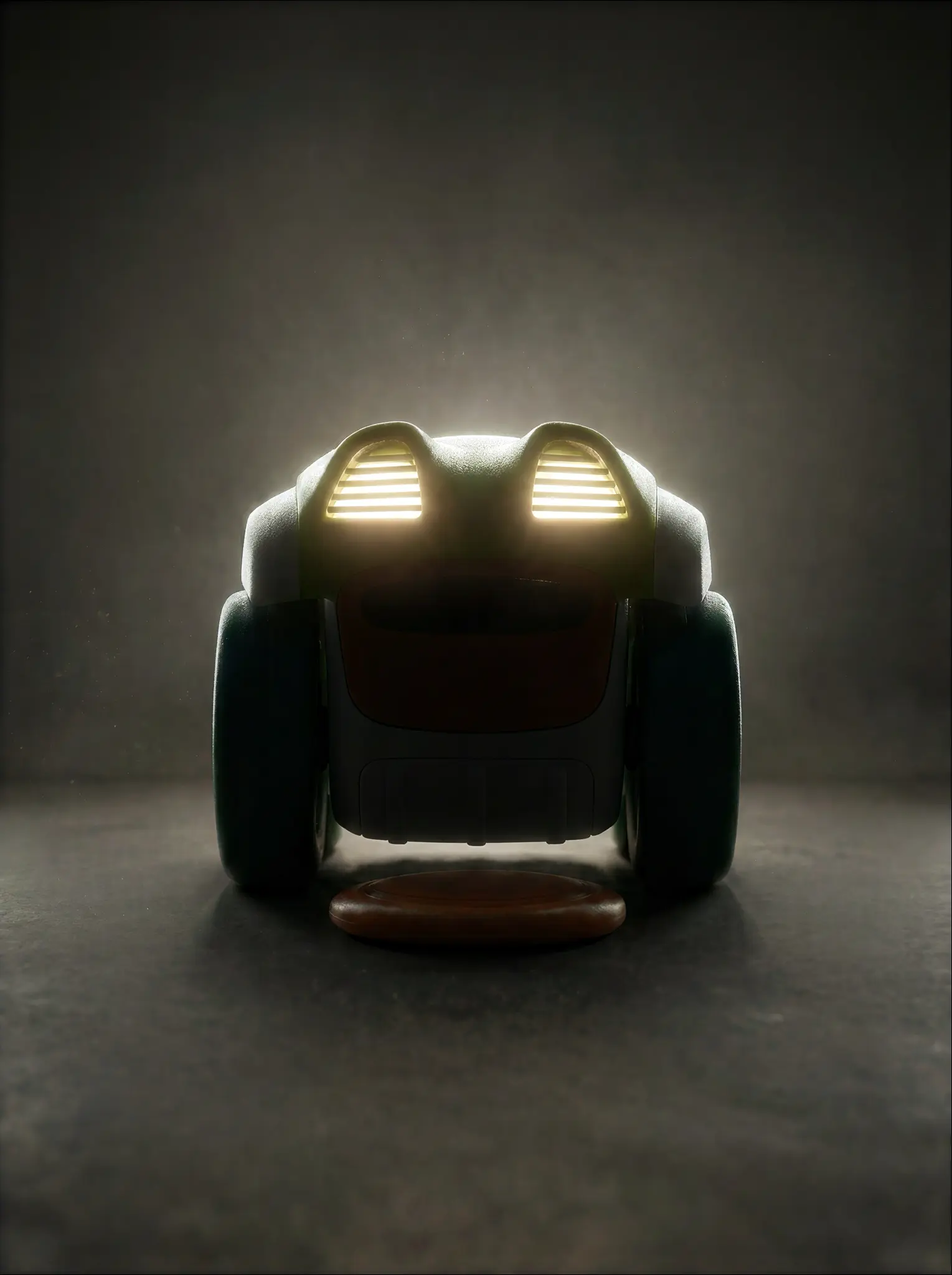
The part of the video that tends to catch designers' attention is the ending. Alec didn't stop at a rendered concept. He exported the 3D file generated by Make 3D and sent it straight to a 3D printer — pulling a physical prototype directly out of Vizcom.
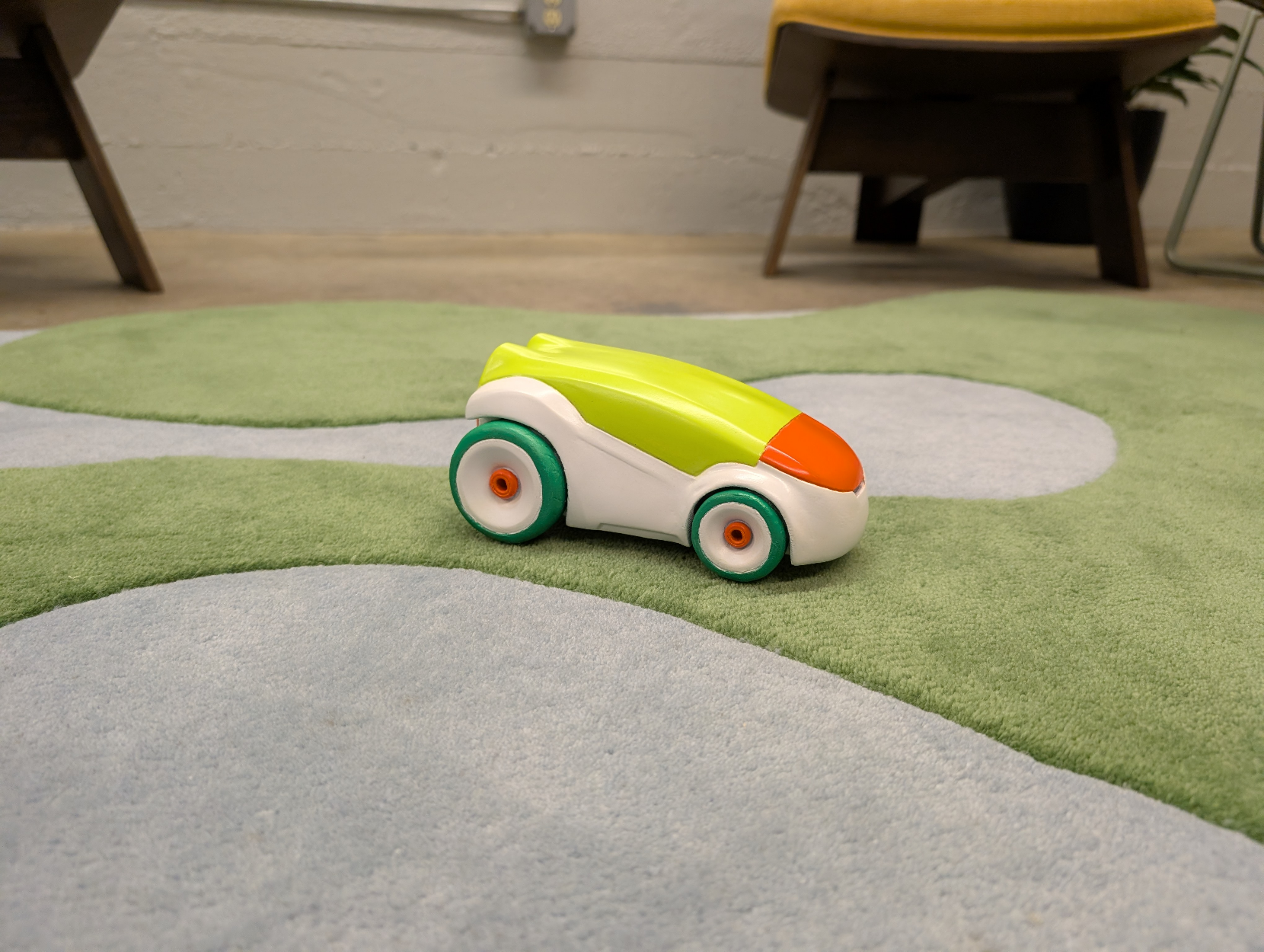
"Being able to extract a usable file straight from the tool made the physical build super fast. Vizcom's animation features also helped bring the object to life digitally before we even hit print."
That sequence — sketch, render, 3D model, physical object — happened inside a single working session. No file conversion headaches, no intermediate software to bridge the gap between "looks good on screen" and "exists in the real world."
The animation step added another layer: before committing material and machine time to a print, Alec could rotate and present the object digitally, checking it from every angle the way you'd turn a prototype in your hands.
.gif)
Why physical still wins
For a studio that just demonstrated how fast digital tools can move, Alec’s advice to other designers is surprisingly tactile.
"I would recommend rapid prototyping with materials like XPS foam, paper, and cardboard. You can start to understand your form in a real space much quicker than anything else."
Alec sees digital and physical as two spaces where ideas live simultaneously — not a pipeline where one replaces the other. Digital is an engine. It helps you realize ideas faster and wider. But the understanding that comes from holding a form, feeling its weight, seeing how light actually falls on a surface — that's something screens can't fully replicate.
"There's no design without physical, but there can and has been for thousands of years without digital. Digital serves as an engine that helps us realize ideas faster and wider."
That's the real takeaway from the challenge. Showing that when the digital tool is fast enough and flexible enough, it stops being a bottleneck and starts being a bridge — getting you from idea to object before the energy of the original concept fades.
Watch the full 1 Hour Product Design Challenge on YouTube.
Design: Alec Comido / Hatch Duo
Location: San Jose, USA
Specialization: Consumer Packaged Goods / Industrial Design
Visualization: Vizcom
Want to see how far you can push a concept in an hour? Give it a try.
Explore
Explore more blog posts & resources to get inspired
Hatch Duo is a design studio based in San Jose built around a simple premise: great products hatch when two forces meet, your insight and their execution. Hatch's focus sits squarely in consumer packaged goods. For their latest collaboration with Vizcom, industrial designer Alec Comido wanted to see what he could design in one hour.
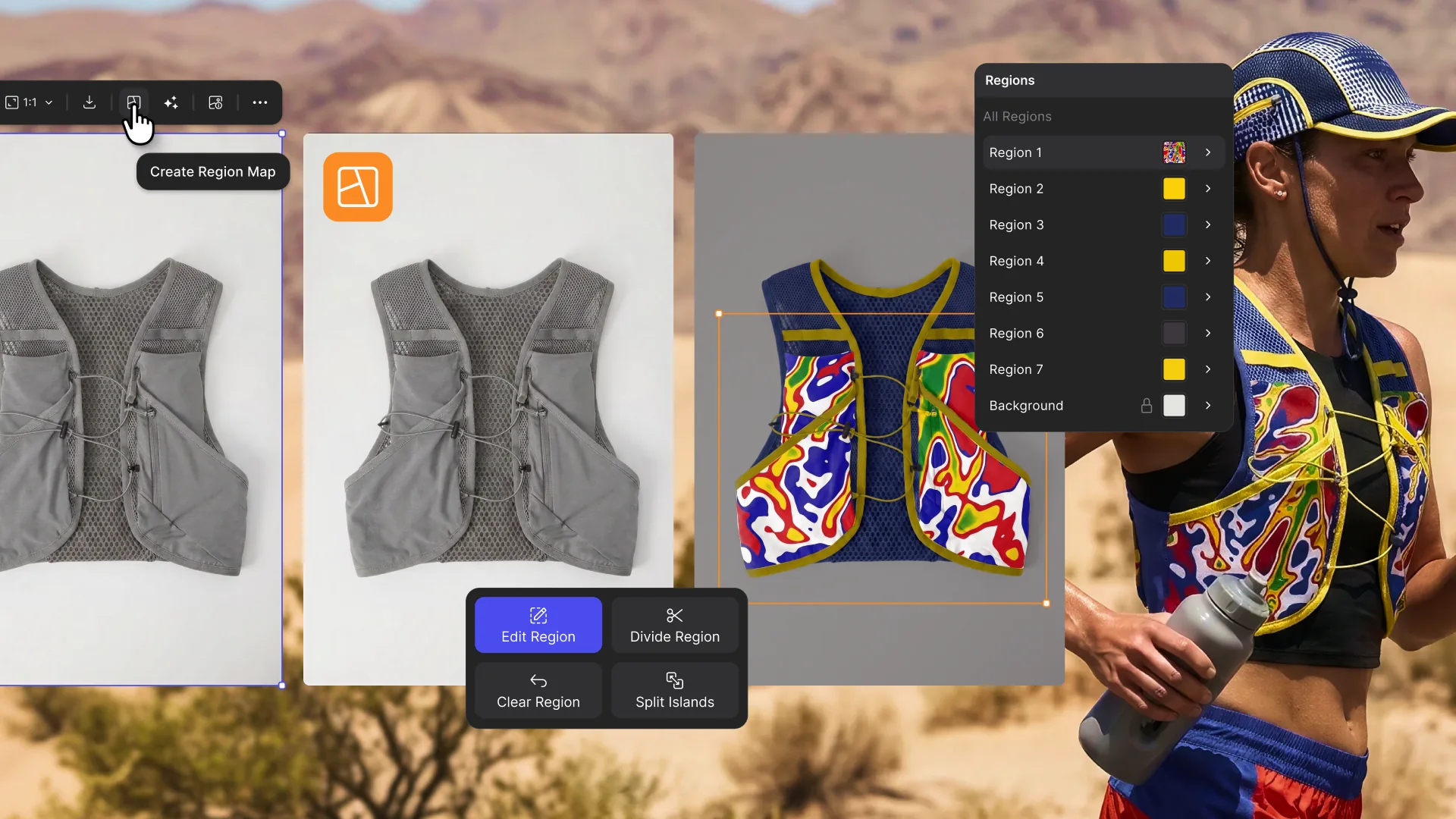
Explore color and material variations part-by-part without leaving Vizcom.

Frequently asked questions
Yes of course! Our starter plan is completely free, no credit card required. This is a great plan to explore vizcom with.
We accept all major credit and debit cards.
Admins (paid) – can edit files, manage workspace settings, billing, teams, and invite members. Editors (paid) – can edit files but not manage settings, billing, or teams. Viewers (free) – can only view files in read-only mode.
Team billing is handled centrally by the Admin. All paid seats, whether Admins or Editors, are included in a single invoice under the same billing cycle, while Viewers remain free and do not affect the cost.
Yes, you can. An Admin can update the plan in the billing settings, and the switch will take effect on the next billing cycle at the annual rate.
Yes, you own everything you create in Vizcom. For free users, while Vizcom may use generated images to improve its services, it does not claim ownership of your designs, concepts, or original ideas—you keep full rights to them. For paid users, your images and designs remain entirely private and are only used to deliver the service. Every design, concept, and image you create or upload is fully yours and kept confidential.
Vizcom does not use your data to train AI models if you’re on a paid plan. Everything you create stays private and is only used to provide the service. Free users may have their generated images included to help improve Vizcom’s services, but even then, Vizcom does not claim ownership of your designs, concepts, or original ideas—you retain full rights.