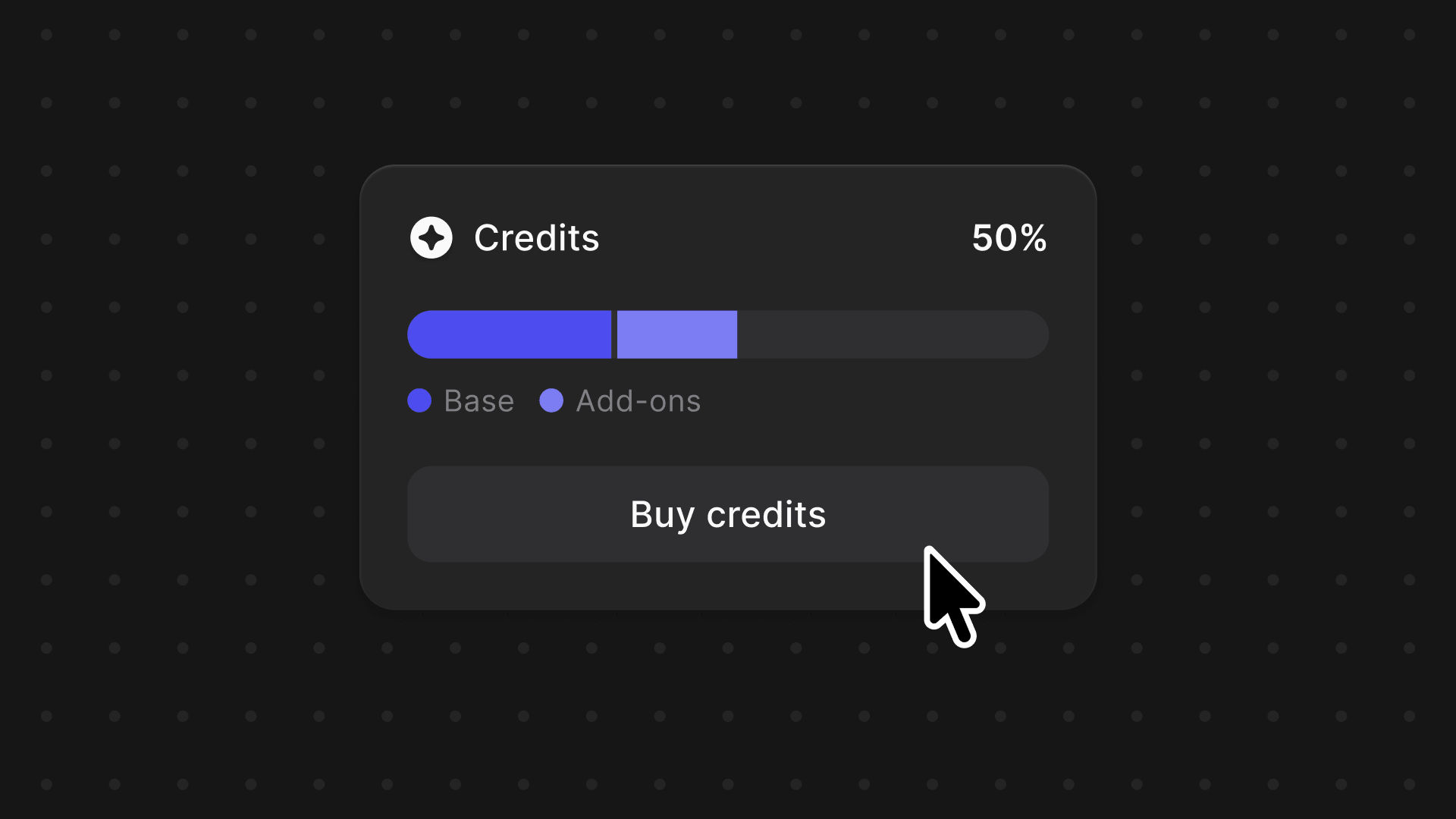
Expand creative capacity with Credits
We're introducing a credits system across Vizcom, one balance to power your entire creative workflow, with the flexibility to grow as your projects demand.

One balance. The freedom to generate, iterate, animate, and finish, on your terms.
Great design rarely happens in a straight line. It's iterations, experiments, angles you didn't expect and the best ideas often come from having the space to explore without friction.
Today, we're launching Vizcom Credits: a unified usage system designed to give you more creative capacity, and the flexibility to expand it when you need to.
What are credits?
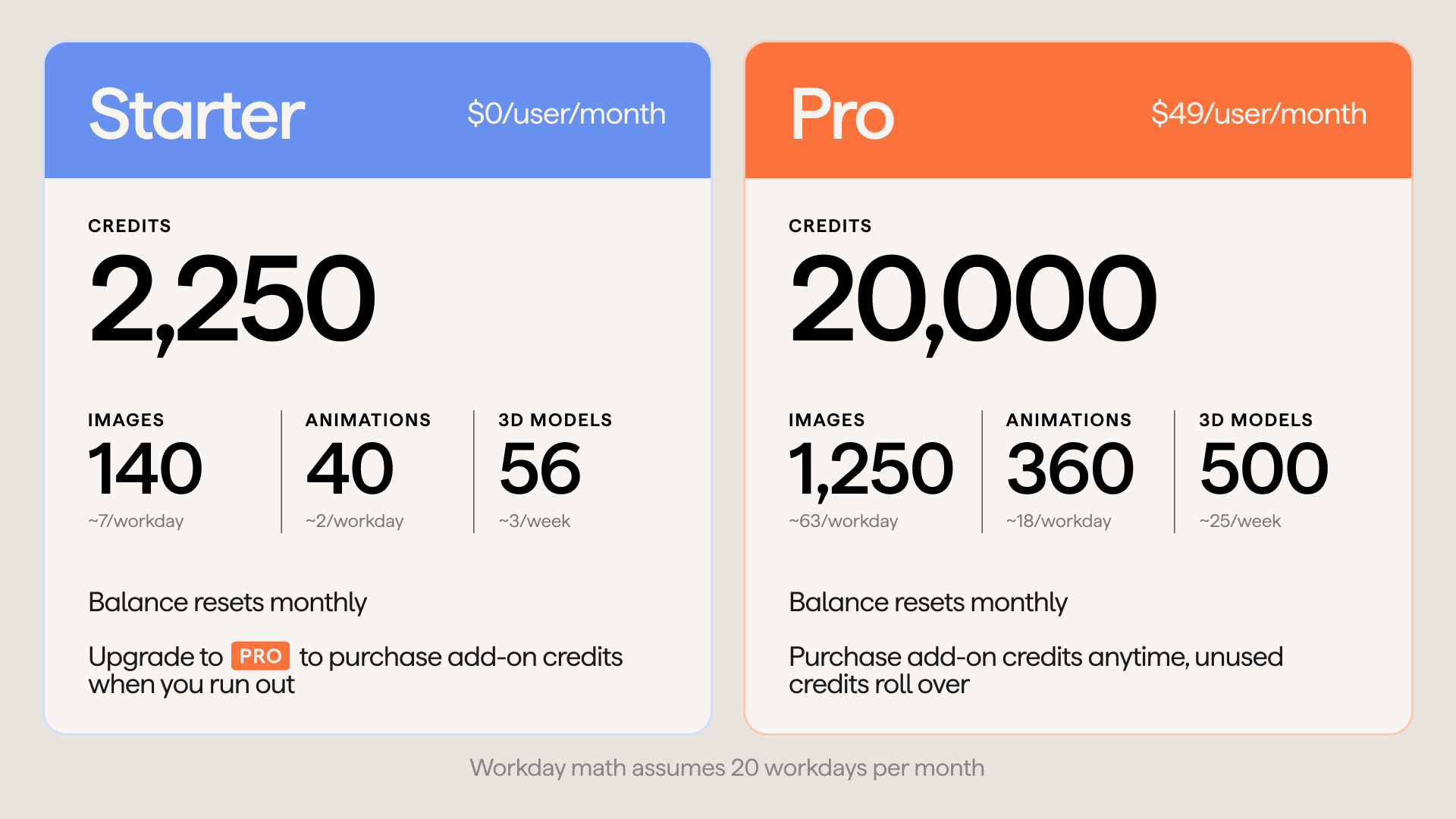
Credits are Vizcom's new way of powering your creative workflow. Every plan includes a base amount of monthly credits that you can spend across any credit-powered feature in Vizcom, from your first render to your final export.
Think of them as creative fuel: a flexible resource that moves with you through your process, not one that's tied to a specific tool or action. Depending on your plan, that could be hundreds of renders, dozens of 3D models, or a steady flow of iterations every month.
When you need more capacity, Pro users can purchase add-on credits at any time. Unused add-on credits roll over month to month, so nothing goes to waste.
What's covered
Credits power the majority of features in Vizcom across three workflow areas:
.png)
What's changing for Free & Pro Users
Credits replace Premium Actions, which previously covered only a small subset of features. Now, one balance powers everything.
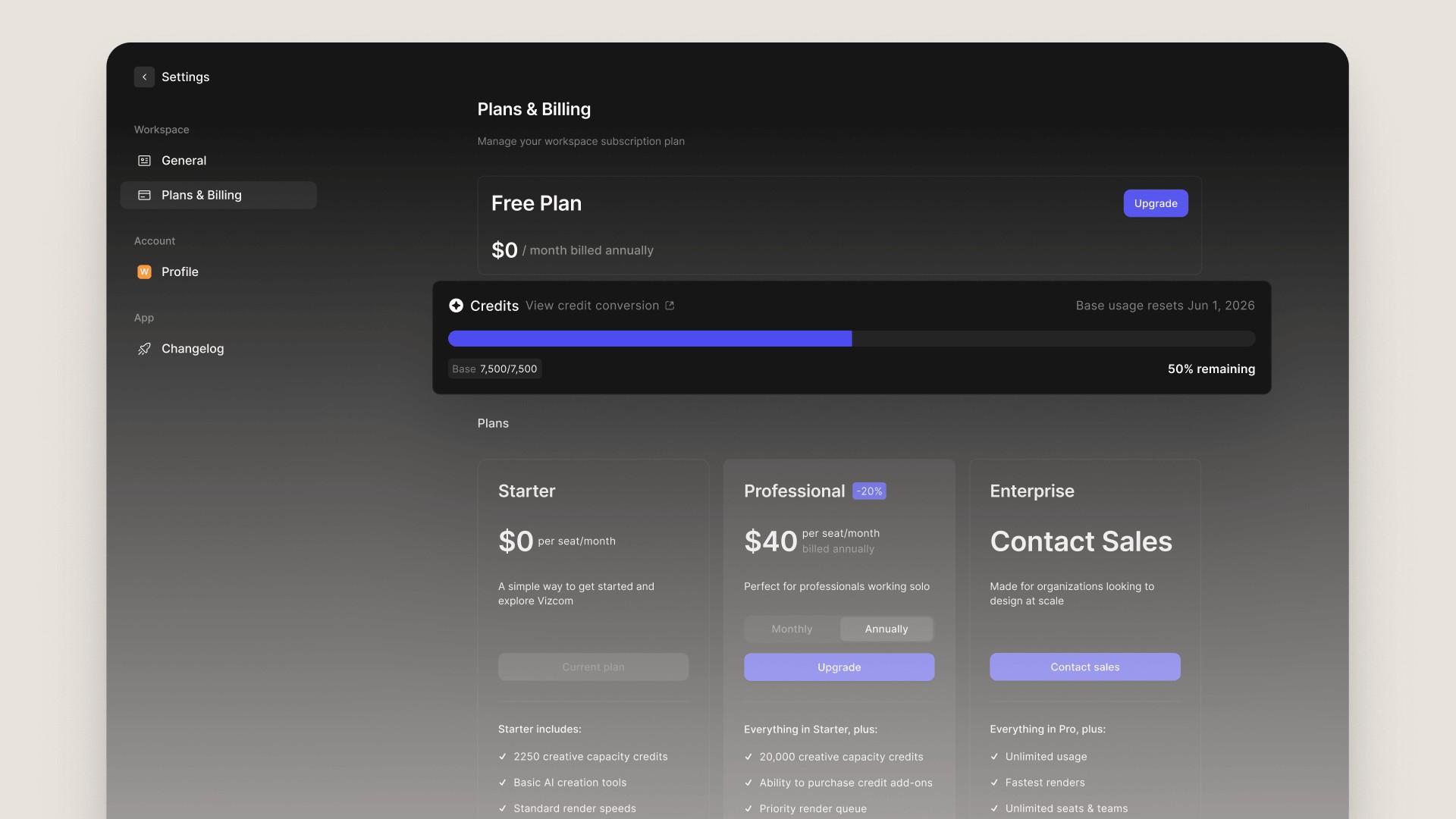
How to find your credit usage
Keeping track of your creative capacity is easy. Here's where to find it:
- Go to settings and open your Plans & Billings page and find the Credit Usage tile. This shows your current balance and how many credits you've used this month.
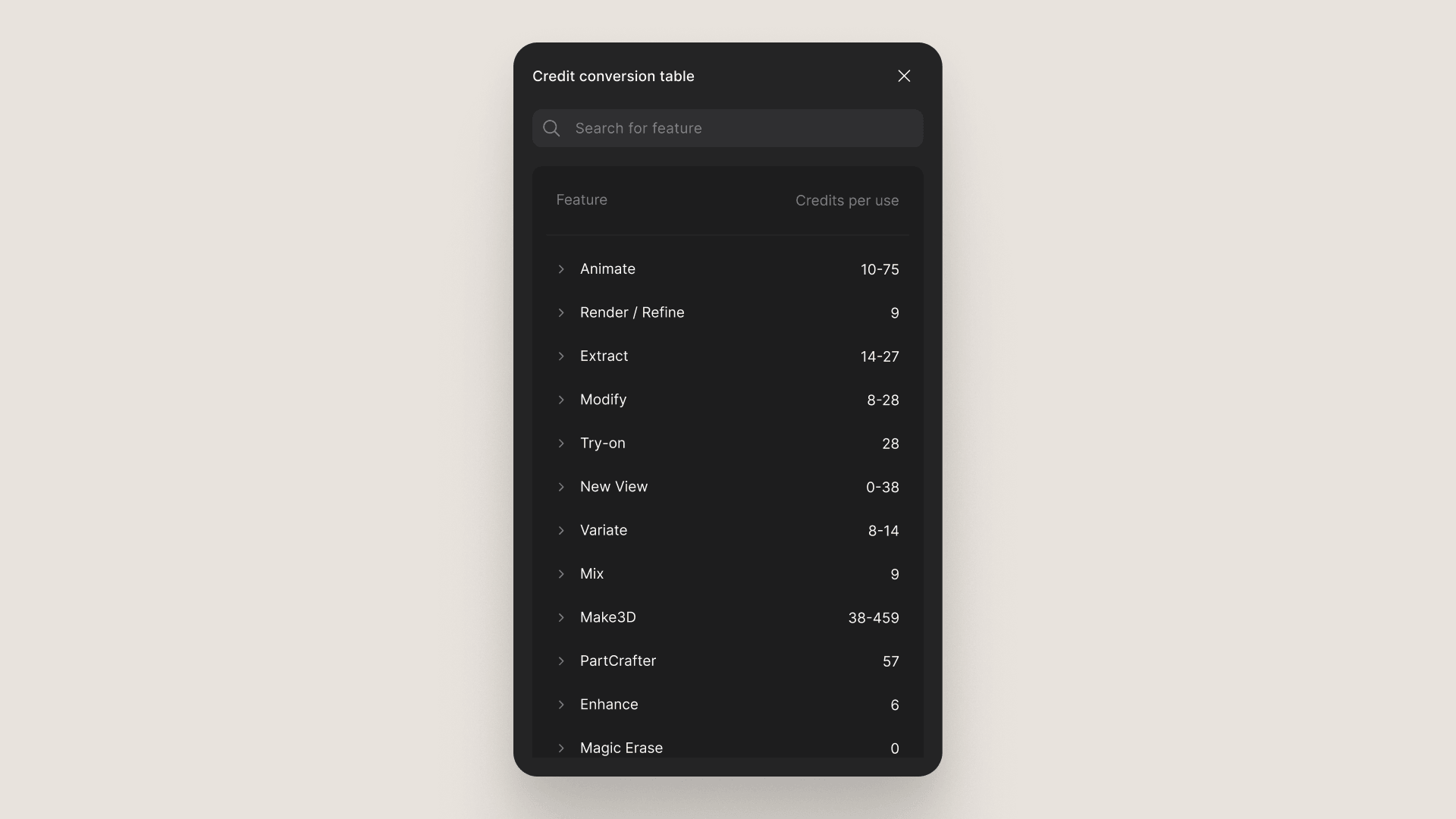
- Open the Credit Conversion Chart for a full breakdown of credit usage by feature, so you always know exactly where your credits are going.
Your creative capacity, on your terms
Credits aren't just a new way to meter usage, they're a more honest reflection of how designers actually work. Some months you're deep in iteration. Others you're pushing renders and finishing details. Credits flex with that reality, giving you a single resource you can direct wherever your process takes you.
And when a project demands more, you can expand your capacity on the spot, without changing your plan.
Credits are live today. Head to the Plans & Billing page in app to see your balance, or visit our documentation to learn more about how credits work.
Explore
Explore more blog posts & resources to get inspired

430 submissions. 30 finalists. 3 designs headed off to be printed. Here's how a global community of designers reimagined the mule.

Kai Bettermann took the oldest clock there is, built the sun into it, and found out with a ring light before he found out with a render.
.jpg)
-cover.jpg)
Frequently asked questions
Yes of course! Our starter plan is completely free, no credit card required. This is a great plan to explore vizcom with.
We accept all major credit and debit cards.
Admins (paid) – can edit files, manage workspace settings, billing, teams, and invite members. Editors (paid) – can edit files but not manage settings, billing, or teams. Viewers (free) – can only view files in read-only mode.
Team billing is handled centrally by the Admin. All paid seats, whether Admins or Editors, are included in a single invoice under the same billing cycle, while Viewers remain free and do not affect the cost.
Yes, you can. An Admin can update the plan in the billing settings, and the switch will take effect on the next billing cycle at the annual rate.
Yes, you own everything you create in Vizcom. For free users, while Vizcom may use generated images to improve its services, it does not claim ownership of your designs, concepts, or original ideas—you keep full rights to them. For paid users, your images and designs remain entirely private and are only used to deliver the service. Every design, concept, and image you create or upload is fully yours and kept confidential.
Vizcom does not use your data to train AI models if you’re on a paid plan. Everything you create stays private and is only used to provide the service. Free users may have their generated images included to help improve Vizcom’s services, but even then, Vizcom does not claim ownership of your designs, concepts, or original ideas—you retain full rights.