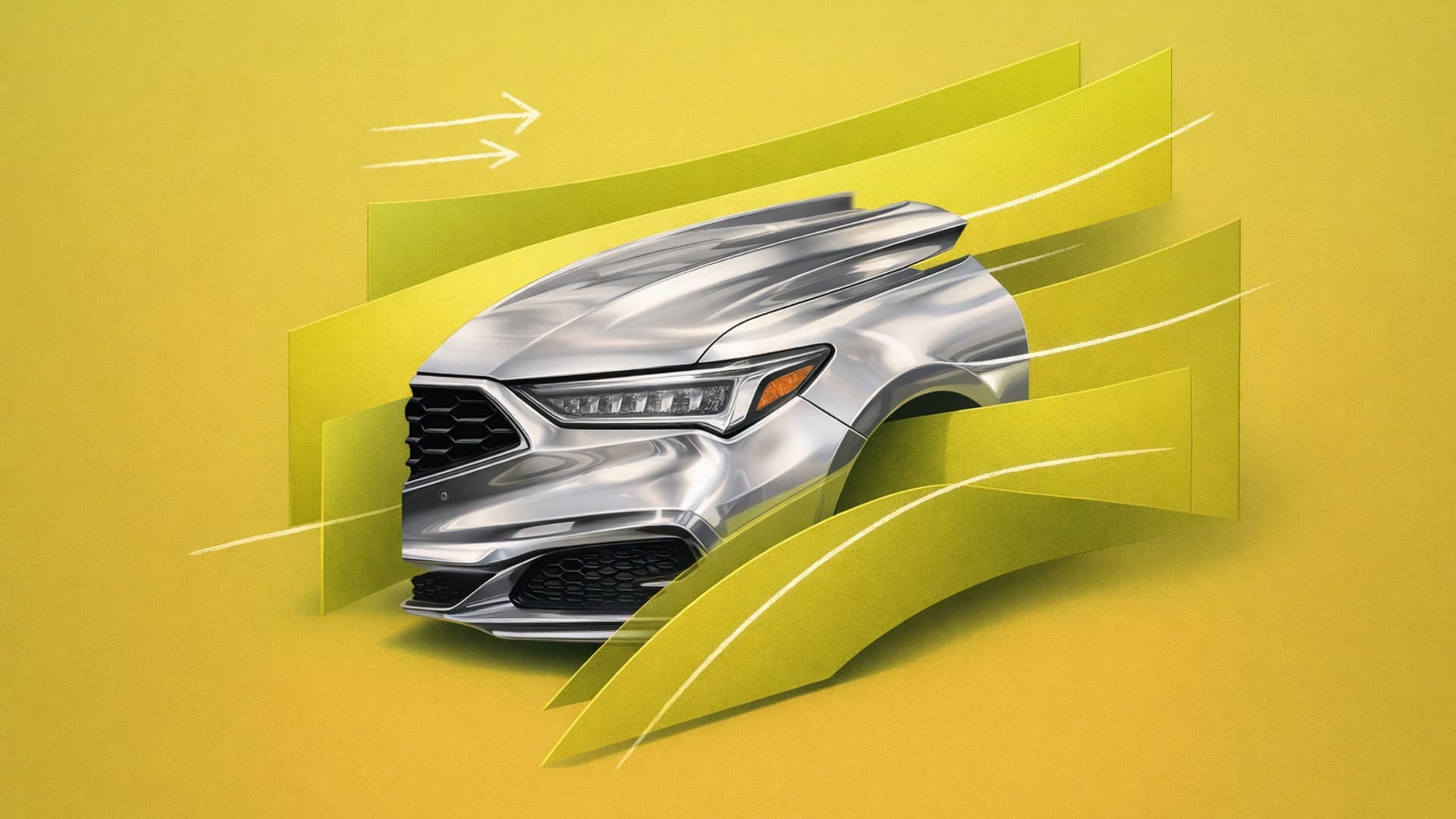
Car Aerodynamics Design: Design for Drag, Lift, and Stability
Shape iconic automotive forms by applying car aerodynamics design to drag, lift, and stability from the first sketch.

You sketch a side profile. The proportions feel right, the character line flows beautifully, and the form language matches your vision. But there's a question you need to answer before you go further. How will this shape move through the air?
Aerodynamics is a design consideration from the first sketch, and when you treat it that way, it sharpens creativity. The most iconic automotive designs in history became iconic because designers used aerodynamic requirements as creative fuel.
Understanding the Forces That Shape Every Line
Four interconnected aerodynamic principles affect every surface decision you make:
- Drag coefficient - how efficiently your shape moves through air
- Downforce - negative lift created intentionally for high-speed stability
- Lift management - balancing front downforce against rear lift
- Stability - integrating all forces into a balanced system
Contemporary designers work toward specific drag targets, and small improvements have a measurable impact. A 0.01 reduction in drag coefficient increases EV range by approximately 2.5% by roughly 230 additional miles per year for typical driving patterns.
Your early decisions about front-end treatment and rear taper directly determine these outcomes. The shift to electric vehicles has made this more urgent. EVs have minimal cooling needs, which eliminates the traditional grille justification. You can create smooth, sealed front surfaces. But that freedom comes with responsibility. Every surface needs to earn its place aerodynamically.
Studies on passenger‑car aerodynamics show that underbody flow control, the A‑pillar and mirror region, the D‑pillar, and the rear‑end/tail should be developed together from the early concept stage, because their interacting wakes largely determine overall drag and stability
When Constraints Created Icons
The Bugatti Type 57SC Atlantic turned a construction constraint into one of automotive design's most iconic visual elements. The original Aérolithe prototype used magnesium-electrum alloy panels that couldn't be welded, requiring external rivets along the dorsal seam. For the production Atlantic, Bugatti switched to aluminum but retained the dorsal seam as a deliberate design signature. What started as an aerodynamic material necessity became a defining feature.
The Mercedes-Benz 300SL's gullwing doors emerged from structural necessity. The tubular spaceframe required for lightweight efficiency created deep side members that made conventional doors impossible. The solution became an icon.
The Porsche 911's fastback roofline was fundamentally driven by aerodynamic efficiency. Designer F.A. "Butzi" Porsche established a design culture that integrated aerodynamic thinking into proportion and form from the start. The constraint became the identity.
These designers treated aerodynamic requirements not as limitations that reduced creative options, but as design problems that demanded creative solutions.
Starting With Air at the Sketch Stage
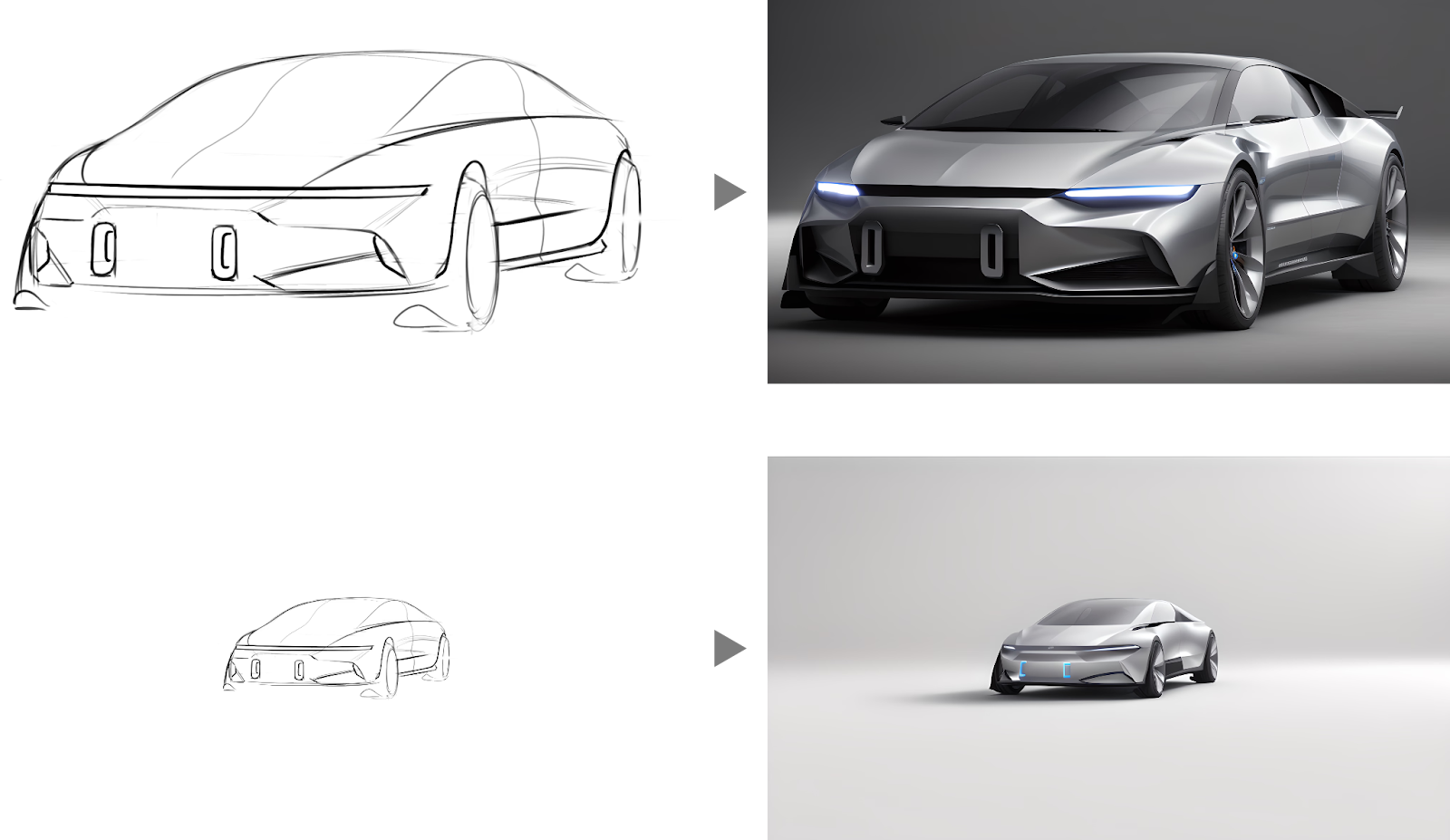
Aerodynamic thinking should begin during your earliest sketches, not when CAD validation starts. Your initial sketches establish proportions and surface relationships that determine aerodynamic potential.
Mental checklist for aerodynamic potential:
- Are front surfaces rounded where air first contacts the vehicle?
- Are surface transitions gradual rather than abrupt?
- Does the rear volume decrease gradually to minimize turbulent separation?
- Are trailing edges designed with appropriate spoilers or edge treatments?
Proportional systems provide a practical measurement framework. When sketching cars, using the car's wheels to establish proportions helps maintain aerodynamically sound relationships from the first sketch. Every surface on any car is curved, no matter how subtle—understanding this helps you avoid sharp edges and abrupt transitions that create aerodynamic penalties.
You're developing intuition for aerodynamic behavior by understanding cause-and-effect principles. A spoiler deflecting air upward increases pressure upstream, which results in a downward force on the vehicle. This physical understanding informs your design decisions before you commit to detailed CAD development.
How Rapid Visualization Changes Aerodynamic Exploration
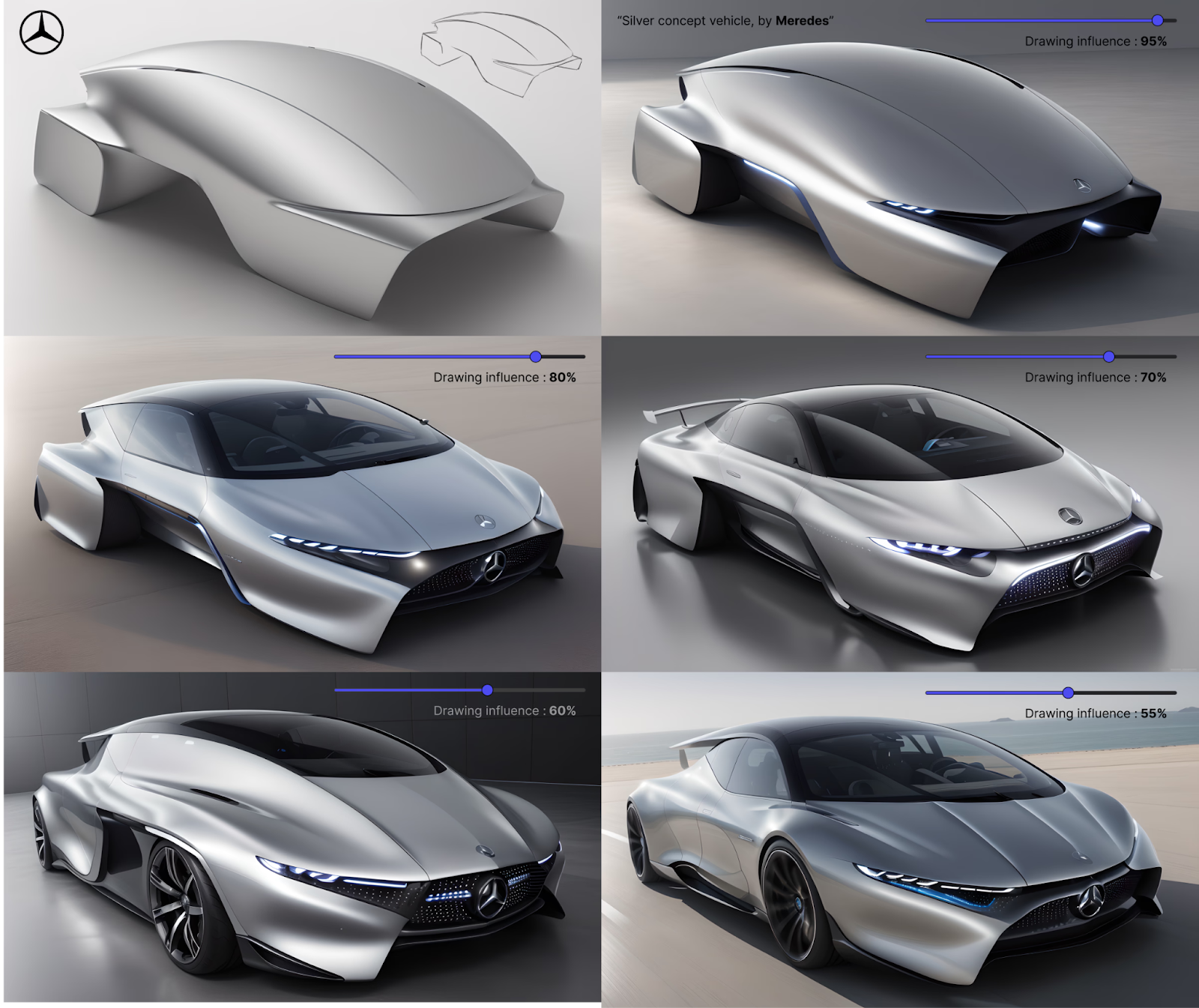
Traditional rendering workflows—where each concept takes hours to develop, force you to commit to directions before you've properly explored alternatives. When you can evaluate surface transitions and proportions immediately, you test ideas while they're still cheap to change.
Vizcom accelerates this exploration. Render turns sketches into photorealistic surfaces with realistic lighting and materials in seconds. When you're exploring whether a particular roofline taper or front fascia angle will work aerodynamically, you see it rendered rather than imagining it.
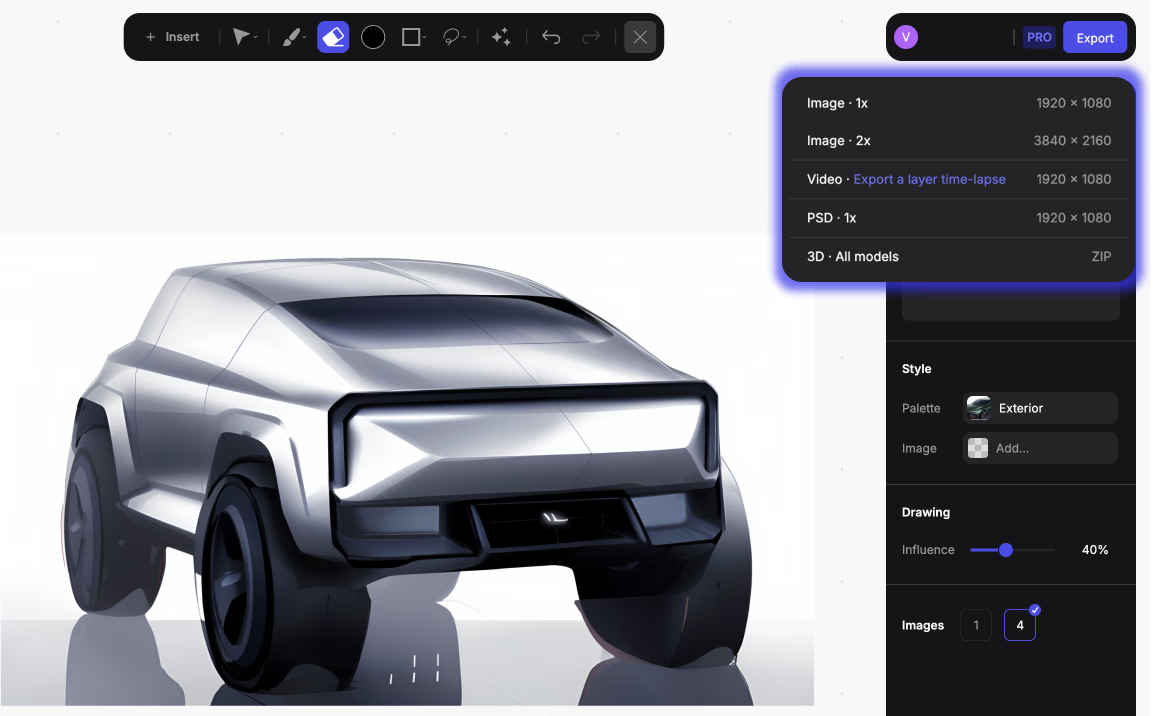
Make 3D converts rendered concepts into textured meshes you can rotate 360 degrees. When refining a rear spoiler design or diffuser geometry, you need to see how it reads from multiple angles before committing to engineering development. Generating viewing angles from a single rendered concept lets you evaluate form continuity quickly.
Context matters for aerodynamic elements. A rear diffuser that appears subtle under studio lighting might create harsh shadows in midday sun. An aggressive front splitter might lose visual impact in low-light urban environments. Unify places your renders into different environmental contexts so you can evaluate whether design decisions hold up across real-world scenarios.
Active aerodynamics — grille shutters, deployable spoilers, adaptive diffusers — add complexity because you're designing systems that change based on speed and conditions. Each active element needs to work visually in both deployed and retracted positions, which multiplies the variations you need to evaluate. The speed of iteration determines how thoroughly you can explore these variations.
Designing Toward Performance Without Losing Character
The tension every automotive designer faces is that aerodynamic pressure drives convergence. Optimal aerodynamic shapes naturally converge toward similar forms. Industry observers note that those who value styling diversity may find less to celebrate as aerodynamics move to the forefront.
But production examples prove aerodynamic excellence and distinctive brand character can coexist:
- Mercedes-Benz EQS - 0.20 Cd
- Hyundai Ioniq 6 - 0.21 Cd
Both embrace streamlined fastback proportions demanded by optimal efficiency. Yet each differentiates through distinctive design language in proportions, detail work, and brand signatures.
The answer is treating aerodynamics as a creative constraint that inspires better solutions:
- Bugatti couldn't efficiently join aluminum panels differently. They created an iconic visual signature with the dorsal seam
- Mercedes needed lightweight aerodynamic structures for the 300SL. Gullwing doors emerged as a solution to structural constraints
Electrification has compressed development timelines while elevating aerodynamic importance. Range depends directly on aerodynamic efficiency in ways that fuel economy never quite did for ICE vehicles. This compression means you need to integrate aerodynamic thinking earlier, iterate faster, and make confident decisions with less time for validation cycles.
The designers who succeed develop aerodynamic intuition that informs their work from the first sketch. They explore enough variations to find solutions that balance form and function, and they visualize how their designs will perform before committing to expensive development.
Turn Aerodynamic Constraints Into Design Signatures
The most aerodynamic production cars now achieve drag coefficients that seemed impossible a decade ago while maintaining distinctive design character. The designers behind them learned what Bugatti, Mercedes, and Porsche demonstrated decades earlier. Constraints become creative fuel when you engage with them from the start.
Ready to explore aerodynamic concepts faster? Book a demo and see how rapid iteration changes what's possible during concept development.
Explore
Explore more blog posts & resources to get inspired
.webp)
Hatch Duo is a design studio based in San Jose built around a simple premise: great products hatch when two forces meet, your insight and their execution. Hatch's focus sits squarely in consumer packaged goods. For their latest collaboration with Vizcom, industrial designer Alec Comido wanted to see what he could design in one hour.

Explore color and material variations part-by-part without leaving Vizcom.


Frequently asked questions
Yes of course! Our starter plan is completely free, no credit card required. This is a great plan to explore vizcom with.
We accept all major credit and debit cards.
Admins (paid) – can edit files, manage workspace settings, billing, teams, and invite members. Editors (paid) – can edit files but not manage settings, billing, or teams. Viewers (free) – can only view files in read-only mode.
Team billing is handled centrally by the Admin. All paid seats, whether Admins or Editors, are included in a single invoice under the same billing cycle, while Viewers remain free and do not affect the cost.
Yes, you can. An Admin can update the plan in the billing settings, and the switch will take effect on the next billing cycle at the annual rate.
Yes, you own everything you create in Vizcom. For free users, while Vizcom may use generated images to improve its services, it does not claim ownership of your designs, concepts, or original ideas—you keep full rights to them. For paid users, your images and designs remain entirely private and are only used to deliver the service. Every design, concept, and image you create or upload is fully yours and kept confidential.
Vizcom does not use your data to train AI models if you’re on a paid plan. Everything you create stays private and is only used to provide the service. Free users may have their generated images included to help improve Vizcom’s services, but even then, Vizcom does not claim ownership of your designs, concepts, or original ideas—you retain full rights.