May 28, 2026
Your asset library just became a part of every generation
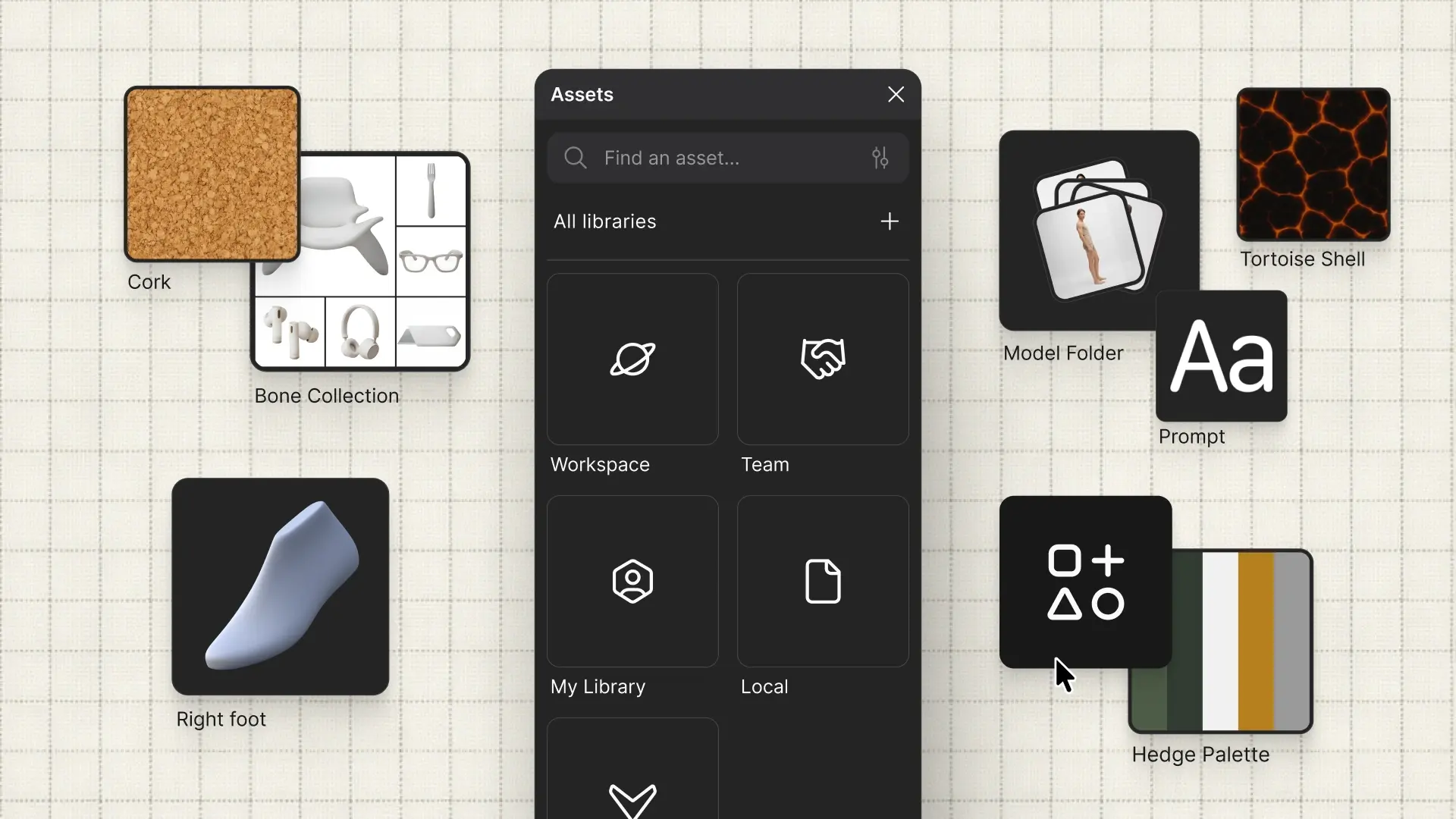
Two new asset types, Prompts and Collections, and a new way to use them with @ referencing in Modify. Save what works, reference it anywhere.
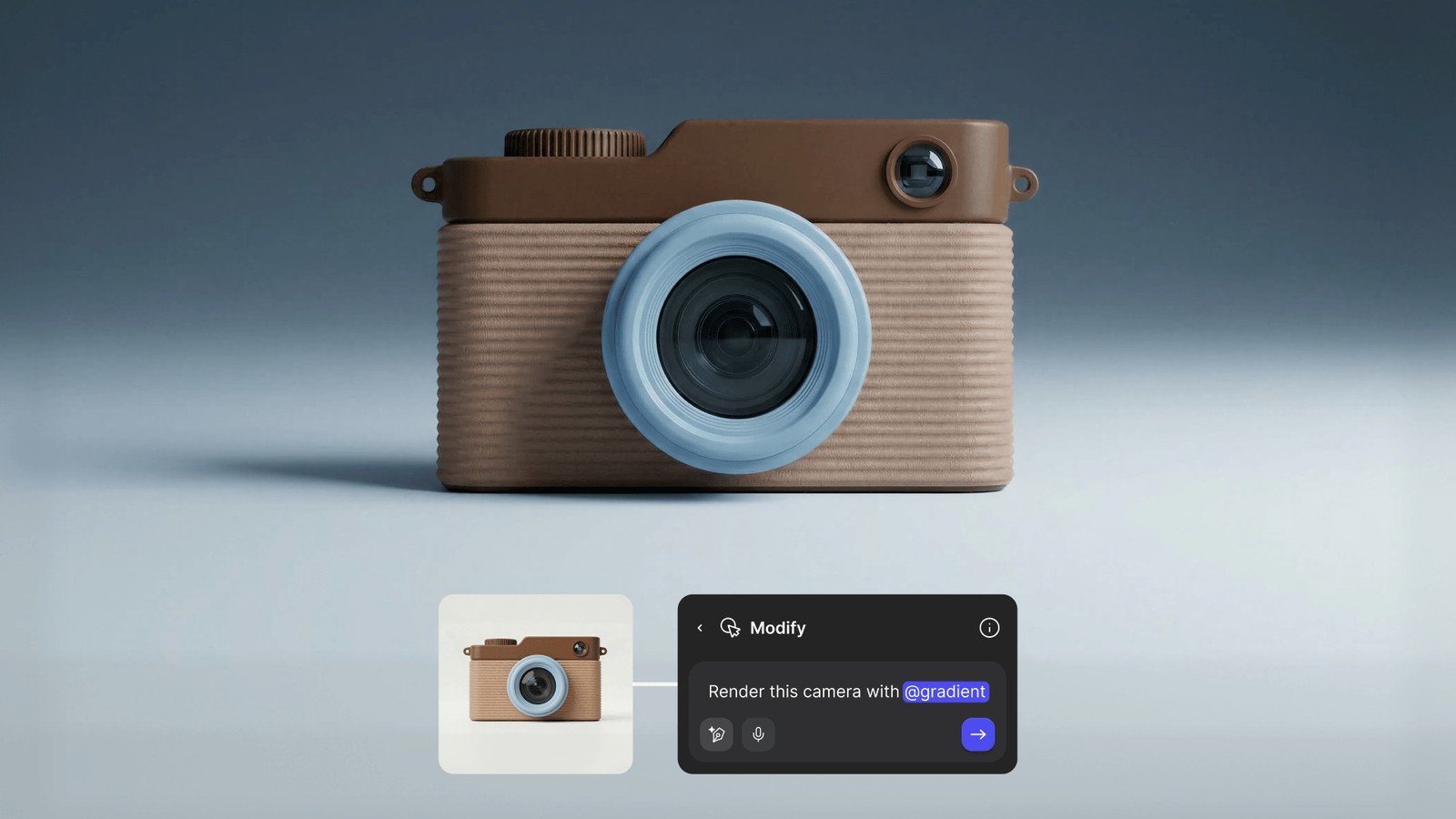
Colors, palettes, images. Your asset library has always been where you store what matters. Now Prompts and Collections join it, and everything in it is referenceable directly inside Modify. Type @ in any prompt field to browse and pull in any asset by name. No tab switching, no repasting, no re-explaining. Save prompt language once and call it anywhere. Bundle images into a Collection and reference the whole set in a single @. The things you refine inside Vizcom now have a place to live, and a way to travel into every generation going forward.