New Feature
September 22, 2026
Region Maps
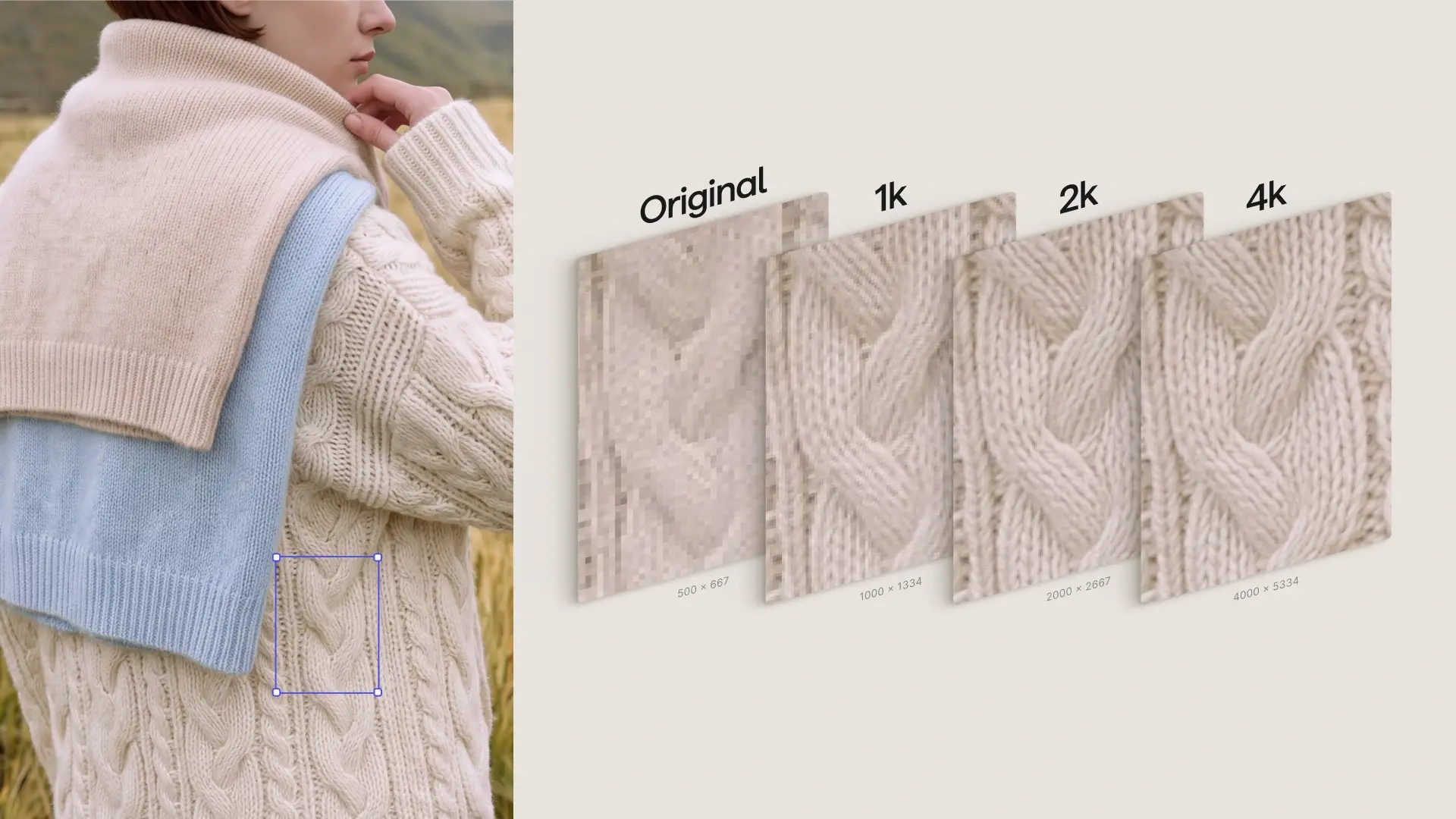
Segment any image into editable parts and edit color, material, and pattern region-by-region without re-rendering.
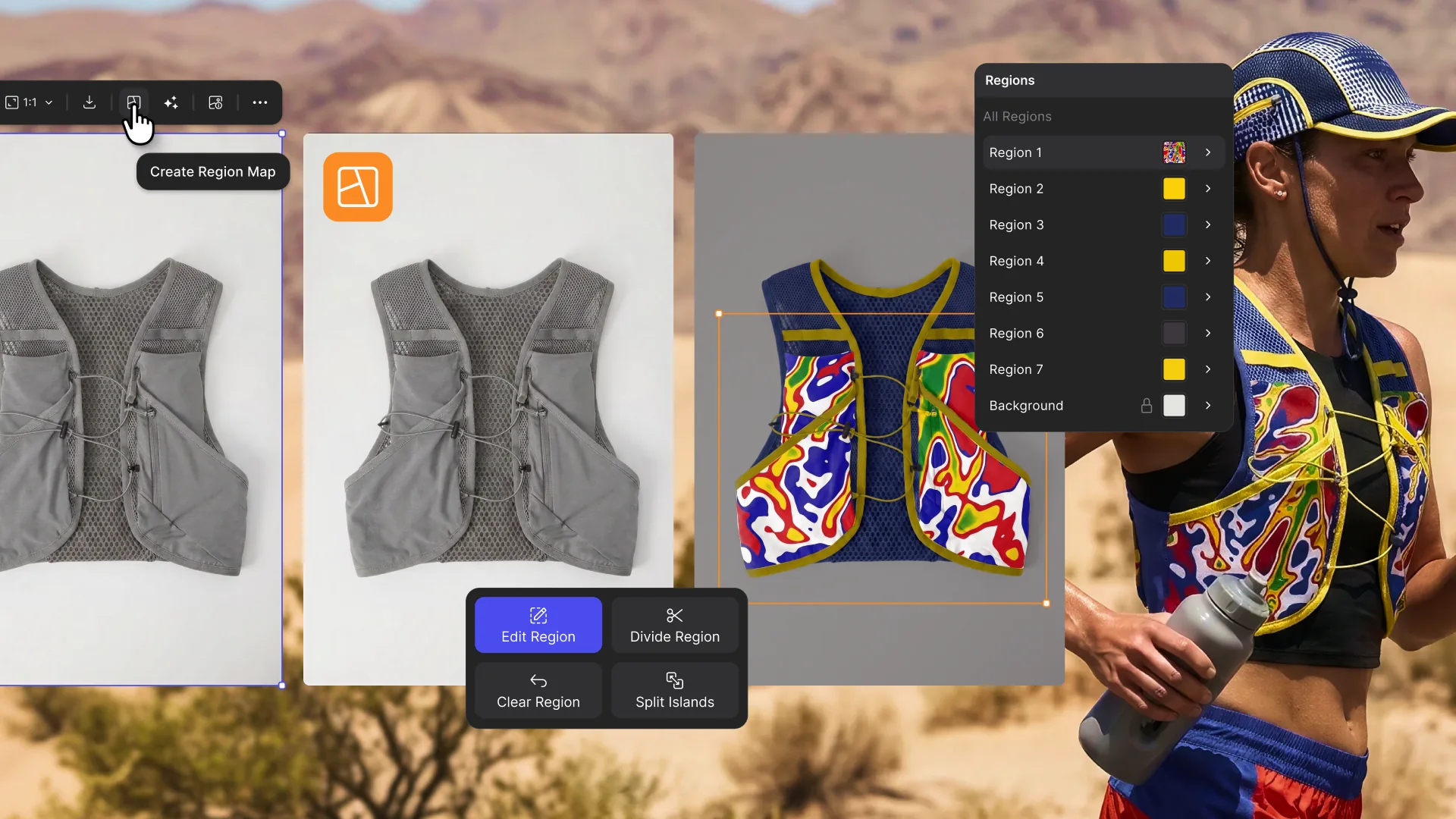
Region Maps automatically splits a product image into individual regions. Apply exact colors, coordinated palettes, or materials to each part independently, or drag assets straight from the panel onto a region. If segmentation misses something, manually add, edit, or divide regions yourself.
Every edited version saves as a new base, so setup work carries into your next iteration. When regions are tied to PLM palette data, edits carry real production specs, not just pixels.
Available now for all users.
Learn more ➡️ User Docs