June 4, 2026
Export Panel Updates
The final step of your workflow is as fast as everything that came before it.
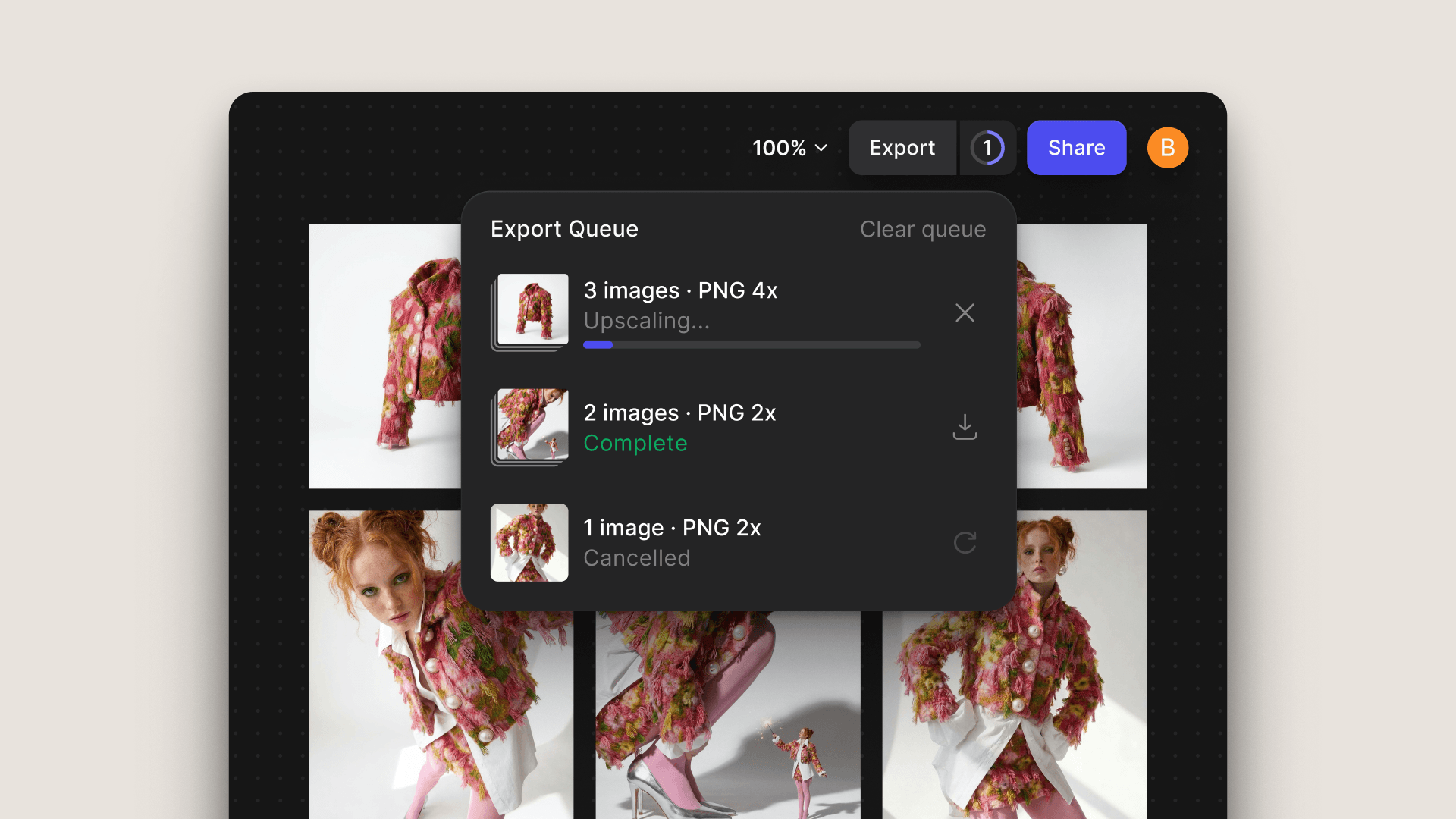
The Export Panel now runs exports in the background while you keep designing, processes multiple assets at once, and generates production-ready SVG files, handling the volume of professional design work without slowing you down.
Vizcom also remembers your last used settings, so your export configuration is ready to go every export session. And if you need to clean up your output, you can remove individual components directly from the Export Panel, available in both Workbench and Studio.
Related updates
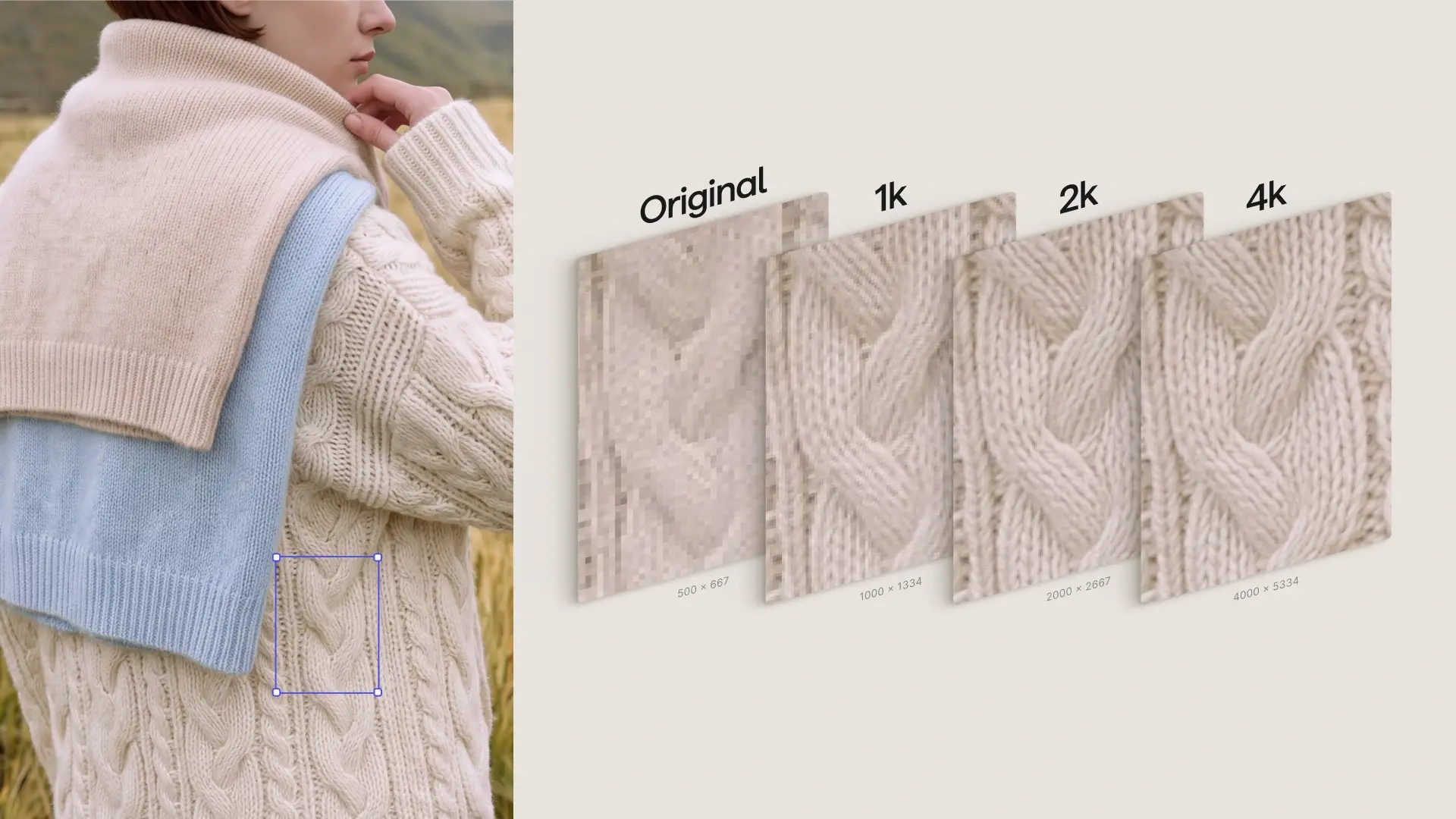
2K & 4K, native in Workbench
New Feature
Generate in 2K or 4K via Modify, without leaving your workbench.