New Feature
Improvement
October 20, 2026
Motion, mastered: meet the new Animate Block
Direct your animations with up to 8 references, a source video, and four new modes, in shots up to 15 seconds.
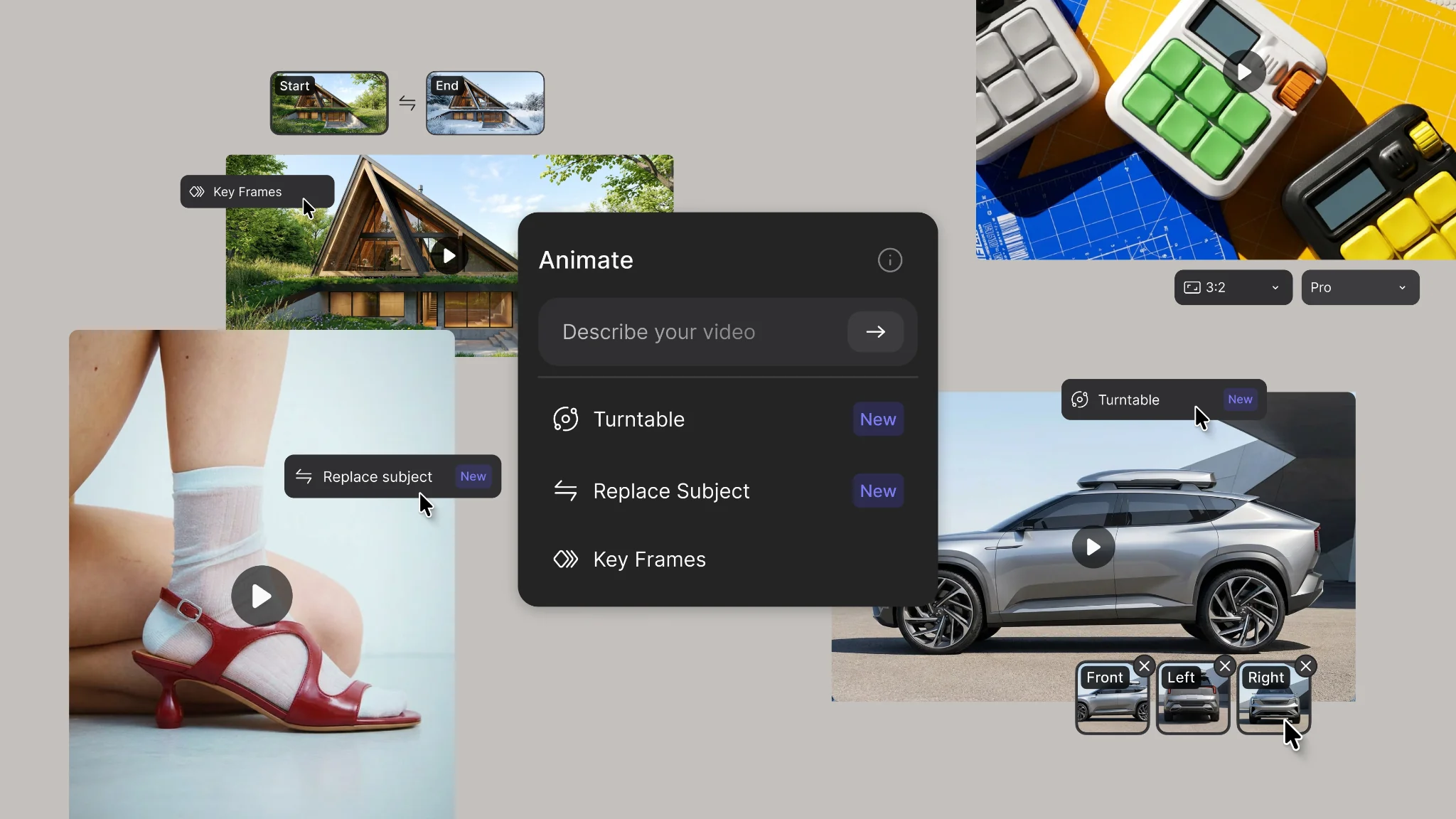
The Animate block now lets you direct every shot. Connect up to 8 references (labeled views of your design, colors, collections, or one reference video), then pick a mode:
- Keyframes: Connect up to 5 images in order and prompt each segment to get one continuous shot through all of them.
- Turntable: Connect and label up to 8 views of your design to get a polished rotation that holds every detail.
- Replace Subject: Upload a video up to 15 seconds with views of your design, and your design replaces its subject while keeping the motion and audio.
- Custom: Connect up to 8 assets, @-mention them in your prompt to direct the action, and add generated audio if you want it.
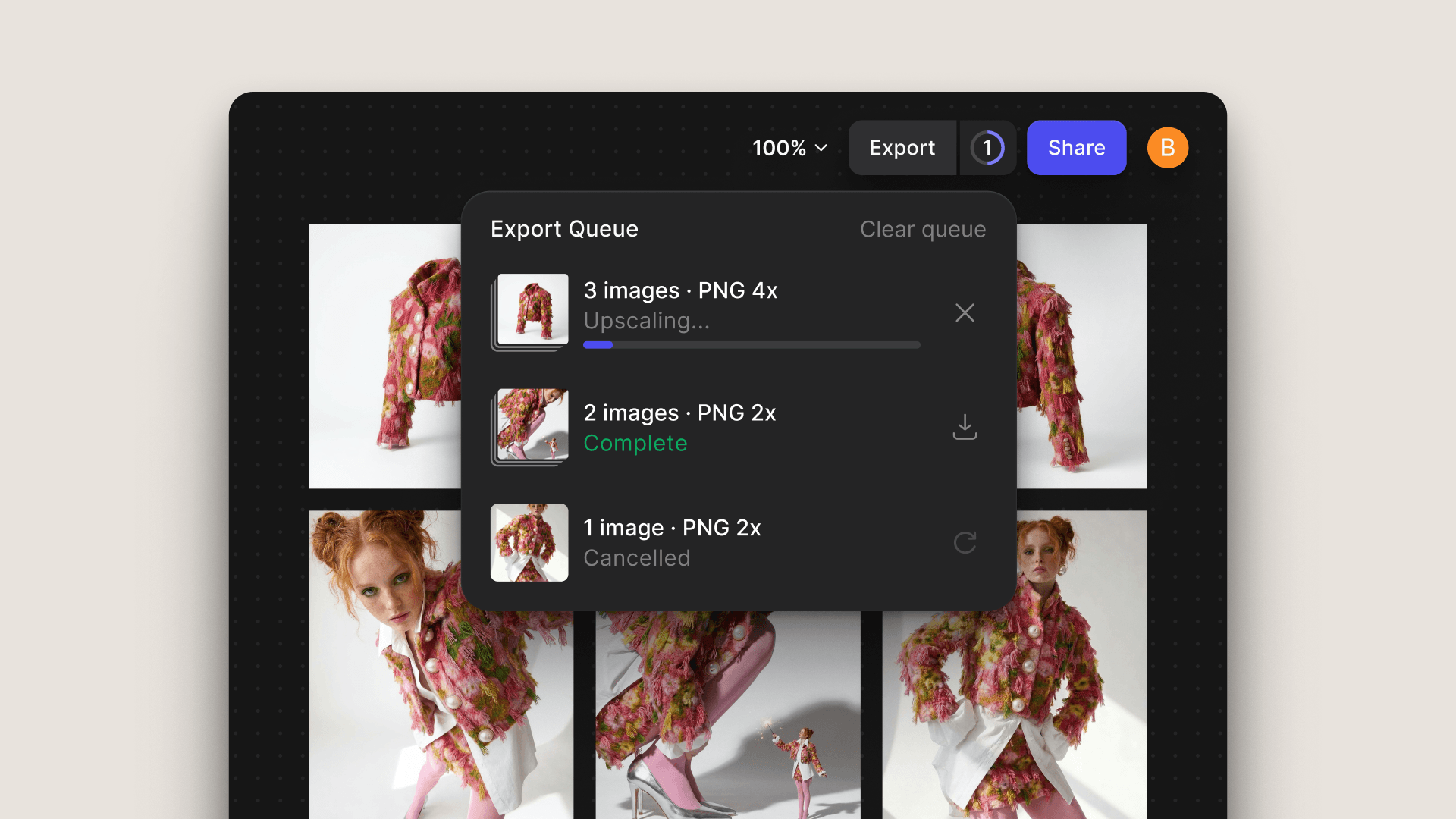
Shots now run up to 15 seconds with multiple cuts, more realistic physics, and cinematic lighting and camera moves. Upload video straight to the workbench (up to 50MB) and trim it to 15 seconds without leaving Vizcom.
Available now for all users.
Learn more ➡️ User Docs
Watch these updates in action: