.webp)
Hold Your Ideas: The Exhaust Light
How Berlin-based designer Julius transformed a metal exhaust pipe into a bespoke tealight holder—and used Vizcom to sharpen the vision before building it.

The Spark
Most people see an exhaust pipe and think horsepower, speed, or even combustion. Julius saw a candlelight holder.
Based in Berlin, Julius is an industrial designer by training who has spent years digging deeper into 3D motion and physical product development. Over time he organically grew Julius.works, a product design studio built around exploring different materials and ideas.
While he's actively exploring new concepts, his existing practice is centered around what happens when you take heavy industrial materials—stainless steel, aluminum, concrete—and make them into something unexpected?
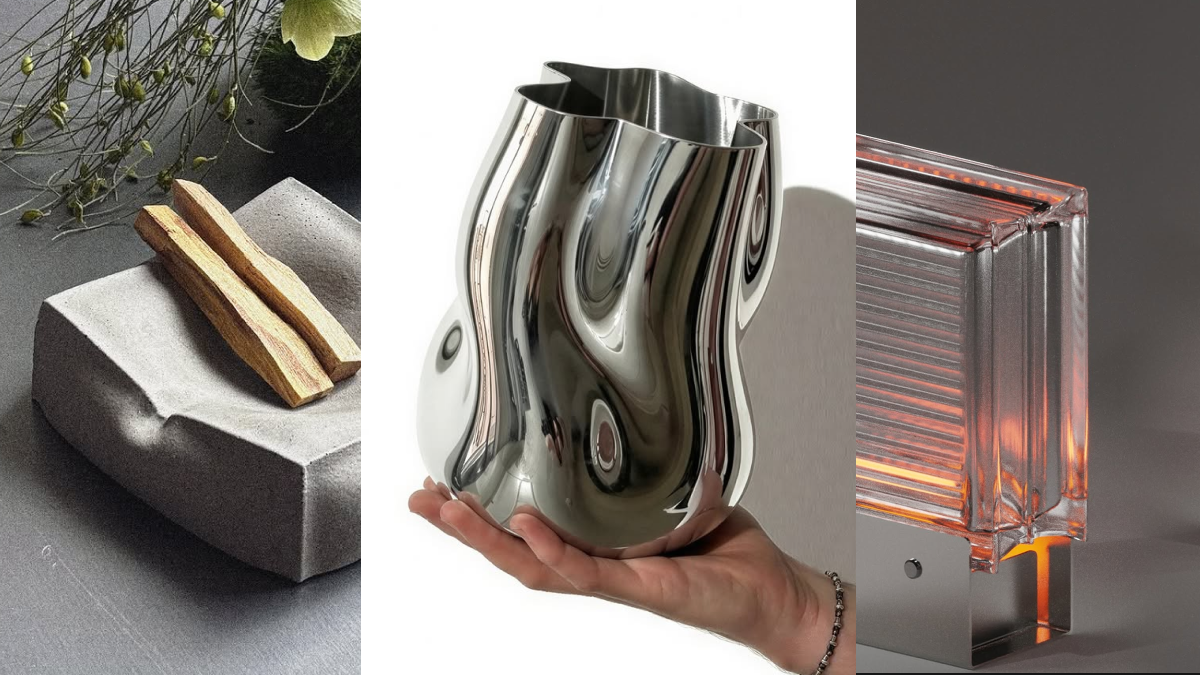
The Exhaust Light grew organically from that exploration. Starting with the classic tuning-inspired exhaust pipes found on vintage cars, Julius let his imagination run: what if that form became the vessel for something quiet and slow? The result is a bespoke tealight holder—a curated collectible object.


"I wanted to create an ironic contrast between our fast, performance-driven society and the quiet, slow ritual of a tea light—which led me to the tuning-inspired exhaust concept."
Material Honesty
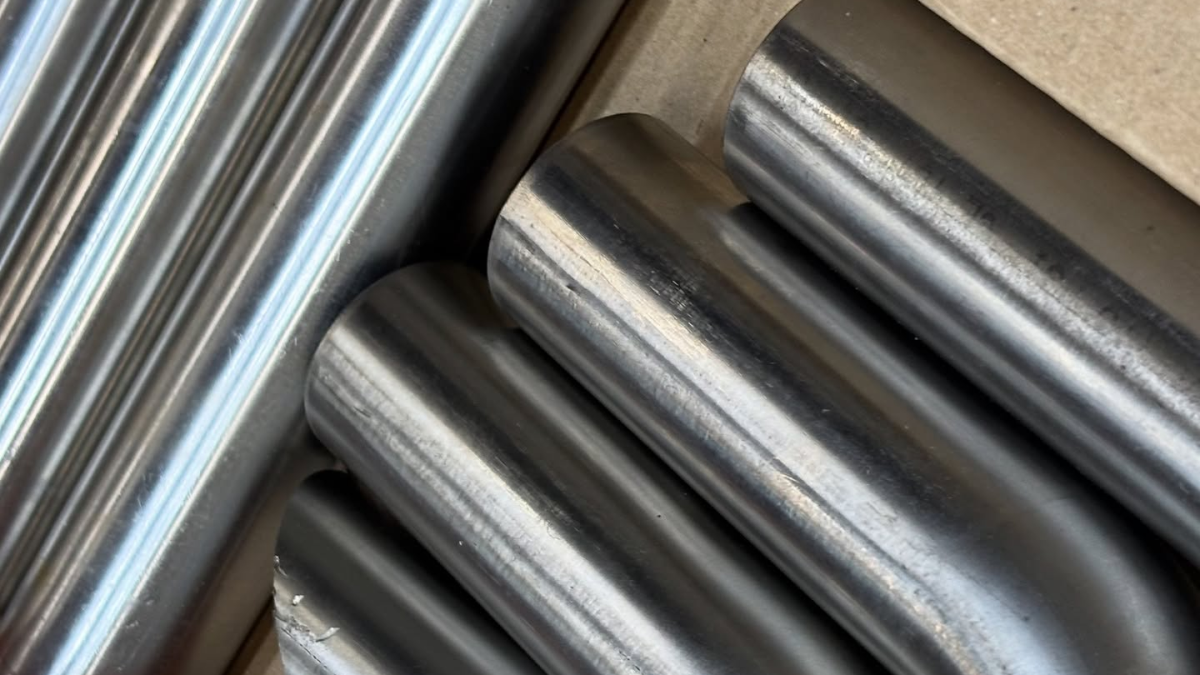
Material choice helped to narrow down this concept in the early ideation phases. 3D printing was ruled out early, as Julius wanted the high-performance, shiny quality that only real metal delivers. He was drawn to the weight, sheen, and tactile authority of the material which eventually drew him to the exhaust pipe. From the start, Julius wanted the Exhaust Light to be a one of a kind bespoke object focused on concept and craft rather than mass production.
Julius's Vizcom Workflow
Refine First, Then Visualize
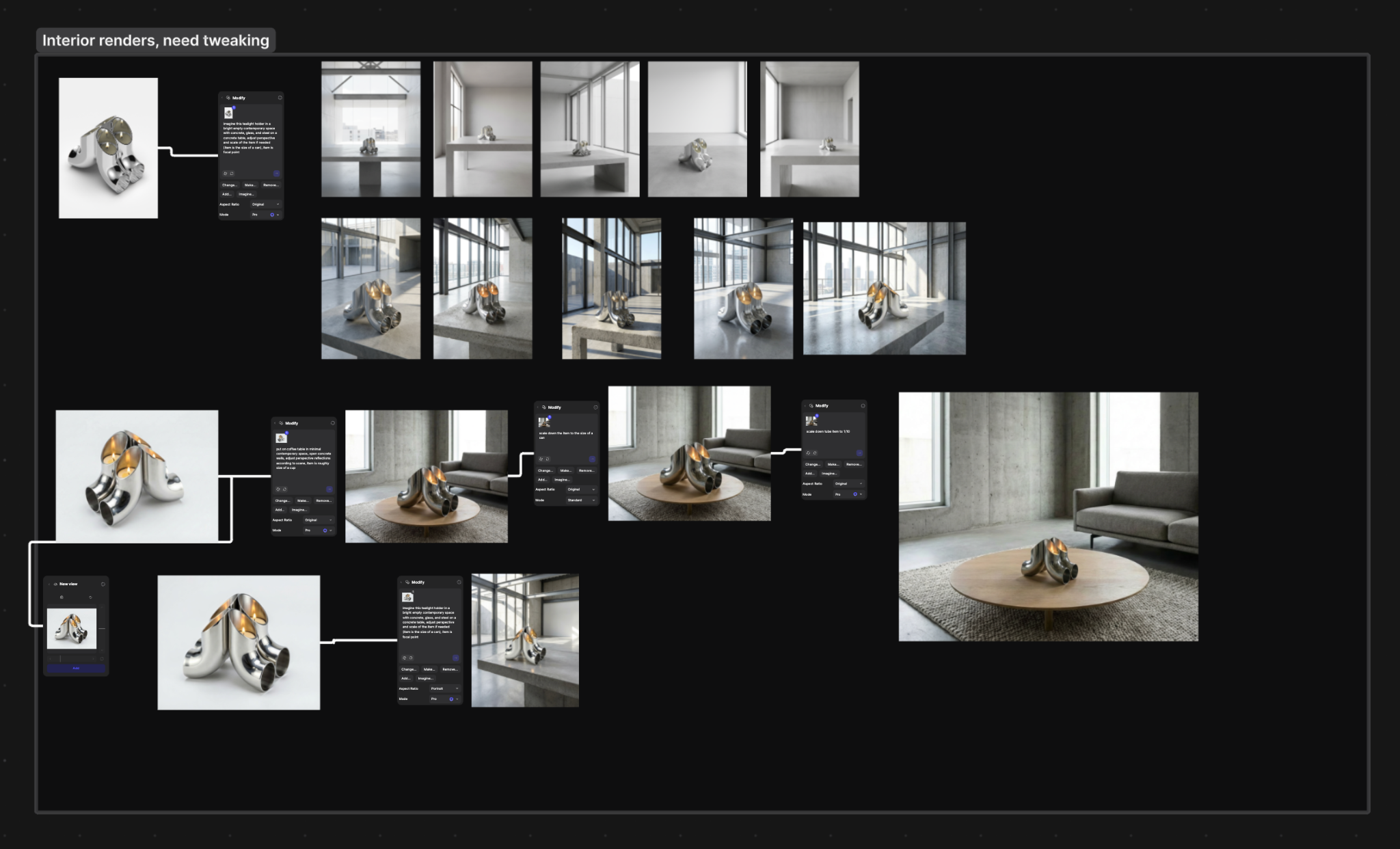
Julius came to Vizcom with the idea clear in his mind. Vizcom's role was to bring it to the surface: generating variants on a refined sketch so he could explore different directions quickly, without drifting from the core idea.
"I always like to refine an idea first and then use Vizcom to generate variations. It allows me to iterate quickly between different directions without losing the core concept."
As a visual person, Julius found having all variants side by side in Workbench essential for comparison and decision-making. Everything in one place, one tool—no flipping between files and losing context.

Renders That Guide Fabrication
Where Vizcom made its biggest impact was in the concept stage, before any manufacturing decisions were locked in. Rendered visuals made design choices more tangible, exposing proportions and material tensions early—allowing Julius to evaluate ideas objectively on screen rather than discovering problems at the fabrication stage where changes are costly.
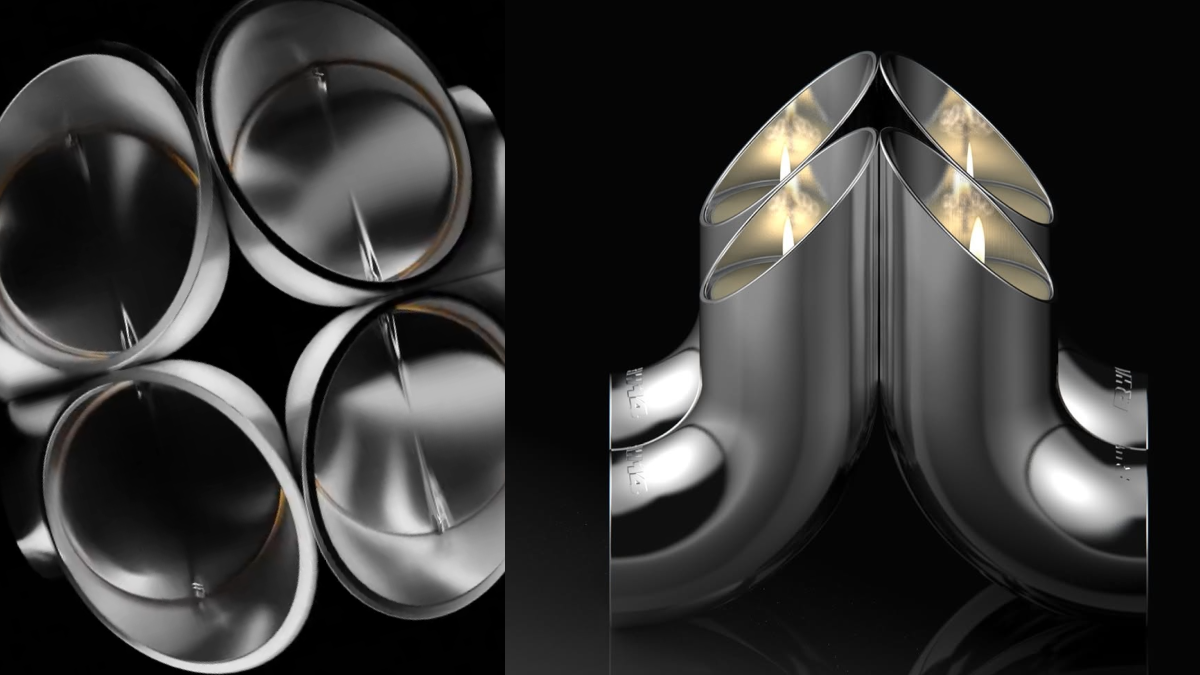
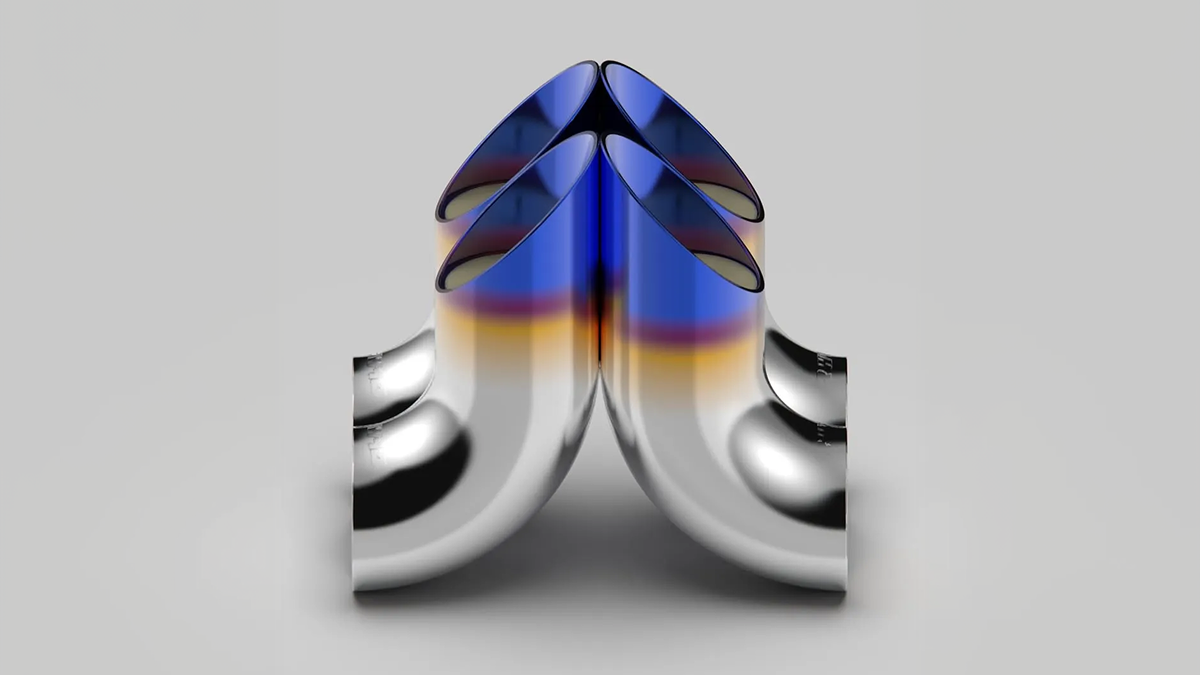
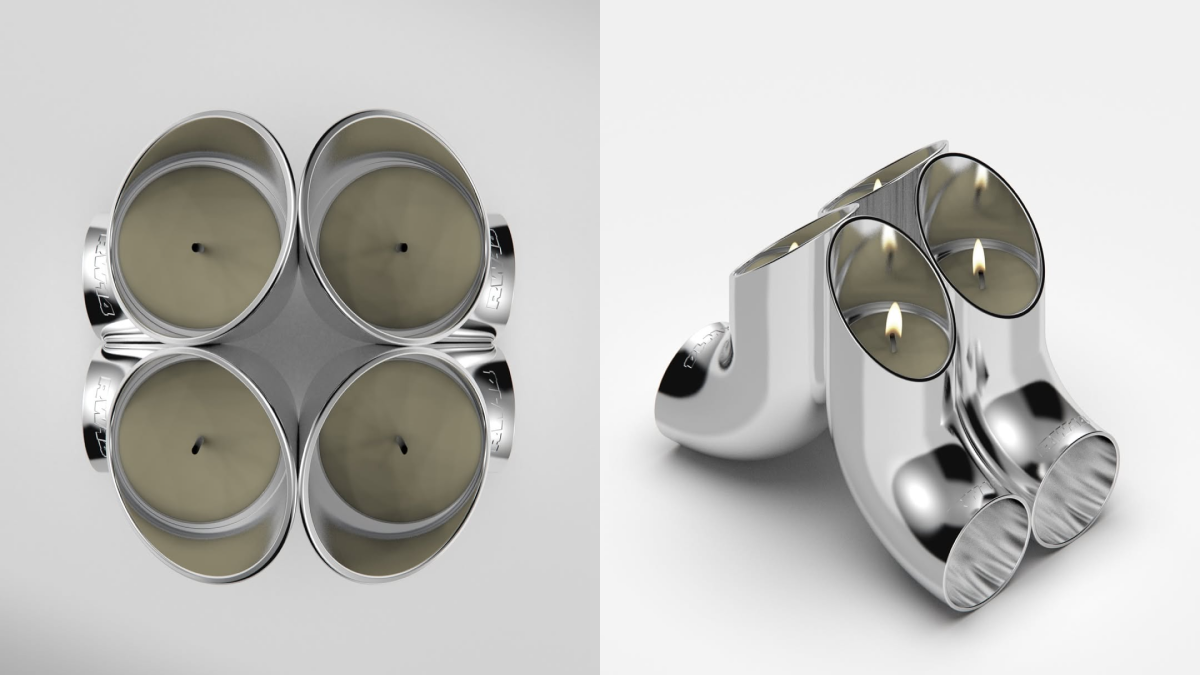
"Rendered visuals make decisions more tangible and expose proportions or tensions early. They help me evaluate ideas more objectively before moving into CAD or even production."
In fact, Julius had explored several directions that didn't work out before the Exhaust Light reached its final form. He didn’t see this as failure but instead as process:
"I learned that creativity often truly emerges through multiple iterations. Even though I liked my initial ideas, exploring further allowed something more refined and distinctive to evolve."
That willingness to iterate, digitally first, then physically—is what separates a good concept from a resolved object.
The Animate feature was the final step: turning static renderings into a polished presentation that communicated the design's intent with minimal effort.

Knowing When to Use AI
When reflecting on using AI in his workflow, Julius notes that Vizcom's real strength is earlier in the process, when the creative space is more open and the tool can help push ideas in directions that haven't fully formed yet.
"For me, it's important not to let AI do the creative work. Vizcom is a great tool to push ideas forward, accelerate exploration, and spark inspiration."
From Screen to Object
The hardest part of the Exhaust Light wasn't designing it, but rather building it.
"Digital and AI-generated renders can make almost anything look convincing, but physical prototypes quickly reveal whether a design truly works. Respecting material behavior, fabrication constraints, tolerances, and assembly from the beginning is what separates a visual concept from a resolved object."


When Julius finally held the finished piece, his digital renders couldn't have prepared him for it. It revealed the usability, weight, and true feeling of the materials. These qualities fundamentally changed how his design was perceived and understood.
A Note to Fellow Designers
Julius's advice is grounded and practical. His starting point: just start. Pick a project that's actually doable. Stay curious about tools and techniques. Trust the process, especially when physical prototypes don't work as planned, because that's when the real learning happens.
He's also clear-eyed about where AI fits in: not as a replacement for design thinking, but as an assistant for the middle phases, exploration, visualization, iteration. Materiality and physicality in design still demand human judgment.
"Trust the process. Physical prototypes reveal insights you simply can't get on screen, even when they don't work as planned."
Design: Julius
Location: Berlin, Germany
Specialization: Industrial Design / 3D Motion / Physical Product Development
Visualization: Vizcom
Materials: Stainless steel / metal
Want to bring your own ideas to life at the speed of thought? Try Vizcom for Yourself →
Explore
Explore more blog posts & resources to get inspired
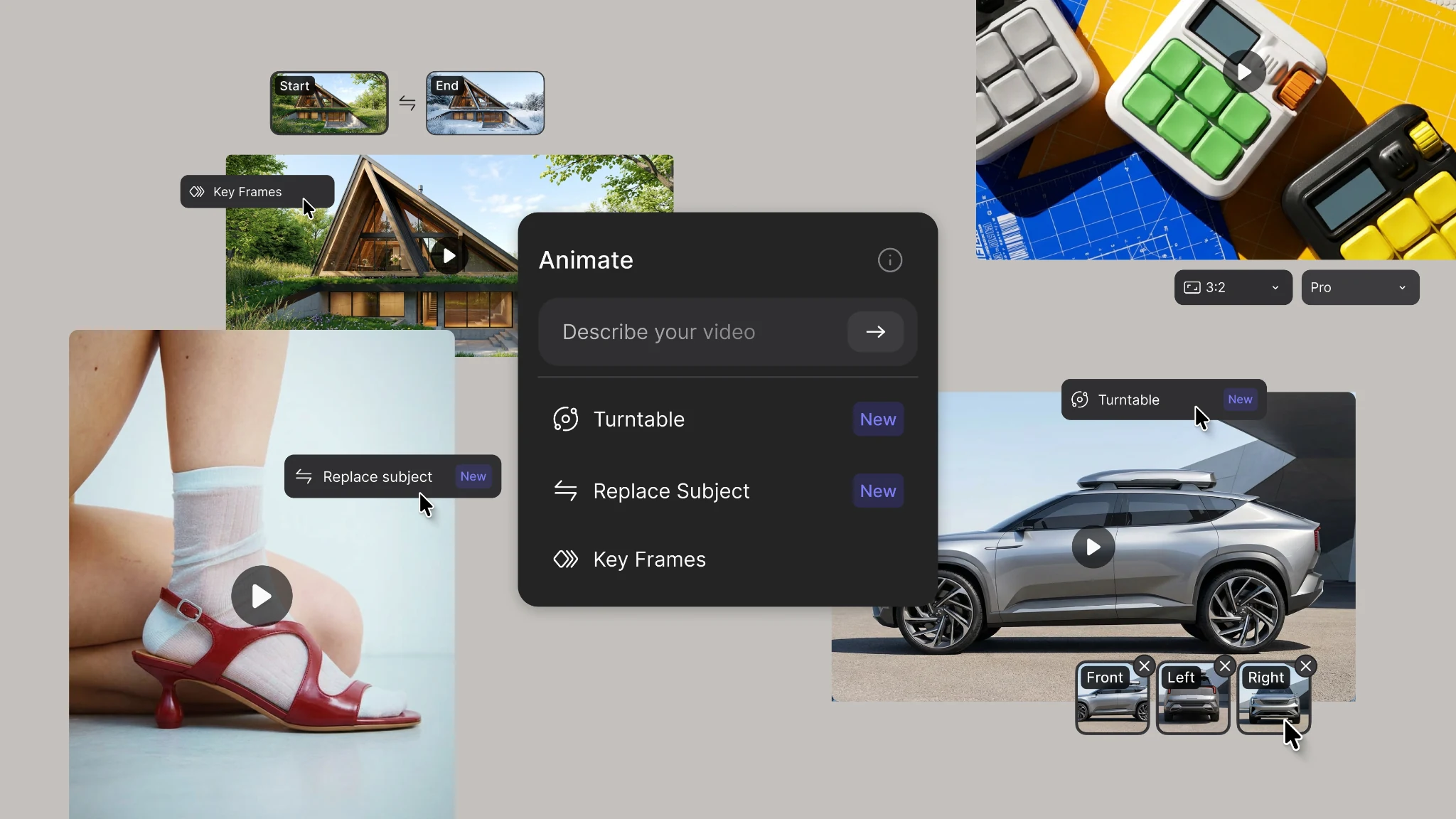
New animation capabilities in Vizcom: more references, four modes, and up to 15 seconds of motion.
.webp)
Hatch Duo is a design studio based in San Jose built around a simple premise: great products hatch when two forces meet, your insight and their execution. Hatch's focus sits squarely in consumer packaged goods. For their latest collaboration with Vizcom, industrial designer Alec Comido wanted to see what he could design in one hour.


Frequently asked questions
Yes of course! Our starter plan is completely free, no credit card required. This is a great plan to explore vizcom with.
We accept all major credit and debit cards.
Admins (paid) – can edit files, manage workspace settings, billing, teams, and invite members. Editors (paid) – can edit files but not manage settings, billing, or teams. Viewers (free) – can only view files in read-only mode.
Team billing is handled centrally by the Admin. All paid seats, whether Admins or Editors, are included in a single invoice under the same billing cycle, while Viewers remain free and do not affect the cost.
Yes, you can. An Admin can update the plan in the billing settings, and the switch will take effect on the next billing cycle at the annual rate.
Yes, you own everything you create in Vizcom. For free users, while Vizcom may use generated images to improve its services, it does not claim ownership of your designs, concepts, or original ideas—you keep full rights to them. For paid users, your images and designs remain entirely private and are only used to deliver the service. Every design, concept, and image you create or upload is fully yours and kept confidential.
Vizcom does not use your data to train AI models if you’re on a paid plan. Everything you create stays private and is only used to provide the service. Free users may have their generated images included to help improve Vizcom’s services, but even then, Vizcom does not claim ownership of your designs, concepts, or original ideas—you retain full rights.