\
Improvement
October 9, 2026

Branch on Hover

Start a new branch from any asset without clicking it first
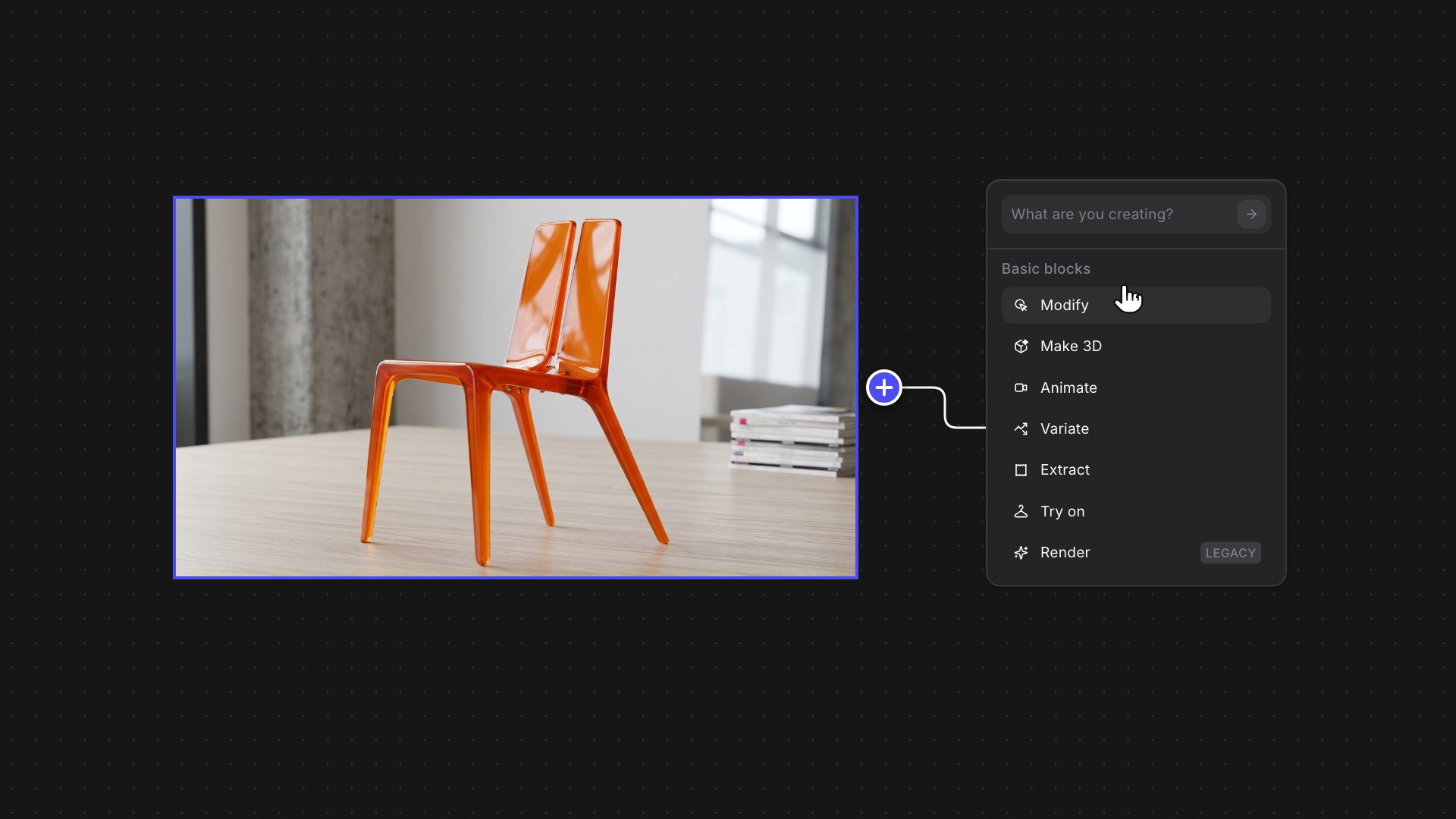
Hovering a chair render reveals the + port; dragging it out opens the block menu with Modify highlighted

The + for starting a new branch on the Workbench used to appear only after you clicked an asset, so it was easy to miss.

Now it shows up as soon as you hover. That’s one less click, and it’s much easier to find.

Available now for all users.

‍

Related updates

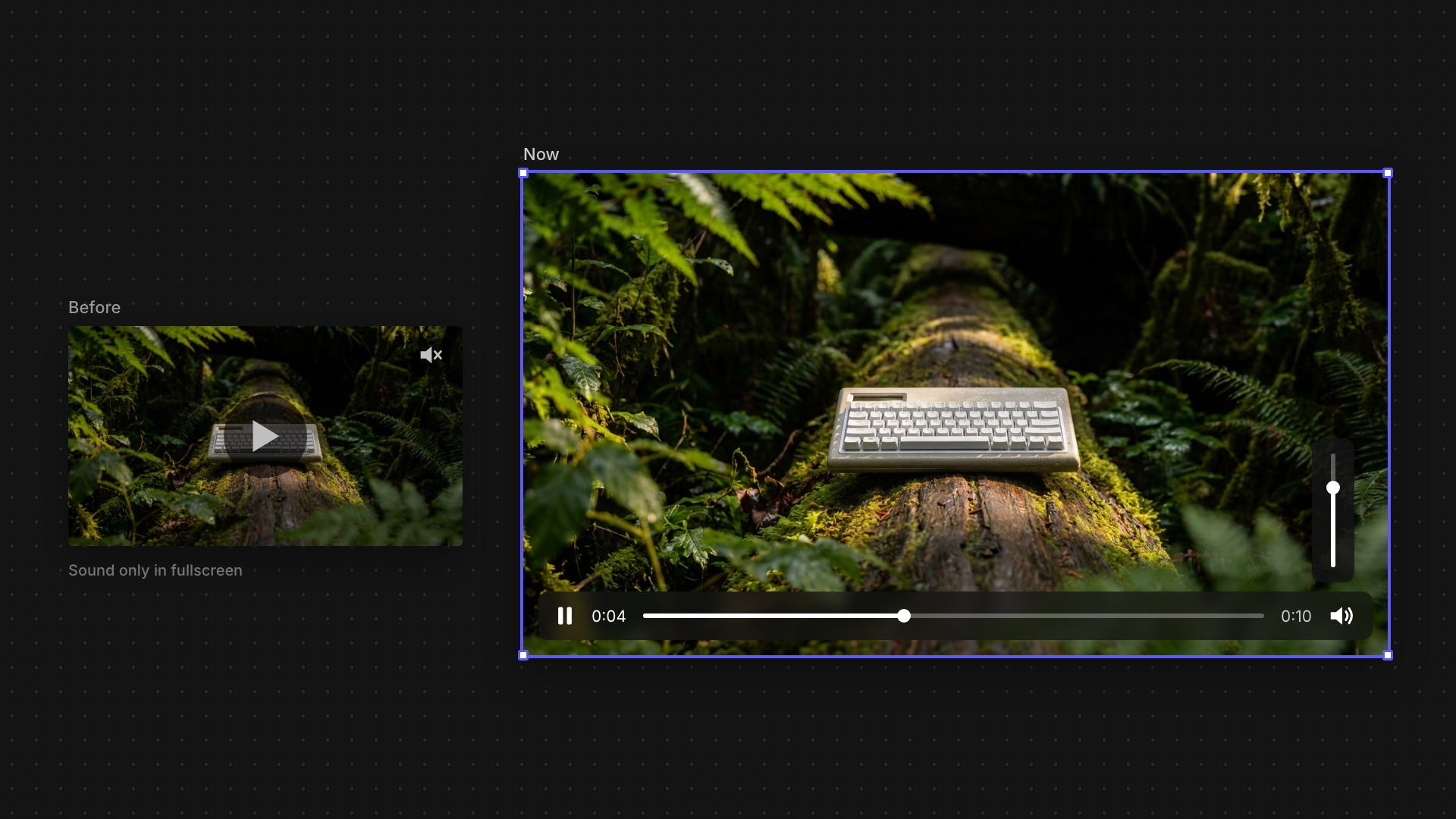
Keyboard product video playing on the Workbench canvas with sound and playback controls
Better Video Playback
Improvement

Watch and hear videos on the canvas without going fullscreen.

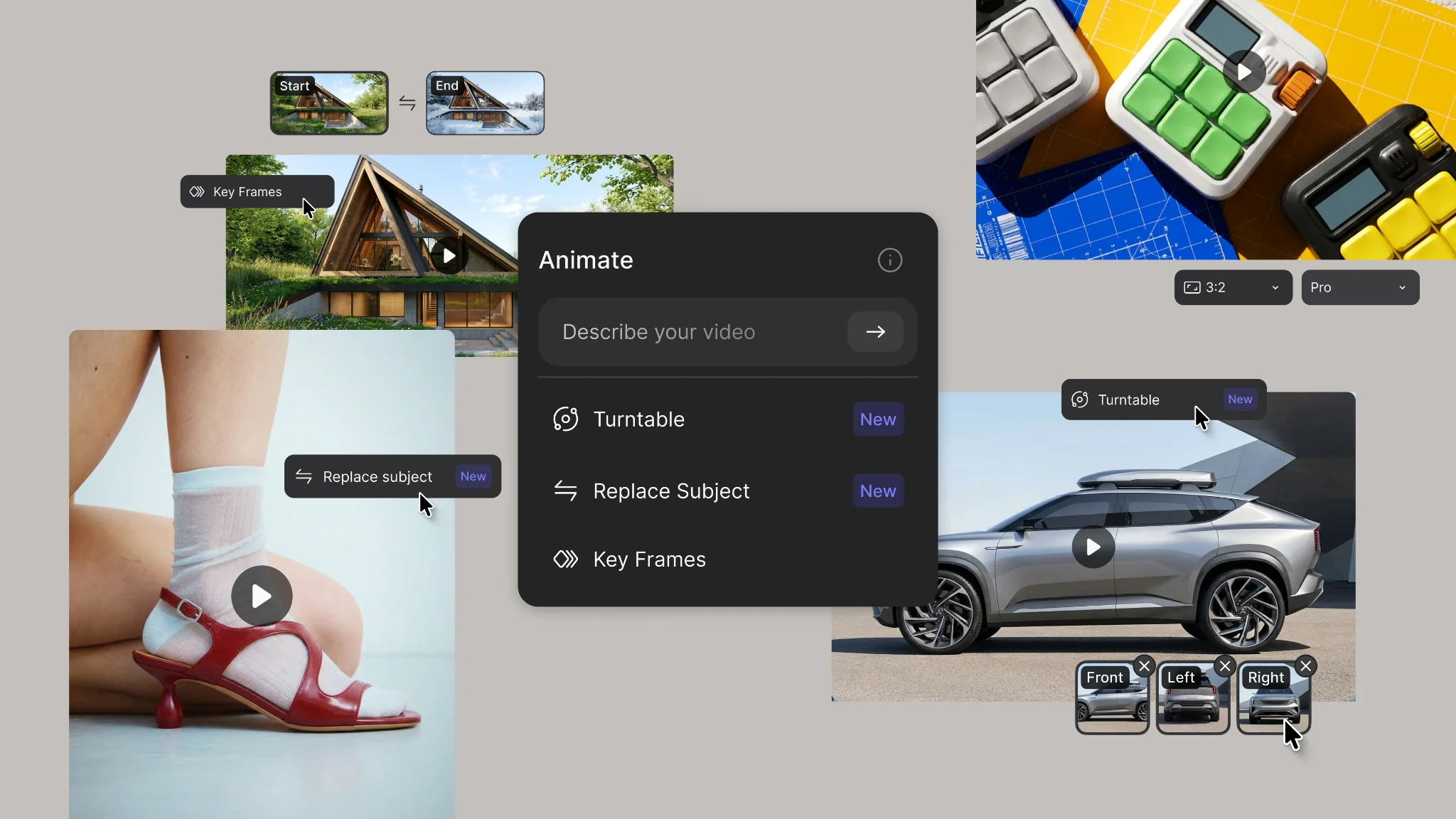
Motion, mastered: meet the new Animate Block
New Feature
Improvement

Direct your animations with up to 8 references, a source video, and four new modes, in shots up to 15 seconds.
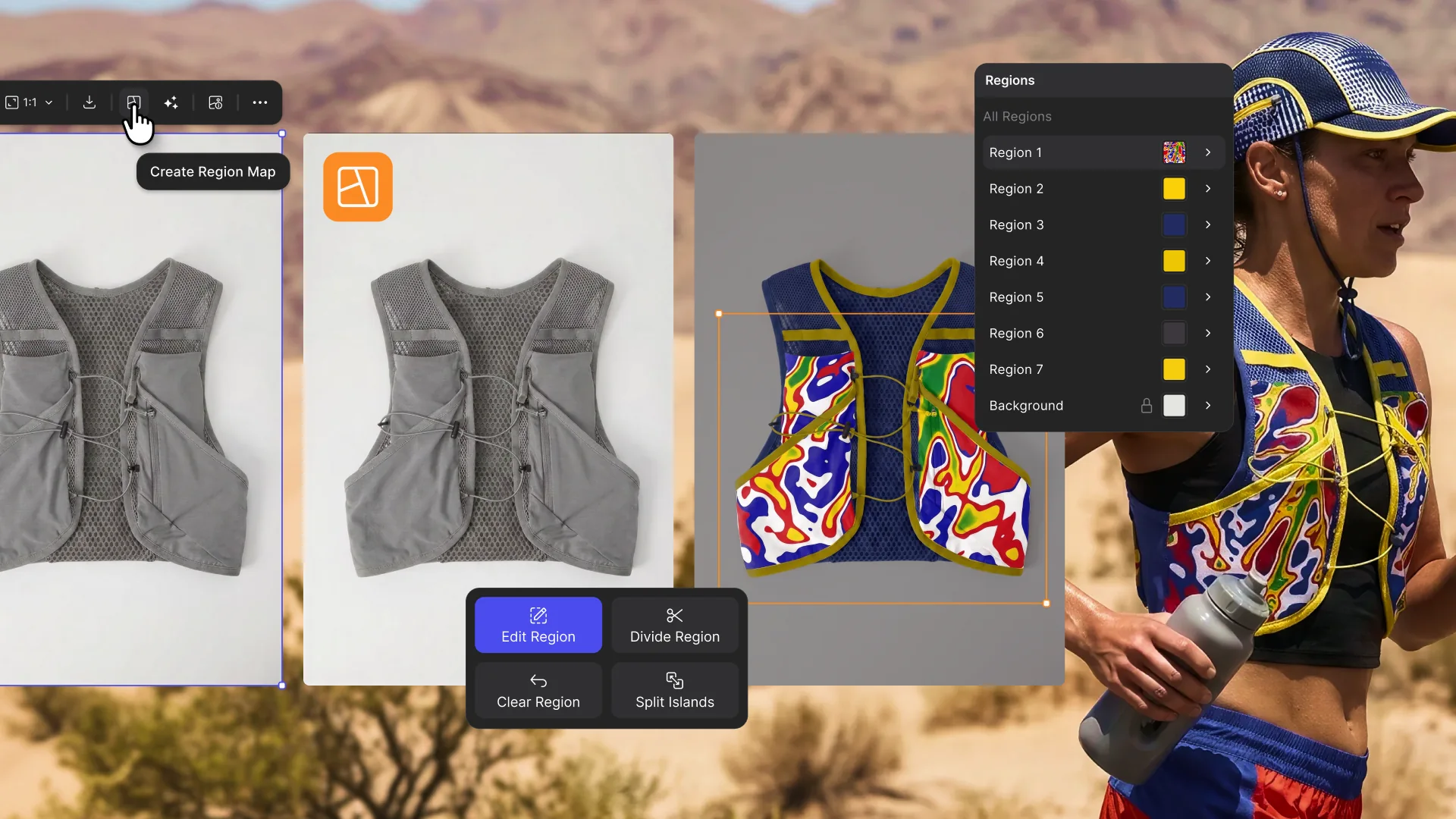
Region Maps
New Feature

Segment any image into editable parts and edit color, material, and pattern region-by-region without re-rendering.

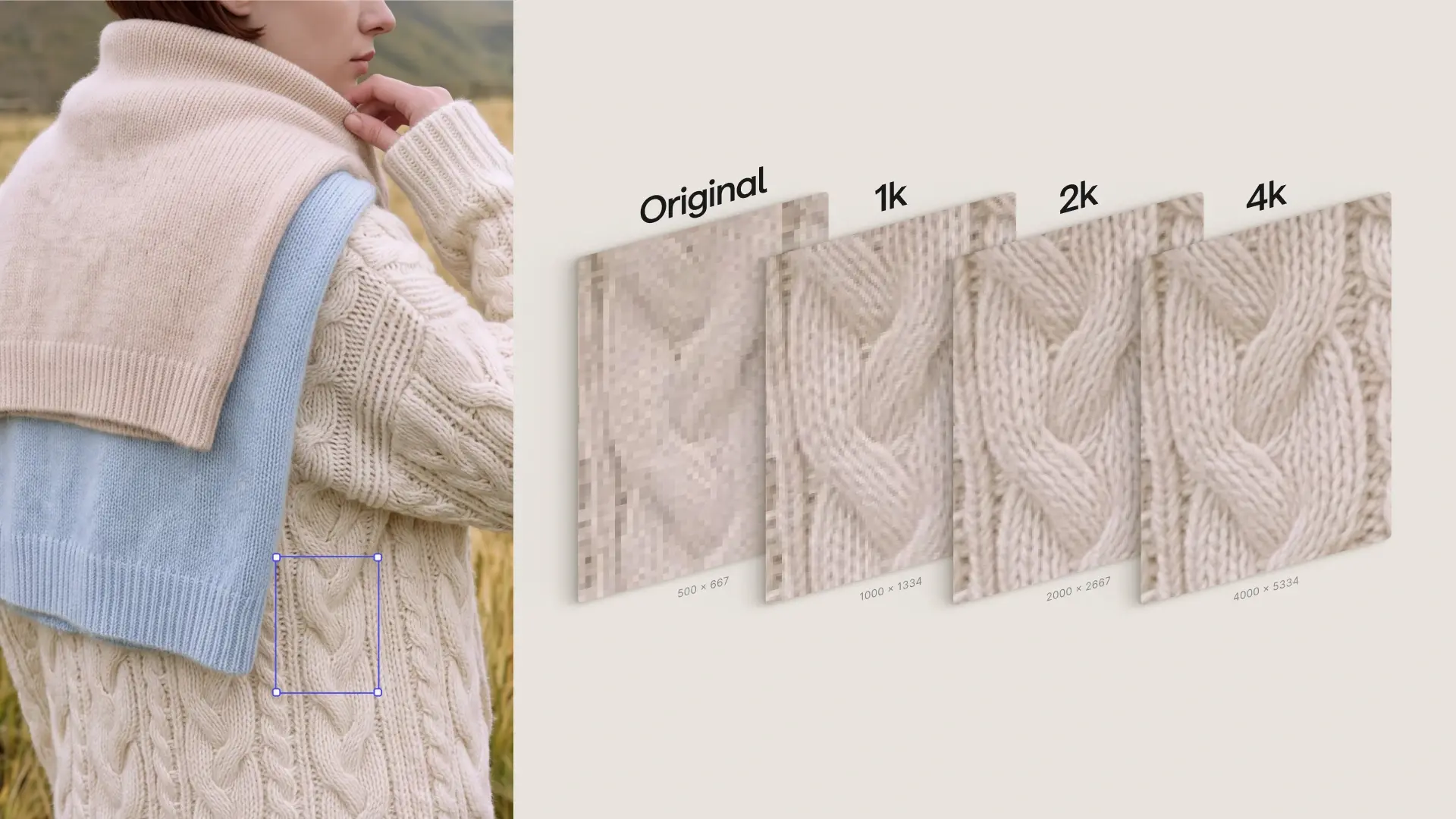
2K & 4K, native in Workbench
New Feature

Generate in 2K or 4K via Modify, without leaving your workbench.