Modify, upgraded: edit with words, not just clicks Copy
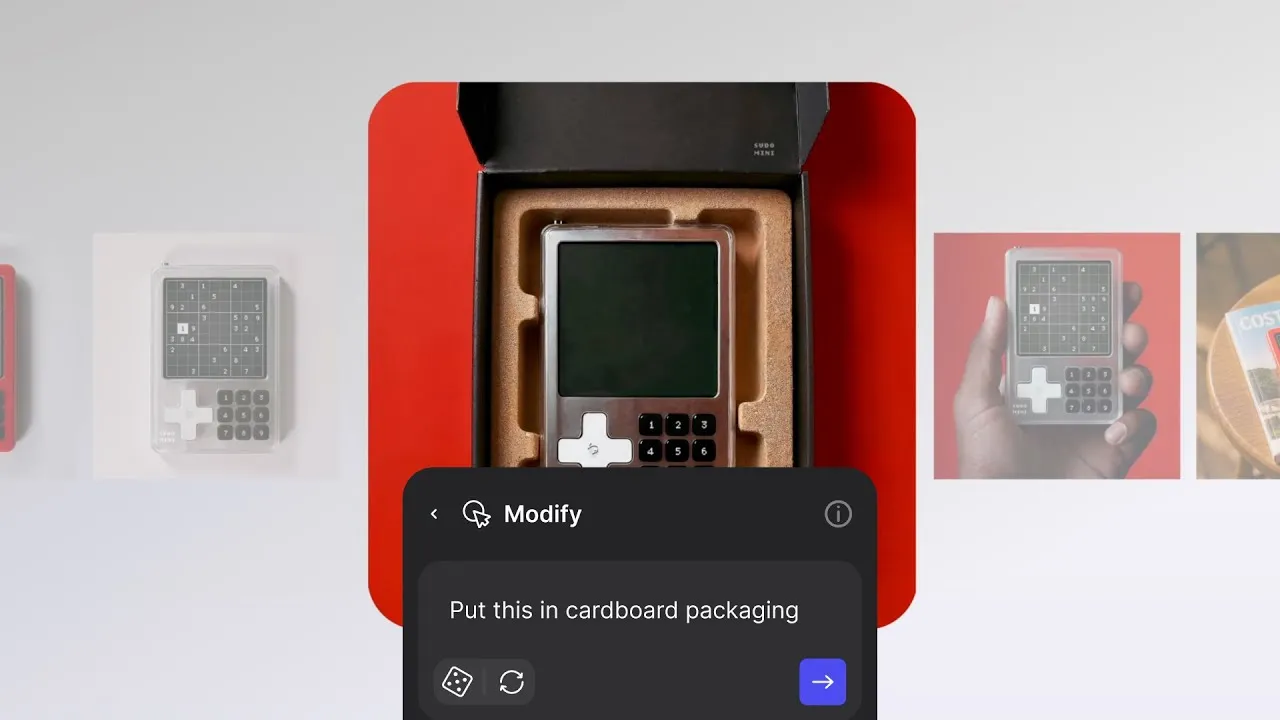
Vizcom's upgraded Modify feature now allows designers to edit designs using natural language descriptions instead of just preset controls. This enables quick changes to colors, materials, lighting, environments, and context, making iteration faster and storytelling more powerful.

Type it. Change it. Done.
When we launched Modify earlier this year, it opened up a new way for designers to explore variations, experiment with ideas, and push their concepts further without starting over. For the first time, you could quickly reimagine your designs inside Vizcom with simple, preset controls.
But presets were only the beginning.
Today, we’re excited to share a major upgrade to Modify — one that makes iteration even faster, more powerful, and more intuitive: you can now edit with natural language.
What’s new in Modify
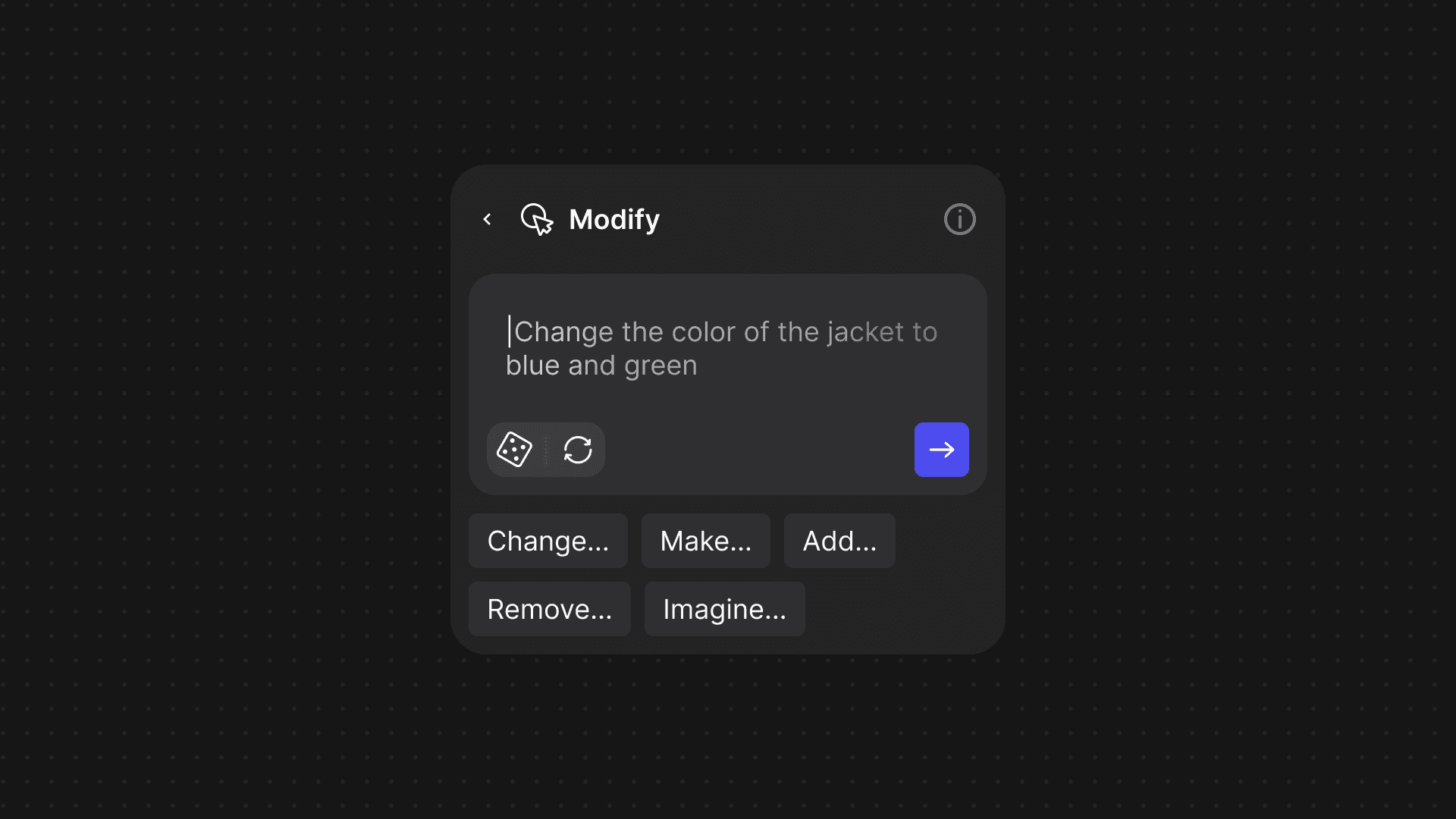
Until now, Modify worked by giving you a set of UI actions — things like adjusting forms, swapping materials, or shifting perspectives. That’s still available. But with this update, you can now describe exactly what you want to change in your own words, and Modify will apply it instantly.
This makes it possible to:
- Change colors, textures, or materials by typing simple instructions
- Refine complex details like lighting, shadows, or time of day
- Add wear-and-tear to show how a product ages
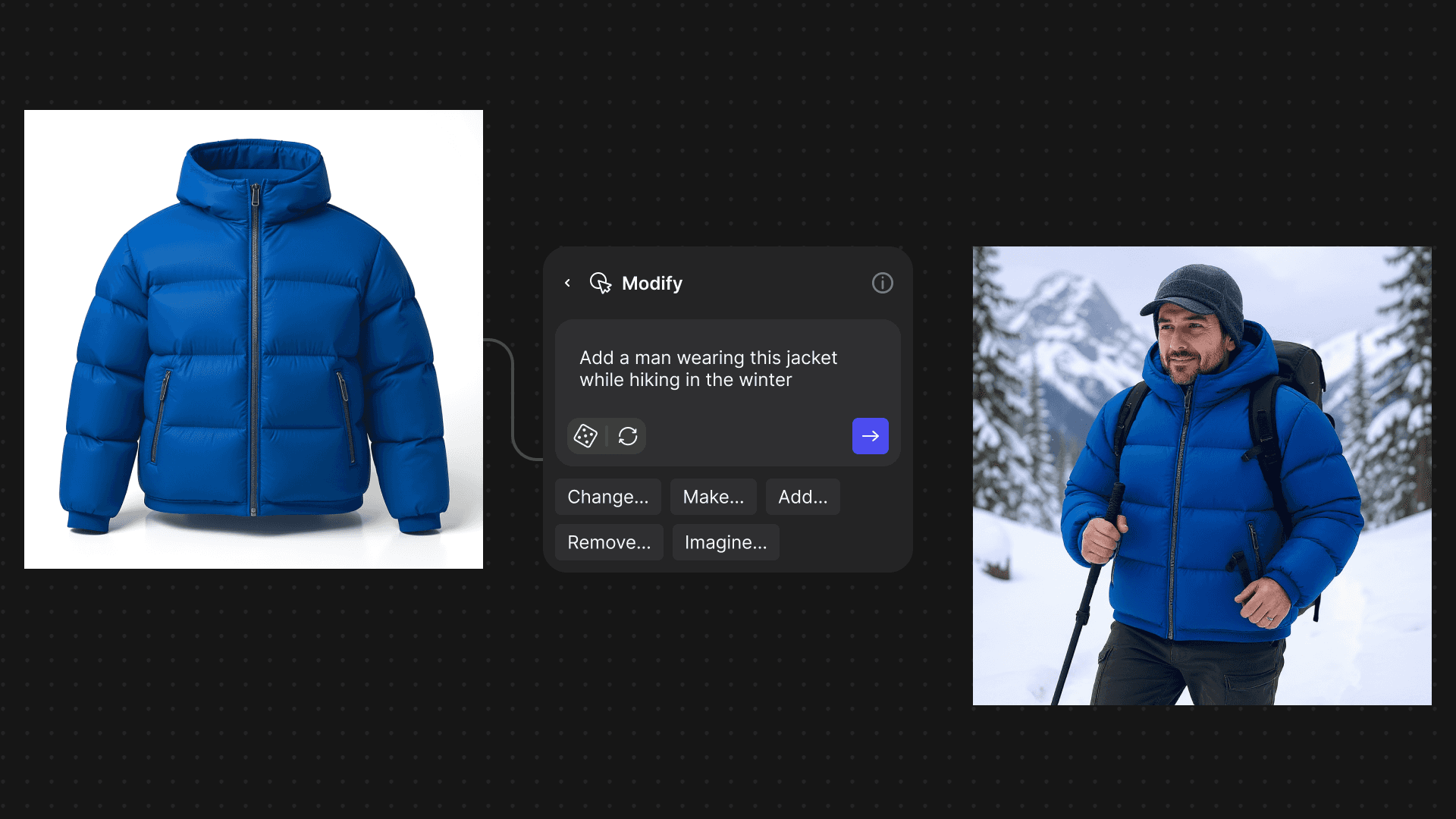
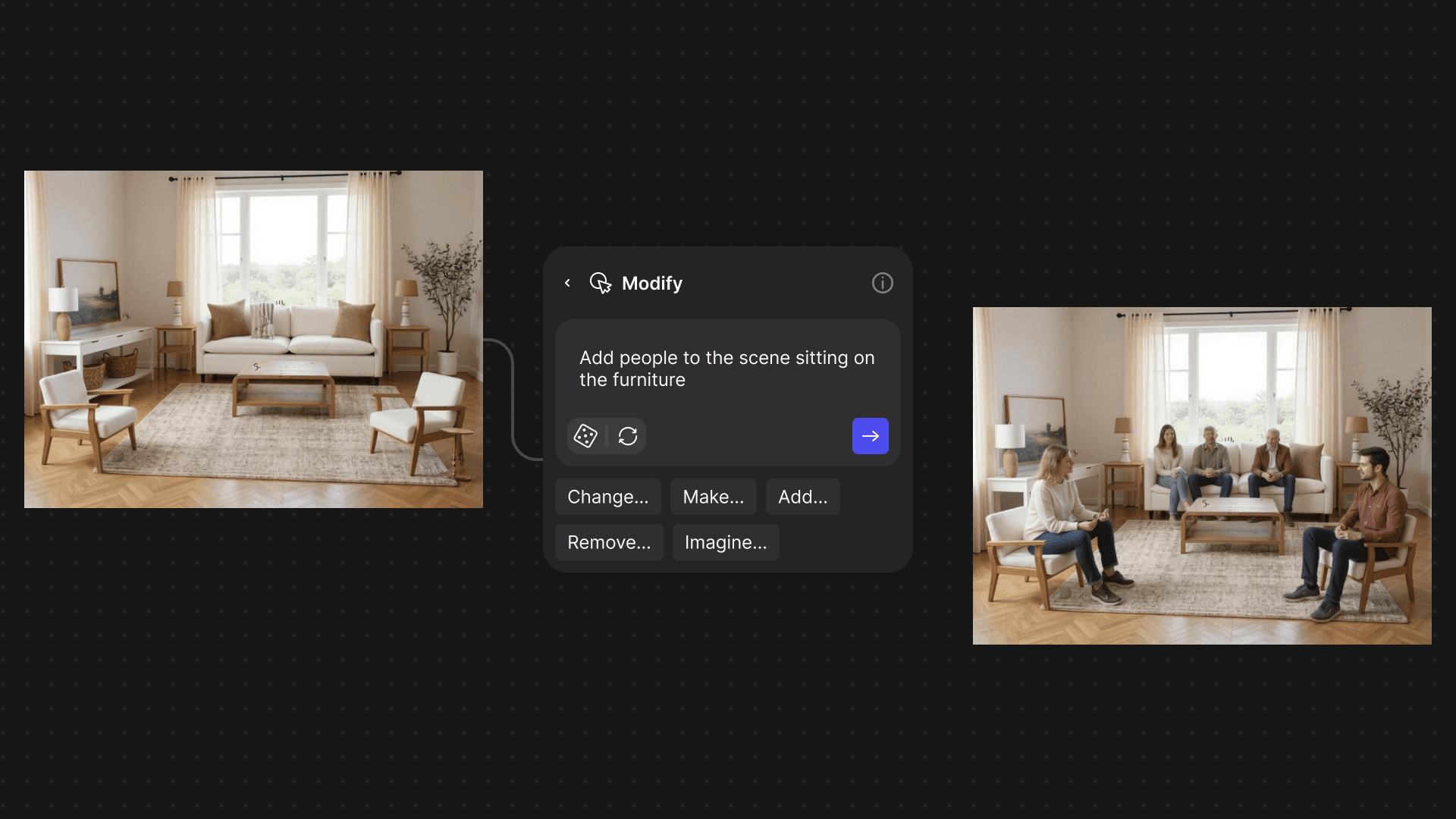
- Place designs in new environments or add people to a scene
- Build richer context for your product — on body, in packaging, or in use
No more guesswork with prompts. No more switching tools. And no more endless re-renders just to make small changes.
“It takes a lot to tell a story through an image. With this update, I can quickly add those elements to communicate an idea and get to a final image faster.” — Chris, Product Designer @ Vizcom
What can you do with this update
With this new release, Modify expands beyond quick variations and becomes a true storytelling tool. It’s not just about refining an object — it’s about showing where it lives, how it’s used, and who it’s for.
Apparel & Footwear
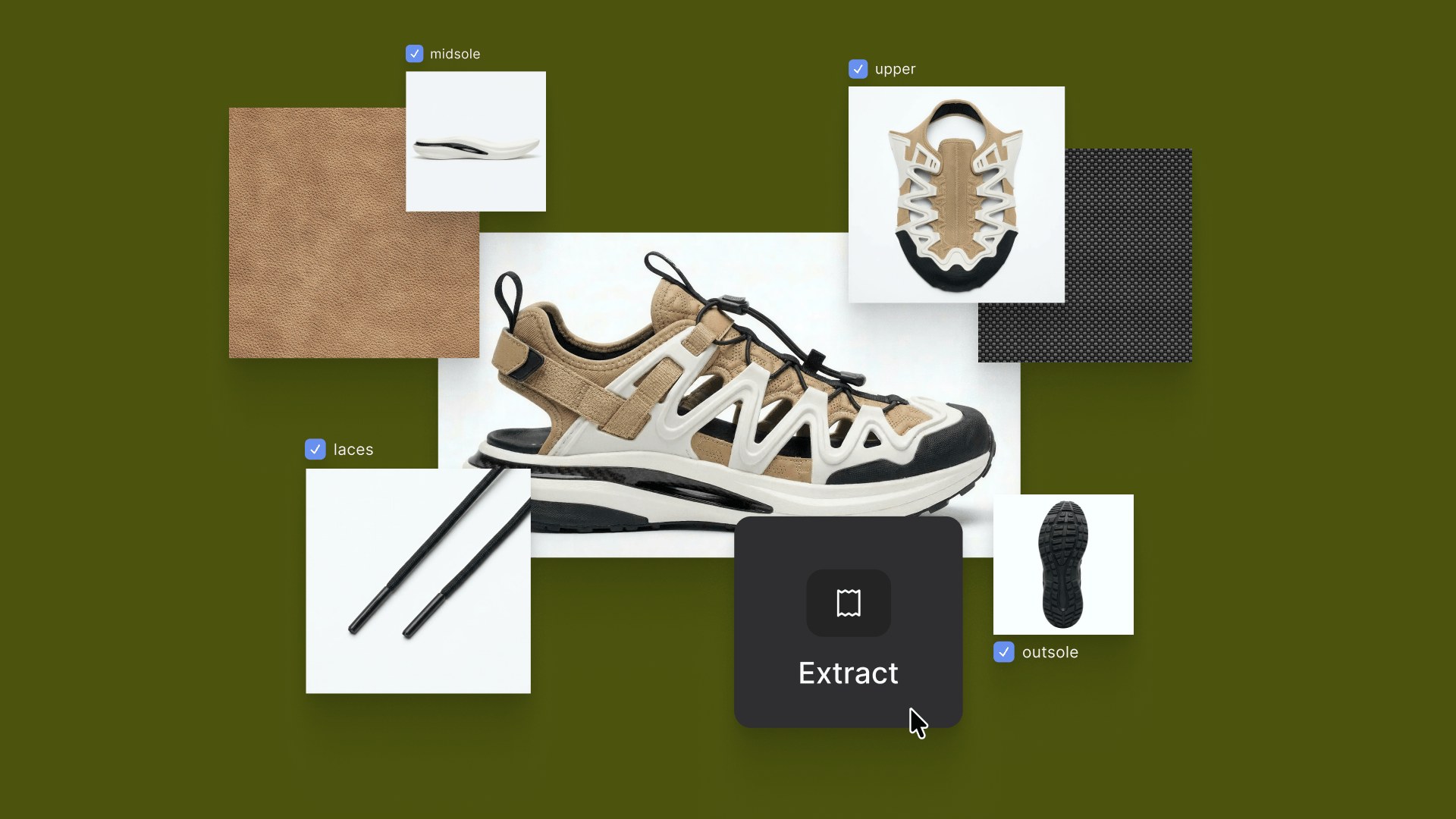
Visualize try-ons, swap colorways, or experiment with materials in seconds.
Automotive
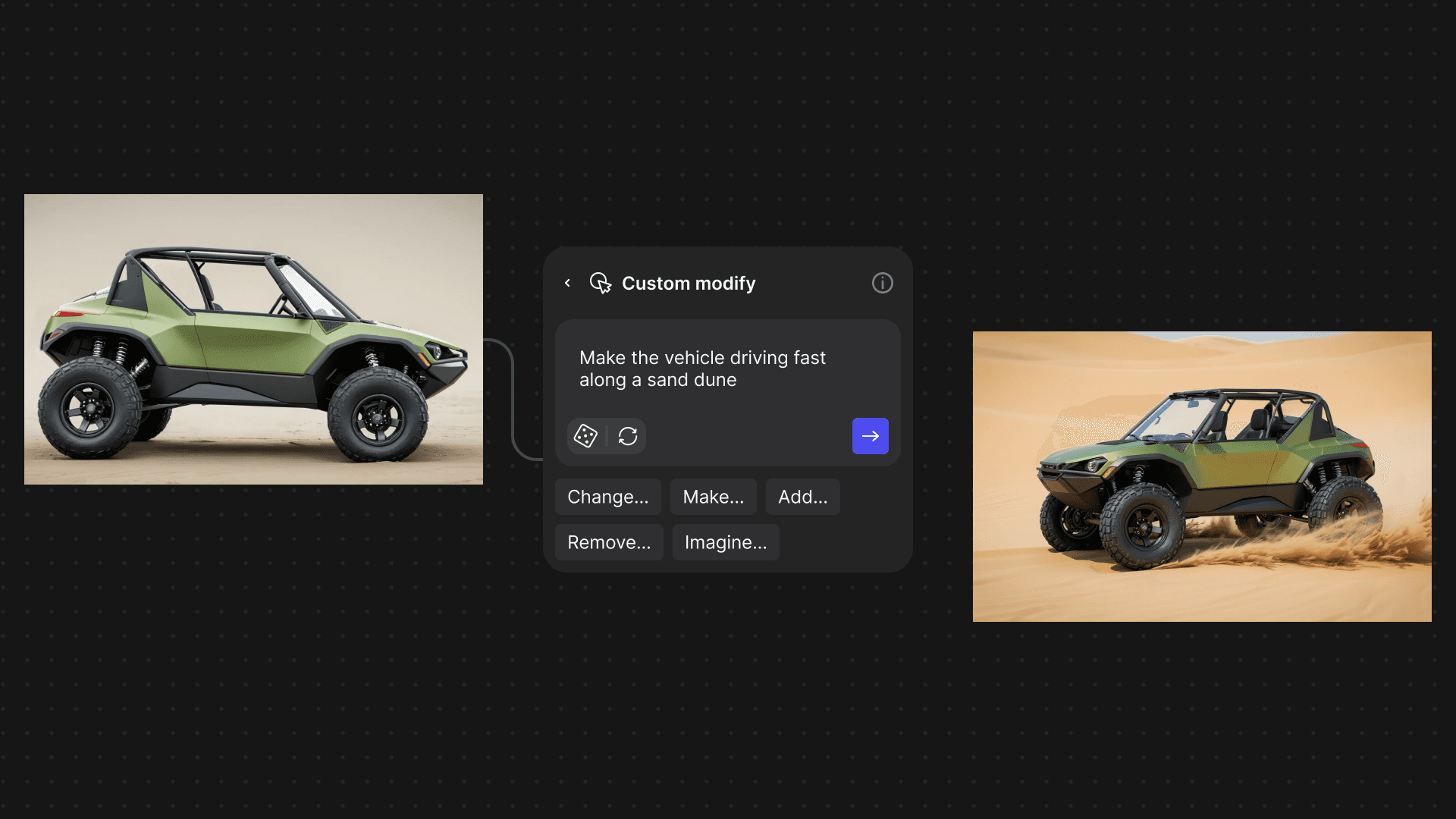
Explore finishes, simulate lighting conditions, or show wear-and-tear without re-rendering.
Architecture & Interiors
Add people, adjust time of day, or furnish a space to bring it to life.
Concept Art
Rapidly build scenes, add atmosphere, and communicate ideas with more depth.

Available now — for all
The upgraded Modify is available now to all Vizcom users. Free users can try one render at a time, while Pro and Enterprise accounts can generate up to four variations in parallel.
This is just the beginning of what we have planned. By making edits as natural as conversation, we’re moving closer to a future where iteration is frictionless, storytelling is faster, and creativity has no limits.
Want to see Modify in action?
Follow us on Instagram, X, and LinkedIn for tips and inspiration.
Have feedback? DM us or drop a note in our Discord — we’re listening.
Explore
Explore more blog posts & resources to get inspired
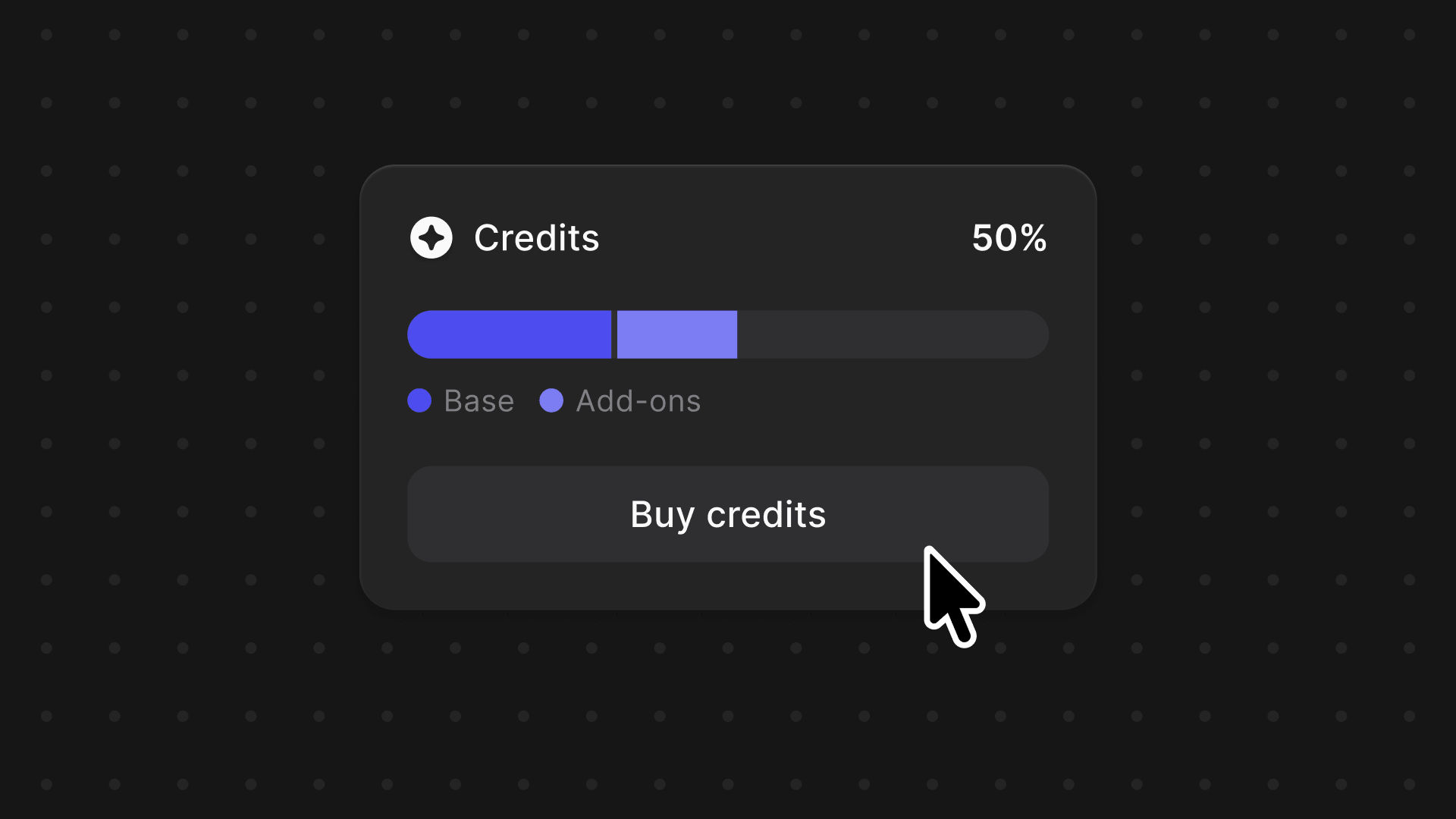
We're introducing a credits system across Vizcom, one balance to power your entire creative workflow, with the flexibility to grow as your projects demand.
Vizcom Plugins are here, starting with Autodesk Fusion. Push 3D models from Vizcom into Fusion at any stage, or bring Fusion models back into Vizcom to keep iterating. A live creative loop between ideation and engineering without rebuilding or reformatting.
Frequently asked questions
Yes of course! Our starter plan is completely free, no credit card required. This is a great plan to explore vizcom with.
We accept all major credit and debit cards.
Admins (paid) – can edit files, manage workspace settings, billing, teams, and invite members. Editors (paid) – can edit files but not manage settings, billing, or teams. Viewers (free) – can only view files in read-only mode.
Team billing is handled centrally by the Admin. All paid seats, whether Admins or Editors, are included in a single invoice under the same billing cycle, while Viewers remain free and do not affect the cost.
Yes, you can. An Admin can update the plan in the billing settings, and the switch will take effect on the next billing cycle at the annual rate.
Yes, you own everything you create in Vizcom. For free users, while Vizcom may use generated images to improve its services, it does not claim ownership of your designs, concepts, or original ideas—you keep full rights to them. For paid users, your images and designs remain entirely private and are only used to deliver the service. Every design, concept, and image you create or upload is fully yours and kept confidential.
Vizcom does not use your data to train AI models if you’re on a paid plan. Everything you create stays private and is only used to provide the service. Free users may have their generated images included to help improve Vizcom’s services, but even then, Vizcom does not claim ownership of your designs, concepts, or original ideas—you retain full rights.