
What Is Design Lead Time? And Why It Matters
Design lead time tracks concept to production handoff. Learn how to make your design lead time more efficient.

You sketch a concept, get feedback, iterate, render, iterate again, and eventually hand off something ready for production. That whole stretch from initial idea to manufacturing handoff is your design lead time, from conceptualization and sketching through 3D modeling, rendering, design refinement, and engineering handoff. This phase typically runs several months with multiple iteration cycles, and it's eating up more of your schedule than you probably realize.
Tracking design lead time as a single metric gives you visibility into the entire creative development phase. Once you start measuring it, you think differently about project planning, team capacity, and where your workflow actually gets stuck. You can stop guessing at bottlenecks and start seeing them.
What Design Lead Time Actually Means
Design lead time is the total duration from when you start a design project to when you hand off final deliverables for production. In other words, it's the time you need for creative development work that happens before manufacturing starts.
The phases that fall under design lead time include:
- Initial conceptualization and ideation
- Sketching and visual development (both analog and digital)
- 3D modeling and CAD work
- Rendering and presentation
- Design refinement based on feedback
- Engineering handoff with complete documentation
These phases don't consume equal time. Most designers assume sketching takes longest, but rendering, prototyping, and revision cycles typically account for 60% to 70% of total lead time. Measuring your actual time distribution across a few projects reveals where the delays really happen.
Why Design Lead Time Actually Impacts Your Work
Design lead time connects directly to business outcomes, portfolio quality, and team capacity. A study tracking 71 firms found that improved cycle time efficiency leads to better design quality outcomes rather than degrading them. When design cycles compress through better workflow rather than corner-cutting, you gain capacity to explore more thoroughly on complex projects, take calculated risks on ambitious concepts, and produce more diverse portfolio work within realistic timelines.
One organization documented $4 million in reuse value through design system improvements, with projections exceeding $10 million by 2025. That exponential growth shows how workflow improvements multiply team output value rather than delivering linear time savings. You finish projects faster and create capacity to take on work that previously wouldn't fit your schedule.
Design teams that reduce each phase by even weeks can gain significant positioning advantages in markets where competitors typically take far longer to launch. The average product development journey takes approximately 22 months. Shaving three to four weeks off multiple phases means you reach market months ahead of competitors still working through standard timelines.
What Actually Slows Down Design Lead Time
Visible work and invisible workflow gaps eat up design lead time in distinct ways. The visible delays are iteration cycles, physical prototyping, stakeholder reviews, and technical constraints. The invisible delays come from poor handoffs and unclear accountability, which can compound across multiple touchpoints to extend timelines.
Iteration Cycles and Industry Timelines
Standard iteration cycles can run several months depending on complexity. You're typically looking at weeks for design research, synthesis and cross-disciplinary workshops, then multiple iterations for new designs. That's your baseline before industry-specific constraints kick in.
Hardware products face physical iteration cycles that digital design never encounters. Each hardware iteration requires building and testing with entirely new parts or processes, adding weeks per cycle. Most hardware products need one and a half to two years to reach market. This timeline applies directly to gaming peripherals, consumer electronics, and industrial products.
Footwear development requires physical prototyping for each iteration, with each sample requiring manufacturing setup time, potentially adding two to four weeks per cycle. You can't validate fit, material behavior, or performance without functional prototypes, and traditional footwear development required manufacturing tooling for each iteration.
Automotive design faces Class-A surfacing requirements: surfaces where appearance defines value and performance. The mathematical precision required for G2 or G3 continuity can extend surface modeling phases by 30% to 50% compared to standard surfaces used in non-visible components.
Rendering and Visualization Speed
Rendering technology has evolved dramatically over the past two decades. GPU-accelerated rendering and physically based materials shifted timelines from overnight render farms to seconds or minutes for photorealistic output. When you can see concepts rendered quickly, you evaluate complete information rather than choosing based on incomplete sketches.
Render generates photorealistic output from your sketch in seconds rather than hours. When you're deciding between three different material finishes for a consumer product, you can sketch a form concept and see how it looks in brushed aluminum with directional grain pattern and soft studio lighting. Switch to glossy ABS plastic housing with dramatic side lighting that emphasizes surface transitions. Or evaluate matte ceramic finish with natural window light. You're exploring concepts in seconds instead of waiting for overnight renders.
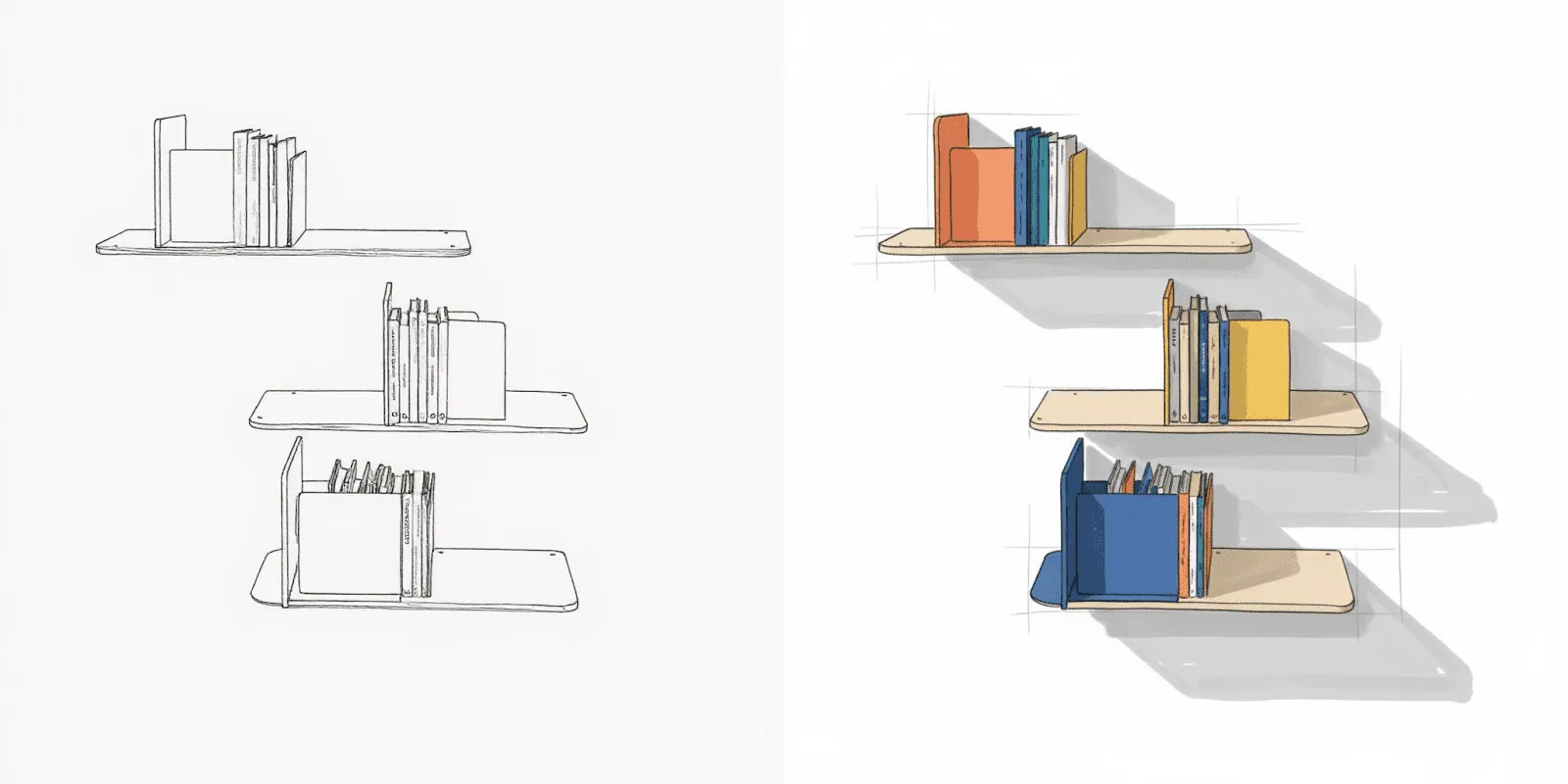
Make 3D generates exportable 3D models from your 2D renderings, letting you progress from sketch to prototype-ready visualization without CAD expertise.
[Embed: https://framerusercontent.com/assets/2ZaGqdyNld4s91cR6owwfY9y8o.mp4]
These tools accelerate the evaluation process without making the creative decisions for you. You still determine which direction works best, but you do it with complete visual information rather than rough approximations.
Stakeholder Coordination and Review Gates
Ambiguous objectives can extend planning stages by 40% to 60%, while late design changes during manufacturing ramp-up represent the most expensive timeline extensions, potentially adding three to six months to product launch. Unclear objectives and late conflict resolution kill timelines.
When design teams build concepts without clarity on production or marketing requirements, late-stage manufacturability issues force designs back to earlier phases for revision. This rework creates expensive delays precisely when timeline pressure is highest.
Workflow Inefficiency as a Multiplier
Workflow inefficiency multiplies across every handoff point in your process. A 10% inefficiency in file handoffs (time lost to version confusion, format conversions, or unclear specifications) compounds when repeated across multiple touchpoints. CAD file format conversions between different software systems can require manual verification and geometry repair, adding one to three days per major file transfer. For projects with multiple supplier collaborations, that compounds to two to four weeks of cumulative delay.
Cross-functional silos create similar multiplication effects. One organization eliminated 70% of duplications in their workflow by establishing clear accountability across roles. Cross-cutting management processes in design organizations can consume 40% to 65% of management and overhead time. These inefficiencies have nothing to do with design execution speed, yet they extend timelines substantially.
How to Actually Measure Design Lead Time
Measuring design lead time accurately requires tracking each phase separately rather than just logging project start and end dates. Break your timeline into these components:
- Conceptualization: Time spent on research, briefs, and initial ideation
- Sketching and visual development: Hours in analog or digital exploration
- 3D modeling and CAD: Duration of technical modeling work
- Rendering and presentation: Time waiting for renders plus presentation prep
- Design refinement: Cycles spent on feedback and revisions
- Engineering handoff: Documentation and file preparation time
This phase-level visibility shows exactly where improvements will have the most impact. You might discover that rendering wait times consume more calendar days than the actual design work, or that revision cycles stretch projects by weeks because stakeholder feedback arrives slowly. That specificity matters because it tells you whether to invest in faster tools, better processes, or clearer communication.
Track two to three projects this way to establish your baseline. Companies often underestimate how much time they lose to workflow friction versus actual design execution. The data will show you which problem to solve first.
Approaches That Actually Reduce Design Lead Time
The approaches that reduce design lead time fall into three categories: faster execution, better handoffs, and parallel exploration. Most teams focus exclusively on execution speed and miss the larger gains.
Accelerating High-Cost Phases
Target the bottlenecks that consume disproportionate time. Rendering historically ate hours or days per concept, which meant designers committed to directions before fully exploring alternatives. Vizcom compresses rendering to seconds, which changes how thoroughly you can explore options before investing in detailed CAD work. Instead of choosing one direction to develop fully, you test multiple material and lighting variations simultaneously, then commit once you've validated the direction.
Physical prototyping faces similar time constraints. Make 3D generates exportable 3D models from 2D renderings, letting you evaluate form and proportion in three dimensions before committing to CAD modeling or physical prototypes.

You catch proportion issues and surface transition problems earlier, when changes cost hours instead of weeks.
Eliminating Handoff Friction
File format conversions, version confusion, and unclear specifications create delays that multiply across every handoff point. Cloud-based collaboration platforms compress review timelines by enabling simultaneous feedback instead of sequential reviews. When stakeholders can comment directly on live files rather than waiting for email attachments and version updates, review cycles compress from days to hours.
Clear accountability across roles prevents the duplicate work that consumes management time. One organization eliminated 70% of duplications simply by defining who owns which decisions at each phase. That clarity prevents teams from redoing work because responsibilities weren't clear upfront.
Front-Loading Decision-Making
Parallel exploration changes when you make decisions. Traditional workflows force early commitment to a single direction because exploring alternatives takes too long. You sketch five concepts, pick one to develop, and hope it works. If problems emerge during detailed modeling, you've already invested days in a direction that won't work.
Front-loading exploration means validating decisions before detailed work begins. Render lets you see materials, lighting, and form language immediately, so you identify issues when fixing them takes minutes instead of days.

You commit to CAD work only after confirming the direction solves the design problem.
The gains compound when you address all three categories simultaneously. Focusing only on execution speed while ignoring handoff friction and decision timing misses 60% to 70% of the opportunity.
Making Design Lead Time Work for You
Track one project end-to-end, breaking down time by phase. That baseline reveals whether your bottleneck is rendering wait times, revision cycles, or handoff friction.
If rendering consumes disproportionate time, tools like Vizcom shift that constraint. If revision cycles stretch timelines, look at stakeholder communication and feedback processes. If file conversions and version confusion create delays, collaboration platforms solve that.
Try Vizcom free to see how rendering speed affects your overall lead time.
Explore
Explore more blog posts & resources to get inspired
.webp)
Hatch Duo is a design studio based in San Jose built around a simple premise: great products hatch when two forces meet, your insight and their execution. Hatch's focus sits squarely in consumer packaged goods. For their latest collaboration with Vizcom, industrial designer Alec Comido wanted to see what he could design in one hour.

Explore color and material variations part-by-part without leaving Vizcom.


Frequently asked questions
Yes of course! Our starter plan is completely free, no credit card required. This is a great plan to explore vizcom with.
We accept all major credit and debit cards.
Admins (paid) – can edit files, manage workspace settings, billing, teams, and invite members. Editors (paid) – can edit files but not manage settings, billing, or teams. Viewers (free) – can only view files in read-only mode.
Team billing is handled centrally by the Admin. All paid seats, whether Admins or Editors, are included in a single invoice under the same billing cycle, while Viewers remain free and do not affect the cost.
Yes, you can. An Admin can update the plan in the billing settings, and the switch will take effect on the next billing cycle at the annual rate.
Yes, you own everything you create in Vizcom. For free users, while Vizcom may use generated images to improve its services, it does not claim ownership of your designs, concepts, or original ideas—you keep full rights to them. For paid users, your images and designs remain entirely private and are only used to deliver the service. Every design, concept, and image you create or upload is fully yours and kept confidential.
Vizcom does not use your data to train AI models if you’re on a paid plan. Everything you create stays private and is only used to provide the service. Free users may have their generated images included to help improve Vizcom’s services, but even then, Vizcom does not claim ownership of your designs, concepts, or original ideas—you retain full rights.