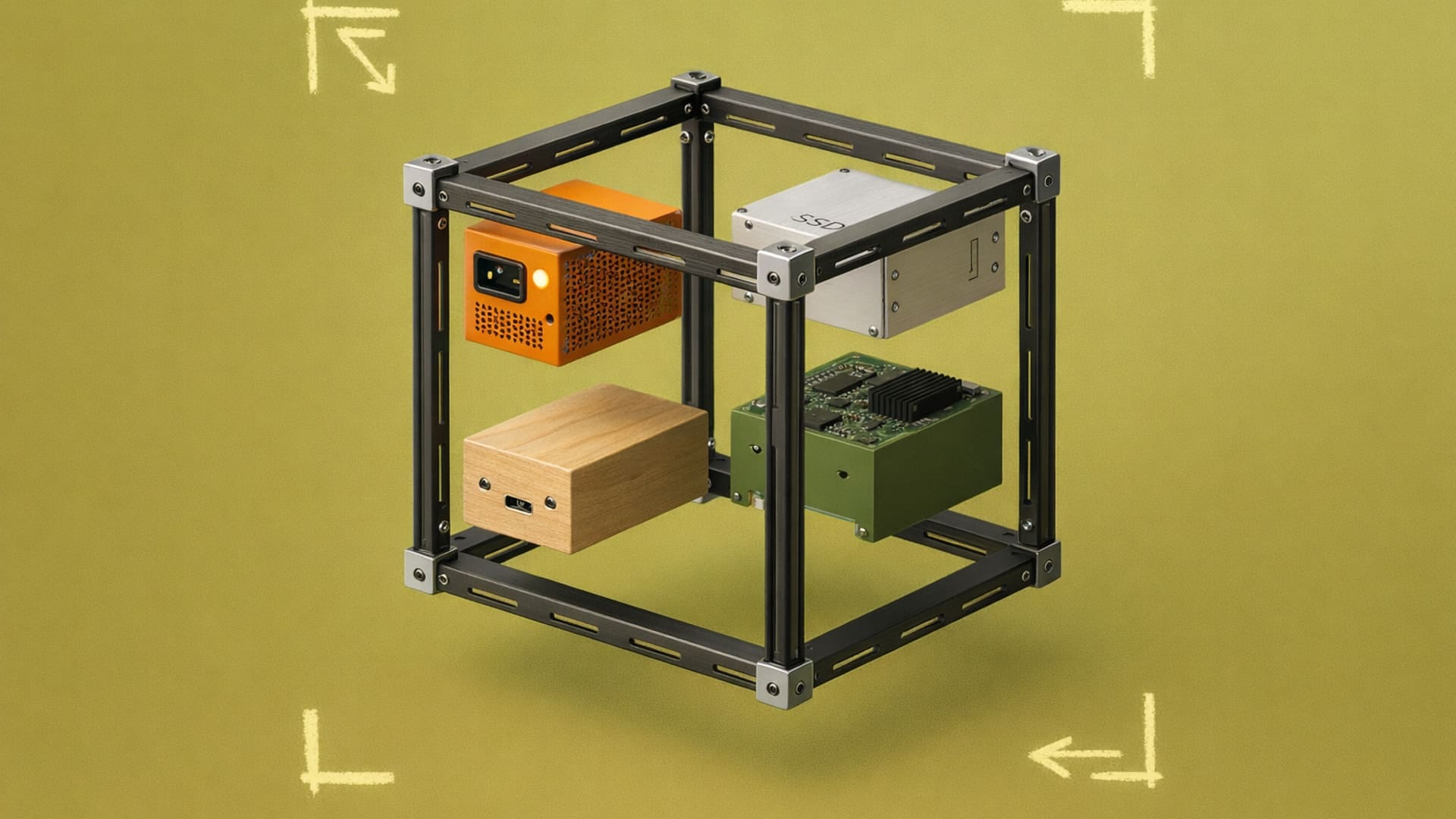
Component Library: Shared Parts That Keep Products Consistent
Stop recreating the same design elements. Component libraries let you reuse patterns, reduce inconsistencies, and speed up handoffs.

Three designers are working on the same product family, each with a slightly different interpretation of the standard corner radius. The flagship uses 4mm, the mid-tier landed on 6mm, and the budget line somehow ended up at 3mm. Nobody's wrong exactly, but the products don't look like they belong together.
Component libraries solve this by giving you one place where the approved version lives. Define a component once, store it where everyone can access it, and updates flow to every project using it. The workflow becomes “build once, use everywhere.”
In this guide, we'll cover how component libraries work, what belongs in them, and when the investment makes sense for your workflow.
What is a Component Library?
A component library is a collection of reusable design elements that you've standardized for consistency across projects. Instead of recreating your brand's standard radius, surface treatment, or material finish every time you start a new design, you pull it from the library. The element looks and behaves identically whether it appears in your flagship product or a line extension.
For product designers, component libraries extend beyond digital UI elements to include physical design standards. Think of the clear bubble window on the sole of Nike Air shoes, or the kidney grille that appears across BMW's vehicle lineup. These are signature design elements applied consistently across product families to maintain visual brand language.
Why Does Consistency Require a System?
Brand perception builds through repetition. When every product in your line shares the same design language — i.e., the same proportions, the same surface treatments, and the same interaction patterns — customers recognize your work before they see the logo. Inconsistency undermines that recognition.
For example, even if this bottle has no label or logo, you can probably guess what it is:

The inconsistency problem can compound as your team grows. Two designers working on related products will make slightly different choices unless they're working from shared standards. One person's interpretation drifts from another's. Neither is wrong individually, but the product line stops feeling cohesive.
For stakeholder presentations, consistency also reduces friction. When your designs look professionally unified, reviewers focus on the decisions you're actually presenting rather than getting distracted by visual inconsistencies between concepts.
How Do You Build a Library Worth Using?
Start by auditing what you already reuse informally. Most designers have elements, patterns, or configurations they've copied from project to project. These reveal what belongs in your library.
Look for elements that repeat across your work:
- Components that define your brand's aesthetic (specific radii, proportions, form treatments)
- Patterns you apply repeatedly across different products
- Color and material standards you reference on every project
- Interaction behaviors or physical mechanisms that characterize your product family
The audit also reveals inconsistencies worth fixing. You might find three versions of a standard component saved across different projects, each slightly different. Consolidating these into one approved standard prevents the drift from continuing.
Once you've identified what belongs, organize these elements where you can access them reliably. For rendering workflows, this means saving material presets, lighting configurations, and style references in a format your tools can reuse.
In Vizcom, Custom Palettes function as a component library for your rendering standards. You train the AI on your brand's material language, lighting preferences, and aesthetic direction. Every render generated from that palette reflects your established standards rather than starting from generic defaults. When you need to explore 50 variations of a product concept, each one maintains the visual consistency you've already approved.
What Belongs in Your Library?
The contents depend on your work, but most designers benefit from standardizing a few categories.
Signature Design Elements
Document the specific visual elements that define your brand's products. Think of it as creating a cohesive design language where every piece reinforces who you are as a brand. For physical products, this means defining choices around shape and scale, how surfaces flow into each other, and your approach to materials.
The goal is precision. A vague reference like "rounded corners" doesn't help. Specify the exact radius, how it relates to the overall proportion, and how it scales across different product sizes.
Color and Material Standards
Brand colors and materials need to translate accurately across every application. This is particularly important for product families where consistency across the line is non-negotiable.
Your library should include exact color values (Pantone, RAL, or hex) and material specifications detailed enough that different team members produce identical results. Vizcom Color Match maintains this accuracy from sketch to final render, ensuring your brand's colors stay consistent across every variation.
Patterns and Behaviors
Beyond individual elements, your brand has characteristic ways of solving common design problems. How do transitions between materials typically work? What interaction patterns define your product experience? Capturing these in your library means new projects start from your established approach rather than reinventing solutions.
How Do You Keep the Library Current?
Standards change, better approaches emerge, and products evolve. Your library needs maintenance to stay useful. A library that doesn't evolve becomes a constraint rather than an asset.
Assign clear ownership. Someone needs to approve additions, retire outdated components, and ensure quality standards. Without this, libraries fragment into competing versions or fill with elements no one actually uses.
Review periodically. A quarterly cadence works for most teams to evaluate what's being used, what's missing, and what needs updating.
Version carefully. When you update a standard, you need to know which projects used the previous version. This matters especially for ongoing product lines where consistency across generations is important.
When Does a Component Library Make Sense?
Creating a component library should always happen eventually. But the investment in building and maintaining a component library pays off even more when:
- You're creating variations of related products. When you're exploring 50 colorways of the same shoe or developing a product family, consistent foundations save hours of redundant work.
- You're working across multiple projects with shared brand standards. If your designs need to feel like they belong to the same family, shared component libraries ensure visual coherence.
- You're collaborating with other designers. When multiple people contribute to the same product line, shared standards prevent the inconsistencies that emerge from individual interpretation.
- You're presenting to stakeholders regularly. Consistent visual quality across presentations builds confidence in your work. Reviewers notice when designs look professionally unified.
If you're working solo on unrelated projects with no brand continuity requirements, the overhead of building a formal library probably exceeds the benefit. But the moment you start reusing elements across projects or coordinating with others, the investment starts paying for itself.
Making Component Libraries Work for Your Workflow
The principle behind component libraries is straightforward. Standardize what you repeat so you can focus on what's new. Every hour spent recreating an element you've already perfected is an hour not spent on actual design problems.
Whether you're working solo or coordinating with a team, the goal remains the same. Consistency should be the default, not extra effort.
With Custom Palettes in Vizcom, you build a component library for your rendering standards. Train the AI on your brand's specific material language and aesthetic direction, and every render reflects your established standards automatically. The Color Match feature maintains brand-accurate colors throughout, so your library's standards translate directly to your rendered output.
Try Vizcom and see how Custom Palettes keep your product visualization consistent across every concept.
Explore
Explore more blog posts & resources to get inspired
.webp)
Hatch Duo is a design studio based in San Jose built around a simple premise: great products hatch when two forces meet, your insight and their execution. Hatch's focus sits squarely in consumer packaged goods. For their latest collaboration with Vizcom, industrial designer Alec Comido wanted to see what he could design in one hour.

Explore color and material variations part-by-part without leaving Vizcom.


Frequently asked questions
Yes of course! Our starter plan is completely free, no credit card required. This is a great plan to explore vizcom with.
We accept all major credit and debit cards.
Admins (paid) – can edit files, manage workspace settings, billing, teams, and invite members. Editors (paid) – can edit files but not manage settings, billing, or teams. Viewers (free) – can only view files in read-only mode.
Team billing is handled centrally by the Admin. All paid seats, whether Admins or Editors, are included in a single invoice under the same billing cycle, while Viewers remain free and do not affect the cost.
Yes, you can. An Admin can update the plan in the billing settings, and the switch will take effect on the next billing cycle at the annual rate.
Yes, you own everything you create in Vizcom. For free users, while Vizcom may use generated images to improve its services, it does not claim ownership of your designs, concepts, or original ideas—you keep full rights to them. For paid users, your images and designs remain entirely private and are only used to deliver the service. Every design, concept, and image you create or upload is fully yours and kept confidential.
Vizcom does not use your data to train AI models if you’re on a paid plan. Everything you create stays private and is only used to provide the service. Free users may have their generated images included to help improve Vizcom’s services, but even then, Vizcom does not claim ownership of your designs, concepts, or original ideas—you retain full rights.