Tag 1
Adaptive Canvas
Resize your canvas anytime. Expand, crop, and adapt your frame as your ideas evolve, without starting over.
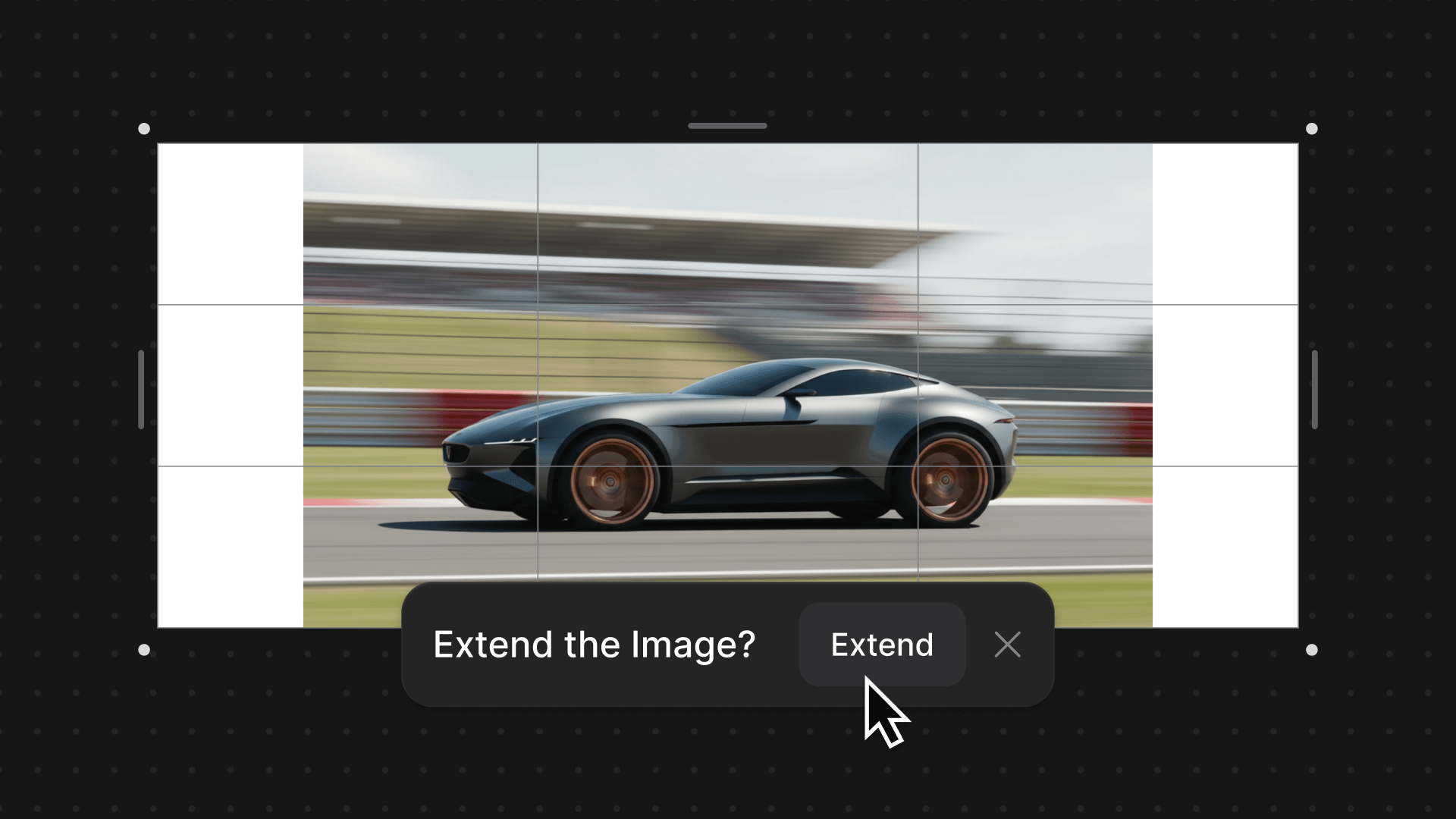
Adaptive Canvas now lets you resize, expand, and crop your canvas at any point in Vizcom Workbench and Studio—removing fixed aspect ratio limits so your frame grows with your ideas without restarting your work.
Related updates
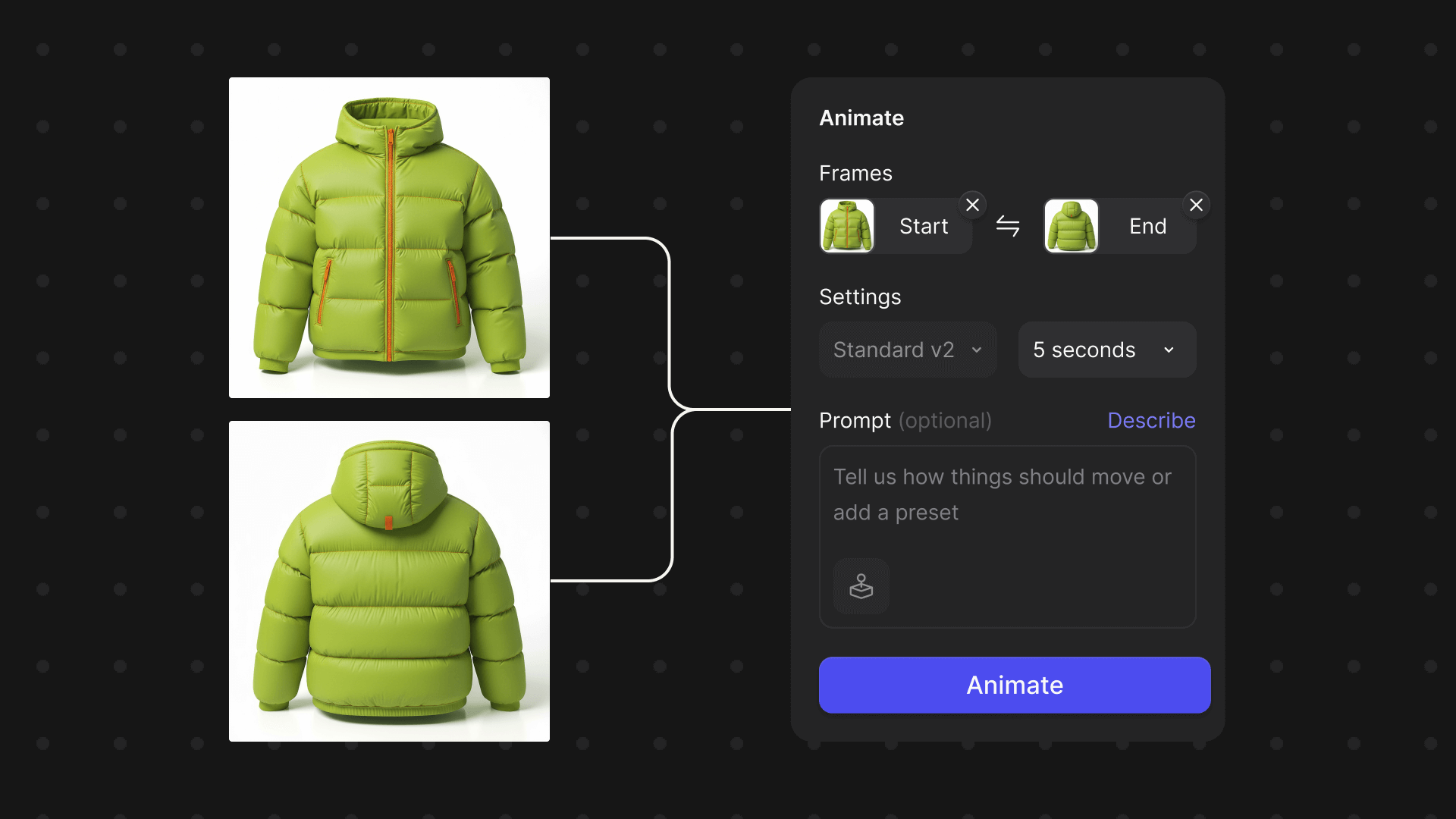
Animate Block Updates
Tag 3
Tag 2
Now available for all users, bring your designs to life with refined animation controls, longer clips, and higher-quality video outputs right inside Vizcom.
.png)
Analytics Dashboard for Enterprise Admins
Tag 2
Tag 3
Now available for Enterprise Admins: track monthly usage, drill into individual activity, and understand adoption at a glance.
.png)
.png)